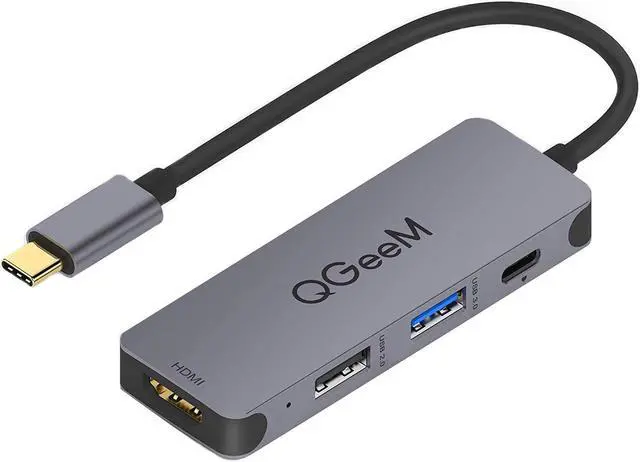
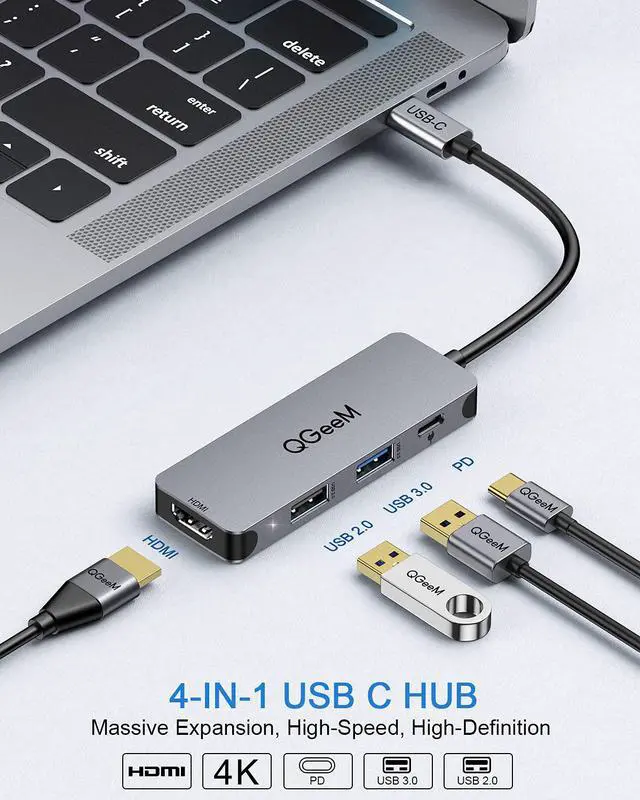
OUR USB C HUB :Massive Expansion, High-Speed, High-Definition,Fast Power Delivery
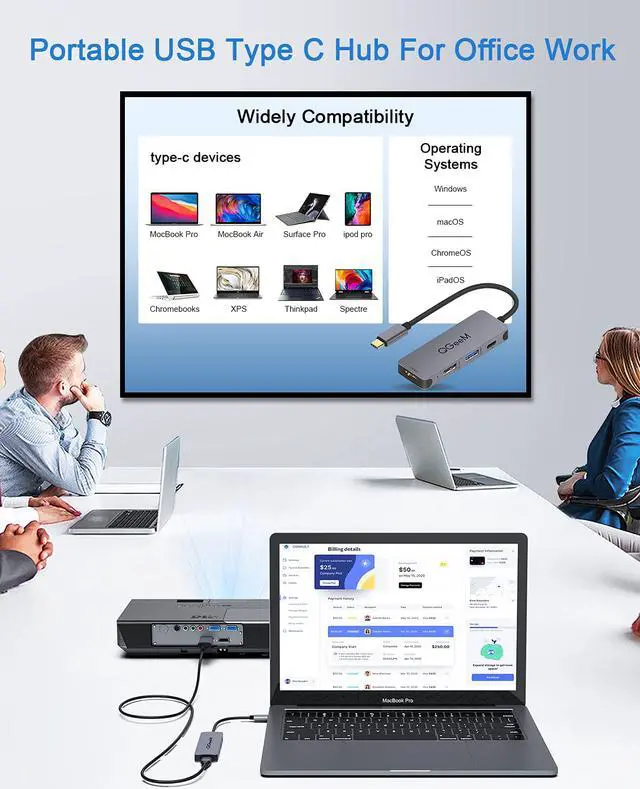
-Easily enable you to connect your laptop to an external Display, Monitor, TV, Projector with support resolution at 3840 x 2160 4K, 1920x1200
1920x1080 ect.and fully compatible with 2K and 1080P resolution allows you to capture the detail of the image in larger space.
-Note1: For 4K video output, it only supports a 30Hz refresh rate and Does Not support 60Hz refresh rate.
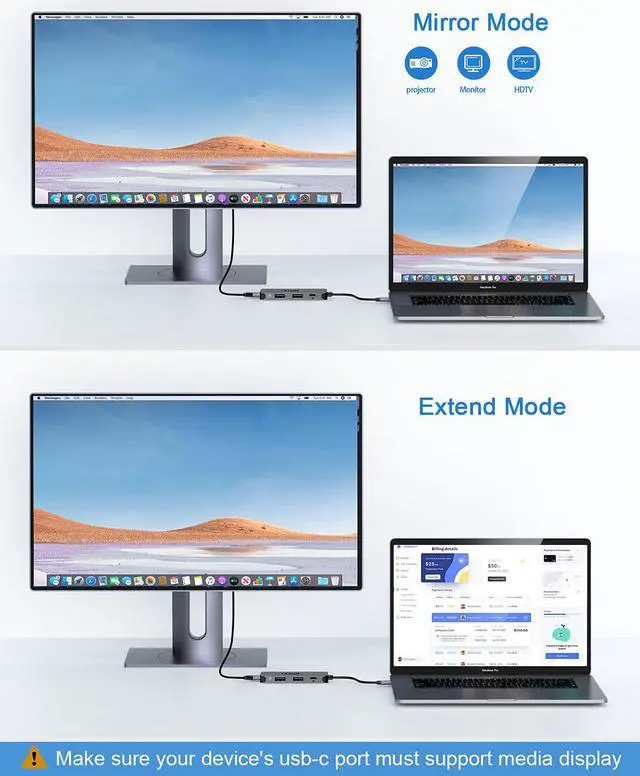
-Note2: The video output needs your devices type c port support DP Alt Mode or Thunderbolt 3. Please make sure whether your device support or not.
-Note3: Not recommend you charge phone through USB 3.0 port as USB port only can only offer max 1.5A current and will charge your phone slowly.
-Note4: The Max resolutions and refresh rates output of the adapter are entirely dependent on the USB-C host devices, connected cable and the display specifications.
-Note5: Please connect the PD port to the power supply when using 2 hard drive simultaneously or a lot of power-hungry devices through the USB 3.0 port , to make sure every port can provide enough power.
-Note6: When the PD adapter is inserted and removed,the connected USB device will be quickly disconnected and then restored within a few seconds.To prevent data loss or damage, avoid disconnecting the PD adapter from AC power while transferring data.
4K HD Video/Audio Output
Mirror or extend the laptop/phone screen to TV, monitor or projector directly
Steaming media to a large Screen in stunning 4K @ 30Hz.
For 60Hz frequency, set the definition of your device to 2K.
Multi-Function USB Expansion
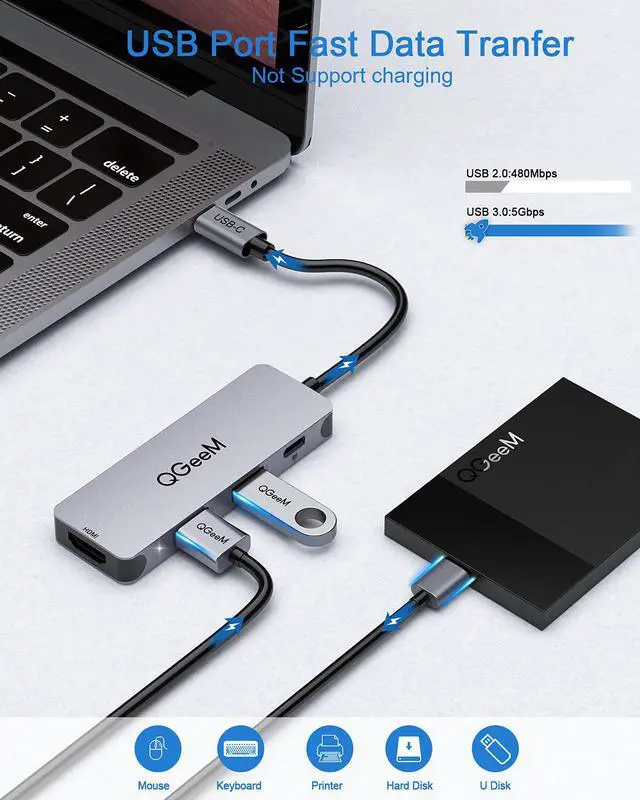
It can work with Mouse,keyboard,hard disk,printer,phone,U flash drive
Work with Laptop, martphone, tablet-make sure the usb-c port is usb 3.1 type c or support DP Alt mode
Simplify work & More Entertainment
Enables work with Smartphone,even when multiple peripherals are attached and working.
long-time gaming or working, will not get hot,Built-in safeguards protect your devices against excessive current, overheating, and overcharging.
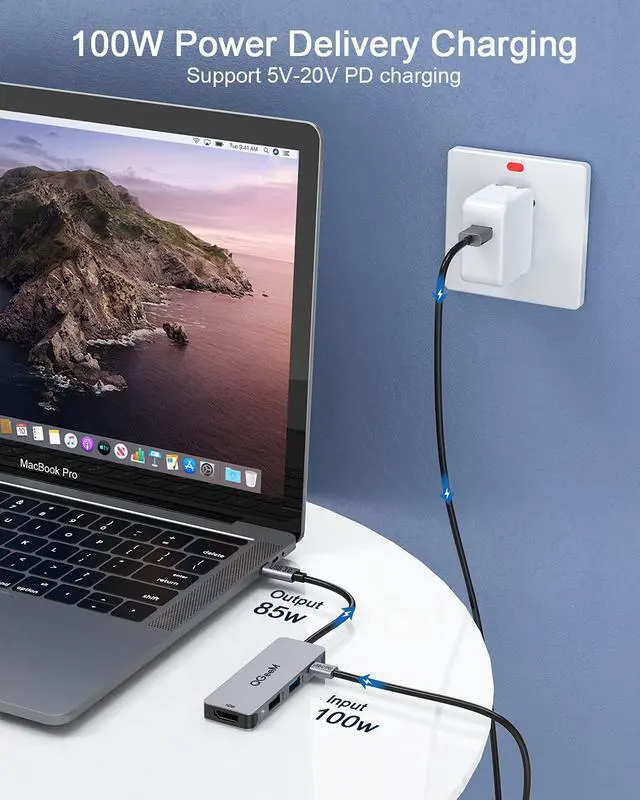
85W Fast Power Delivery Port
Maximum input of 100W minus 15W for the hubs operation allows the hub to give your laptop up to an 85 W pass-through charge while using other hub functions
Support 5V-20V,3A PD Charging
High-Speed USB 3.0 Port
USB 3.0 Ports can transfer your files at speed up to 5Gbps, transfer an entire movie in seconds
plate---Note: when connecting with the hard disk, please supply power for the Dock)
Portable USB C Hub
Slip this lightweight hub into your laptop bag for easy carry on-the-go.
Weight: 40g
Size: 3.35*1.02*0.39 inches
An essential companion of all laptop, you can caryy it when business travelling