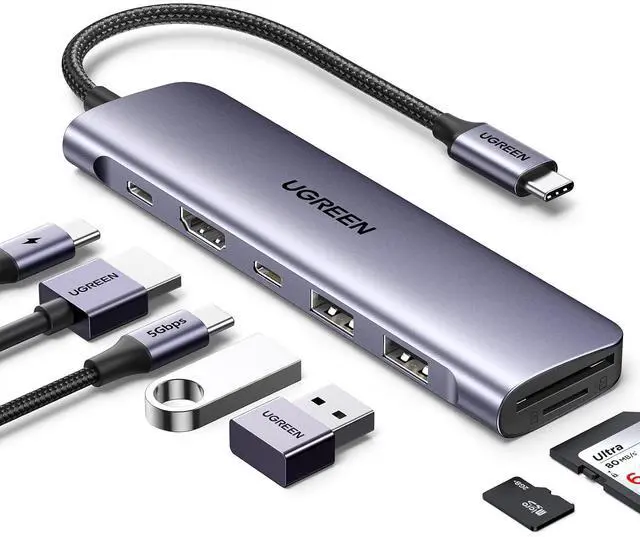
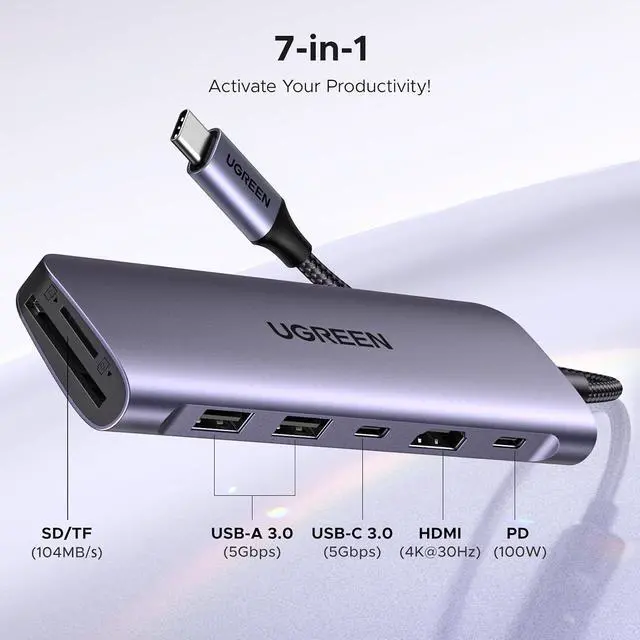
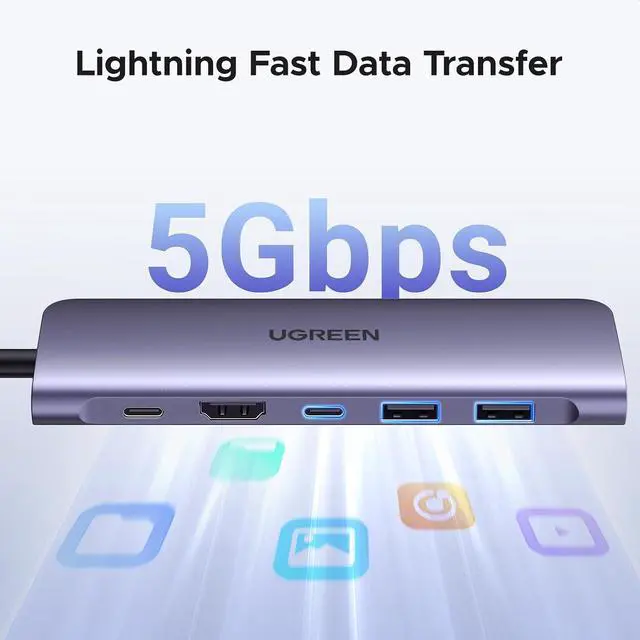
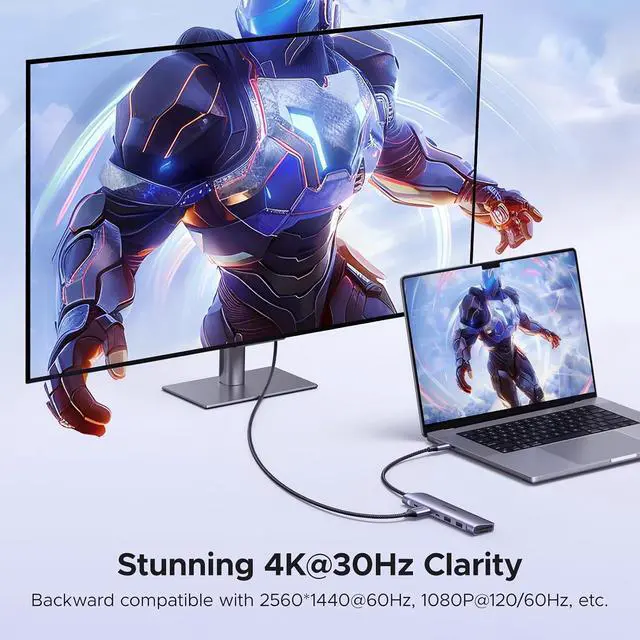
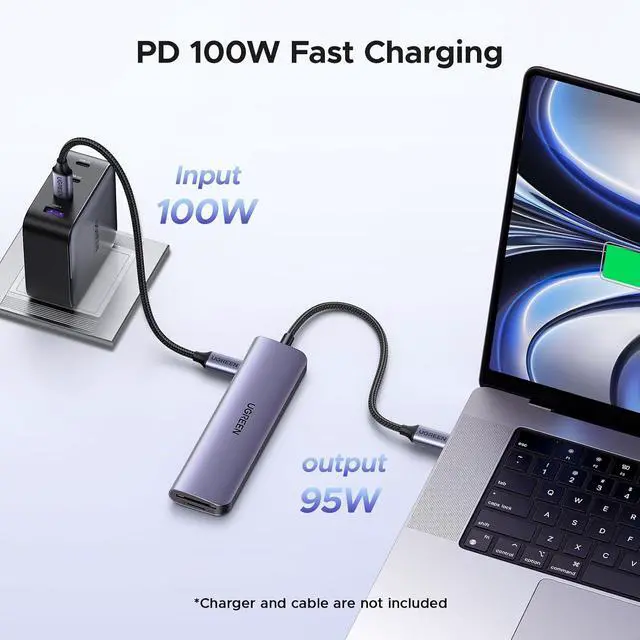
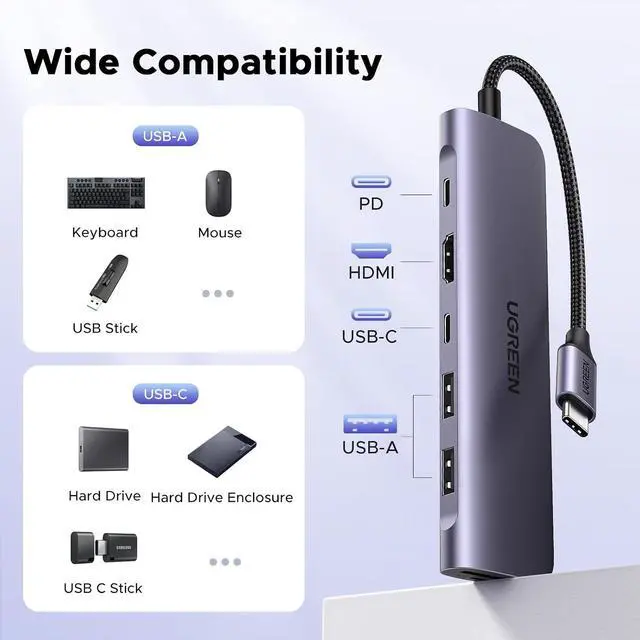
Product description 5Gbps Data Port 100W PD Delivery 4K HDMI Display Modes USB C Hub Revodok 7 in 1 Add to Cart USB C Hub 5-in-1 Add to Cart Mac mini M4 Dock & Stand Add to Cart USBC Hub With Screen Lock Add to Cart 4K 60Hz USB C Hub Add to Cart Revodok 10Gbps USB C Hub Add to Cart Revodok 7 in 1 Add to Cart Customer Reviews 4.6 out of 5 stars 10, 031 4.4 out of 5 stars 414 4.5 out of 5 stars 105 4.5 out of 5 stars 1, 643 4.5 out of 5 stars 2, 268 4.4 out of 5 stars 7, 035 4.5 out of 5 stars 9, 019 Price $ 17.99 $17.
99 $ 21.99 $21. 99 $ 59.99 $59. 99 $ 29.99 $29. 99 $ 30.99 $30. 99 $ 16.99 $16. 99 $ 39.99 $39. 99 Max Data Transfer Speed 5 Gbps 10Gbps 10Gbps 10Gbps 10Gbps 10Gbps 5 Gbps USB Interface 1 x USB-C 3.0 + 2 x USB-A 3.0 USB C 3.2 +2*USB A 2.0 5*USB A +2*USB C 2*USB A +2*USB C 2*USB A +2*USB C 2*USB A 3.2 +2*USB C 3.2 2xUSB A 3.0 Power Delivery 100W 100W / 100W 100W 100W 100W HDMI Maximum Resolution 4K@30Hz 4K@60Hz / 4K@60Hz 4K@60Hz 4K@60Hz 4K@60Hz SD/TF Card Reader Plug & Play Gigabit Ethernet 1.
What can I do if the HDMI port cannot work? a. Please ensure that the USB C port on the host device supports video output. b. Check if you have chosen the correct input source on the monitor and lower the resolution to see the result. c. Re-plug the HDMI cable and try the hub with another monitor. 2. What can I do if the USB ports disconnect? a. The Max output power of the USB ports is 2A. The total power consumption of the USB devices should be within 2A.
For 2.5 inch HDD/SSD, we suggest connecting up to two 2.5 1TB HDD/SSD at once. b. Please do not plug into/out the PD charger when using the hub. c. Connect another USB device to the port for a try. )