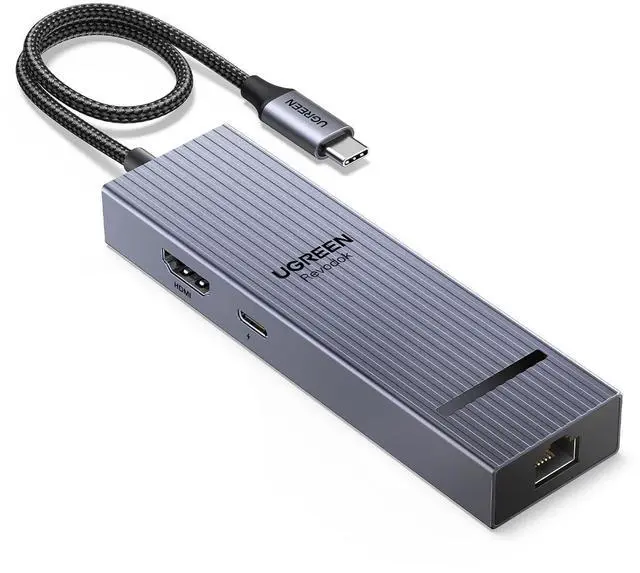
Product description Revodok USB C Hubs Revodok 10Gbps USB C Hub Add to Cart USB C Hub to Displayport Buying Options USBC Hub With Screen Lock Add to Cart USB C Ethernet Hub Add to Cart USB C Ethernet Hub Add to Cart Dock for Gaming & Work Add to Cart Steam Deck Dock Buying Options Customer Reviews 4.5 out of 5 stars 1, 652 4.2 out of 5 stars 184 4.5 out of 5 stars 1, 646 4.5 out of 5 stars 4, 308 4.5 out of 5 stars 9, 020 4.4 out of 5 stars 1, 131 4.5 out of 5 stars 2, 640 Price $ 31.99 $31.
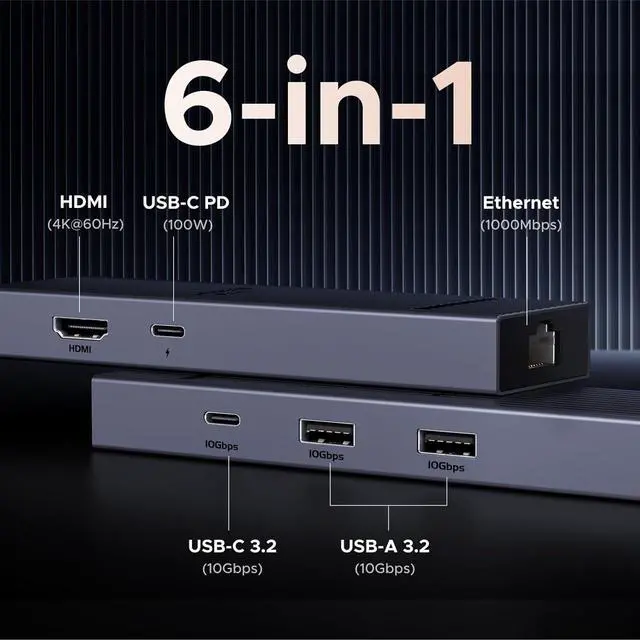
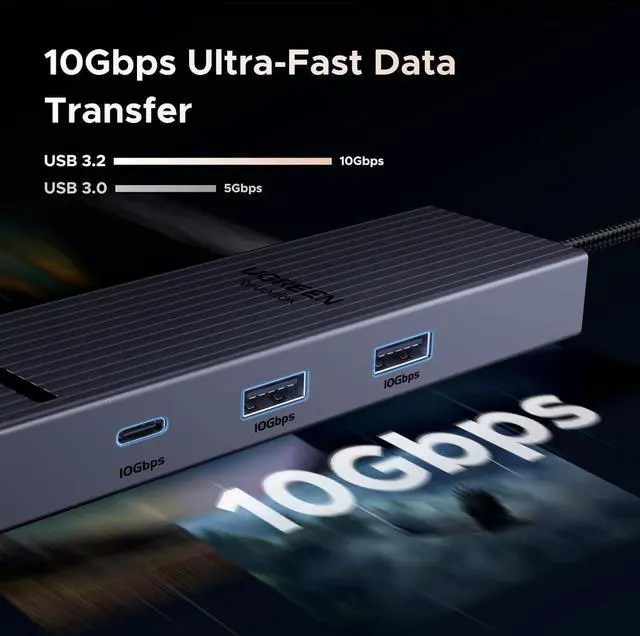
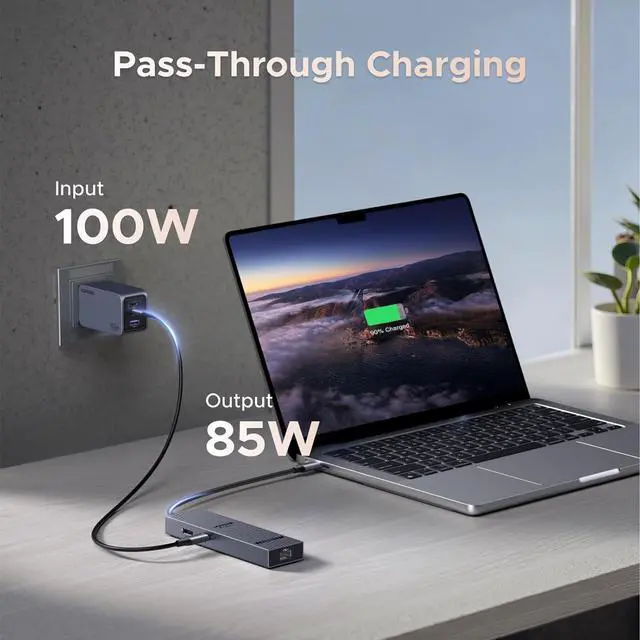
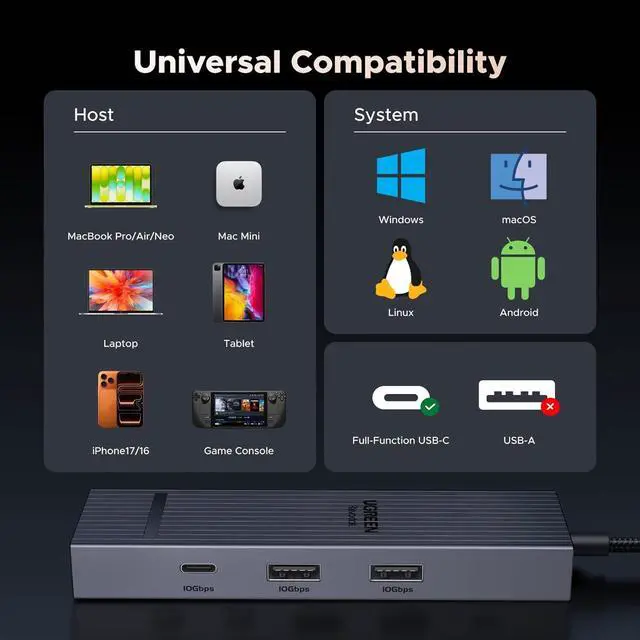
99 $ 29.99 $29. 99 $ 29.99 $29. 99 $ 19.99 $19. 99 $ 39.99 $39. 99 $ 34.99 $34. 99 $ 41.99 $41. 99 Plug & Play Max Transfer Speed 10Gbps 10Gbps 10Gbps 5Gbps 5Gbps 5Gbps 10Gbps USB Data Ports 2*USB A 3.2 +USB C 3.2 2*USB A 3.2 +2*USB C 3.2 2*USB A +2*USB C 3xUSB-A 3.0 2xUSB A 3.0 2xUSB A 3.0 +USB C 3.0 USB A 3.2 +USB C 3.2 +2*USB 2.0 Display Port (s) HDMI DP (NO HDMI) HDMI HDMI HDMI HDMI HDMI Max Display Resolution 4K@60Hz 4K@60Hz 4K@60Hz 4K@30Hz 4K@60Hz 4K@120Hz 4K@60Hz Charging Port PD 100W PD 100W PD 100W PD 100W PD 100W PD 100W PD 100W Gigabit Ethernet 1000Mbps × 1000Mbps 1000Mbps 1000Mbps 1000Mbps 1000Mbps SD/TF Card Reader × × 170MB/s × 104MB/S × 104MB/S FAQ Q1 Why is there no video output when I connect to an HDMI monitor? A1 1.
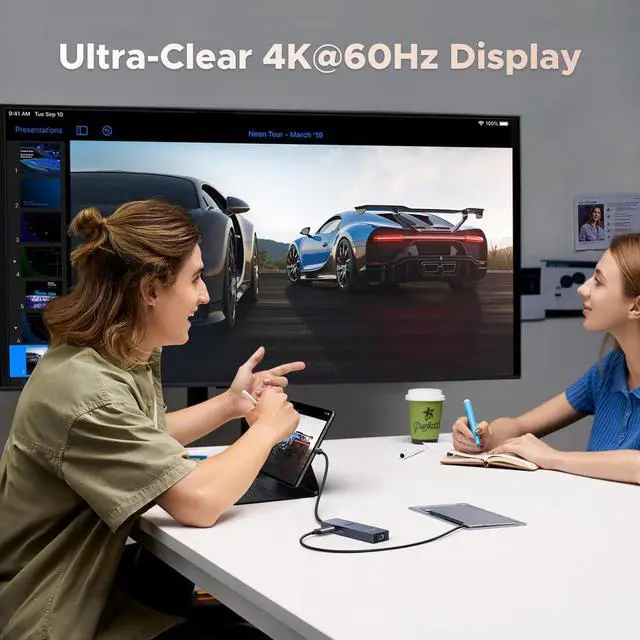
Pls ensure that your device supports video output via the usb c port; 2. To achieve 4K/60Hz for these host device, please use a 30AWG HDMI cable that is within 10ft; 3. Does not work with the DVI monitor. Q2 What can I do if I cannot get the ethernet port to work? A2 1. If the ethernet port cannot work, please install the driver first. 2. If it is the Mac device, you need to add this adapter in the Network setting page. Go to "System Preferences"-"Network"-Click on the "+" sign-Select the network card with the corresponding name (USB 10/100/1000 LAN)-Click on "Create"