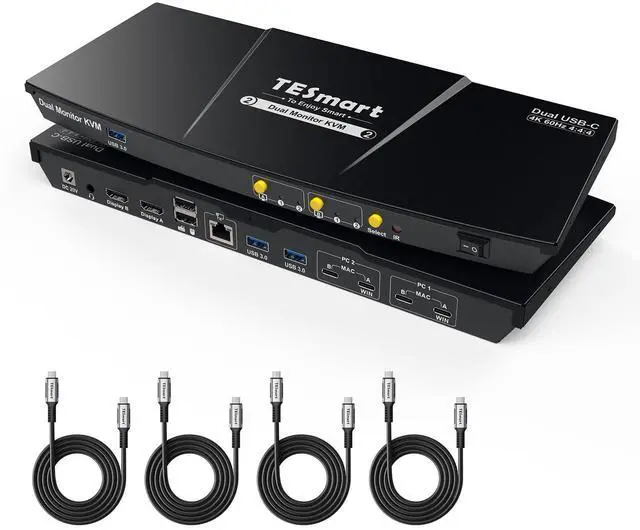
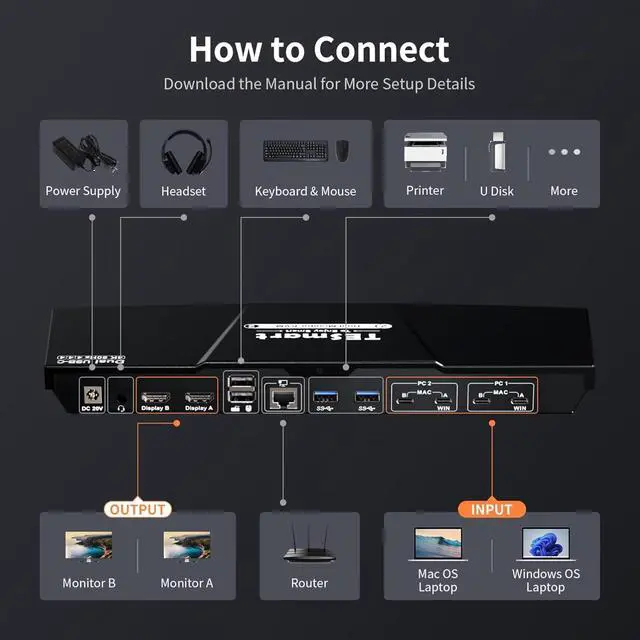
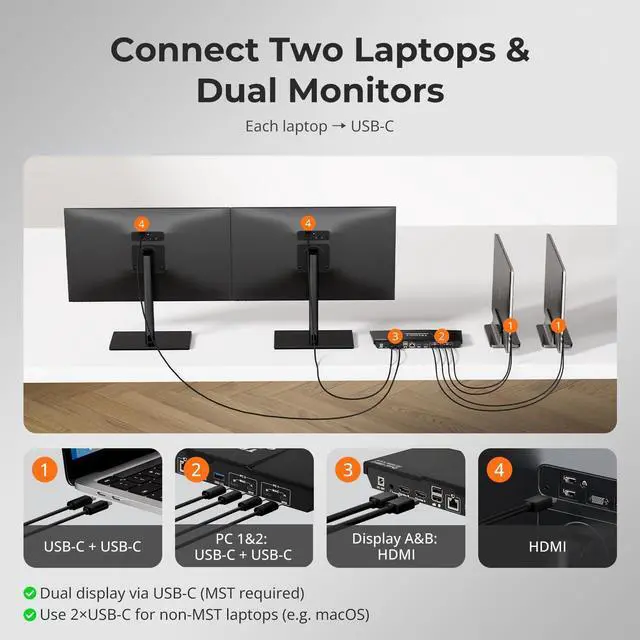
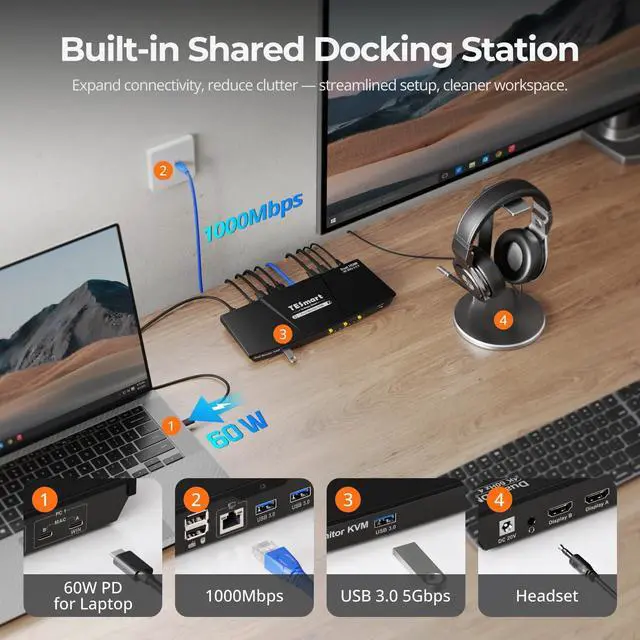
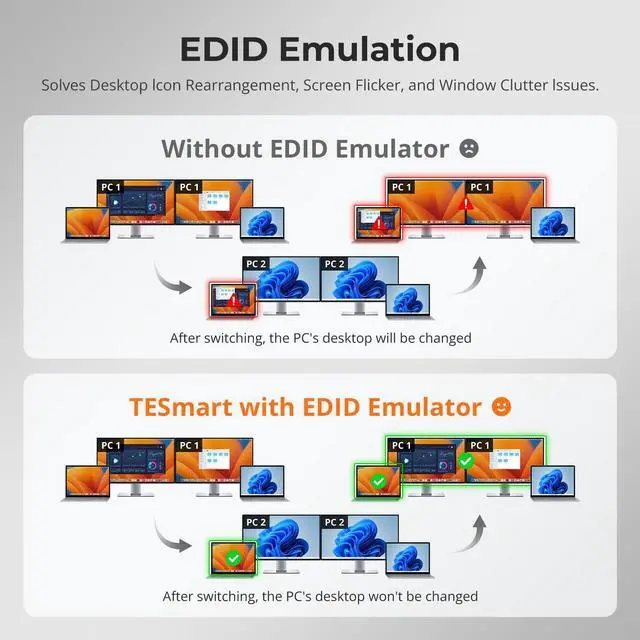
160W & 1000Mbps2EDID Emulation3Botton/Hotkey/IR Switch12xUSB-C24K@60Hz3K&M Compatibility4Device Compatibility Will this TESmart KVM affect network performance or send screen/keyboard data externally?
No. The Ethernet port only shares network between connected devices, and the KVM itself never connects online or uploads data. You can also disable network sharing for a selected PC with hotkeys [Right Ctrl] + [Right Ctrl] + [F4].
Can my laptop be powered through this USB-C KVM switch?
Yes. CKS202-P23 provides up to 60W (20V 3A), enough for most business laptops. High-power models needing 90W120W may charge slowly; in that case, use the original adapter alongside the KVM for full performance.
Is this KVM difficult to set up, and will I lose display during switching?
No, the setup is simple with plug-and-play. Be sure to connect the USB-C cable to a Thunderbolt port or a USB-C port with DP Alt Mode; otherwise, display loss may occur. With proper connection, it works stably.
Why are the hotkeys not working when I try to switch?
Make sure the keyboard is connected to the console USB port(keyboard icon). The default hotkey is [Right Ctrl]; if your keyboard lacks this key, hold the front [Select] button until a long beep to set any key as the new hotkey(see manual).
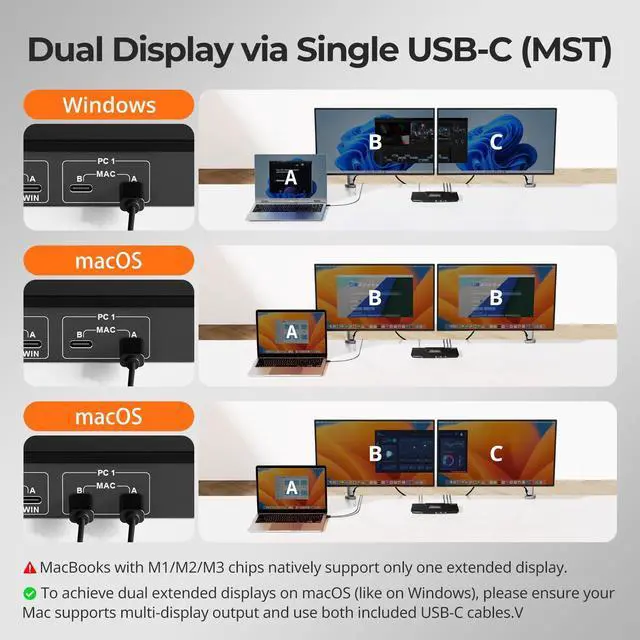
Why does my MacBook only show two mirrored displays instead of dual extended displays on this CKS202-P23 KVM?
Will this TESmart KVM affect network performance or send screen/keyboard data externally?
Can my laptop be powered through this USB-C KVM switch?
Is this KVM difficult to set up, and will I lose display during switching?
Why are the hotkeys not working when I try to switch?