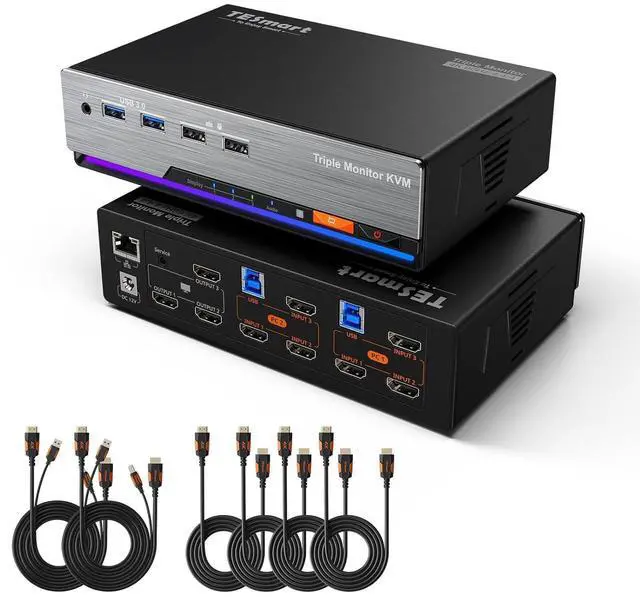
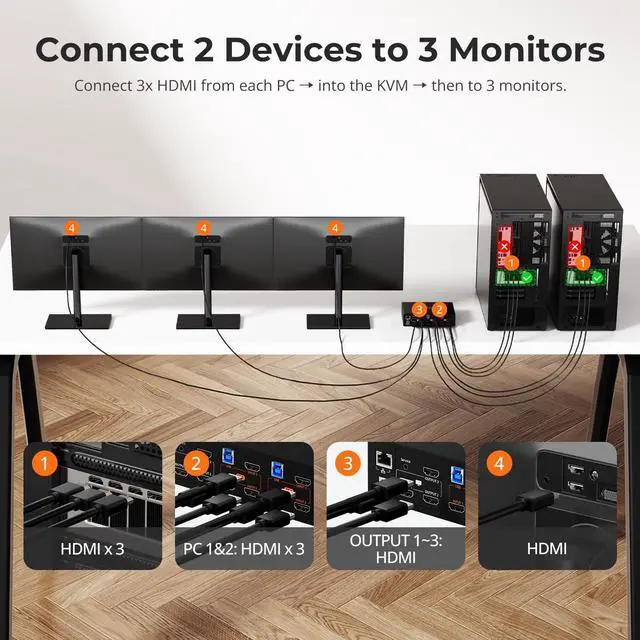
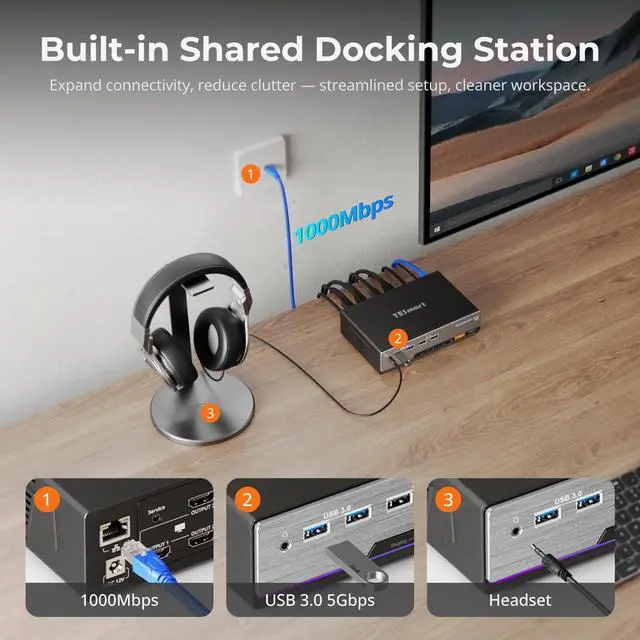
1Gigabit LAN & USB Dock2Button/Hotkey/IR Switch3USB & Audio Lock1HDMI Inputs & Outputs2Package List3Connect Diagram Im joining a meeting on PC2 will switching to PC1 mute PC2 audio?
This KVM supports Follow Mode. When enabled, audio switches with video/keyboard & mouse; when disabled, audio is independentso you can control PC1 while PC2s audio remains active. See the user manual for detailed steps.
Does this KVM support seamless switching?
Keyboard and mouse switch seamlessly, while video switching completes within 23 secondstypically under 1 second in lab tests. Actual time may vary by cable quality, port oxidation, or transmission distance.
What kind of display quality can I expectis it good for gaming too?
This KVM delivers crystal-clear 4K@60Hz video and also supports 2K@120Hz and 1080p@144Hz for smoother motion. Whether youre gaming, editing, or streaming, youll enjoy lag-free performance and stunning image clarity across all displays.
Can I disable the shared Ethernet connection?
Yes. This KVM switch allows you disable the network for any connected PC. Simply press [Right Ctrl] + [Right Ctrl] + [F4] to turn off the Ethernet for the current input, keeping your workstation secure and isolated.
What makes the TESmart HKS203-P24 special?
Im joining a meeting on PC2 will switching to PC1 mute PC2 audio?
Does this KVM support seamless switching?
What kind of display quality can I expectis it good for gaming too?
Can I disable the shared Ethernet connection?