1Gigabit LAN & USB Dock2Button/Hotkey/IR Switch3USB & Audio Lock4K&M Compatibility12 USB-C Laptops2Package List3Connection diagram4Device Compatibility How many expansion ports does this KVM dock provide?
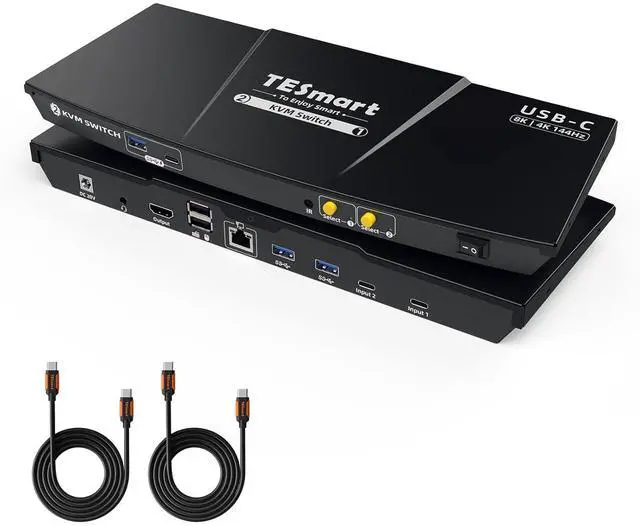
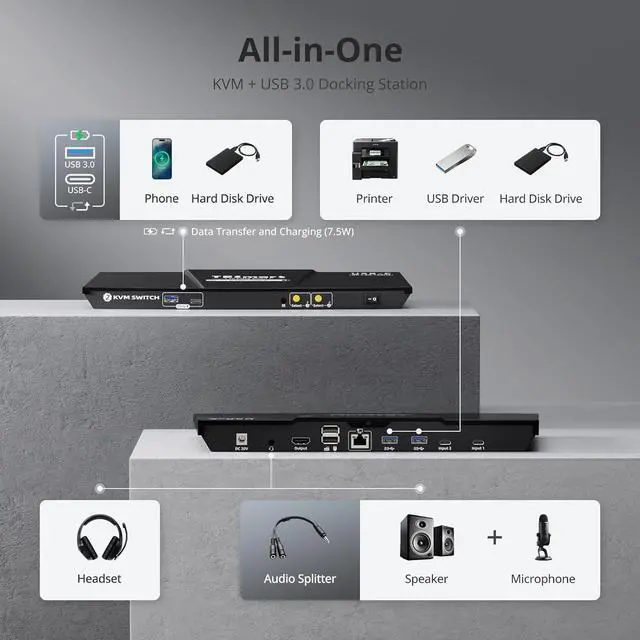
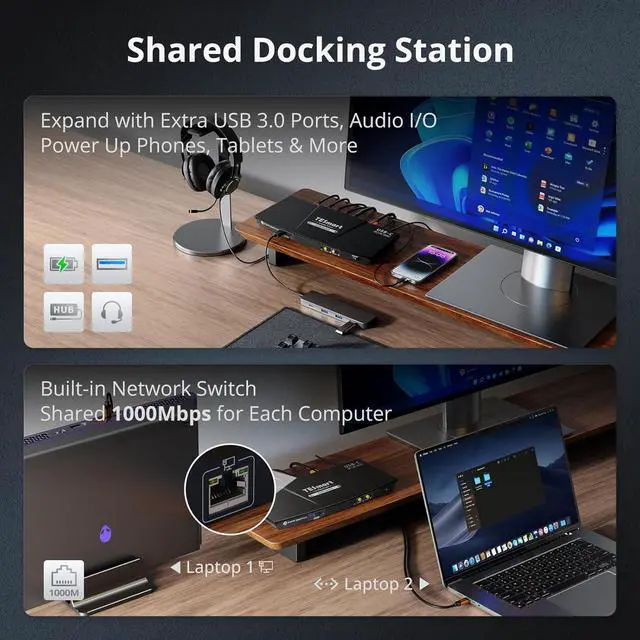
It provides USB-A and USB-C ports (both USB 3.0, 7.5W each) for charging mobile devices; the rear panel includes two USB 3.0 ports for printers/drives, two USB 1.1 ports for keyboard/mouse, a 3.5mm headset jack, and a Gigabit Ethernet port.
Is this KVM suitable for high-refresh or high-resolution workflows while powering laptops?
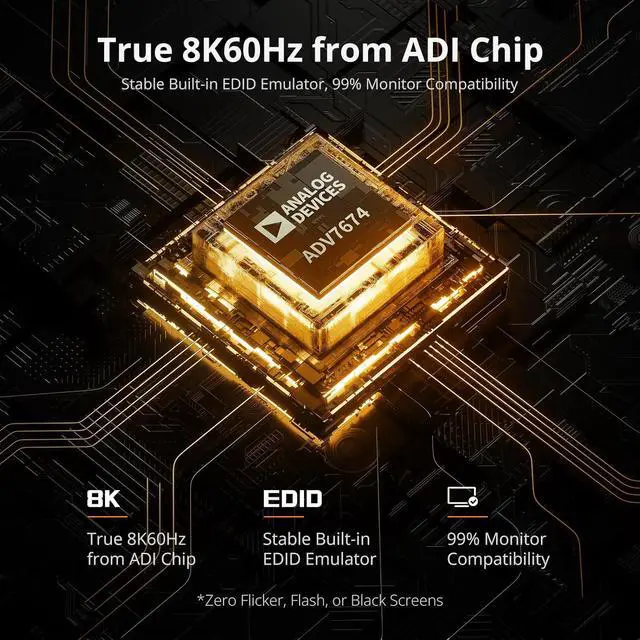
Absolutely. It outputs ultra-sharp 8K@60Hz video for gaming or content creation, and its dual USB-C design provides 60W PD charging to keep both laptops ready for action.
Im joining a meeting on PC2 will switching to PC1 mute PC2 audio?
This KVM supports Follow Mode. When enabled, audio switches with video/keyboard & mouse; when disabled, audio is independentso you can control PC1 while PC2s audio remains active. See the user manual for detailed steps.
My work laptop cannot share its network for security reasons. Can this be solved?
Yes. This KVM switch allows you disable the network for any connected PC. Simply press [Right Ctrl] + [Right Ctrl] + [F4] to turn off the Ethernet for the current input, keeping your work laptop secure and isolated.
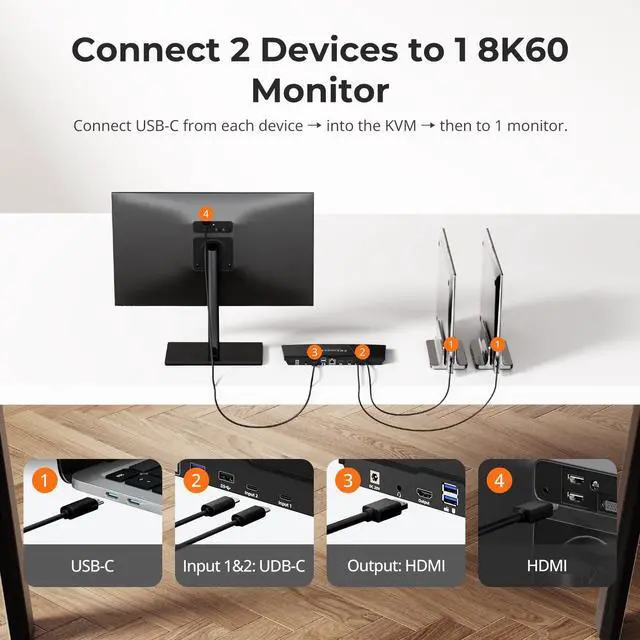
Is this KVM difficult to set up, and will I lose display during switching?
How many expansion ports does this KVM dock provide?
Is this KVM suitable for high-refresh or high-resolution workflows while powering laptops?
Im joining a meeting on PC2 will switching to PC1 mute PC2 audio?
My work laptop cannot share its network for security reasons. Can this be solved?