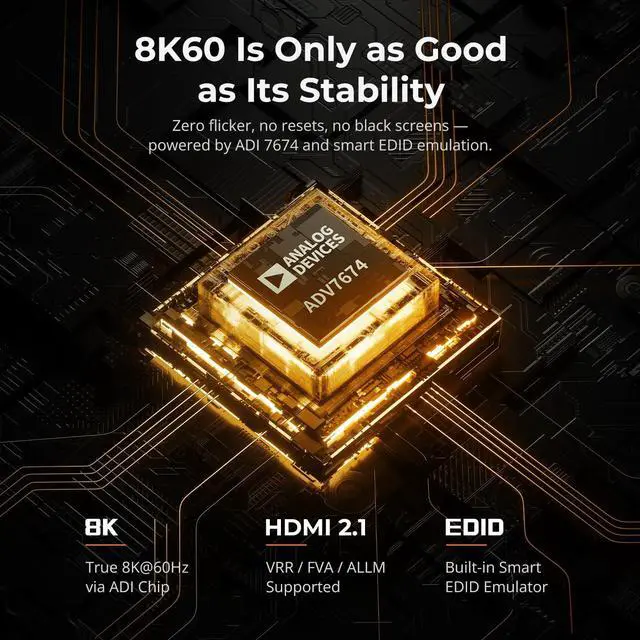
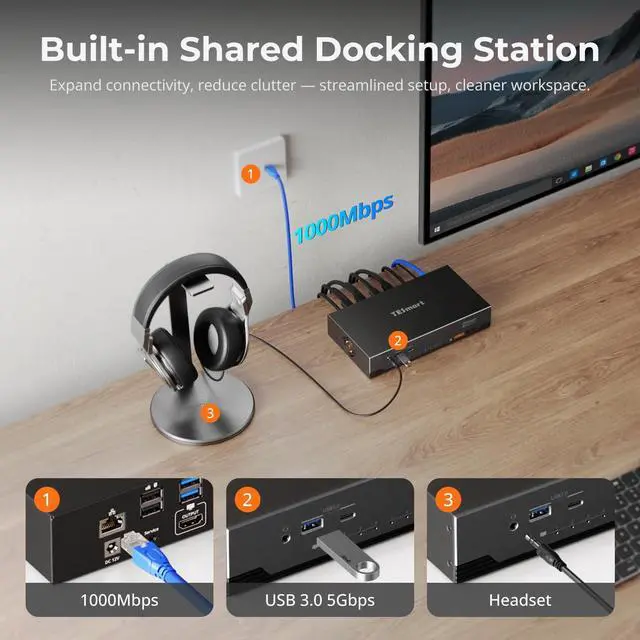
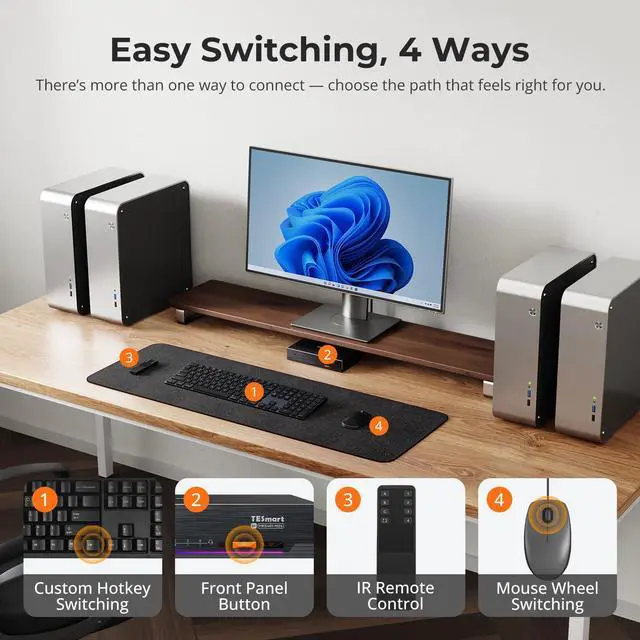
1USB 3.0 Docking23 Switching Methods3Pass-Through Mode V2.04EDID Emulators V2.01Setup2Package1For Home Office2For Gaming3For Home Cinema What are the upgrades of HKS401-M24 compared to HKS401-M23?
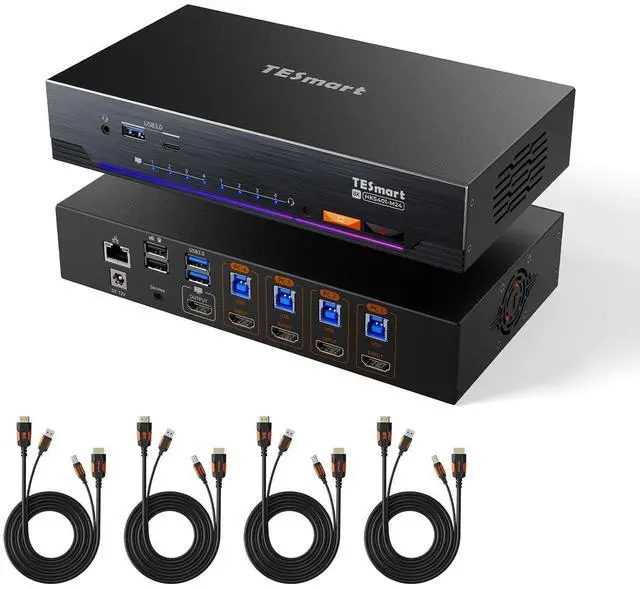
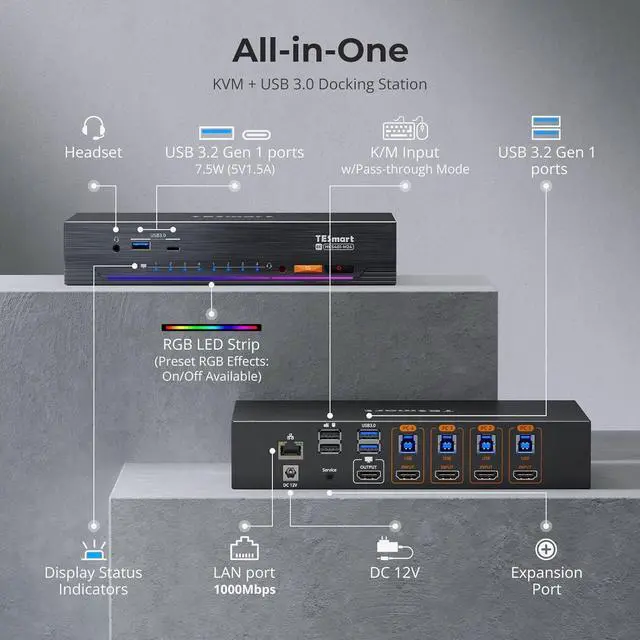
Upgraded: KVM design; Gigabit network sharing; audio & USB can switch independently of keyboard/mouse; smart fan with 4 adjustable modes for thermal control; customizable RGB strip; 4×USB 3.0 ports; UART port; wired desktop controller
Does prolonged use cause overheating?
Don't worry. HKS401-M24 has a built-in fan with intelligent thermal control. It automatically adjusts speed based on internal temperature, with low-speed, high-speed, and off modes. This ensures stable performance without overheating.
Will there be audio interruptions when switching?
This KVM switch supports "Follow Mode." When enabled, audio signals switch in sync with video and keyboard/mouse. When disabled, audio can remain independent, preventing interruptions during calls or meetings.
Is it compatible with ultrawide or curved monitors?
Yes. It supports 32:9 ultrawide monitors with resolution up to 5120×1440, delivering a wider and more immersive viewing experience.
Does this KVM support seamless switching?
Keyboard and mouse switch seamlessly, while video switching completes within 23 secondstypically under 1 second in lab tests. Actual time may vary by cable quality, port oxidation, or transmission distance.
What are the upgrades of HKS401-M24 compared to HKS401-M23?
Does prolonged use cause overheating?
Will there be audio interruptions when switching?
Is it compatible with ultrawide or curved monitors?
Does this KVM support seamless switching?