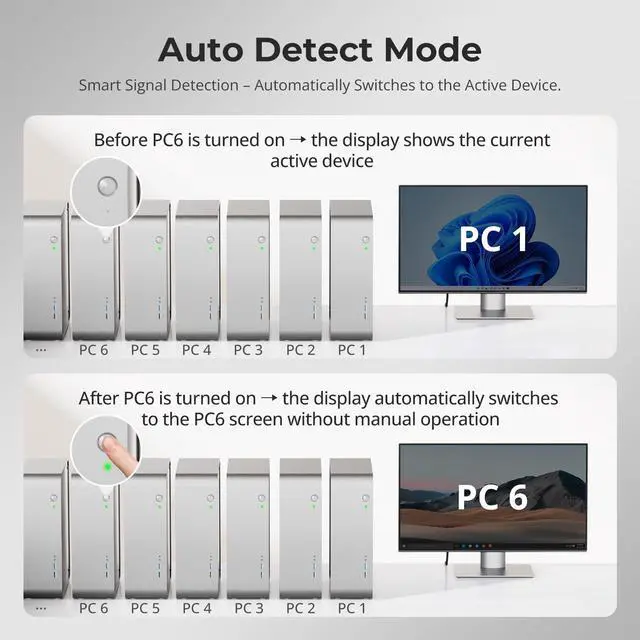
1Auto Scan Mode2Hot Plug & Auto Detect1One-Touch Switching2Pass-Through Mode3Seamless Switching Is switching smooth? Will it interrupt my workflow?
Keyboard and mouse switch seamlessly, while video switching completes within 23 secondstypically under 1 second in lab tests. Actual time may vary by cable quality, port oxidation, or transmission distance.
Is this KVM suitable for server rooms or multi-PC workflows?
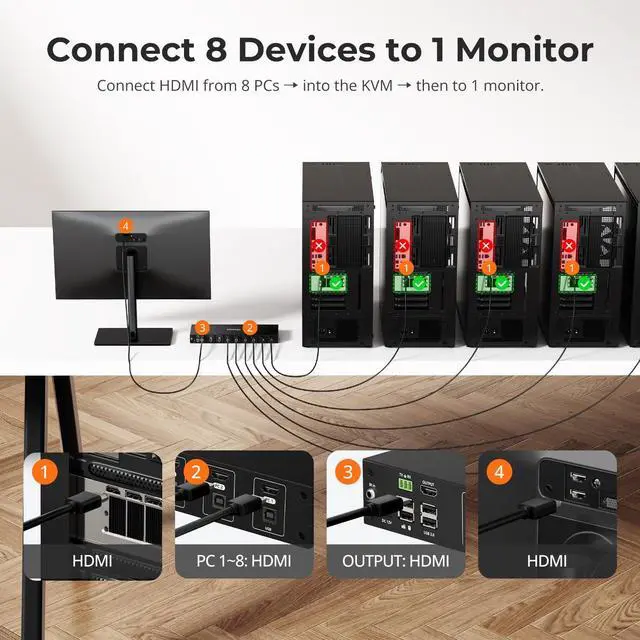
Yes. With 8 HDMI inputs and centralized USB control, its ideal for IT rooms, design studios, trading desks, and multi-PC setups.
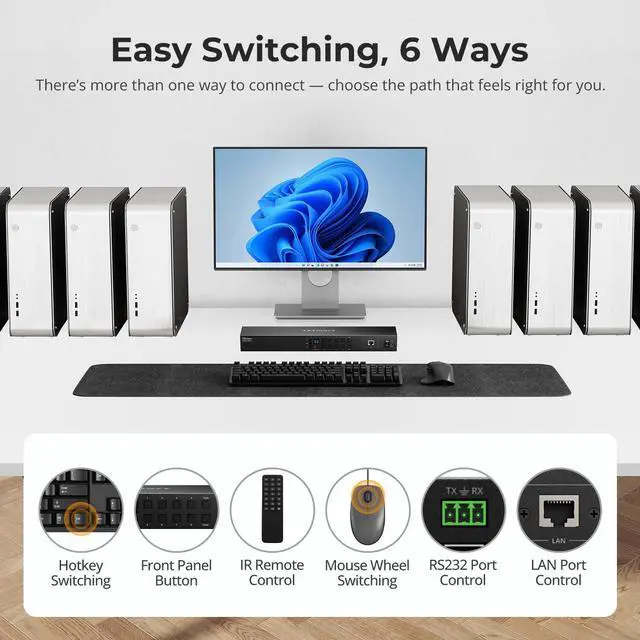
What are the ways to switch between 8 devices?
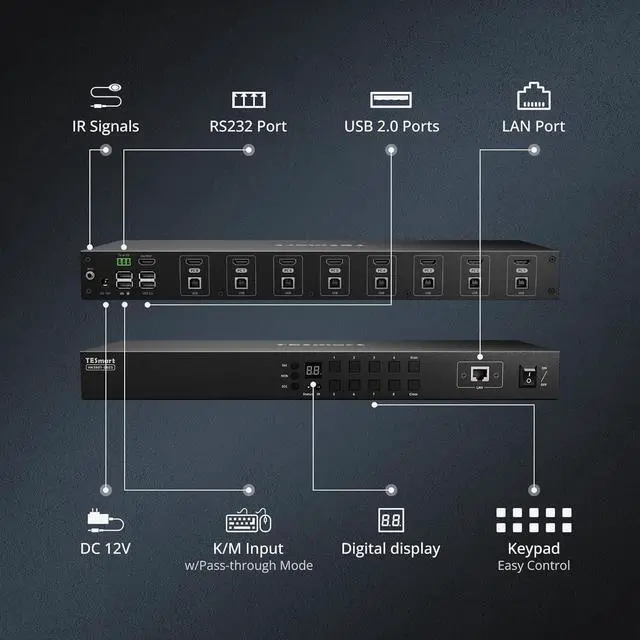
You can switch in whichever way is most convenientvia panel buttons, hotkeys, mouse wheeling, remote control, RS232, or LAN network control.
How is EDID handled? Will my monitors flicker?
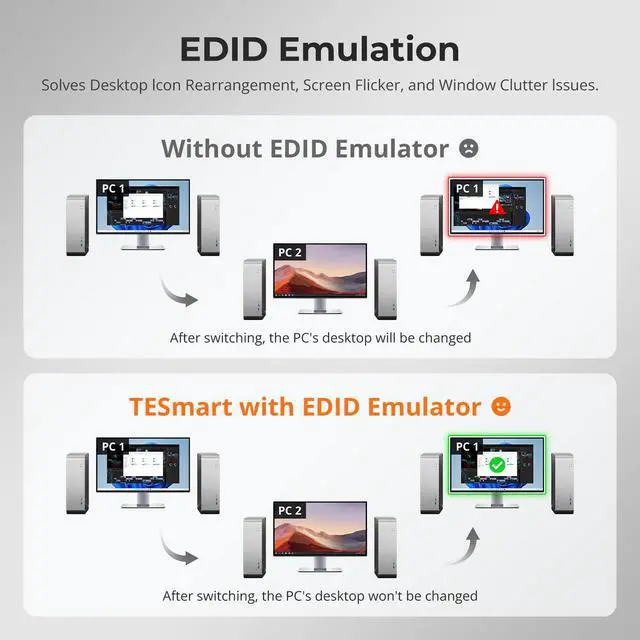
No. HKS801-EB23 features TESmarts advanced EDID emulation technology. This ensures resolutions and window layouts stay stable, preventing screen resets or window repositioning on KVMs without EDID.
Can I use the KVM right out of the box, and are cables included?
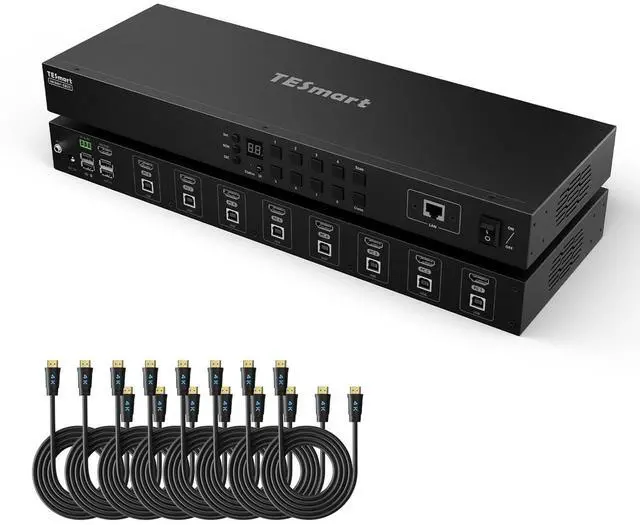
Yes, it is plug-and-play with no drivers required. We provides 8 HDMI 2.0 cables, and 8 USB A-B cable. Monitor HDMI cables are not included to reduce waste, as monitors typically come with cables.
Is switching smooth? Will it interrupt my workflow?
Is this KVM suitable for server rooms or multi-PC workflows?
What are the ways to switch between 8 devices?
How is EDID handled? Will my monitors flicker?
Can I use the KVM right out of the box, and are cables included?