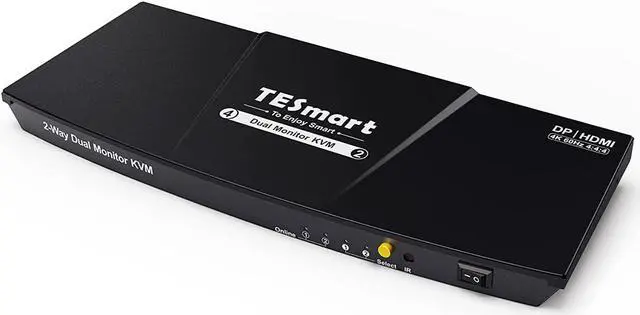
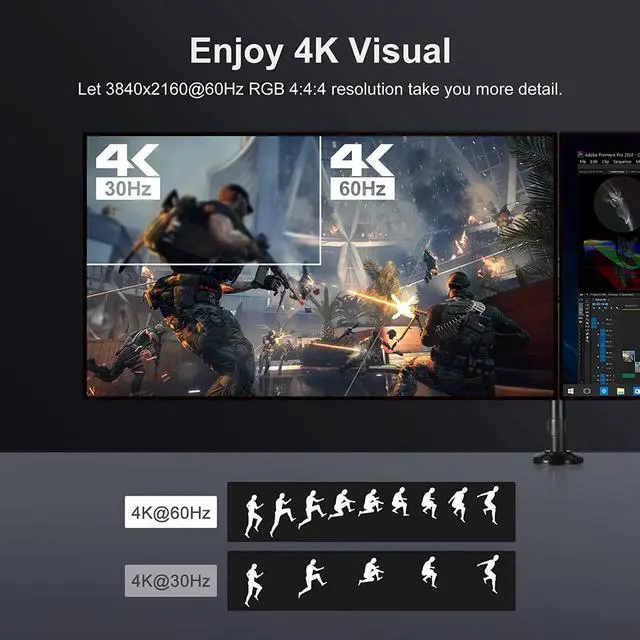
Dual monitors output support up to 3840x2160@60Hz RGB 4:4:4 for extended, mirrored or respective display.Compatible with Unix, Windows, Debian, Ubuntu, Fedora, Mac OS X, Raspbian, Ubuntu for Raspberry Pi and other Linux basic system.Support hot plug, disconnect or connect devices to the KVM at any time without turning off PCs.Include all cables except cable for monitor.
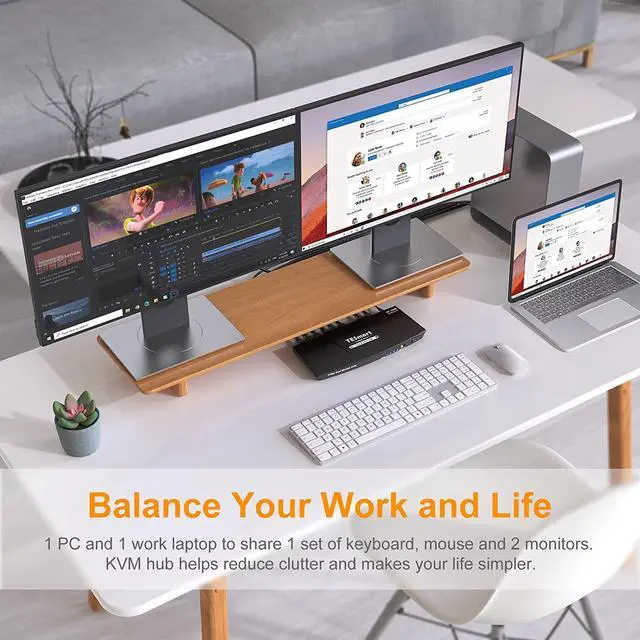
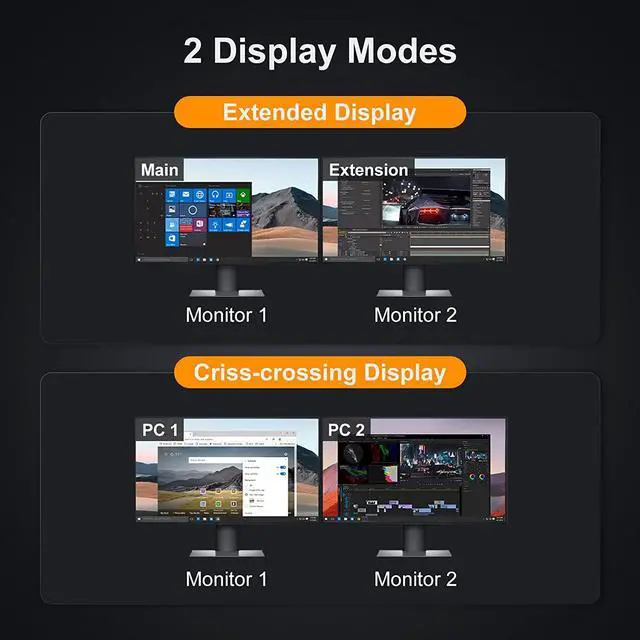
In mode 1, imagine how comfortable it would be to use dual monitors to relieve your visual fatigue and make you stand out in your work when you have countless reports or need to open many windows.When you want to occasionally go to another computer to check the project progress or monitor data, you can switch to mode 2 at any time to check and then return to mode 1.
Balance your work and life
If you are watching a movie on your PC and need to do some temporary work when you receive a call, you can easily switch to your work laptop with one click without being in a hurry.
This 4K KVM switch dual monitor supports resolutions up to 3840x2160 RGB 4:4:4 downward compatible. With 3D, HDR, HDCP, you can enjoy the most luxurious video with this HDMI KVM dual monitor Switch.
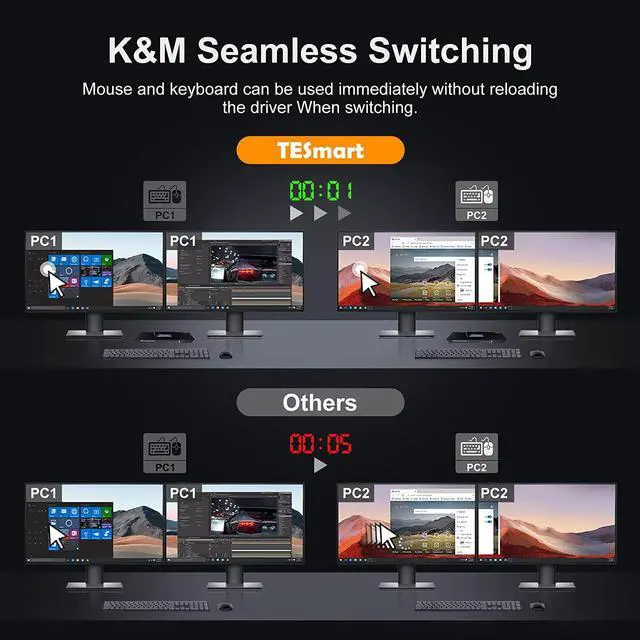
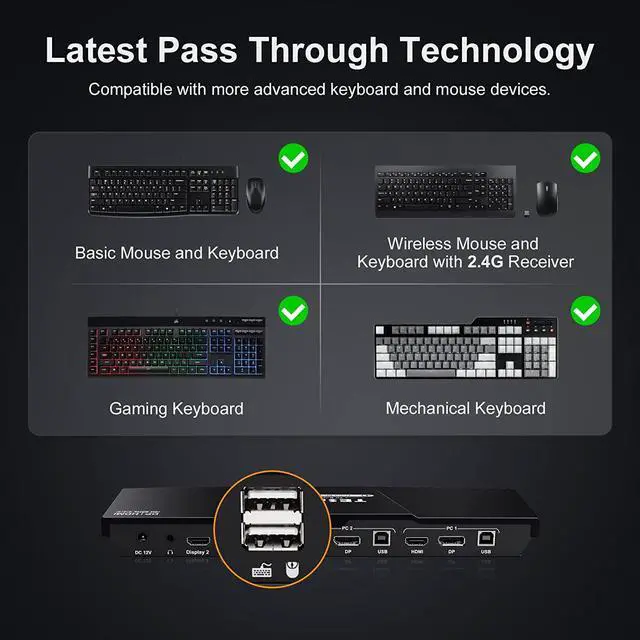
The keyboard and mouse can be used immediately after switching, no need to reinstall driver. Use it smoothly and level up your work efficiency or gaming experience.
1. To get dual monitor display, each computer / laptop needs 2 video connections to correspondent HDMI Input A and Input B port on the KVM switch.
2. To get L/R output: Select HDMI audio output in sound settings.
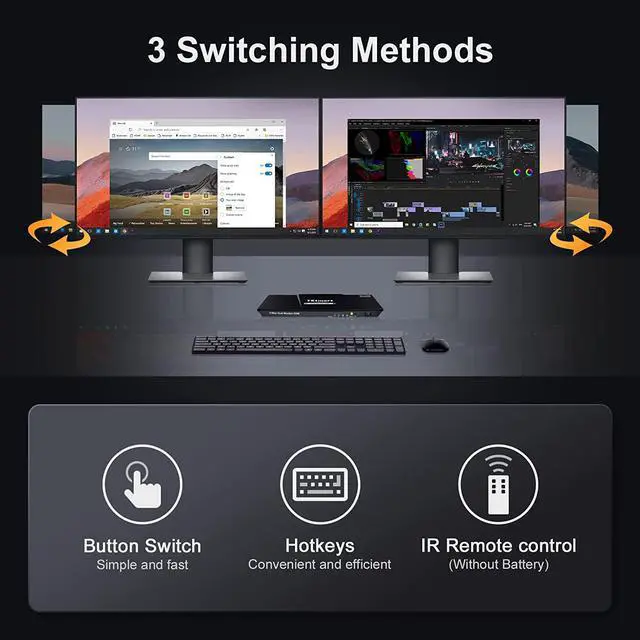
3. Please install AAA battery before use (battery not included).
4. Peripherals are constantly being updated even the same model, which may cause compatibility issues. Fortunately, the TESmart KVM switch is compatible with most peripherals on the market. If there are any exceptions, our technicians will serve you with an upgrade for free.
5. There is downloadable user manual and troubleshooting at the bottom of the detail page.
6. You can reach out for support if needed. In the past year, we have founded a professional Customer Experience Design team to deal with problems from different customers within 12 hours.
TESmart 2 Computers 2 Monitors KVM Switch (HDMI + DisplayPort) 1 PCs and 1 Work Laptop Share One Set of Keyboard, Mouse and 2 Monitors The Advantages Of Our Dual Monitor KVM Switch Dual Monitor KVM Switch Supports 2 Display Modes UHD 4k Visual Enjoyment Keyboard and Mouse Seamless Switching FAQ: