• $306.99
  • Free 30-day Returns
  • Ships from United States.

    TESmart PAP KVM Switch 2 Monitors 2 Computers HDMI 4K@30Hz, Multi-Viewer Dual Monitor KVM Switch Extended Display EDID emulators, Audio&Microphone, Hotkey Switch, PC Keyboard Mouse Switcher Box Cables

    • Item #: 9SIVSBFKSW6473
    • Mfr. Part #: CHIYB0C587BMNW
    • UNSPSC: 43222612
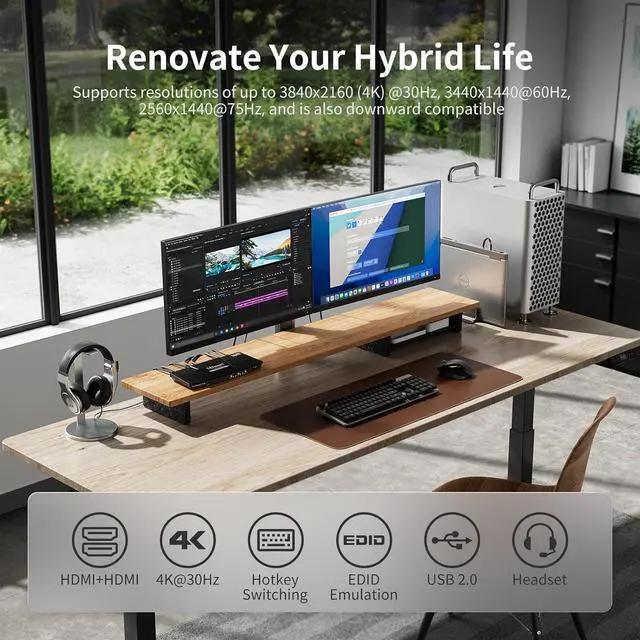
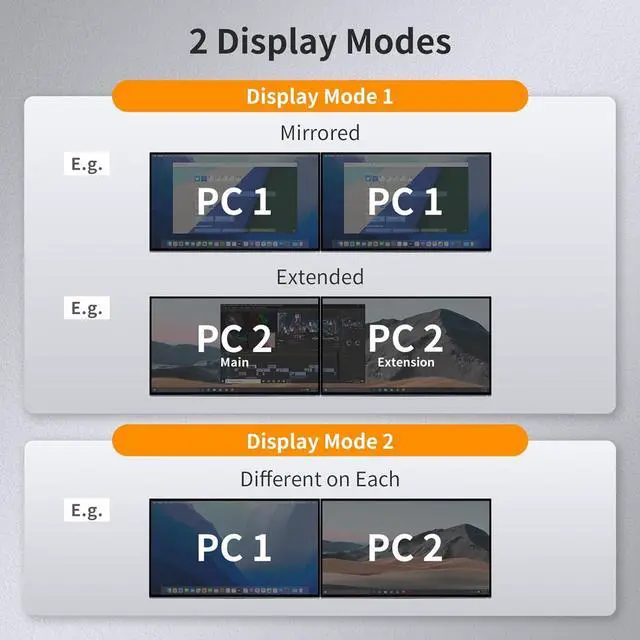
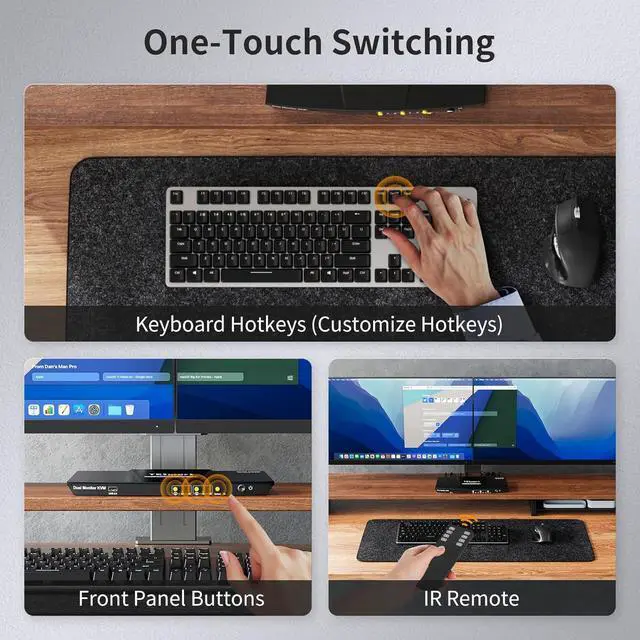
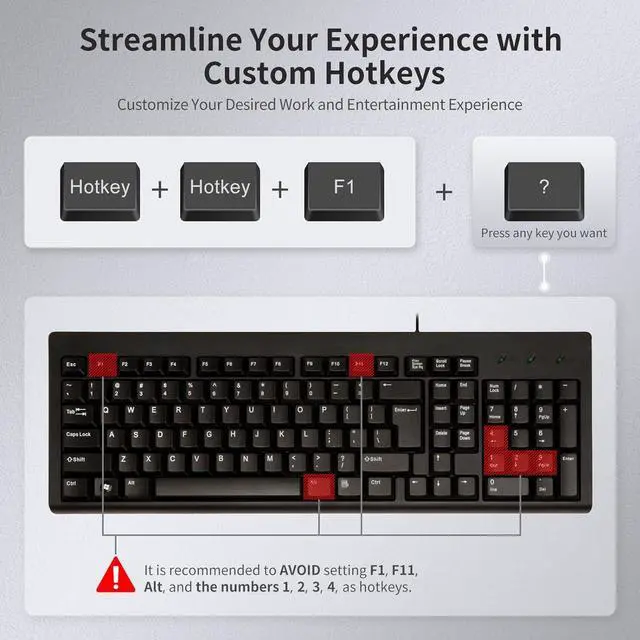
    • KVM Switch 2 monitors 2 computers with PAP: Ideal for access 2 desktops or laptops with 2 monitors and 1 set of keyboard mouse. You can easily have a dual monitor setup per system or switch it to a single monitor system showing both systems (one on each monitor) and then easily toggle the keyboard/mouse between the 2 systems. Got something you need to keep an eye on that's running on system A but you work on system B? SCRLSCRL3 followed by double right-alt. You can see A while working on B
    • High Compatibility with Your Keyboard and Mice: 2 In 2 Out KVM Switches suitable for most keyboards and mice on the market because of the newest upgraded pass-through mode (Semi-DDM USB) . Support wired, wireless, mechanical, multimedia, and gaming K&M (Not support wireless bluetooth K&M). If there are any exceptions, our technicians will serve you with an upgrade for free
    • HD 4K@30Hz and EDID Emulators: The Resolution is up to 4K@30hz, and downward compatible. With EDID emulators in each input p
    +
    +
    Overview
    Specs
    Reviews
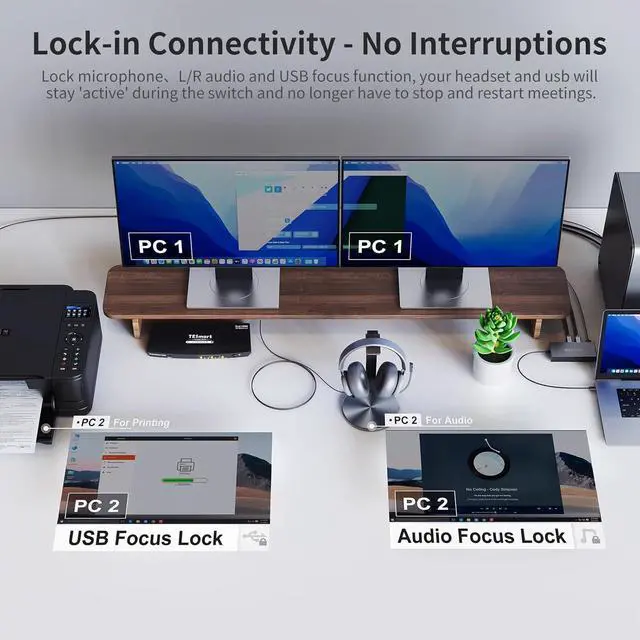
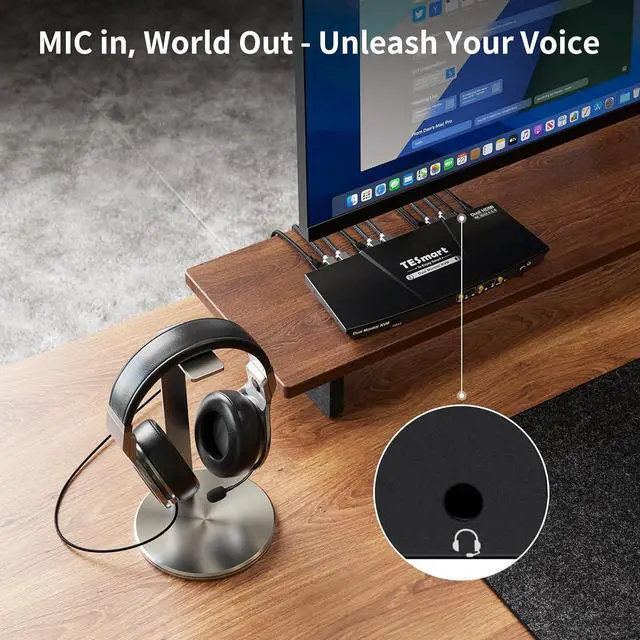
    1Display Modes2Switching with Ease3EDID Emulator4K&M Pass Through Mode1No Delay of K&M Switching2Sharing Headset3Custom Hotkeys4Lock-in Connectivity1What's in the box?2How to connect?3Connectable Peripherals How do I reach out for support?
    If you get into any troubles or issues, it's recommanded to check the user manual and troubleshooting at the bottom of the page, which will help you find the way to reach out for support, Our service team will help you within 24 hours.
    How can I get the sound from L/R?
    After connect the audio devices, please switch to the PC in which the audio turned on, then select the correct audio output channel. (Right-click the speaker, open the sound settings, select the correct HDMI output device, and set it as default.)
    How can I switch the extension display and mirror display?
    Hold down the combination key:Win key + P key on your keyboard,then select the display mode you want in the popup window.
    What are the differences between this dual monitor model (HKS0202A10) with another dual monitor model (HKS0202A2U)?

    HKS0202A2U supports up to 4K@60Hz and is upgraded to USB3.0 port and built-in charging module, which can charge your phone, tablet, etc. This model only supports up to 4K@30Hz, but it has a thumbnail mode that allows you to see 2 PCs on 1 screen.
    How do I reach out for support?
    How can I get the sound from L/R?
    How can I switch the extension display and mirror display?
    What are the differences between this dual monitor model (HKS0202A10) with another dual monitor model (HKS0202A2U)?

    Warranty & Returns

    Warranty, Returns, And Additional Information

    Warranty

    • Please contact the Seller directly for warranty information. Warranty information may also be found on the Manufacturer's website.
    • CONTACT

    Return Policies

    Manufacturer Contact Info

    LOADING...