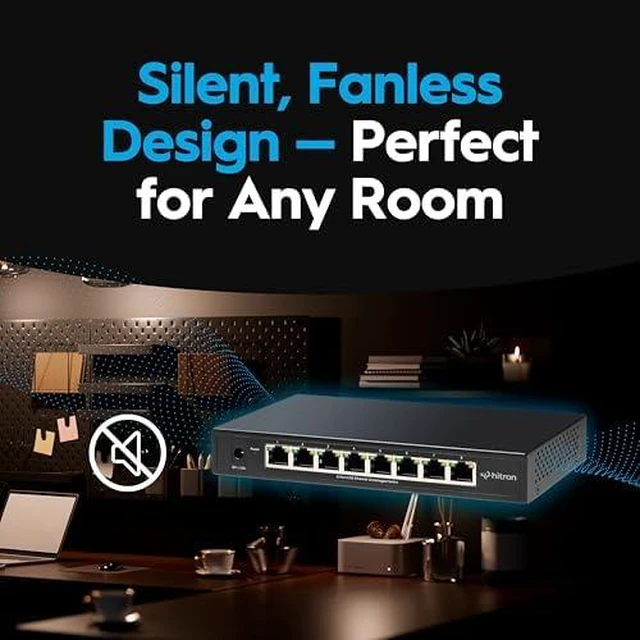
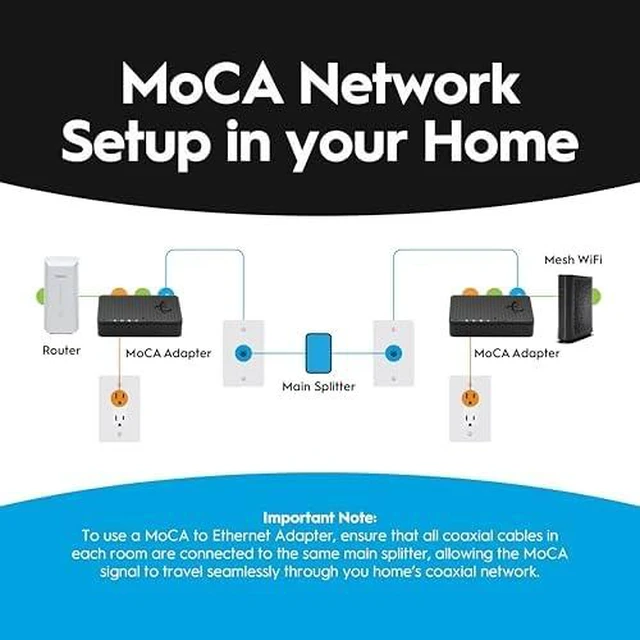
Build Your Wired Home Network Using the Coax You Already Have Bring Ethernet to another room. Connect more wired devices. Combine the APEX2008 8-Port 2.5G Ethernet Switch with HTEM5 MoCA 2.5 Adapters to bring Ethernet to another room using the coax wiring already in your home, then create wired connections for multiple devices. WHY BUY THE BUNDLE? Put More Ethernet Connections Where Your Devices Are An 8-port Ethernet switch gives you more wired connections. HTEM5 lets you put those connections in another room from your router using compatible coax wiring already in your home. HTEM5 brings Ethernet to the room. Use compatible coax wiring to carry your network connection between rooms. APEX2008 connects your devices. Connect the HTEM5 to the APEX2008 and create a wired hub with up to 7 remaining Ethernet ports for devices in that room. USE YOUR EXISTING COAX Bring Ethernet Between Rooms Without Installing New Cable Your home may already have the wiring you need. HTEM5 MoCA 2.5 Adapters use compatible coax wiring to carry your network connection from your router to another room. Instead of installing new Ethernet cable through finished walls or between floors, put existing coax outlets to work as part of your wired network. Ideal for a home office, gaming room, entertainment center or another room where you want multiple wired connections. CONNECT MORE DEVICES Create a Wired Hub for the Whole Room Bring one Ethernet connection into the room with HTEM5, then use the APEX2008 to connect the devices you use there. With one APEX2008 port connected to the HTEM5, you have up to 7 remaining 2.5G Ethernet ports for devices such as: Computers | Gaming Consoles | Smart TVs | Streaming Devices | NAS | WiFi Access Points One coax connection can become the starting point for a larger wired setup.



 All Categories