Spec:
Item Type: Gigabit Switch
Material: Aluminum Alloy
Standard Protocol: IEEE802.3Z/AB 1000Base-T/SX/LX
Transmission Rate: Electrical Interface: 10/100/1000Mbps; Optical Fiber Interface: 1.25Gbps
Operating Mode: Full-Duplex Mode or Half-Duplex Mode
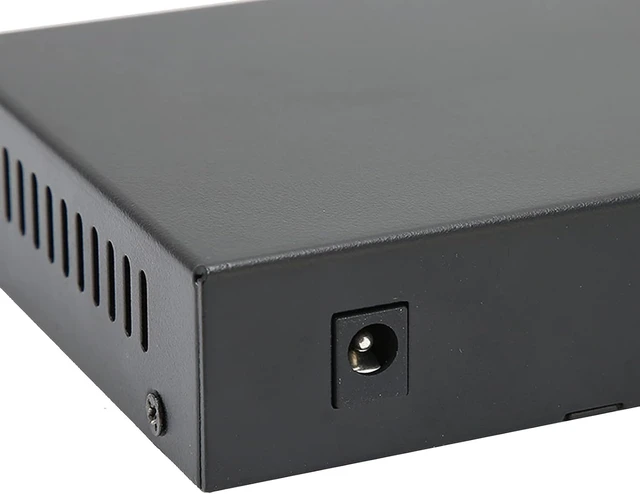
Power Parameters: 5VDC
Ambient Temperature: 0-60
Relative Humidity: 5%-90%
TP Line: 5E, CAT6
Transmission Fiber: Multi-Mode: 50/125, 62.5/125um; Single-Mode:: 8.3/125, 8.7/125, 9/125 or 10/125m
How to Use:
1.Interface
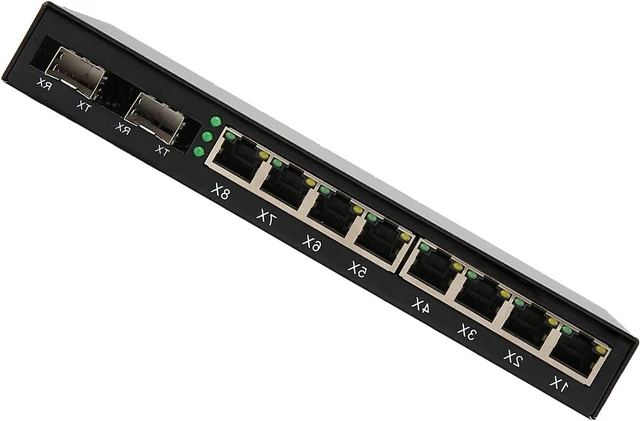
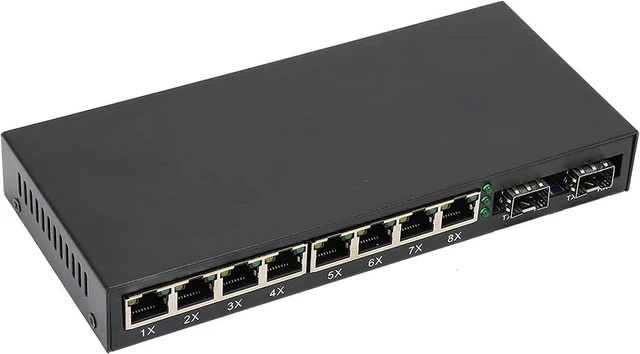
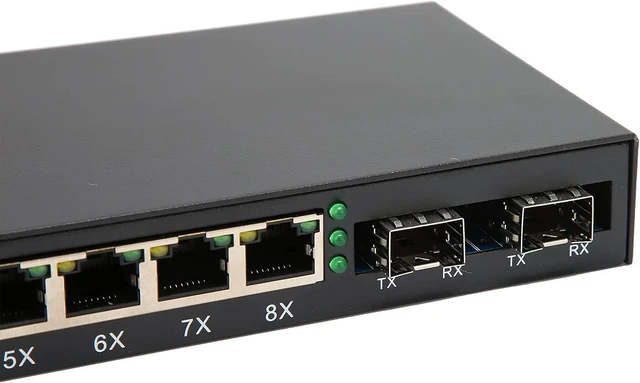
R.J45 interface: The transmission medium adopts CAT5 and CAT 6 twisted pair cables. It is recommended to use highquality RJ45 and wellmade jumpers, which have the function of automatically identifying straight and crossover cables.
Optical fiber interface: SC optical fiber interface is duplex type, including TX and RX two interfaces. When two sets of optical converters are connected or connected to a switch through optical fiber interfaces, the optical fibers are in a crossedconnected state, that is, "TXRX" and "RXTX".
2. Connection
Connect network equipment (workstation, hub or switch)
Connect to the RJ45 socket of the optical converter through twisted pair CAT5. Connect the multimode/singlemode fiber to the SC/ST/LC fiber interface of the optical module. Turn on the power. The corresponding LED light is on to indicate that the connection is correct. (The LED indicators are shown in the table below)
PackageList:
1 xGigabit Switch
1 x User Manual



 All Categories