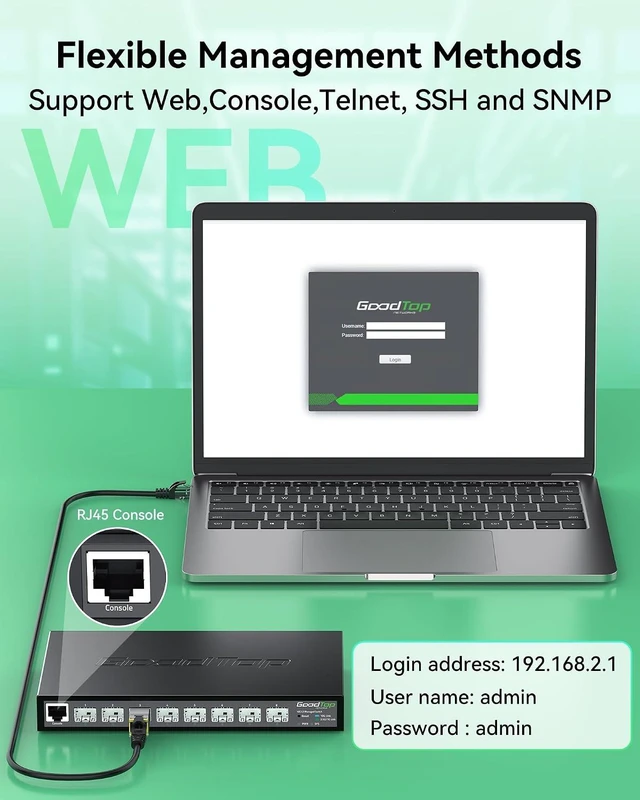
How to Access Web UI (192.168.2.1)?
1. Link PC to SFP+ port via transceiver.
2. Set PC IP: 192.168.2.X (e.g., 192.168.2.10) | Subnet Mask: 255.255.255.0
3. Login: Go to 192.168.2.1 in browser (Default User/Pass: admin).
4. If page fails to load, clear cache or use Incognito mode.
Can I plug a standard RJ45 Ethernet cable directly into the switch?
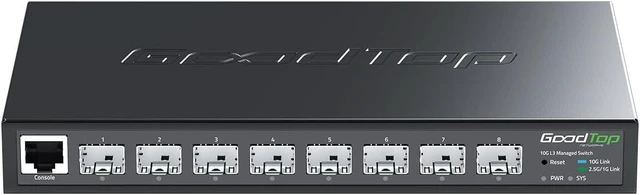
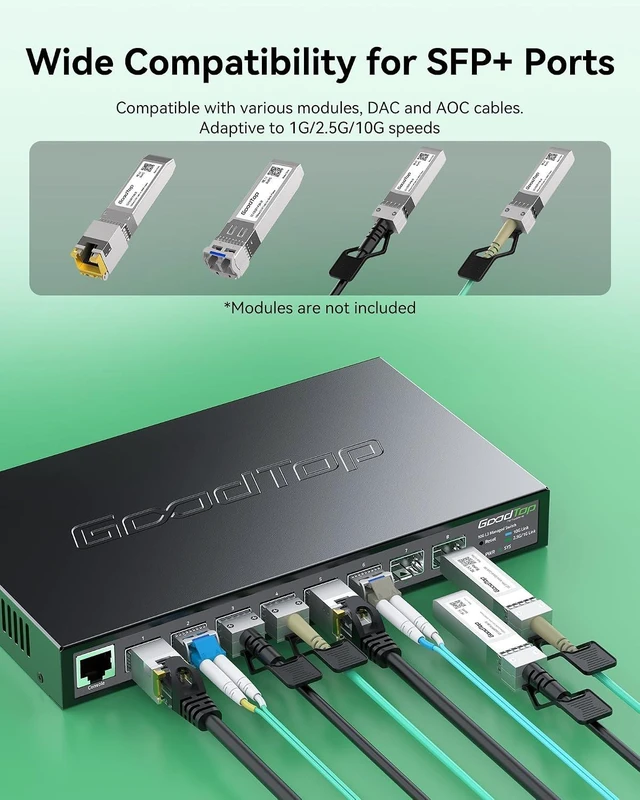
No. This switch features SFP+ Fiber Ports only. To connect a standard RJ45 Ethernet cable, you must use a SFP+ to RJ45 Copper Transceiver (sold separately). Tip: Ensure the transceiver's supported speed matches the switch's current Rate Mode.
Why are the port LEDs off after I plug in my 1G or 2.5G transceivers?
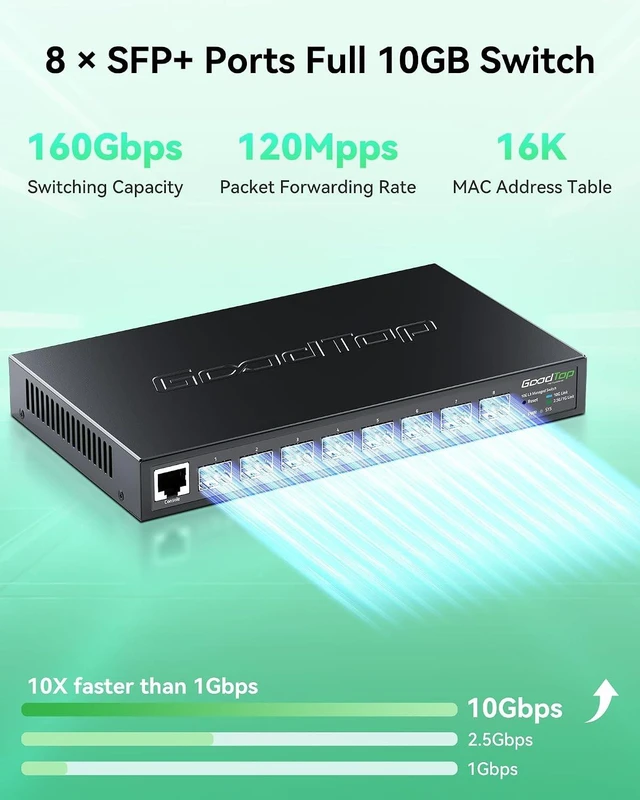
Possible Rate Mode mismatch. 2.5G devices won't connect in 10G/1G mode. Switch modes(via web UI): 10G/1G (default), 10G/2.5G (manual). Changing the rate mode for one port will apply to ALL 8 ports.
How to Access Web UI (192.168.2.1)?
Can I plug a standard RJ45 Ethernet cable directly into the switch?
Why are the port LEDs off after I plug in my 1G or 2.5G transceivers?
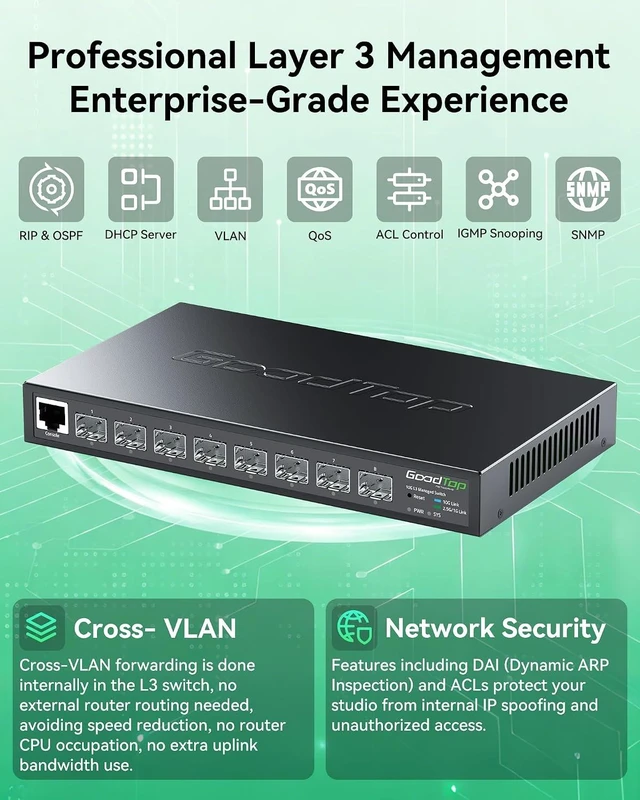
Why is the switch not working? Advanced L3 Routing for Seamless Networks Stop Data Leaks & Intruders Say Goodbye to Video Lag Isolate Devices, Boost Speed



 All Categories