The Steps of Usage :
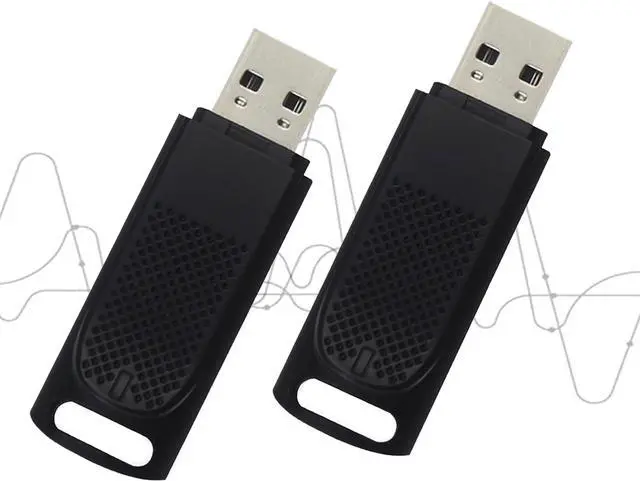
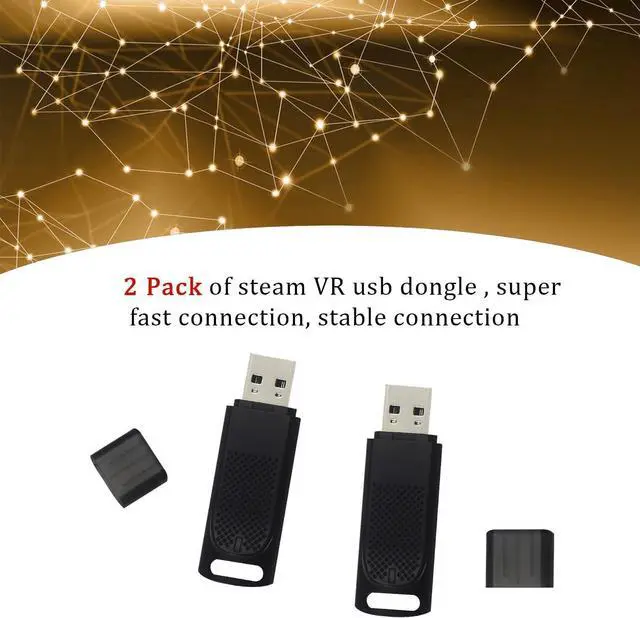
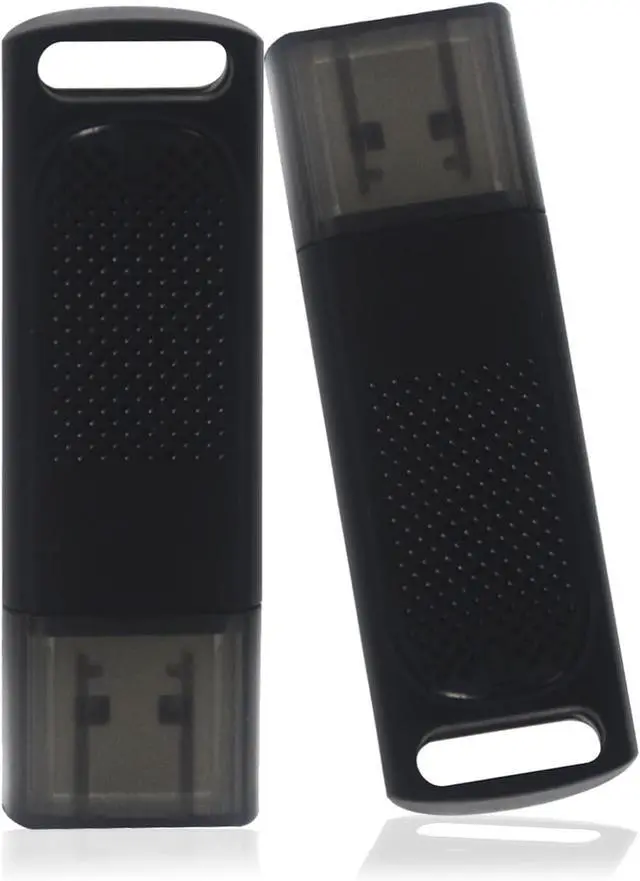
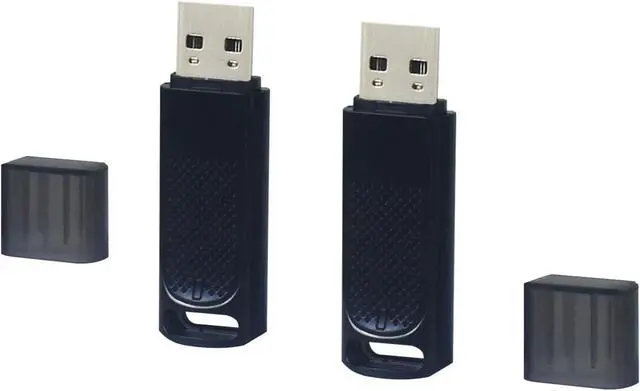
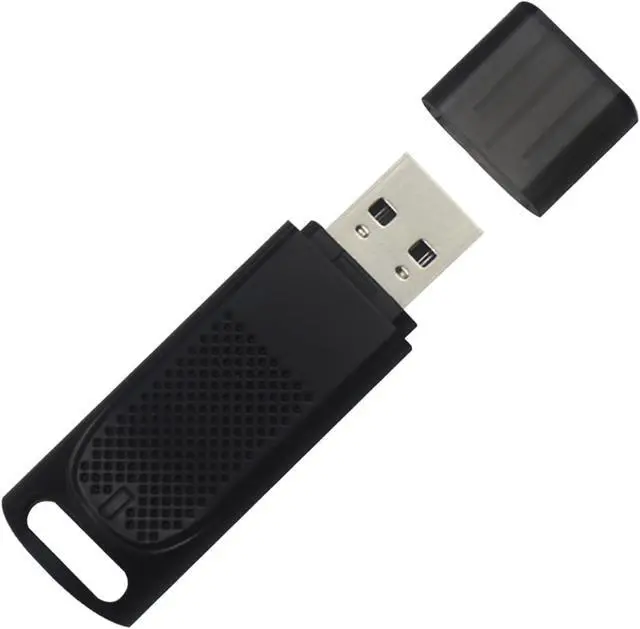
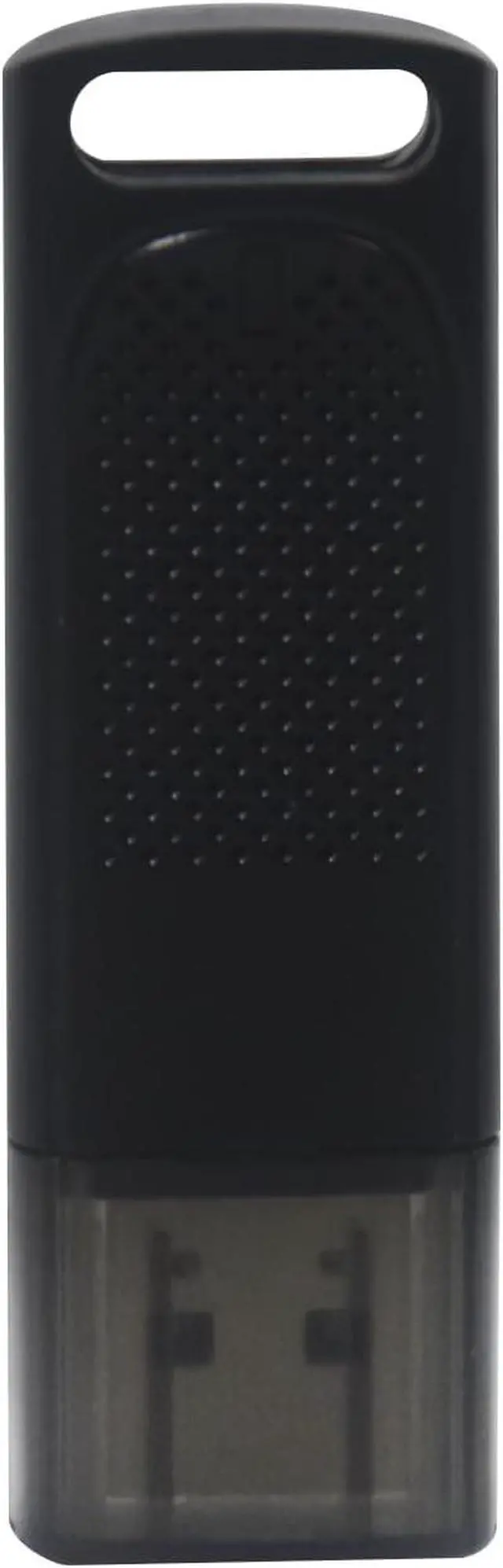
Step 1Insert the receiver into the usb port of your computer If there are other wireless devices interfering or metal shielding within two centimeters nearby, it is recommended to use an extension cable to separate the two distances of more than 30 centimeters.
Step 2Launch steamvr game platform, right mouse button steamvr icon in the start taskbar, move the cursor to "device" and select "add controller" that pops up automatically.
Step 3Follow the interface to select the corresponding device for pairing, after the completion of the use, if you need to pair a new device only need to shut down the previously paired device can be paired, a pairing will be permanently maintained before the next pairing of the two links.



 All Categories