use "Ctrl+F" to find your model quickly
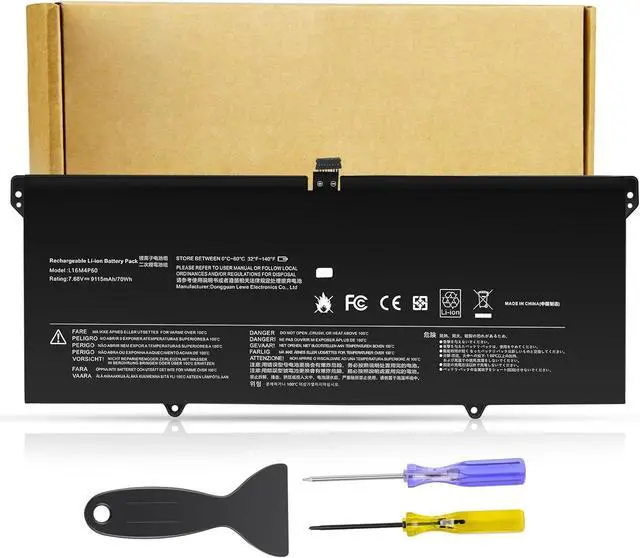
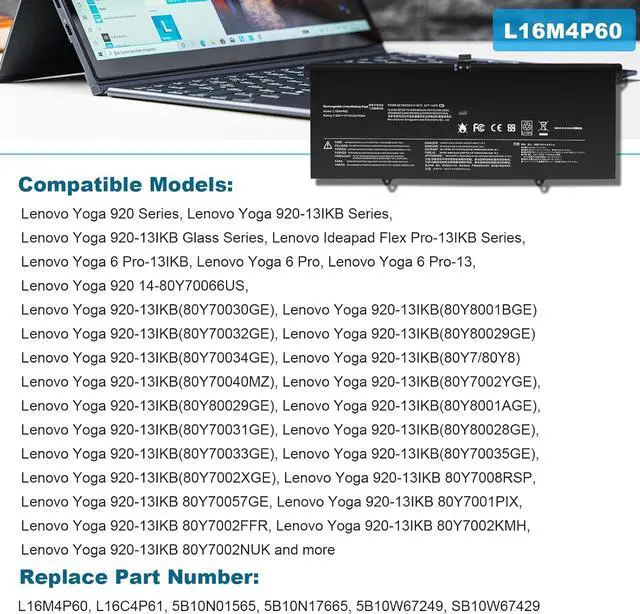
Replacement for Part Number
L16M4P60, L16C4P61, 5B10N01565, 5B10N17665, 5B10W67249, SB10W67429 80Y70023C 80Y70030GE 80Y7008RSP 80Y80029GE 80Y70066US 80Y70040MZ 80Y70035GE
Compatible Models:
Lenovo Yoga 920 Series
Lenovo Yoga 920-13IKB Series
Lenovo Yoga 920-13IKB Glass Series
Lenovo Ideapad Flex Pro-13IKB Series
Lenovo Yoga 6 Pro Series
Lenovo Yoga 6 Pro-13IKB Series
Lenovo Yoga 920-13IKB-80Y7 Series
Lenovo Yoga 920-13IKB-80Y8 Series
Lenovo Yoga 920-13IKB-81TF Series
1. You need to turn off the laptop and disconnect the power at the same time.
2. Disconnect the old battery from the motherboard to avoid unnecessary damage caused by disassembling the battery. Then unscrew the old battery and save it.
3. Take out the old battery, install the new battery on the battery box, tighten the screws, and connect the wires of the new battery.
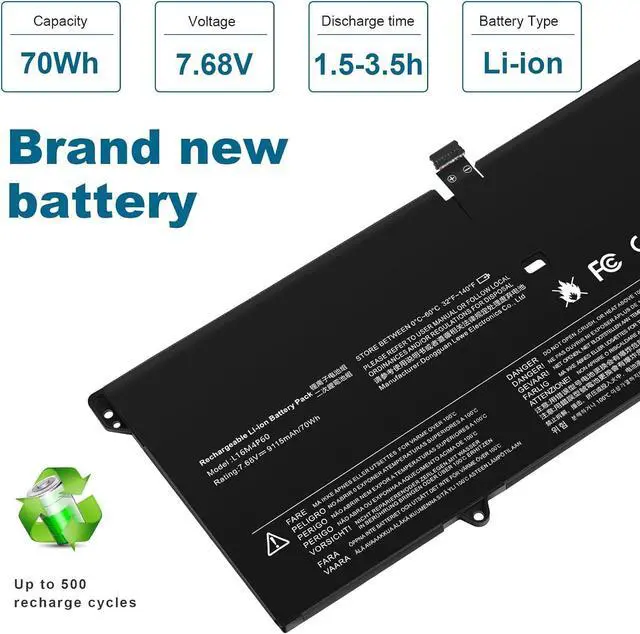
Upgraded electric core technology, energy density increased by 30%, reduce losslessconsumption, 500+ times of bad circulation
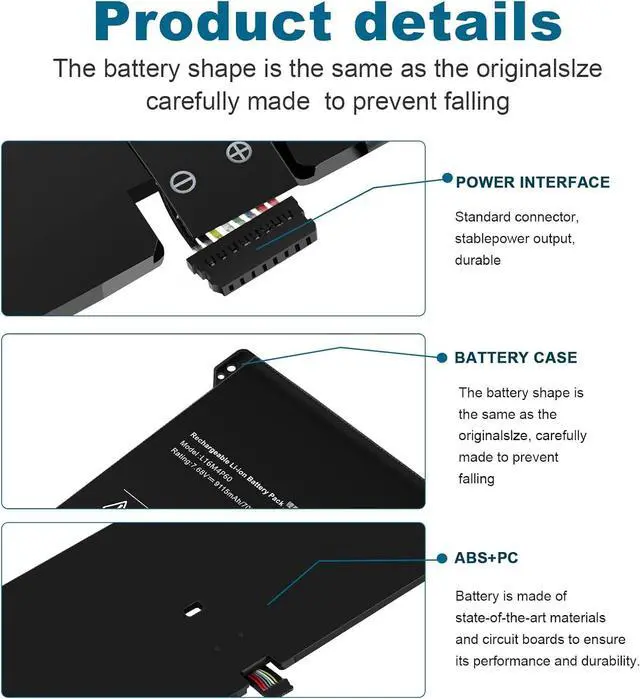
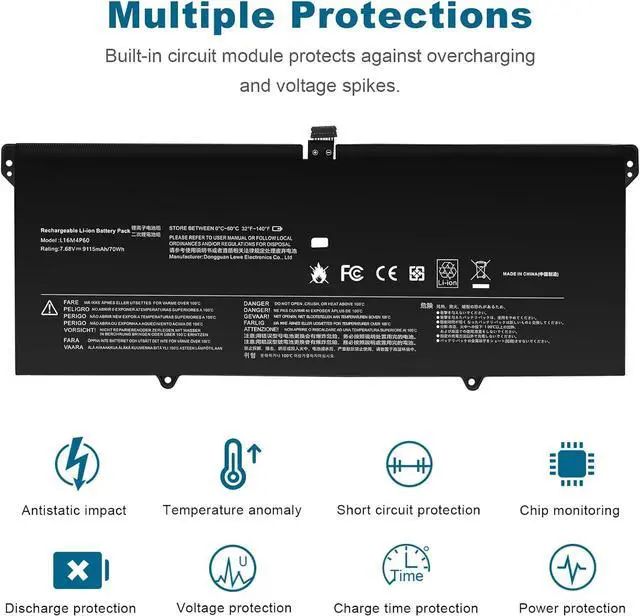
Attention to detail to achieve a tight fit with the computer How to install a new battery? Long battery life and durable construction Multi-protection materials for operation at temperatures from -10 to 35 degrees Celsius.