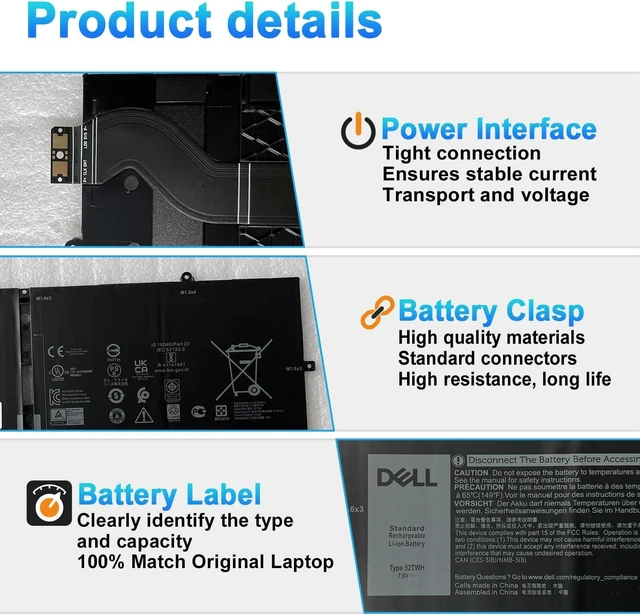
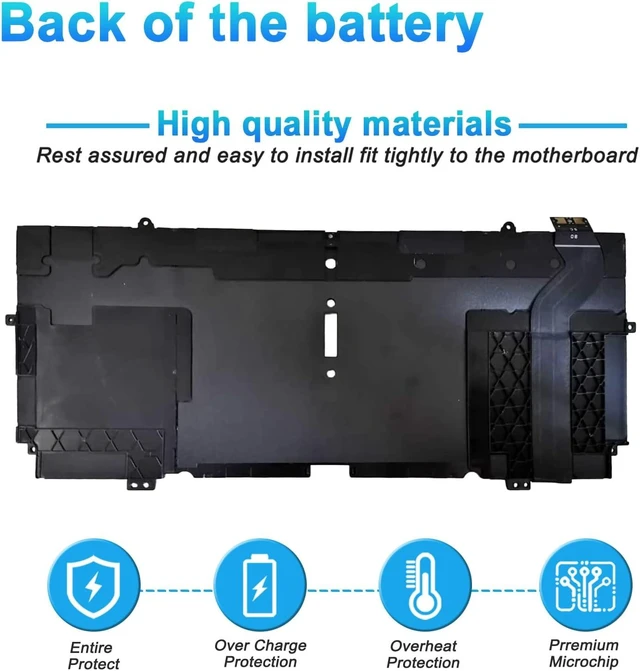
We are a professional laptop/tablet battery provider, dedicated to providing different types of high-quality batteries for our customers to bring their laptops back to life again. Thanks for your choice and trust, Enjoy your shopping!
The main outstanding features include.
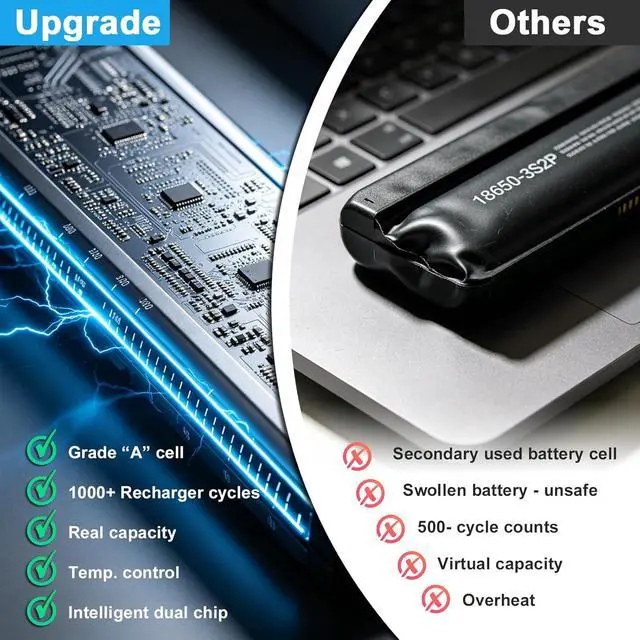
Batteries are 100% new from the manufacturer
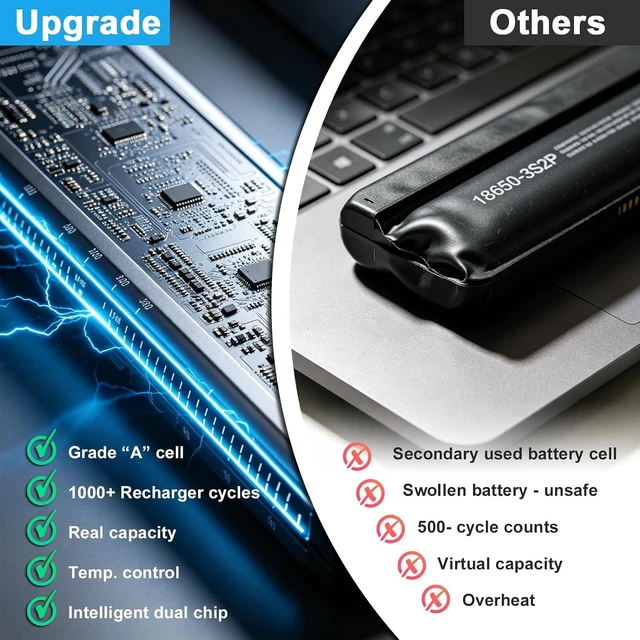
Grade A batteries ensure fast charging and low power consumption
High efficiency and high conversion rate.
Up to 100+ charging cycles
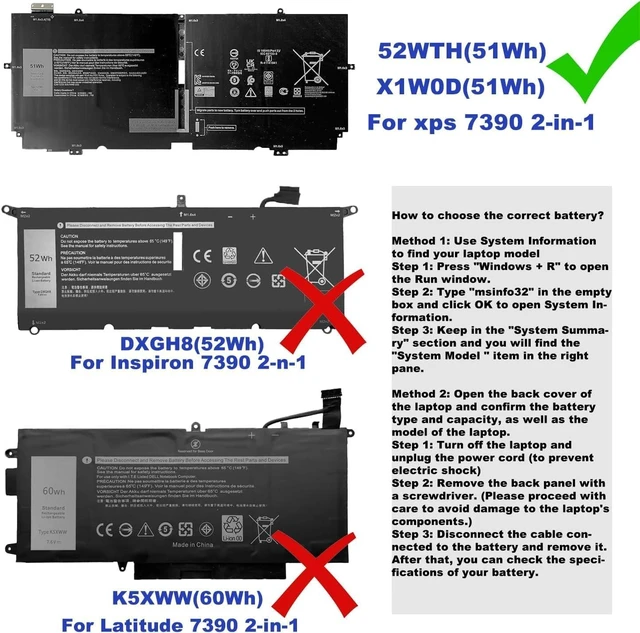
Method 1: Use System Information to find your laptop model
Step 1: Press "Windows + R" to open the Run window.
Step 2: Type "msinfo32" in the empty box and click OK to open System Information.
Step 3: Keep in the "System Summary" section and you will find the "System Model " item in the right pane.
Method 2: Open the back cover of the laptop and confirm the battery type and capacity, as well as the model of the laptop.
Step 1: Turn off the laptop and unplug the power cord (to prevent electric shock)
Step 2: Remove the back panel with a screwdriver. (Please proceed with care to avoid damage to the laptop's components.)
Step 3: Disconnect the cable connected to the battery and remove it. After that, you can check the specifications of your battery.
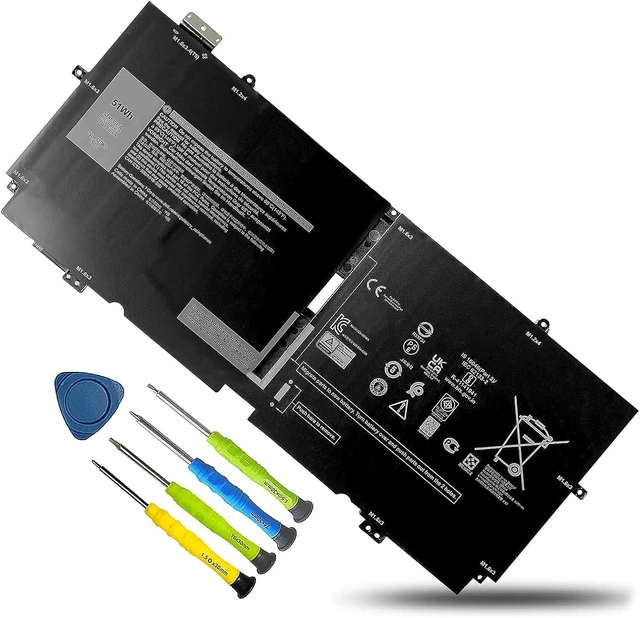
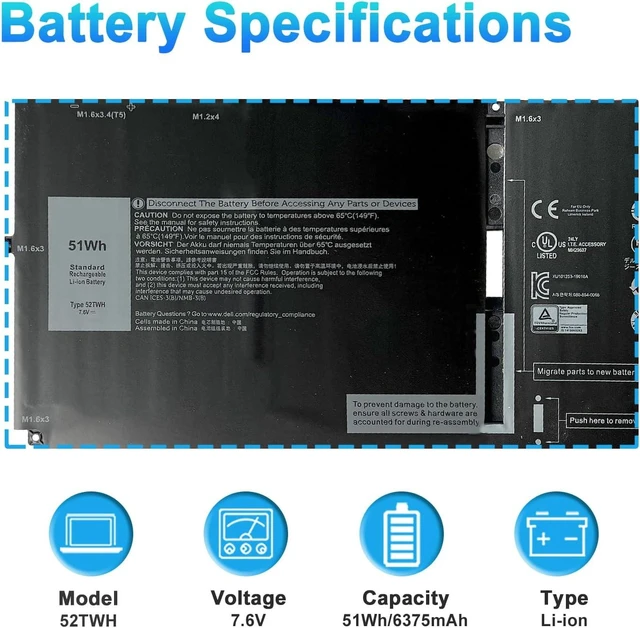
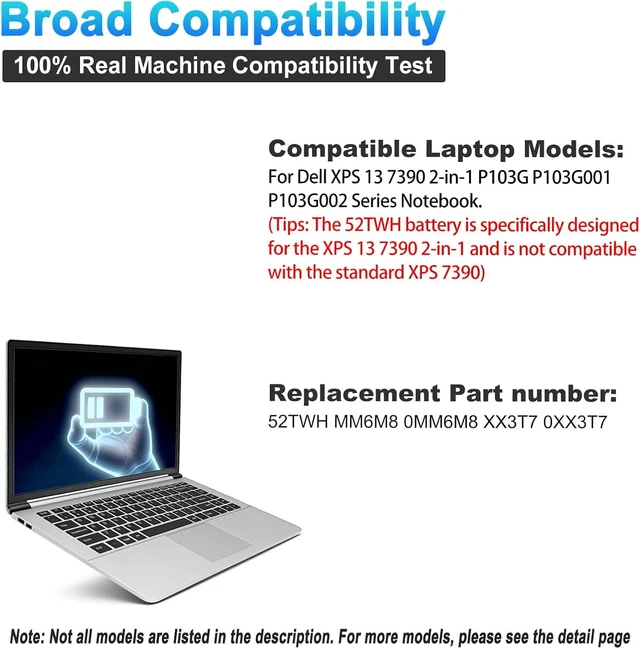
Model Name: 52TWH
Battery Type: Li-ion
Battery Voltage: 7.6V
Battery Capacity: 51Wh
Condition: 100% New from Manufacturer, Grade A Cell
Replacement for Part Number:
52TWH MM6M8 0MM6M8 XX3T7 0XX3T7
Compatible Models (Use "Ctrl+F to find your model quickly)
Dell XPS 13 7390 2-in-1 Series.Not compatible with Dell XPS 13 7390.
Dell XPS P103G Series P103G001 P103G002.
Dell XPS 13-7390-D1505TB,
Dell XPS 13-7390-D1505TW,
Dell XPS 13-7390-D1505W
Dell XPS 13-7390-D1605W,
Dell XPS 13-7390-D1705TW,
Dell XPS 13-7390-D1705S,
Dell XPS 13-7390-D1705W,
Dell XPS 13-7390-D1705TB,
Dell XPS 13-7390-D1805TB,
Dell XPS 13-7390-D1805S,
Dell XPS 13-7390-D1805TW,
Dell XPS 13-7390-D1905S
When you get the new battery, discharge the battery to 5% (not 0%), then charge and cycle 3-4 times to wake up the new battery.
The important point is to perform a full discharge and charge every other month to extend the battery life.
Do not connect the adapter for a long time while using the battery. It may damage the battery.
Avoid artificial shocks, disassembly, crush or puncture. Do not dispose of it in fire or water.
Could be caused by a battery loss. Please remove the battery and try to install it more than once.
This may be due to conductive material damage which the laptop motherboard and battery anode and cathode contact position, you can try to confirm it with your original battery.
Check whether the battery drive is in normal condition, if not, download the corresponding driver software to update.
Take out the battery and press the power button for about 15 seconds to consume the internal residual power (Do not connect the power cord), and then reinstall the battery. You can try several times.
The battery capacity is designed to meet the OEMs specifications, is stable and last longer, and provides stronger power for your laptop, not falsely labeled battery capacity.
Problems you may encounter when installing a new battery
Q: The battery cannot be identified by your laptop or it doesnt seem to work. That may be caused by different situations.
ATTENTION
When installing the battery, please read the related installation procedures or search the related videos on the Internet for understanding.
Please operate carefully when installing. Any loss caused by improper installation operation will be borne by you, thank you for your understanding.
Welcome to BOWEIRUI How to choose the correct battery? Battery Specification Battery Maintenance Methods for Optimal Use Troubleshooting Methods True Capacity



 All Categories