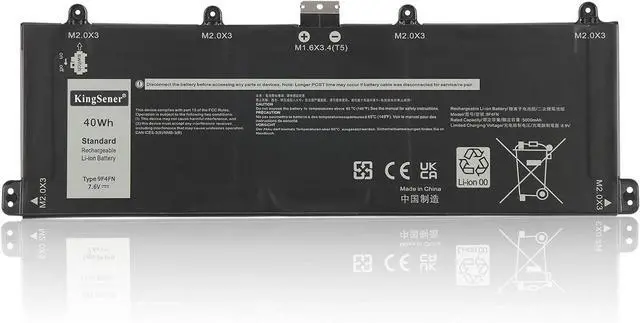
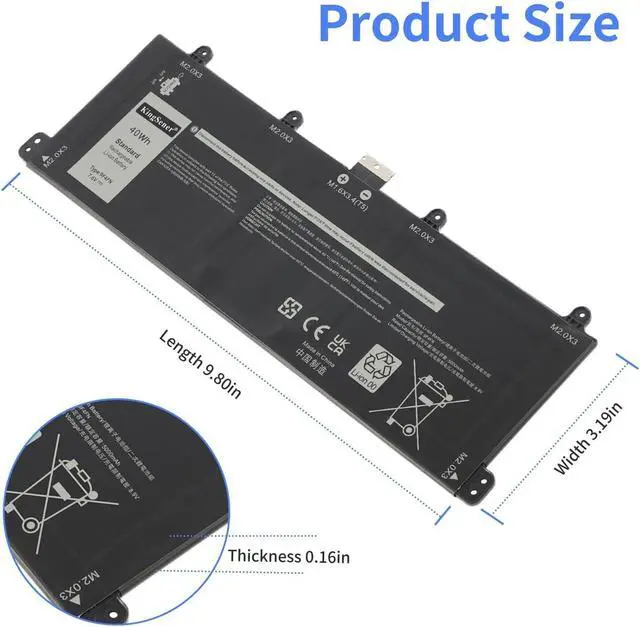
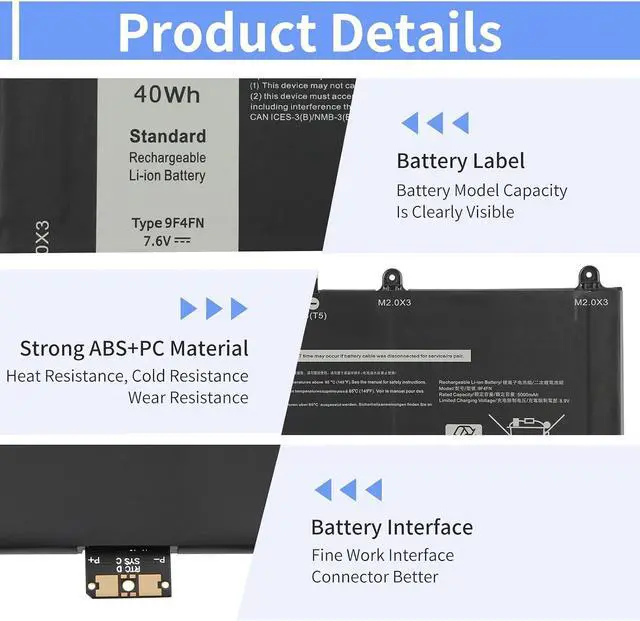
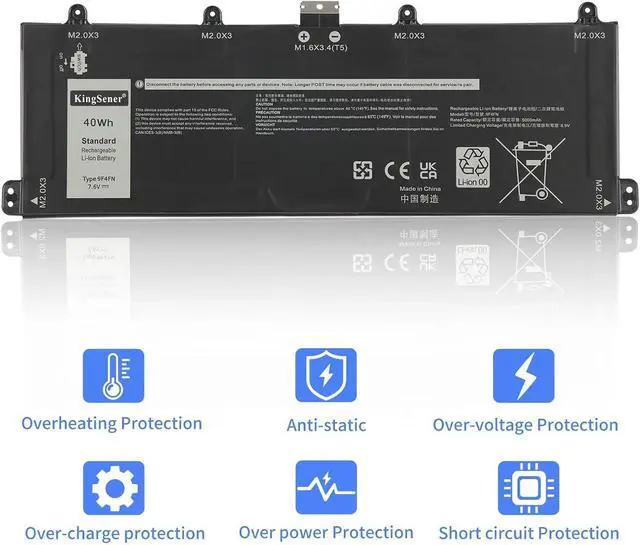
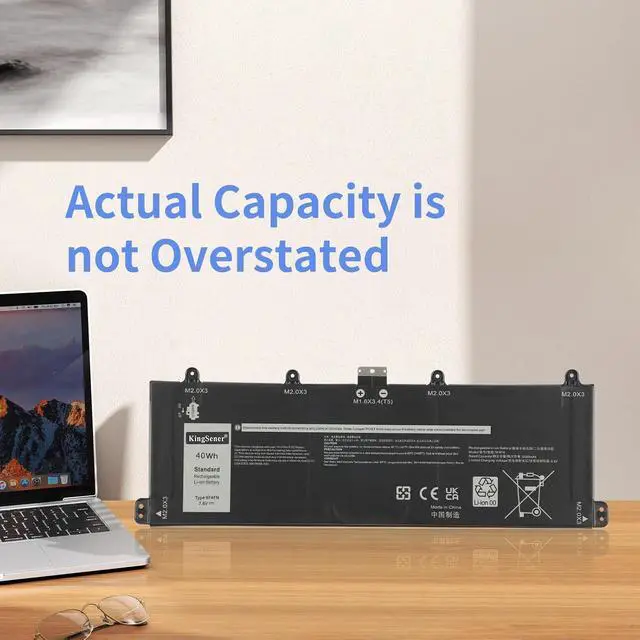
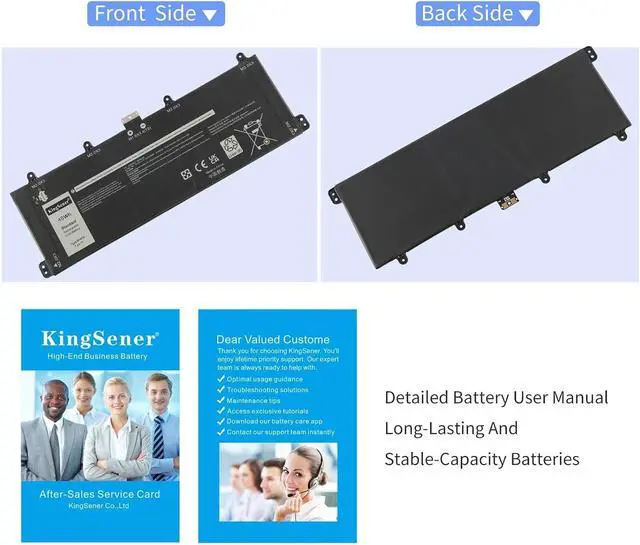
9F4FN Laptop Battery for Dell Latitude 7320 Detachable/Inspiron 14 3420 Series 2VKW9 2ICP4/79/112 7.6V 40WH/5000mAh
Compatible Part Nu ber:
9F4FN 2VKW9 2ICP4/79/112
Fits Laptop Models:
For Dell Inspiron 14 3420 Series;
For Dell Latitude 7320 Detachable Series Notebook Battery
Capacity 40WH/5000mAh Voltage 7.6V Battery Type Li-ion Charging Cycles 500 times How should I do if the battery is not recognised
When the computer is turned on, if it is not recognised, it is recommended to update the BIOS settings or please disconnecting the old battery, and holding down the power button for 20 seconds, then connect the new battery
How should I do if we received the item doesn't work?
Our product have 12 months can replace a new one and 60 days moeny back . Please Contact KingSener via email .are of good quality.
How should I charge my laptop battery?
It is suggested to charge the battery before the power runs out completely. It is best to charge when the remaining power is about 5-10%, and the battery should be charged in a relatively dry place.
How should I preserve my laptop battery when I dont use it?
The ideal preservation method is to charge the battery to about 40%.the battery should be used once a month, which can not only good preservation of the battery but also prevent the battery from being damaged by the complete loss of power
How to use the battery after we receive it?
Using battery for the first time,please discharge it to 5%(not to 0%) and then charge to 95%, and cycle 3-4 times to activate the batterys maximum capacity. Takeing about 7-8 hours in order to activate lithium ion fully to maximun space
How should I do if the battery is not recognised
How should I do if we received the item doesn't work?
How should I charge my laptop battery?
How should I preserve my laptop battery when I dont use it?
How to use the battery after we receive it?