


- Free 30-day Returns
$94.99
Ships from United States.
Sold by LionTech Direct
Shipped by LionTech Direct
Meet Your Seller

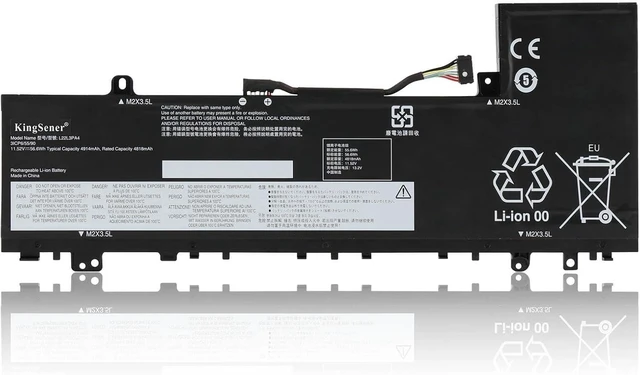
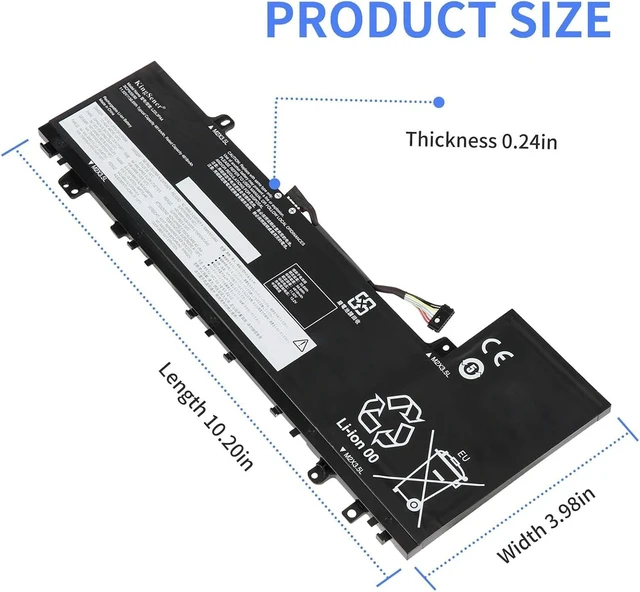
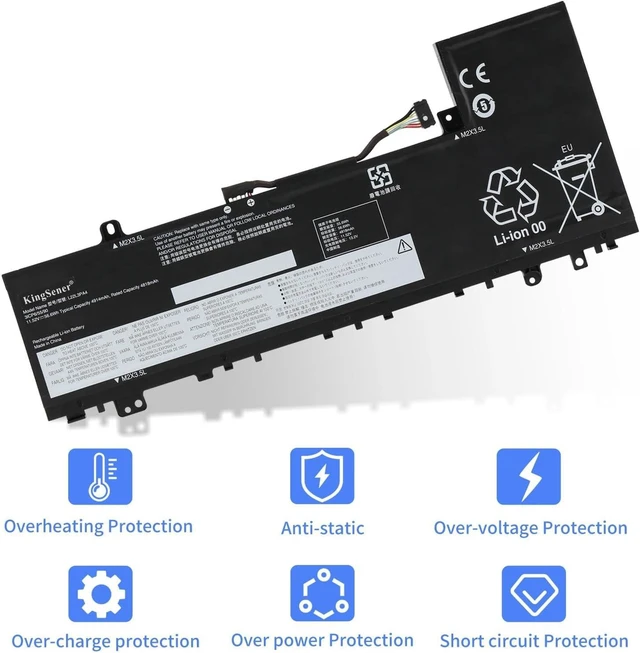
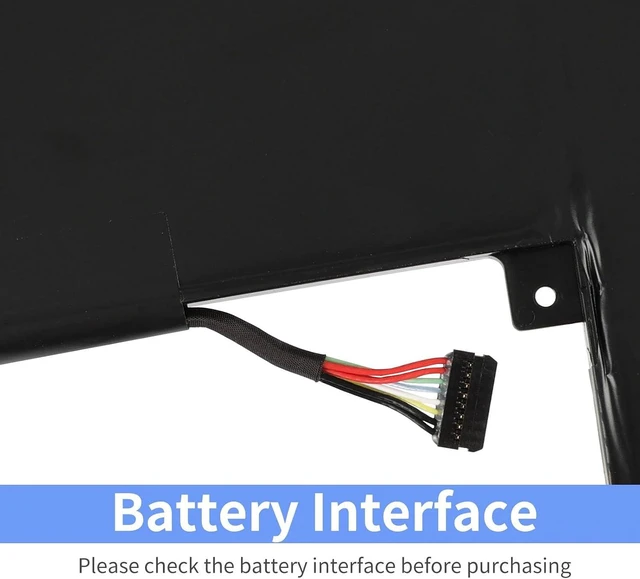
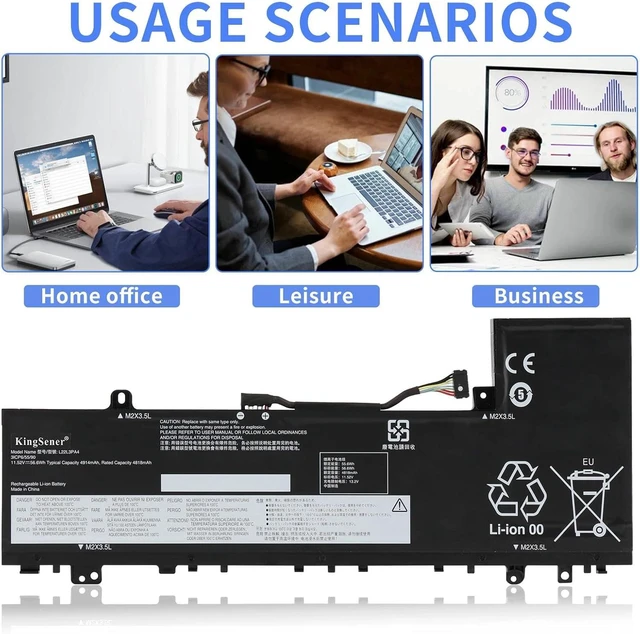
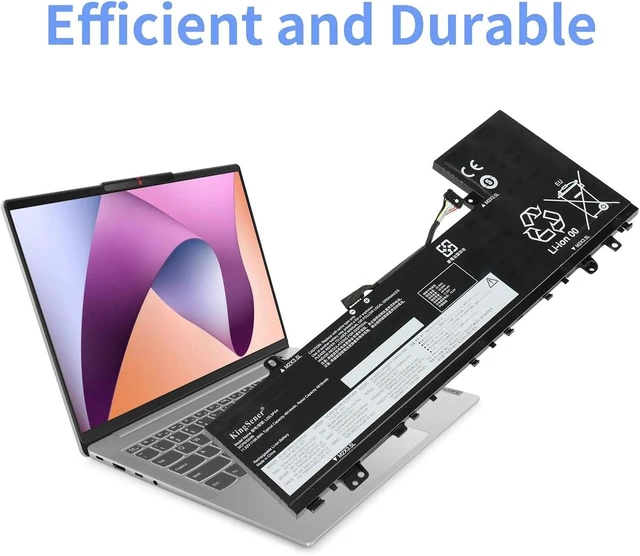


L22L3PA4 56.6WH Battery for IdeaPad Slim 5 14 16 11.52V
- Item #: 9SIVUAWM3B7353
- Mfr. Part #: BRAUB0GRV2GX5S
- BATTERY SPECIFICATION: Model Name: L22M3PA4; Voltage: 11.52V; Capacity: 56.6Wh 4914mAh; Battery Type: Li-ion
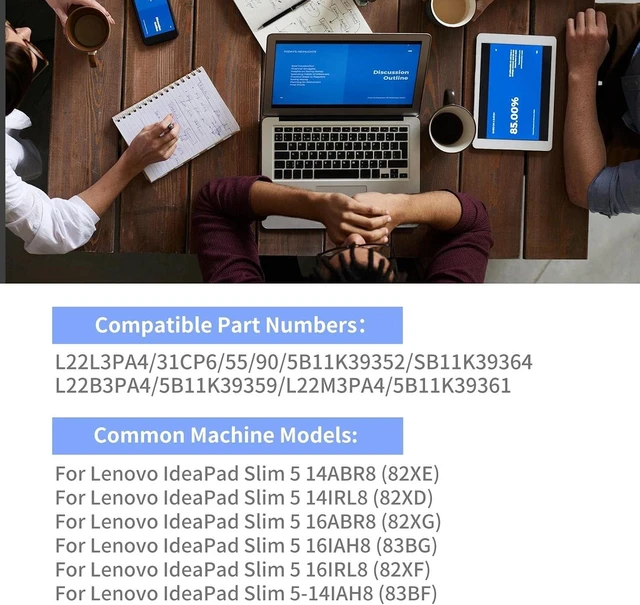
- COMPATIBLE PART NUMBER: Battery L22M3PA4 SB11K39354 5B11K39361 SB11N45411 5B11N45433 L22B3PA4 SB11K39351 5B11K39359 SB11N45438 5B11N45412 L22C3PA4 SB11K39348 5B11K39356 SB11N45426 5B11N45401 L22L3PA4 SB11K39364 5B11K39352 SB11N45393 5B11N45402
- COMPATIBLE LAPTOP MODELS: This Laptop battery L22M3PA4 for IdeaPad Slim 5-14ABR8 (Type 82XE) , for Lenovo IdeaPad Slim 5-14IAH8 (Type 83BF) , for Lenovo IdeaPad Slim 5-14IRL8 (Type 82XD) ,for Slim 5-16ABR8 (Type 82XG) , for Lenovo IdeaPad Slim 5-16IAH8 (Type 83BG) , for Lenovo IdeaPad Slim 5-16IRL8 (Type 82XF)
- High Quality:It uses lithium-ion (Li-ion) cell technology, providing long-lasting battery life and meeting the needs of daily office work, entertainment, and mobile office. Good performance A++ cells ensure fast charges and low power consumption. More than 500 recharge cycles for the life of the battery.
- Easy To Operate:The batt
+
+
Overview
Specs
Reviews
L22L3PA4 Battery for IdeaPad Slim 5 14ABR8 14IAH8 14IRL8 16ABR8 16IAH8 16IRL8 Series Laptop Battery L22B3PA4 L22C3PA4 SB11K39354 SB11N45411
Compatible Part Nu ber:
L22M3PA4 SB11K39354 5B11K39361 SB11N45411 5B11N45433 L22B3PA4 SB11K39351 5B11K39359 SB11N45438 5B11N45412 L22C3PA4 SB11K39348 5B11K39356 SB11N45426 5B11N45401 L22L3PA4 SB11K39364 5B11K39352 SB11N45393 5B11N45402
Fits Laptop Models:
For IdeaPad Slim 5-14ABR8 (Type 82XE)
for Lenovo IdeaPad Slim 5-14IAH8 (Type 83BF)
for Lenovo IdeaPad Slim 5-14IRL8 (Type 82XD)
for Slim 5-16ABR8 (Type 82XG)
for Lenovo IdeaPad Slim 5-16IAH8 (Type 83BG)
for Lenovo IdeaPad Slim 5-16IRL8 (Type 82XF)
Capacity 56.6Wh /4914mAh Voltage 11.52V Battery Type Li-ion Charging Cycles 500 times How should I do if the battery is not recognised
When the computer is turned on, if it is not recognised, it is recommended to update the BIOS settings or please disconnecting the old battery, and holding down the power button for 20 seconds, then connect the new battery
How should I do if we received the item doesn't work?
Our product have 12 months can replace a new one and 60 days moeny back . Please Contact KingSener via email .are of good quality.
How should I charge my laptop battery?
It is suggested to charge the battery before the power runs out completely. It is best to charge when the remaining power is about 5-10%, and the battery should be charged in a relatively dry place.
How should I preserve my laptop battery when I dont use it?
The ideal preservation method is to charge the battery to about 40%.the battery should be used once a month, which can not only good preservation of the battery but also prevent the battery from being damaged by the complete loss of power
How to use the battery after we receive it?
Using battery for the first time,please discharge it to 5%(not to 0%) and then charge to 95%, and cycle 3-4 times to activate the batterys maximum capacity. Takeing about 7-8 hours in order to activate lithium ion fully to maximun space
How should I do if the battery is not recognised
How should I do if we received the item doesn't work?
How should I charge my laptop battery?
How should I preserve my laptop battery when I dont use it?
How to use the battery after we receive it?
Warranty & Returns
Warranty, Returns, And Additional Information
Warranty
- Please contact the Seller directly for warranty information. Warranty information may also be found on the Manufacturer's website.
- CONTACT
Return Policies
- Return for refund within: 30 days
- Return for replacement within: 60 days
- This item is covered by LionTech Direct Return Policy
Manufacturer Contact Info
- For a directory of all our manufacturers, please click below.
- Manufacturers Directory
LOADING...