


- Free 30-day Returns
$112.03
Limit 100 per customer.
Ships from United States.
Meet Your Seller

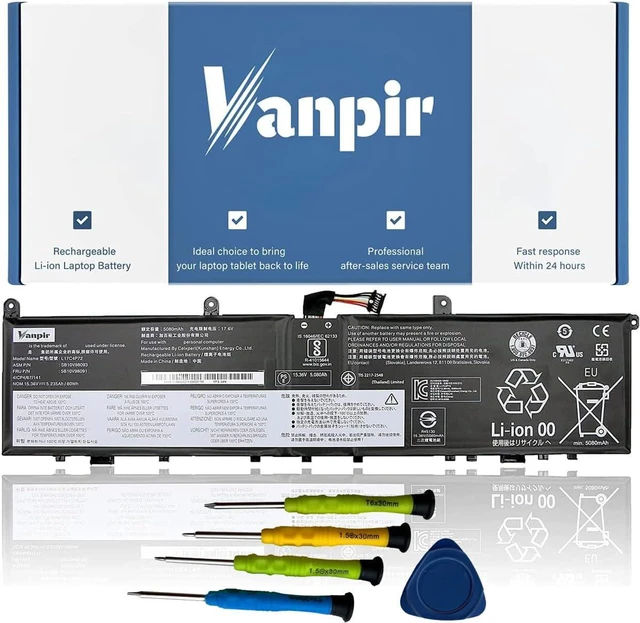
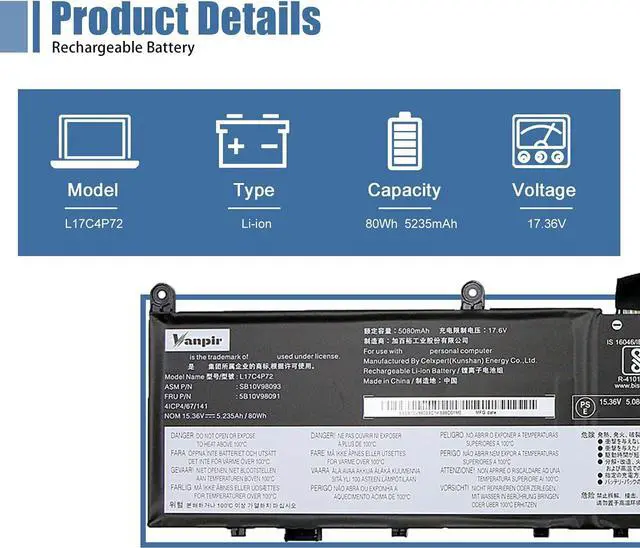
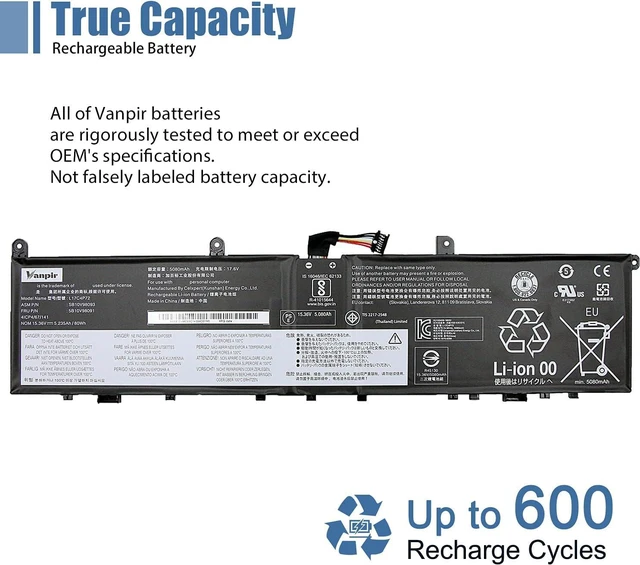
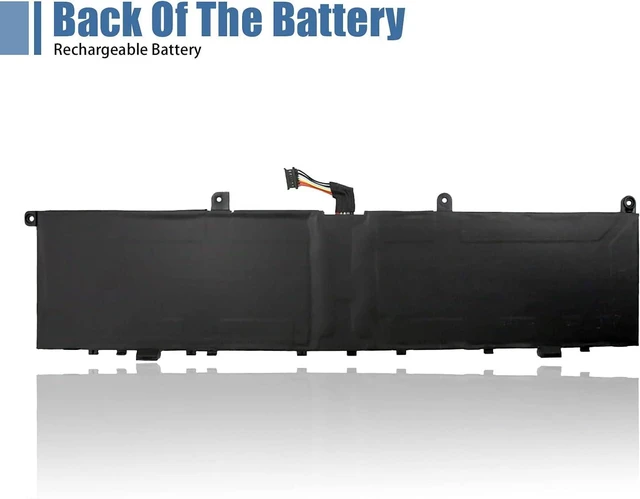


Vanpir L17C4P72 Laptop Battery,15.36V 80Wh 5235mAh Compatible with Lenovo ThinkPad X1 Extreme 1st Gen/2nd Gen ThinkPad P1 1st Gen/2nd Gen Series L17M4P72 01AY968 01AY969 L18M4P71 01YU911 5B10V98091
- Item #: 9SIVDVYK4T6280
- Mfr. Part #: PCMART966247252704
- SpecificationsModel: L17C4P72 / Type: Li-ion / Voltage: 15.36V / Capacity: 80Wh 5235mAh
- Compatible Laptop ModelsFit for Lenovo ThinkPad X1 Extreme 1st Gen/2nd Gen/ P1 1st Gen/P1 Gen 2 Series
- Replace Part Number L17C4P72 L17M4P72 L18M4P71 01AY968 01YU911 01AY969 SB10Q76928 SB10S57317 SB10Q76929 5B10W13900 5B10W13899 5B10W13953 5B10V98091
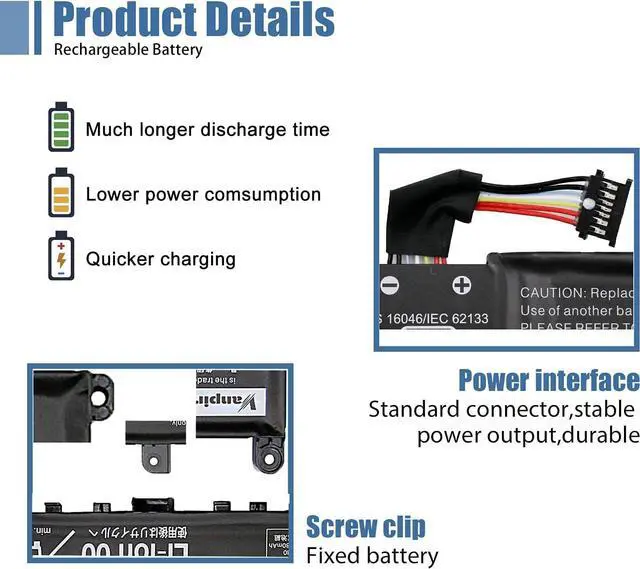
- Matters Need AttentionBefore purchasing, pl open your laptop case, check and confirm your original battery model and appearance, compared with our battery image, make sure that's what you need. Especially the location of the connector and the cable length (long or short)
- Use SkillsThe new battery may not be recognized in the first installation, please reinstall and check if the battery is fully connected. Discharge the new battery to 5% (not 0%), then charge and recycle 3-4 times to wake up the new battery
+
+
Overview
Specs
Reviews
SpecificationsModel: L17C4P72 /
Type: Li-ion /
Voltage: 15.36V / Capacity: 80Wh 5235mAh
Compatible Laptop ModelsFit for Lenovo ThinkPad X1 Extreme 1st Gen/2nd Gen/ P1 1st Gen/P1 Gen 2 Series
Replace Part Number L17C4P72 L17M4P72 L18M4P71 01AY968 01YU911 01AY969 SB10Q76928 SB10S57317 SB10Q76929 5B10W13900 5B10W13899 5B10W13953 5B10V98091
Matters Need AttentionBefore purchasing, pl open your laptop case, check and confirm your original battery model and appearance, compared with our battery image, make sure that' s what you need. Especially the location of the connector and the cable length (long or short)
Use SkillsThe new battery may not be recognized in the first installation, please reinstall and check if the battery is fully connected. Discharge the new battery to 5% (not 0%), then charge and recycle 3-4 times to wake up the new battery
Warranty & Returns
Warranty, Returns, And Additional Information
Warranty
- Please contact the Seller directly for warranty information. Warranty information may also be found on the Manufacturer's website.
- CONTACT
Return Policies
- Return for refund within: 30 days
- Return for replacement within: 60 days
- This item is covered by PCPLUS Return Policy
Manufacturer Contact Info
- For a directory of all our manufacturers, please click below.
- Manufacturers Directory
LOADING...