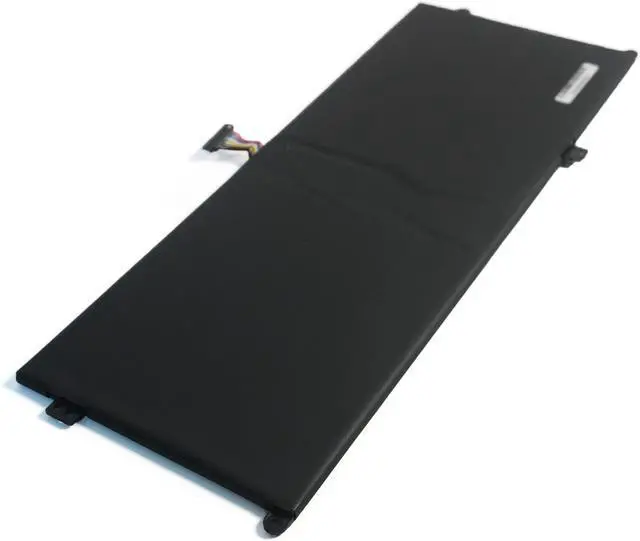
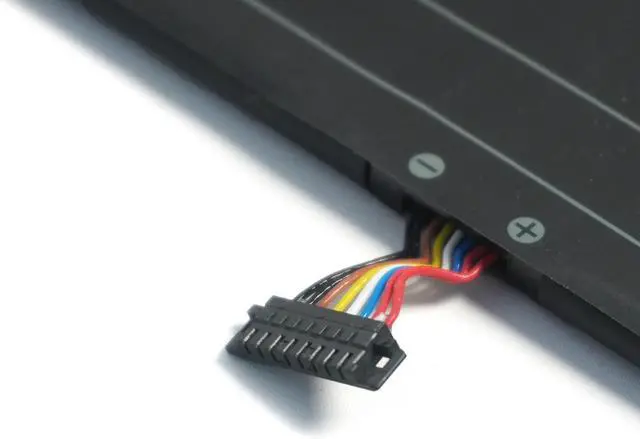
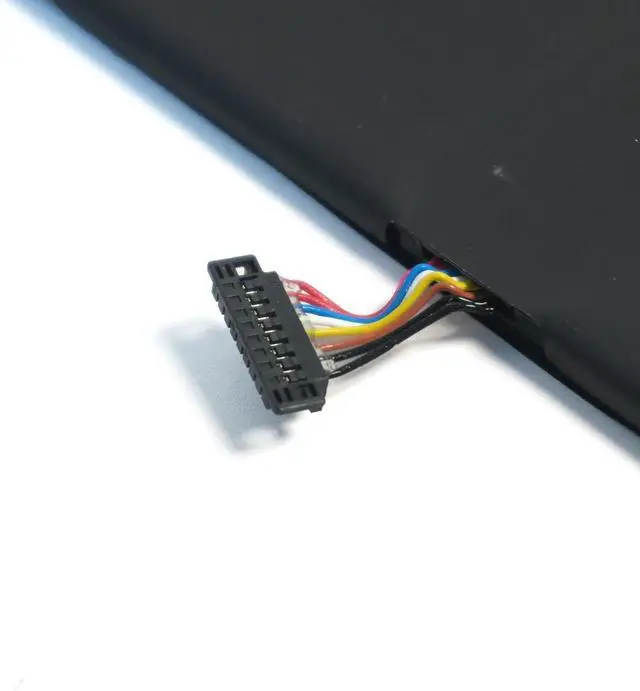
About Us:
A professional manufacturer in the field of power tool batteries, laptop batteries and charger.
provides high-quality, real capacity power products with excellent customer service.
Specification:
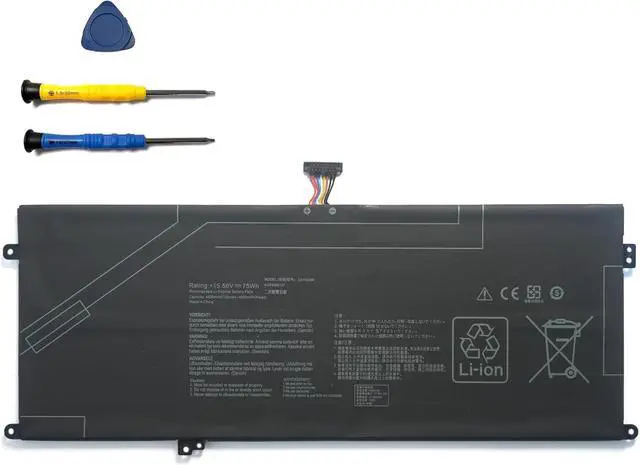
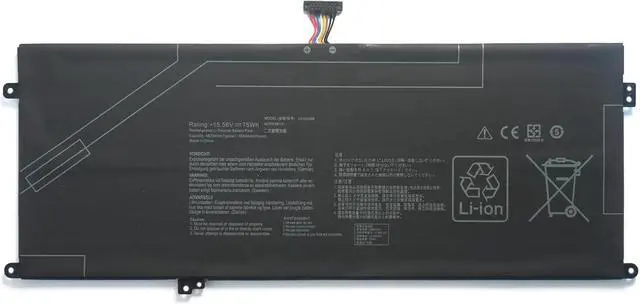
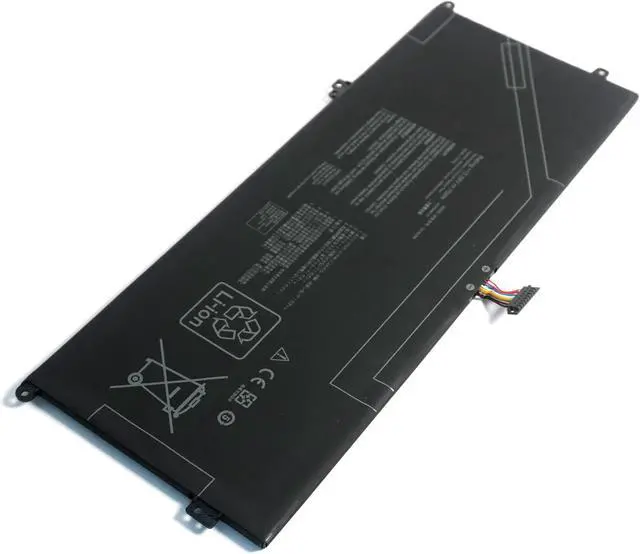
Battery type: Li-ion;
Capacity:75Wh
Voltage: 15.56V;
Certificate: CE,RoHS,FCC
Condition: 100% compatible as original battery, Grade A Cell
Compatible with following the Part Number:
C41N2306 0B200-04510000
Compatible with Models (Use "Ctrl + F" to quickly find your model)
For ASUS Vivobook S 14 OLED S5506 S5606 S5506MA S5606MA M5506 M5506NA M5506UA M5606NA M5606UA UX8406 UX8406MA UX8406CA UX8406M
Note:
1. Please make sure the product you are about to buy fits the brand number, model and part.
2.Download the new battery at 5% (not 0%), then charge up to 95% and scroll 3-4 times.
3.The first use of the battery, the battery voltage may be too low, it is necessary to recharge the standby 24 hours before normal use.
4. Do not connect the adapter for a long time while using the battery, as it may damage it.
5. If you remove the battery for a long time, charge more than 80% at least once within a month.
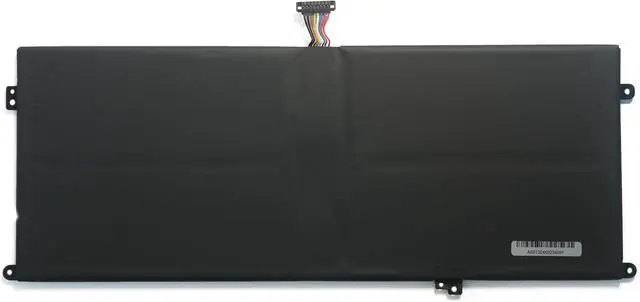
6. The computer does not recognize the battery, the battery connector may be in bad contact with the computer socket. At this time it is necessary to check if the copper battery connector is exposed.
We have always been trying our best to provide the best service and reliable products for every customer. Please contact us via message to resolve the issue.