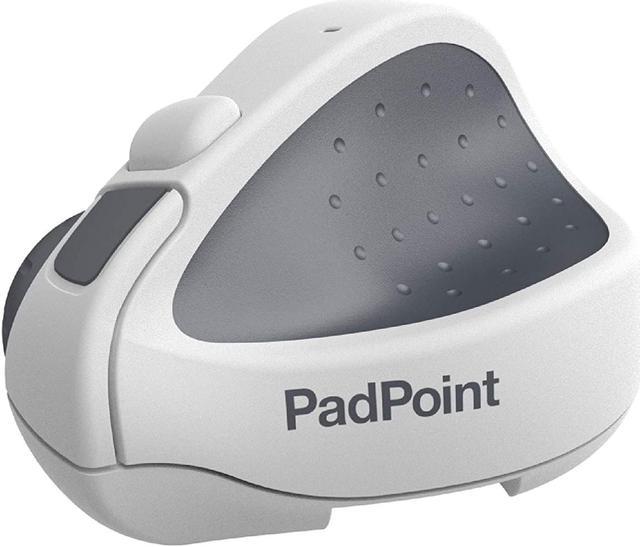
PADPOINT - the PREMIUM MOUSE FOR IPAD with Remote Desktop Support.
Designed to be the perfect companion to your newly empowered iPad.
FINALLY, A MOUSE FOR YOUR IPAD! No more lugging around a bulky laptop, power supply and a bag full of accessories.
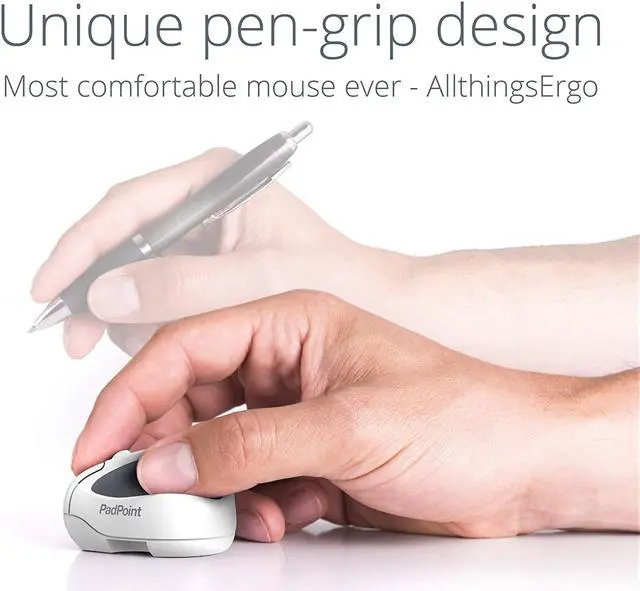
PadPoint has been designed to be the perfect partner to your iPad.
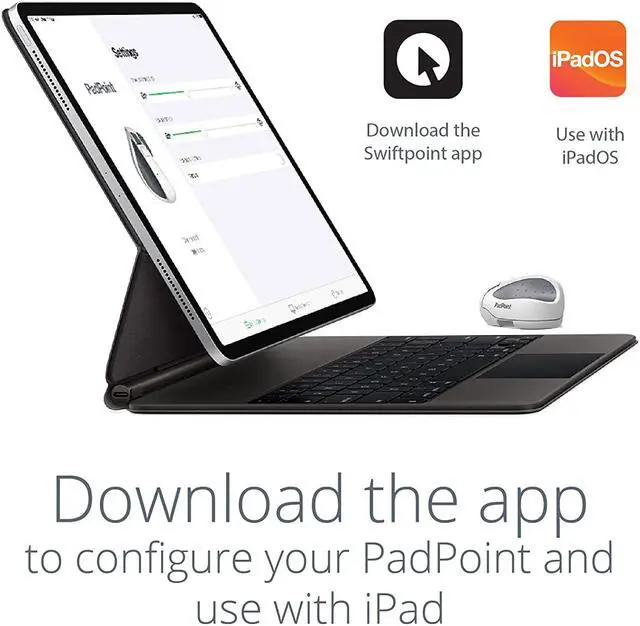
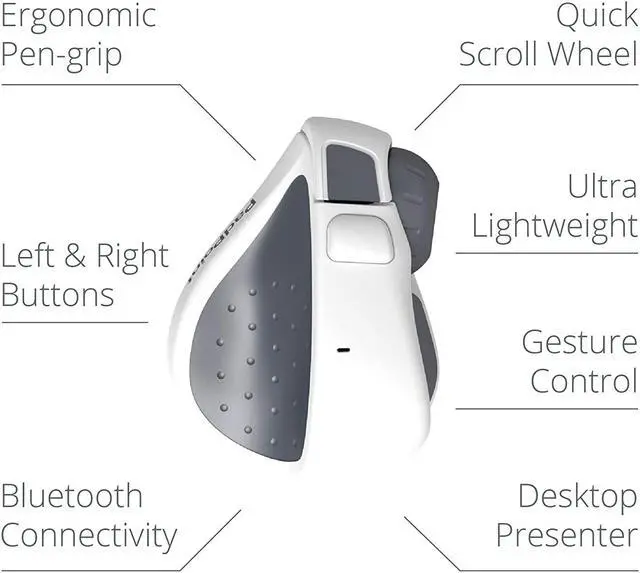
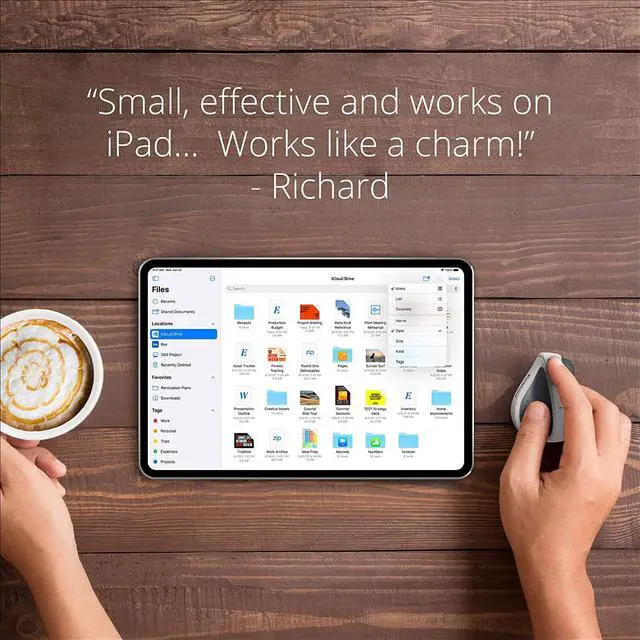
Connect PadPoint via Bluetooth, attach a keyboard and your iPad becomes a portable yet powerful mobile workstation \u2013 it\u2019s that easy! WITH ALL THE APPS THAT YOU LOVE! PadPoint works with any and all iPadOS apps \u2013 with no limits.
Your iPad is great for reading and browsing, but creating content with a touch screen and a \u2018fat finger\u2019 can be difficult.
Browse the web or flick through Photos, check your Stocks or jot down a note \u2013 PadPoint gives you the precision and accuracy that even the most dainty finger could never achieve.
Whether it\u2019s for business or pleasure, fine detail work like highlighting text or selecting a cell in Excel becomes easy, enjoyable and productive.
BUT IT'S NOT JUST A MOUSE! Enable AssistiveTouch and PadPoint gives you even more control.
With the press of a button access you can access a menu of the most useful shortcuts, ranging from volume control and application switching to fully customizable gestures.
WITH REMOTE DESKTOP SUPPORT! We\u2019ve partnered with many of the world\u2019s leading remote and virtual desktop infrastructure developers to give you even more power.
Not only does PadPoint work with your native iPad apps, such as; your favorite web browser, Mail, and Calendar, but you can use one of the supported iOS applications to access your Windows or Mac desktop directly from your iPad \u2013 no matter where in the world you are! GESTURE TECHNOLOGY! Just flick to get where you want to go \u2013 no need to reach for your touchscreen.
Keep your fingers on your PadPoint and, even without a touchscreen, the PadPoint\u2019s unique touch gesture technology allows you to scroll and zoom with ease.