


Meet Your Seller

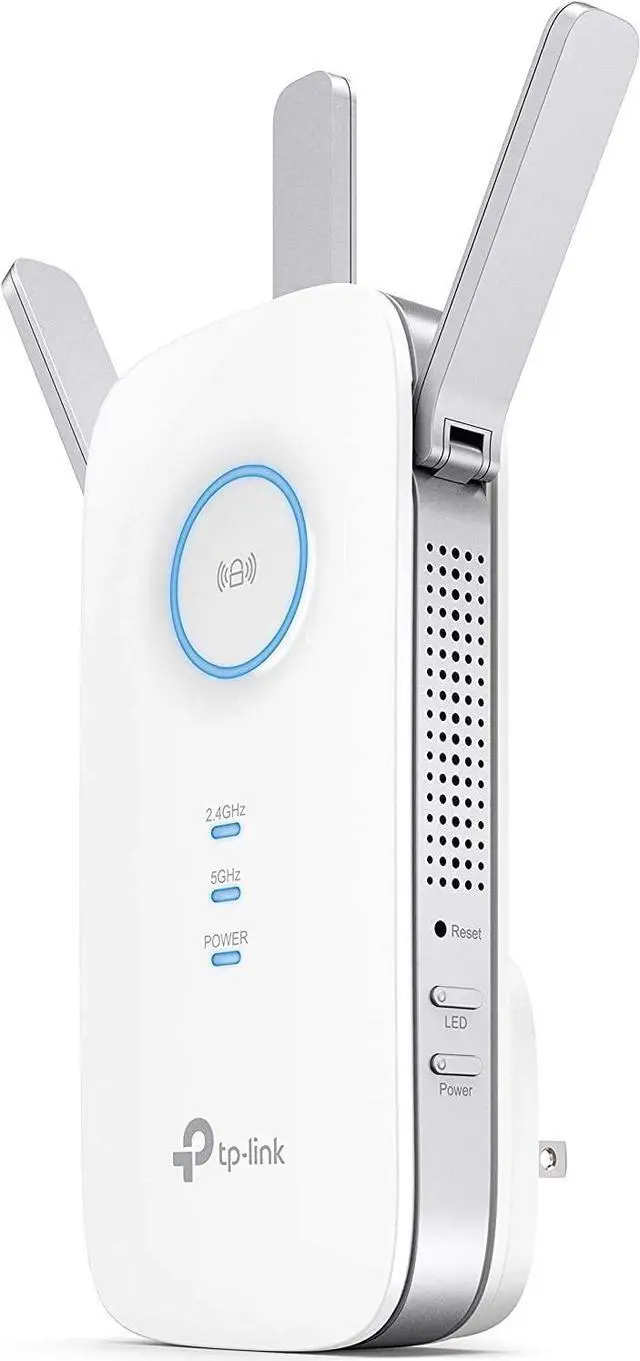
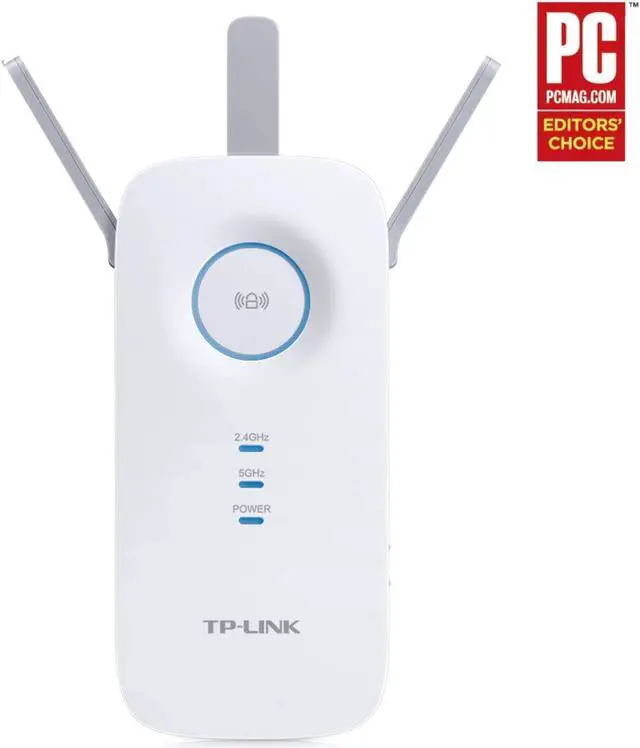


Wifi Extender AC1750 WiFi Extender (RE450), PCMag Editor's Choice, Up to 1750Mbps, Dual Band Wifi Range Extender, Internet Booster, Access Point, Extend Wifi Signal to Smart Home & Alexa Devices White
- Item #: 9SIV36AKE31456
- Mfr. Part #: EL-WEA007
- UNSPSC: 43222608
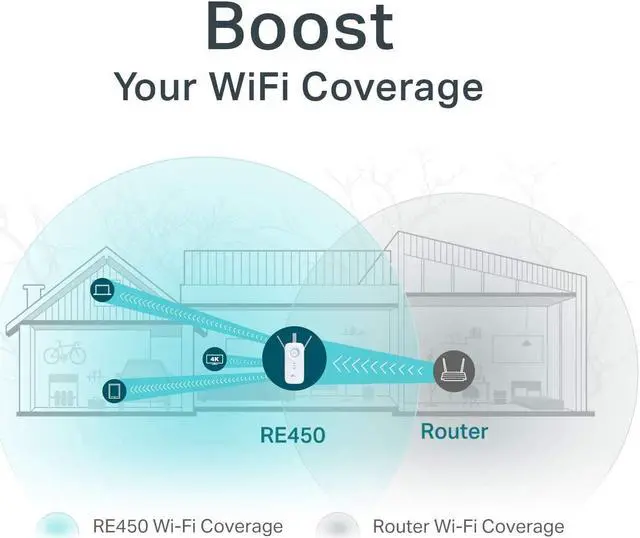
- Extend Wi-Fi Coverage - Boosts Internet Wi-Fi Coverage up to 2000 Square feet and connects up to 32 devices - Compatible with any Router, Gateway, Access Point ( 2.4GHz - 450Mbps / 5GHz - 1300Mbps )
- Eliminate Wi-Fi Dead Zones - Enjoy Lag-Free connection to any type of devices, including wired devices via Gigabit Ethernet Port
- Stay connected - Expand coverage for your phone (Galaxy,iPhone,Android etc.), Media Streaming, Gaming, Web Browsing, Alexa, Echo, Ring and more
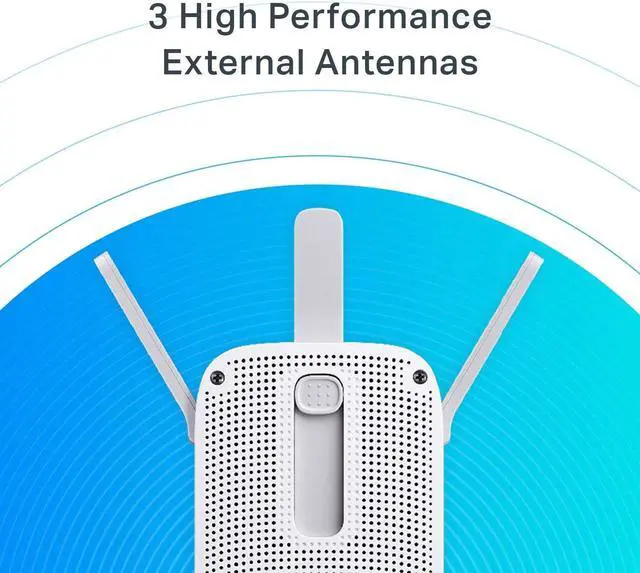
- Easy Set Up - Smart indicator light helps to install in best optimal location. Three adjustable external antennas for superior coverage throughout the home
- RE450 is PCMag's Editors Choice Winner. Operating Temperature: 0°C~30°C (32°F~86°F)
- TP-Link is the World's #1 provider of consumer Wi Fi for 7 consecutive years according to IDC Q2 2018 report
- All Wi-Fi extenders are designed to increase or improve Wi-Fi coverage, not to directly increase speed. In some cases improving signal reliability can affect overall throughput
+
+
Overview
Specs
Reviews
AC1750 Wi-Fi for Amazing Performance
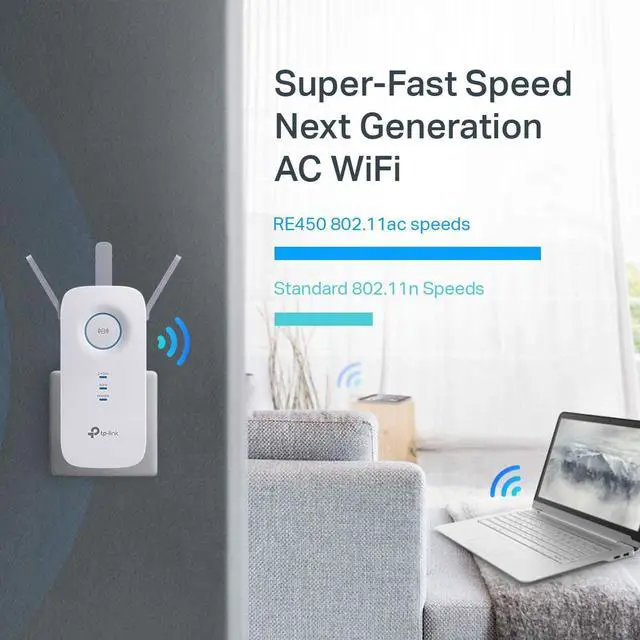
With Wireless AC technology, the RE450 creates stronger, blazing-fast connections in rooms with weak Wi-Fi. Three powerful antennas send AC1750 Wi-Fi coverage across your home. Ideal for AC1750 routers and above.
Take advantage of the extender’s exceptional AC1750 speeds to keep up with the demands of simultaneous online gaming and 4K streaming.
Signal Light and RE Button for Easy Setup
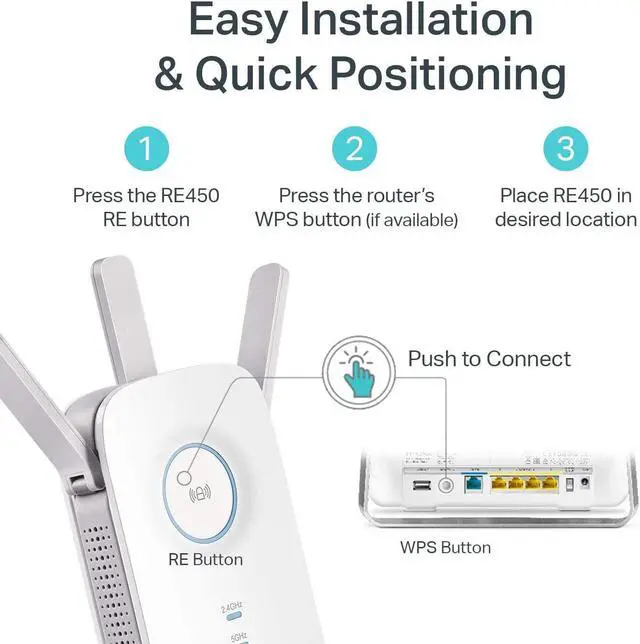
The Intelligent Signal Indicator light helps you quickly find the best location to place the RE450, and the range extender’s RE button allows for one-touch setup.
Both features make it easy to connect the RE450 to your existing wireless network in minutes.
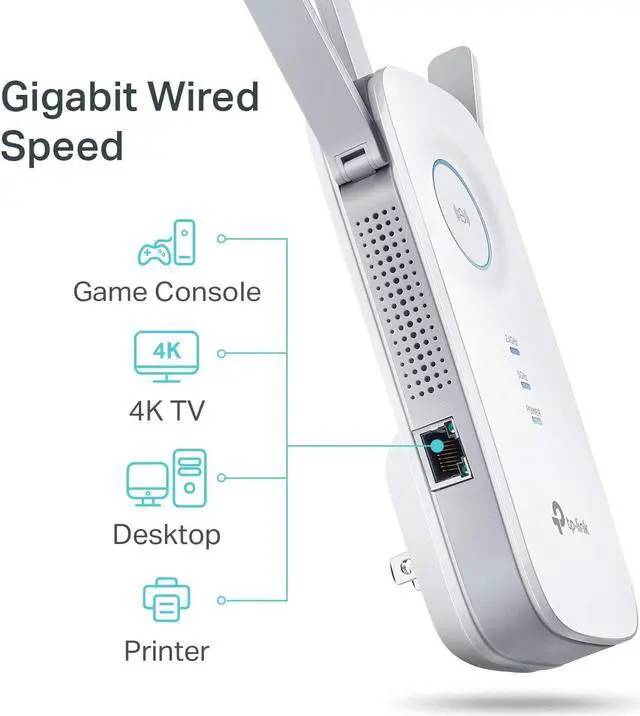
Gigabit Ethernet Port for Access Point Capability
The Gigabit Ethernet port on the RE450 delivers high-speed wireless connectivity directly to your favorite wired devices.
Access Point mode allows you to directly connect an RE450 range extender to the Ethernet port of any room in your home to act as a Wi-Fi hotspot. Hardwire your home to provide strengthened AC1750 Wi-Fi to any room.
Universal Compatibility
RE450 range extenders are compatible with any router or access point, making it easy to expand and strengthen your network, even as it changes over time.
Intuitive Mobile Interface
Set up and manage your Wi-Fi through the TP-Link Tether app, available for both Android and iOS. Tether’s simple layout lets you quickly access Wi-Fi settings such as guest privileges, scheduling and device management right from your smartphone.
Warranty & Returns
Warranty, Returns, And Additional Information
Warranty
- Please contact the Seller directly for warranty information. Warranty information may also be found on the Manufacturer's website.
- CONTACT
Return Policies
- Return for refund within: 30 days
- Return for replacement within: 30 days
- This item is covered by Electronics World Return Policy
Manufacturer Contact Info
- For a directory of all our manufacturers, please click below.
- Manufacturers Directory
LOADING...