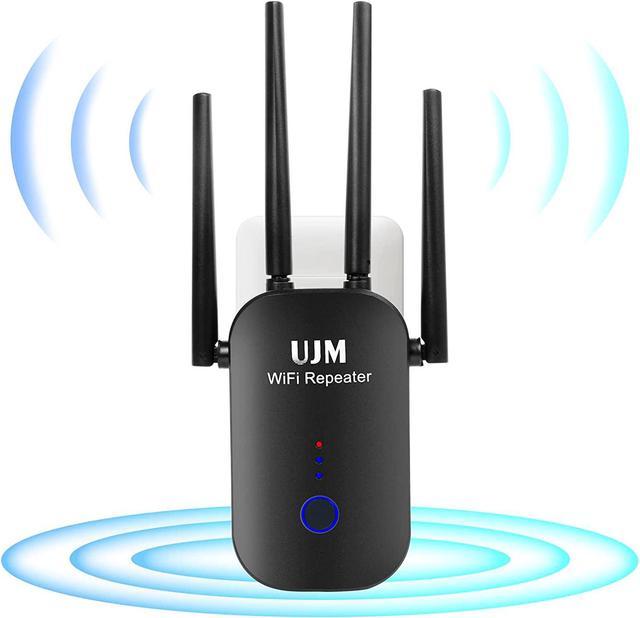
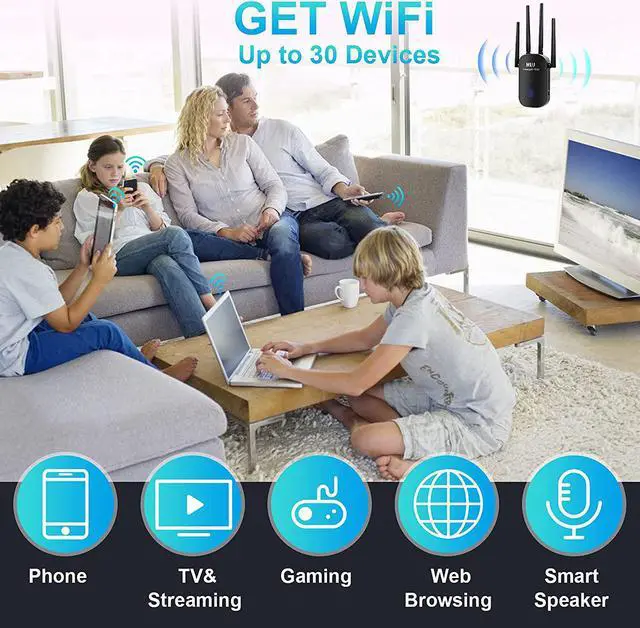
Specification:
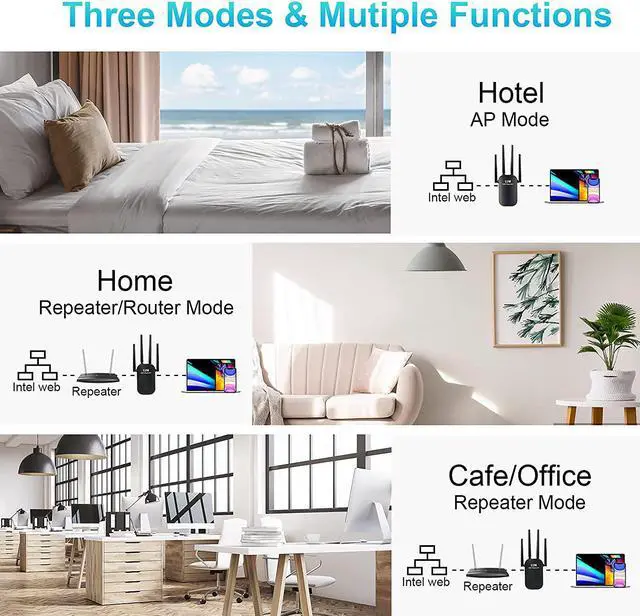
Operating Mode:AP/Routre/Repeater;
Power: 100--240V,50/60Hz;
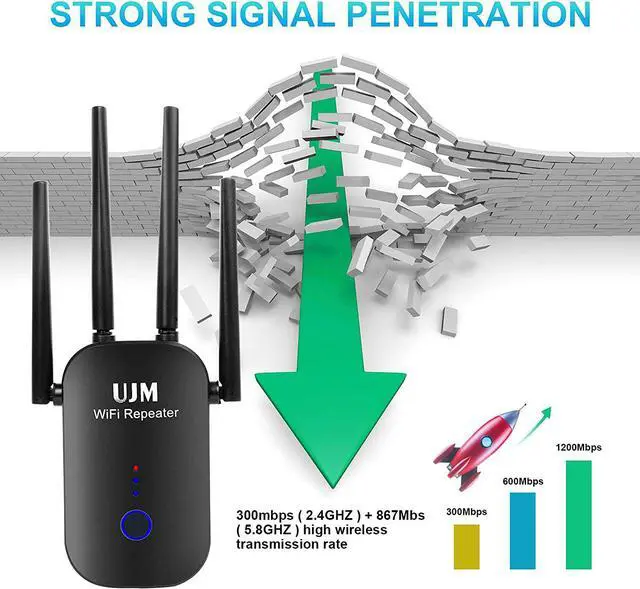
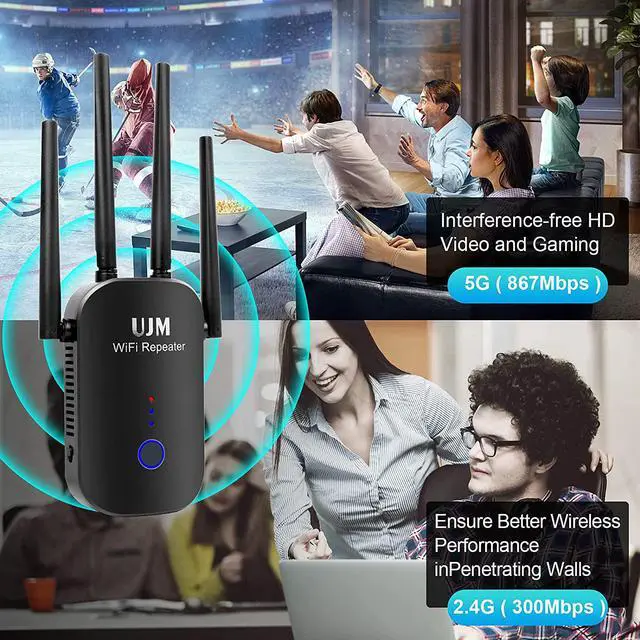
Wi-Fi transmission speed: 1200Mbps( 2.4GHz - 300Mbps /5GHz - 867Mbps);
Interface: 1X Ethernet Port;
Wired transfer rate: 10/100Mbps;
Wi-Fi supported frequency: 2.4G & 5G;
Standards and protocols: Wi-Fi 802.11g, Wi-Fi 802.11n, Wi-Fi 802.11b,Wifi 802.11ac ;
Encryption:WPA-PSK/WPA2-PSK/ WPA/WPA;
Antenna:External High Gain Wi-Fi Antenna,4x3dBi.
WPS One Button Setup
For WPS compatible routers, use the WPS button to effortlessly set up and extend your WiFi.
WiFi Booster 2.4 & 5GHz Dual Band
5GHz suitable for short-distance high-speed transmission, for high-definition video/game. 2.4GHz suitable for medium and long distance transmission, for basic network browsing.
Stronger and Fast WiFi Signal
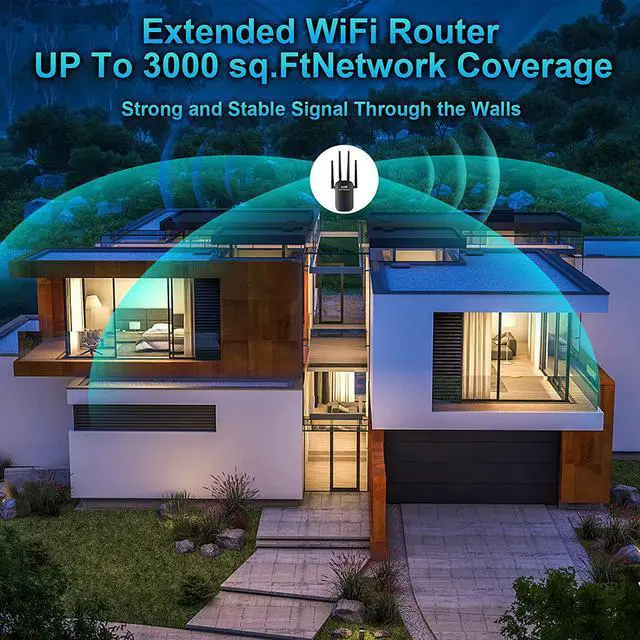
Equipped with update high gain antennas, this Wi-Fi Range Extender extends Wi-Fi coverage 360 degree by up to 3000 sq.Ft.
Pay Attention:
When you plug the wifi repeater into the socket, there will be a start-up time of about 30 seconds accompanied by the colored indicator light.Wait for 30 seconds. When the indicator light turns blue, you can follow the steps below ( Or manual) set up your wifi extender.
Please install the repeater in the same room as the existing router at a close distance. After the setting is successful, move the repeater to another power outlet located between the router and the router's weak Wi-Fi signal area. Please do not Install repeaters in Wi-Fi blind spots where there is no router Wi-Fi signal. When moving to another socket, there is no need to set it again. After waiting for 30 seconds, the repeater will automatically expand the set wireless network;
The status change of the indicator light: The blue is always on, the power is turned on, and the Wi-Fi network is being extended. The green light is always on, the expansion is successful, and the signal is strong; the red light is always on, the expansion is successful, and the signal is weak. The green light and the red light are on alternately, the expansion is successful, and the signal strength alternates.
The antenna angle should be kept perpendicular to the horizon to ensure the best signal coverage.
If the repeater fails to start after the setting is completed, you can try to press the reset button to restore the factory settings, press and hold the "reset" button of the repeater for 10 seconds, then release it and wait for the factory settings to be restored. When the indicator light goes out and then lights up again, you can start resetting it.



 All Categories