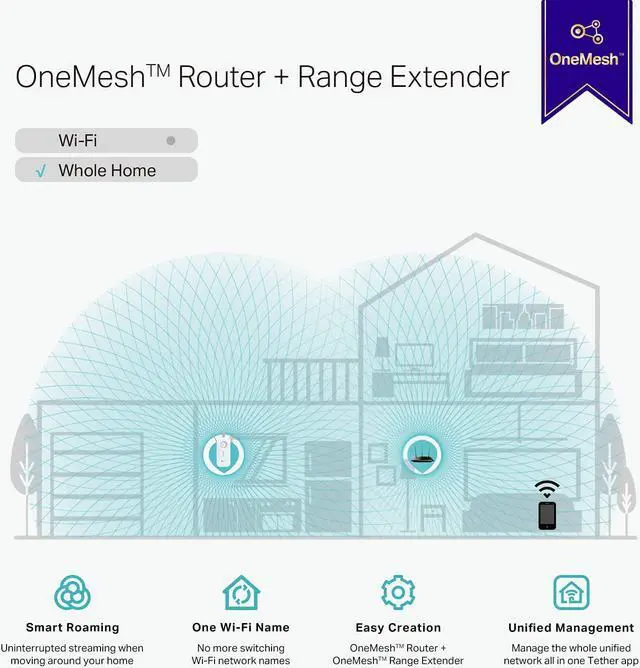
OneMesh For Seamless Whole-Home Streaming
With TP-Link OneMesh technology effortlessly create a Mesh network with a single network name for uninterrupted streaming when moving around your home. Just connect the RE550 range extender to a OneMesh router for a smart roaming experience that can be managed from the TP-Link Tether app.[2]
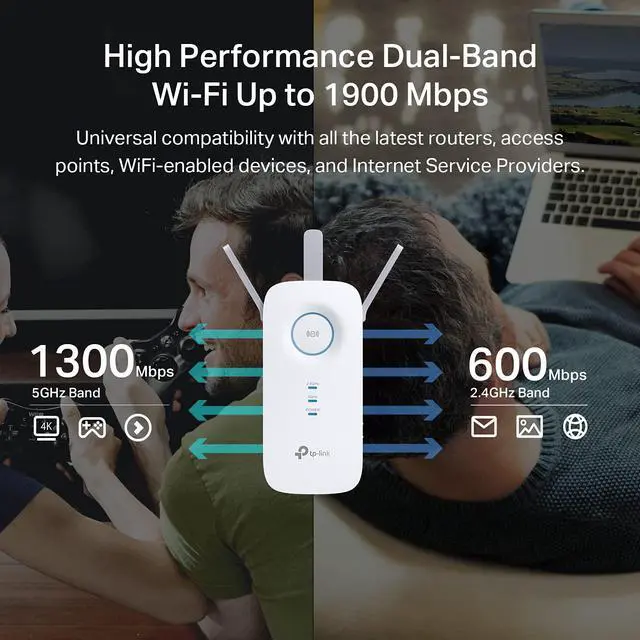
High Performance Dual-Band Wi-Fi up to 1900 Mbps
Supporting the 802.11ac Wi-Fi standard, 3x faster than standard 802.11n speeds, the RE550 delivers up to 1900Mbps of fast speeds for bandwidth-intensive tasks like 4K streaming, online gaming, video calls and more.
Built-in Access Point Mode
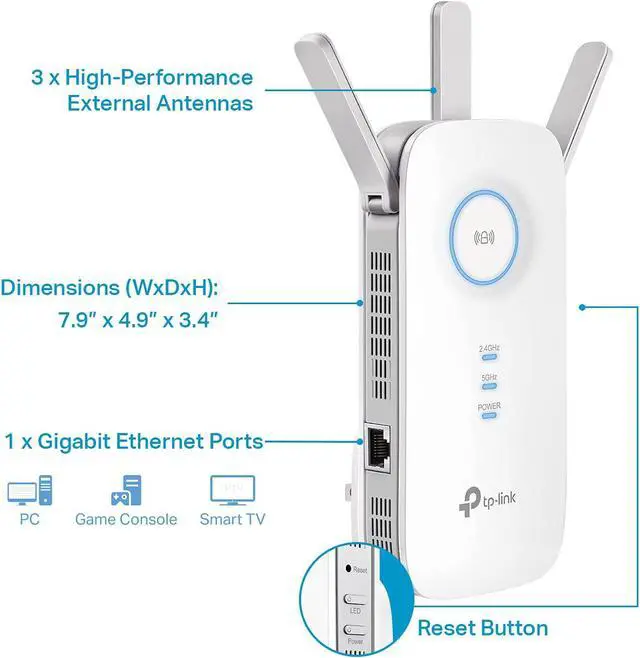
The RE550 is more than a wireless range externder. With a built-in Access Point mode for plug in an Ethernet cable into the Ethernet port to easily turn any wired connection into a high-speed 3x3 MIMO dual-band Wi-Fi signal.
Setup Made Easy
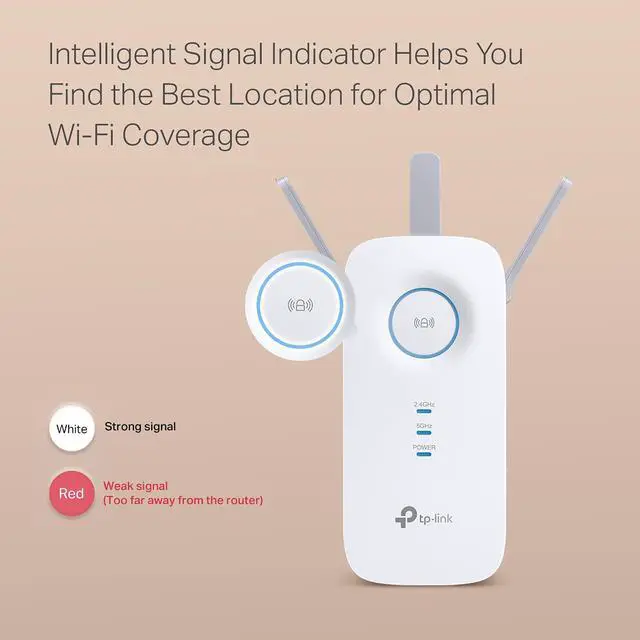
Always Find the Best Location for Placement
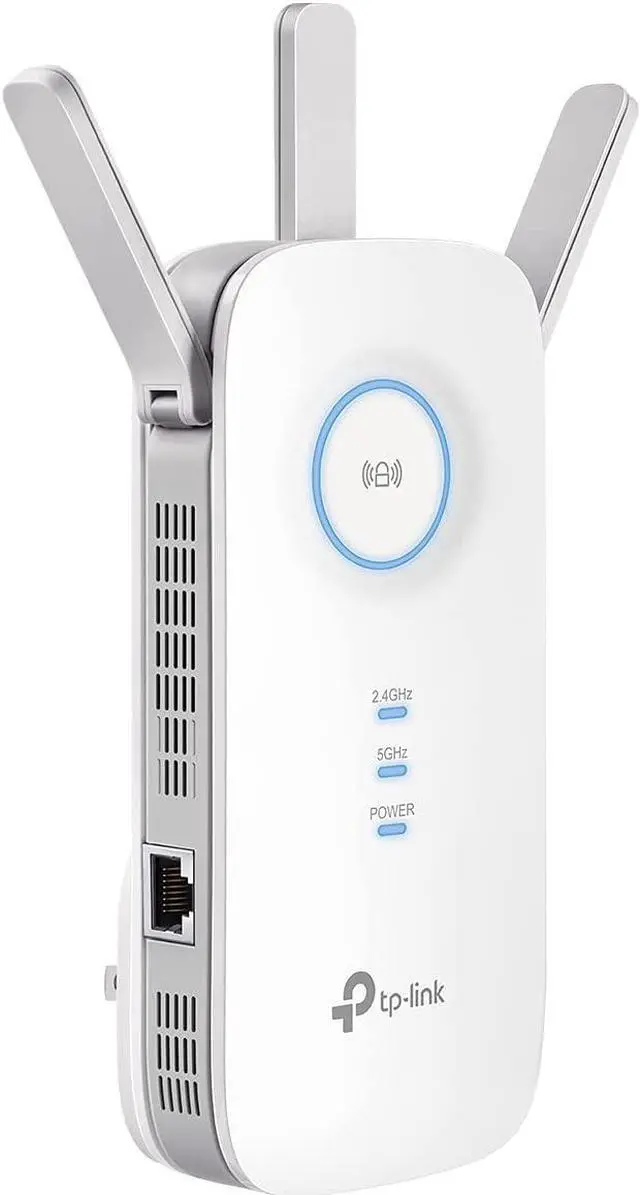
The intelligent signal indicator helps you easily find the best place to position your RE550 for optimal signal strength from your existing router to boost WiFi coverage.
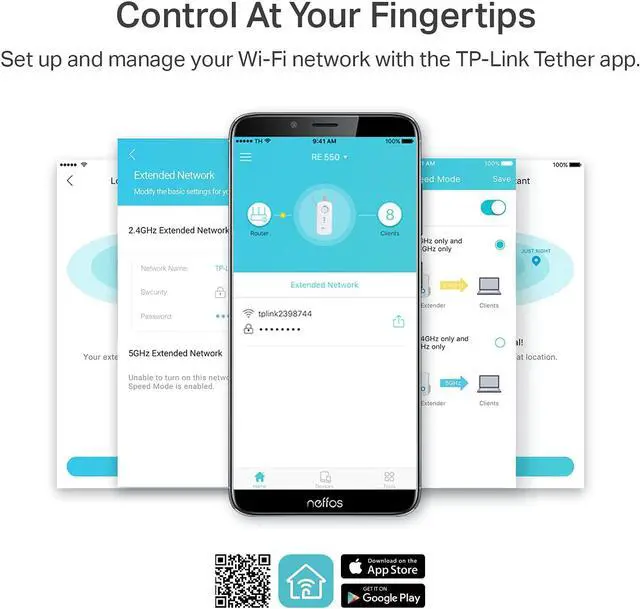
Control At Your Fingertips
Set up and manage your Wi-Fi network through the TP-Link Tether app from your Android or iOS mobile device. Maintain full control of your network even when you're away from the house.
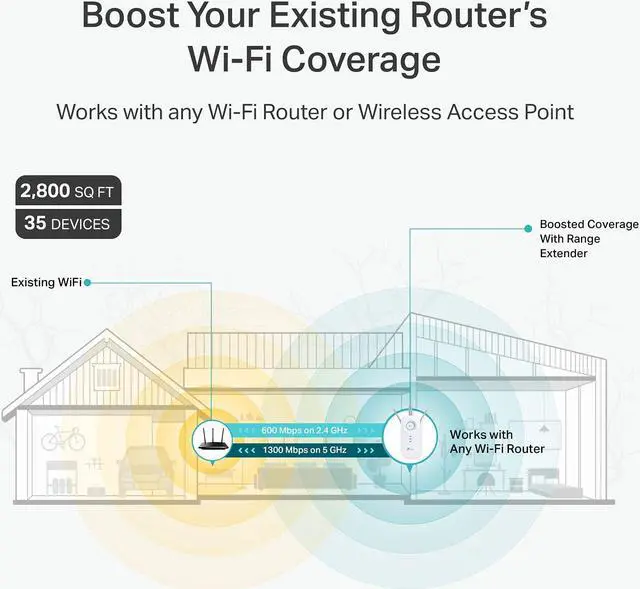
Boost Whole Home Wi-Fi with Your Existing Router A single router has limited Wi-Fi coverage and always causes Wi-Fi dead zones. RE550 wirelessly connects to your existing router and expands its Wi-Fi signal into areas it cant reach on its own. Enjoy your stable network experience wherever you are at home. Faster Dual Band Wi-Fi up to 1900 Mbps RE550 delivers dual band (2.4 GHz and 5 GHz) to transmit Wi-Fi signals, doubling the performance of each band. It enables you to keep more devices connected at the same time with its 600 Mbps 2.4 GHz and 1300 Mbps 5 GHz dual bands.
Use the 2.4 GHz band to send email and browse the web and the 5 GHz band for gaming and HD streaming. Wi-Fi keeps Strongest for Unlimited Moving With TP-Link OneMesh Technology, its easy to form a wifi network with a single Wi-Fi name for seamless whole home coverage. Just connect RE550 to a OneMesh router. Always enjoy the strongest Wi-Fi when youre walking around with no need to search around for a stable connection. Adaptive Path Selection: Keeps Itself Working at Top Speed Adaptive Path Selection keeps your network running at optimal speeds by automatically choosing the fastest connection path to the router. Always keep your devices fast and stableideal for network environments crowded with many devices and applications.
High Speed Mode: Maximized Speed with Dedicated Backhaul Uses one dedicated Wi-Fi band as backhaul and another dedicated Wi-Fi band as an access point to maximize the bandwidth on the extended Wi-Fi. Built-In Access Point Mode RE550 is more than a wireless range extender. Simply plug an Ethernet cable into its Ethernet port and easily turn your wired internet connection into a 3×3 MIMO dual band wireless access point. Control at Your Fingertips Set up and manage your Wi-Fi through the TP-Link Tether app from your smartphone (Android, iOS), including TP-Link routers and range extenders.