


Meet Your Seller

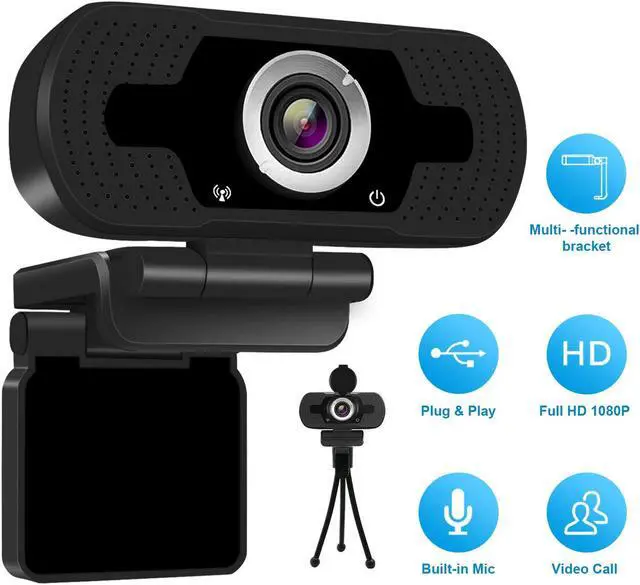


High Performance 1080p HD Webcam W8, USB Desktop Laptop Camera, Mini Plug and Play Video Calling Computer Camera, Built-in Mic, Flexible Rotatable Clip
- Item #: 9SIV36AKE31305
- Mfr. Part #: BL-WBLY02
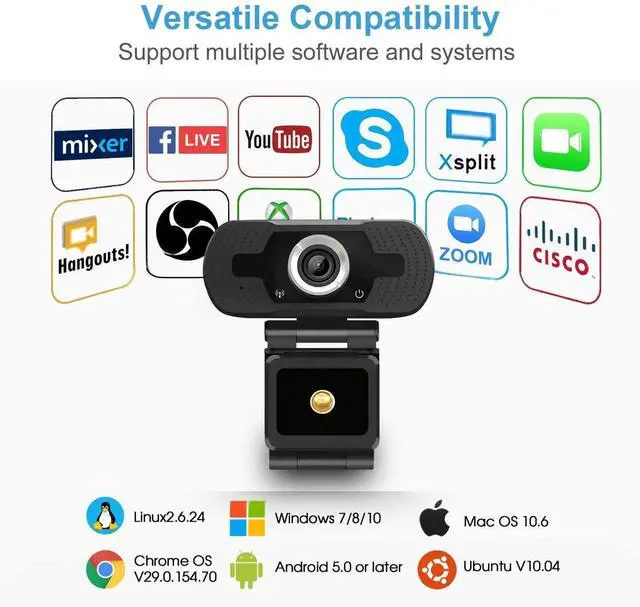
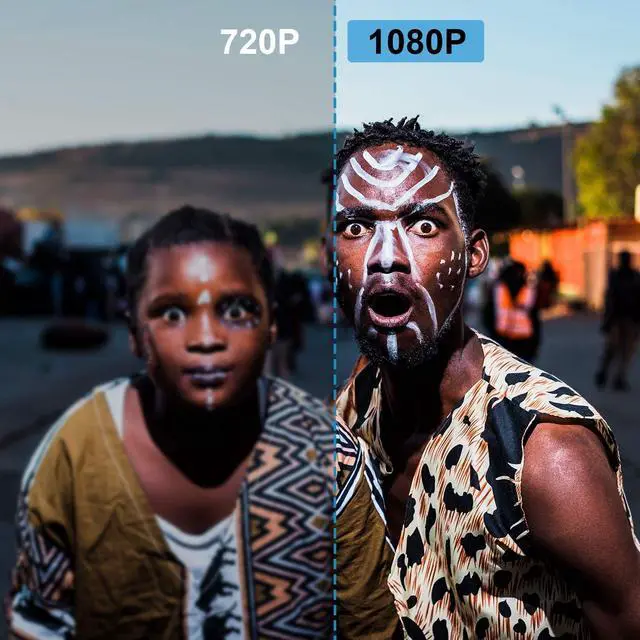
- USB WEBCAM 1080P - Get a sharper and smoother picture with more pixels at 30 frames per second. The picture quality is realistic and pure. Record vibrant HD video clips that capture the smallest details. Get fast, smooth uploads with less demand on your computer. Support Software and System Webcam is available USB port, compatible with most social media platform. Supports for Skype, MSN Messenger, Windows Live Messenger, and Yahoo Video Messenger
- WIDESCREEN LAPTOP CAMERA - 75 degree Viewing angle for wide vision. PC based surveillance camera. Multi-functional hook design makes calling and recording easier at any angle.
- WEBCAM WITH MICROPHONE - Built-in dual digital noise reducing microphones, superior stereo audio, allow clear and natural sound recording within three meters. It is the best choice of video conference to output sound clearly in noisy environment
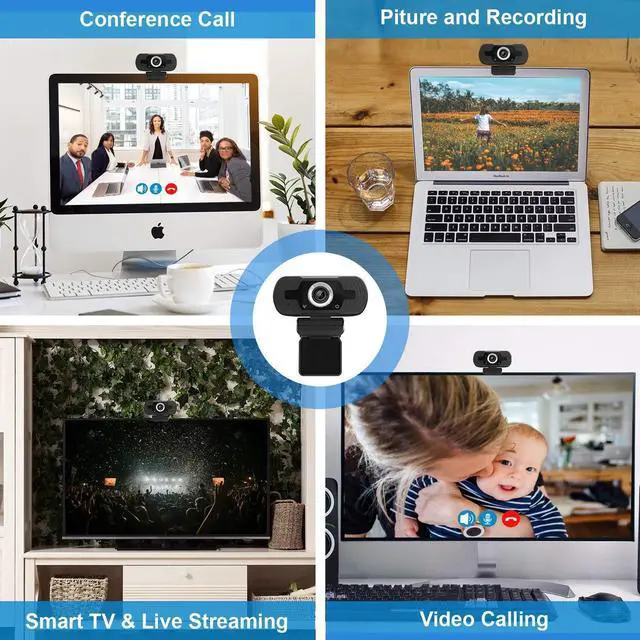
- PC CAMERA - The camera with Plug and Play. Face cam fits for with monitors, laptop, desktop, desk, Android TV and even other
+
+
Overview
Specs
Reviews
High Performance webcam from USA warehouse
CLEAR STEREO AUDIO:
Two built-in omni-directional microphones deliver excellent voice pick-up for clear conversations.
Just Plug and Play:
Easy to use, available USB port, compatible with most social media plaform.
COMPATIBILITY:
Compatible with Skype, yahoo!@messenger, MSN, Windows live@messager, Gmail, Android IPTV, WHATSAPP, QQ etc instant messaging applications.
USB port:
Work with PC, Notebook, laptop, desktop, Android TV.
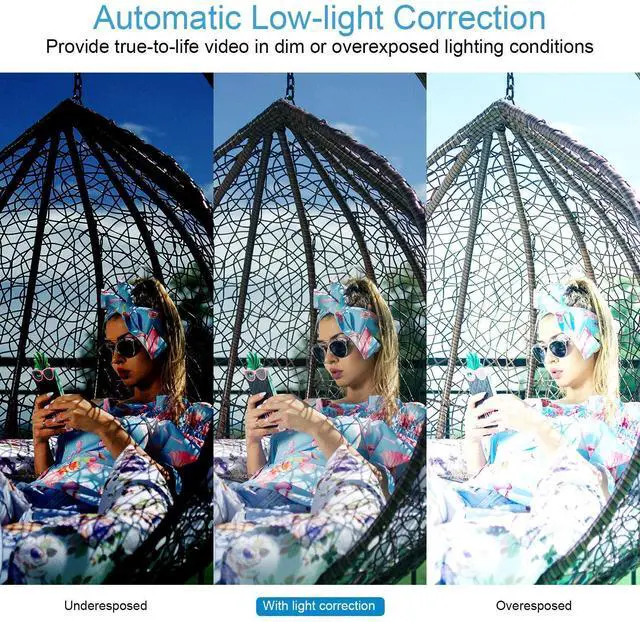
Comes with good lighting
With automatic light correction, you'll get the best possible imageeven if you make a video call in dim light.
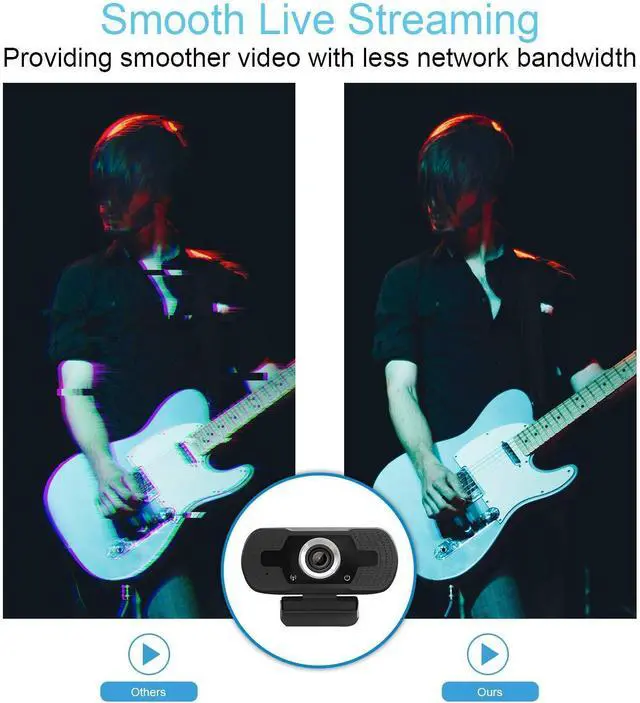
Video compression, Built-in dual stereo mics with automatic noise reduction.
Before using, please follow the steps below to test if the camera's microphone is defective:
1. Turn off the microphone of the computer
2. Mount the webcam on your computer
3. Find the local recording function of your computer and use the camera's microphone to record. Play after recording. If it can play normally, there is no problem with the microphone of the camera. Otherwise, the microphone of the camera is defective.
Please note:
This webcam does not contain speakers. If you can't hear the other person's voice, please check whether your device has speakers.
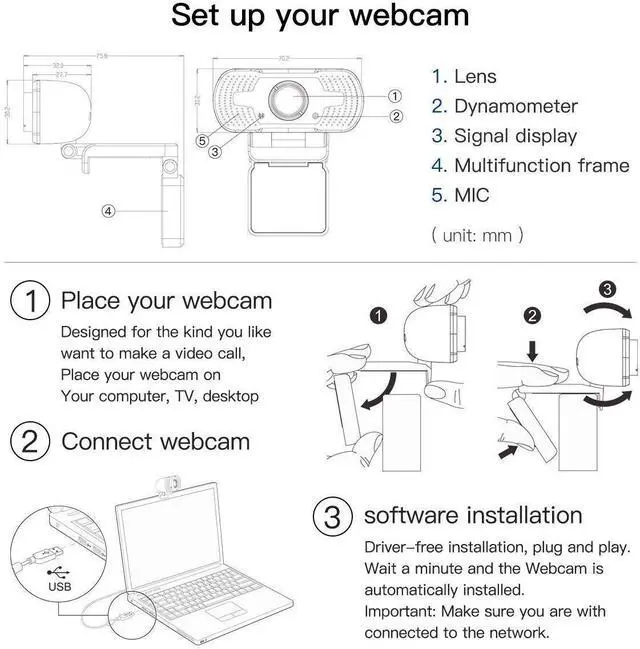
Set up your webcam
Important: Please make sure your device is connected to the network
1. Place your webcam:
Designed for the kind you want to make a video call, Place your webcam on your computer,TV,desktop
2. Connect Webcam
3. Software installation:
Driver-free installation,Plug and play. Wait a minute and the Webcam is automatically installed.
Warranty & Returns
Warranty, Returns, And Additional Information
Warranty
- Please contact the Seller directly for warranty information. Warranty information may also be found on the Manufacturer's website.
- CONTACT
Return Policies
- Return for refund within: 30 days
- Return for replacement within: 30 days
- This item is covered by Electronics World Return Policy
Manufacturer Contact Info
- For a directory of all our manufacturers, please click below.
- Manufacturers Directory
LOADING...