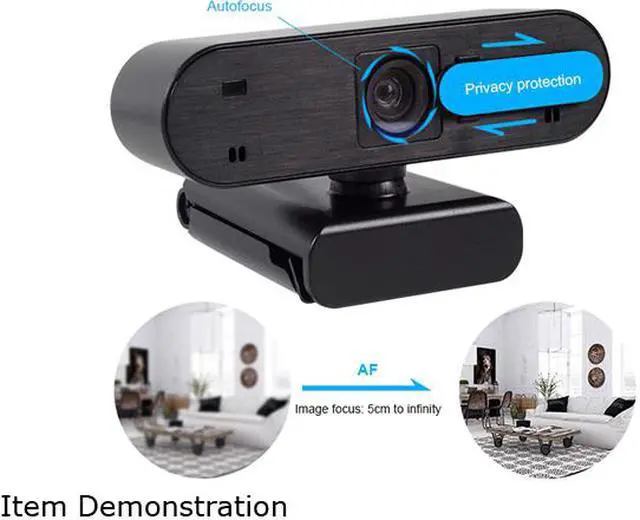
Overview:
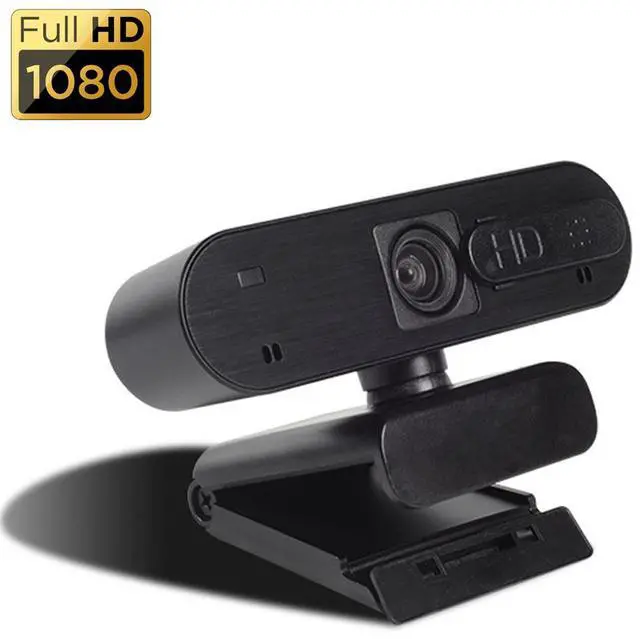
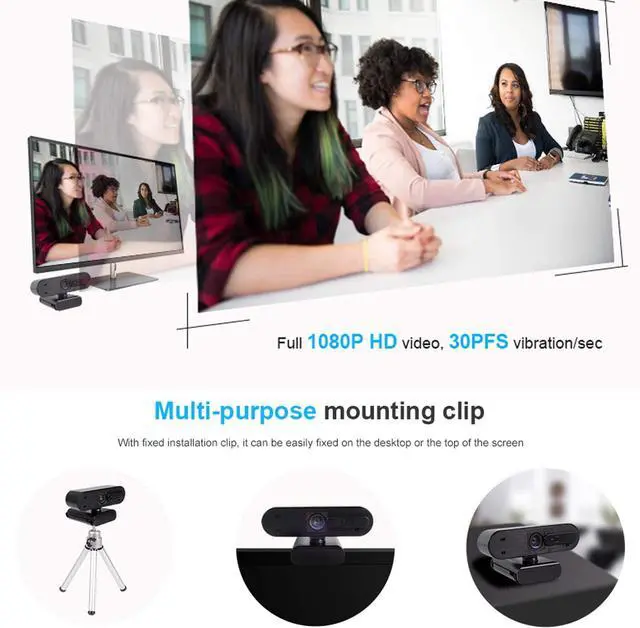
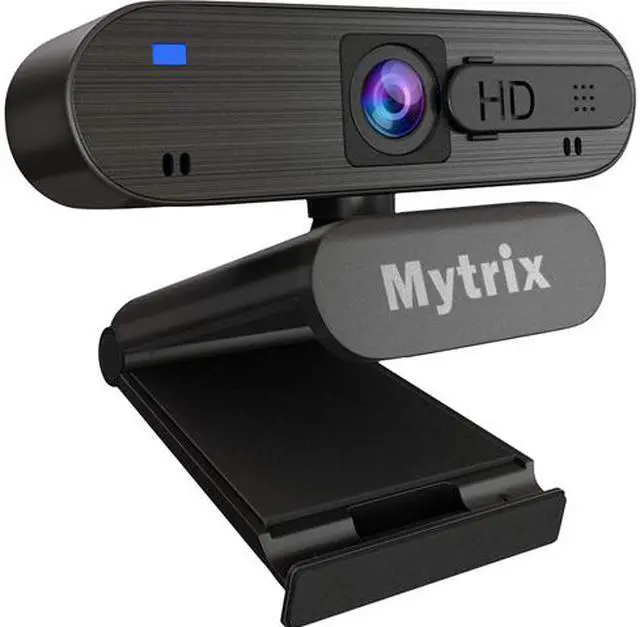
FULL HD 1080P WEBCAM: 1920*1080 pixels, up to 30fps. Full HD 5-layer coating lens and full HD mean your recorded videos are crisp and vibrantly colored. Premium video quality that makes you look like a Pro. 76 degree wide angle enables you see everyone in the video conference.
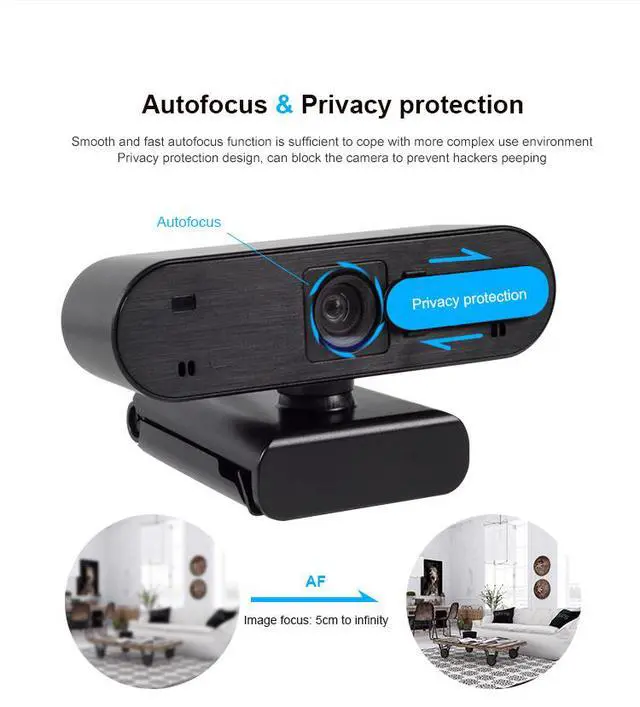
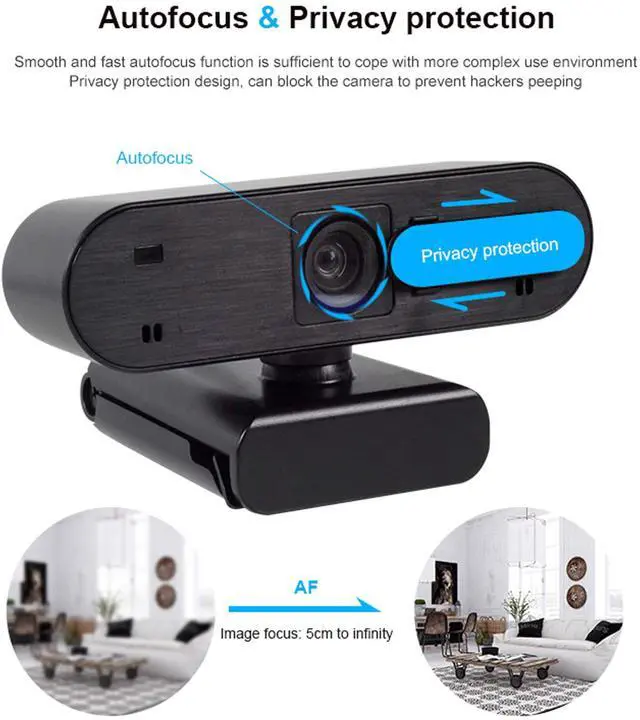
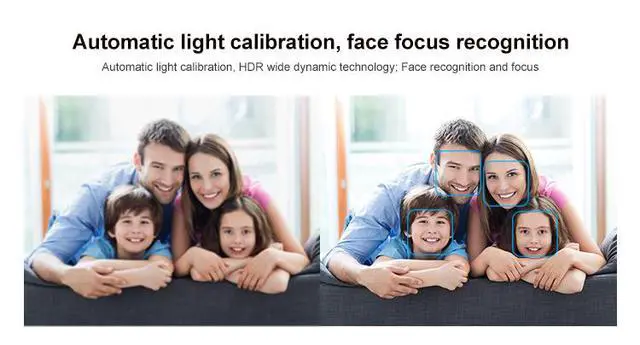
AUTO FOCUS & LIGHT CORRECTION: Automatic low-light correction provide true-to-life video even in dim lighting conditions. Auto focus and Facial-enhancement Technology optimize the image automatically, makes you look more beautiful in the video.
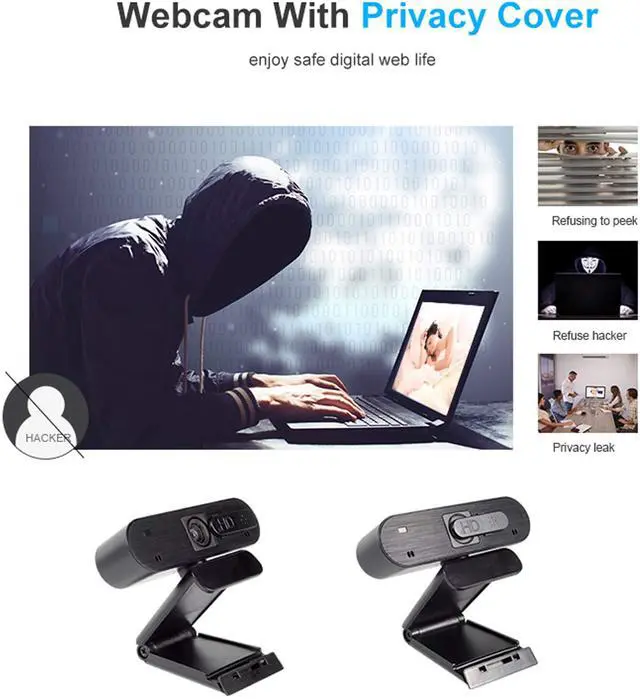
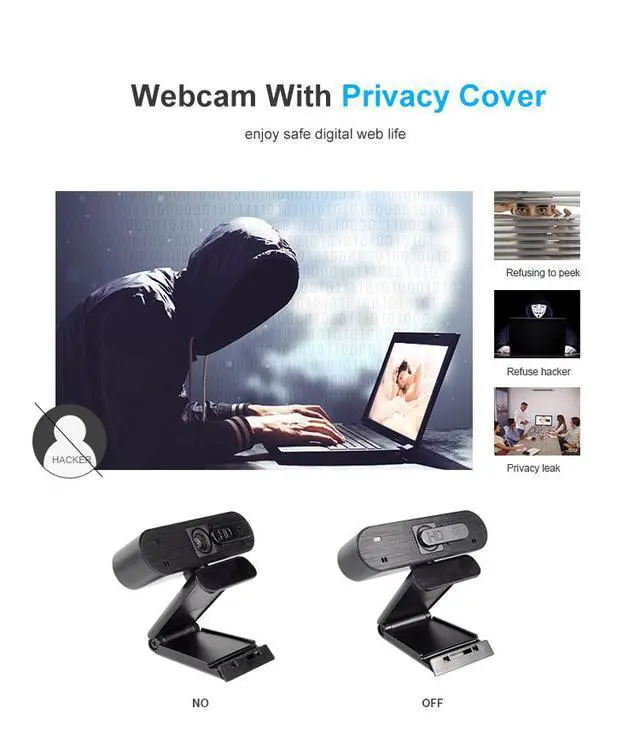
PRIVACY SHUTTER: Puts you in control of what you show and protects the lens with a snugly fitting cover. Slide the webcam cover open when needed and while it also blocks potential hackers. Cable length: 6 ft. (1.8 m)
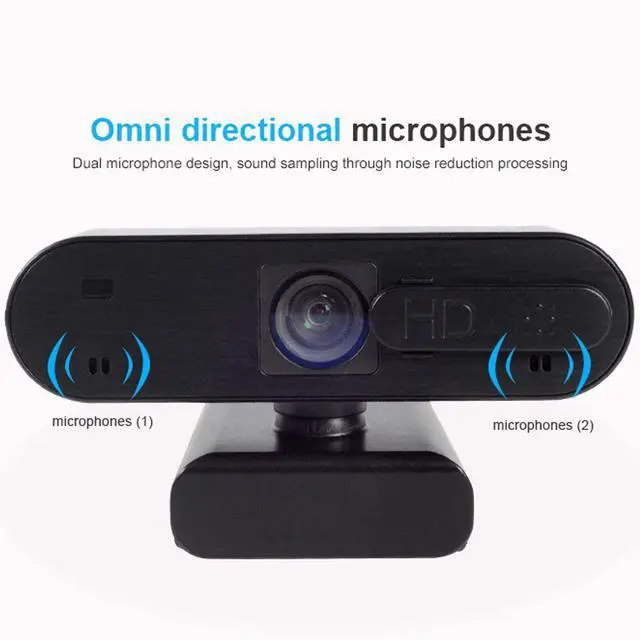
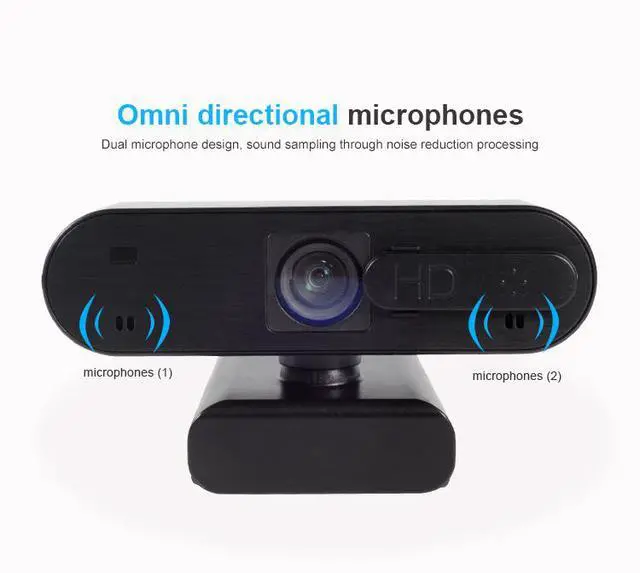
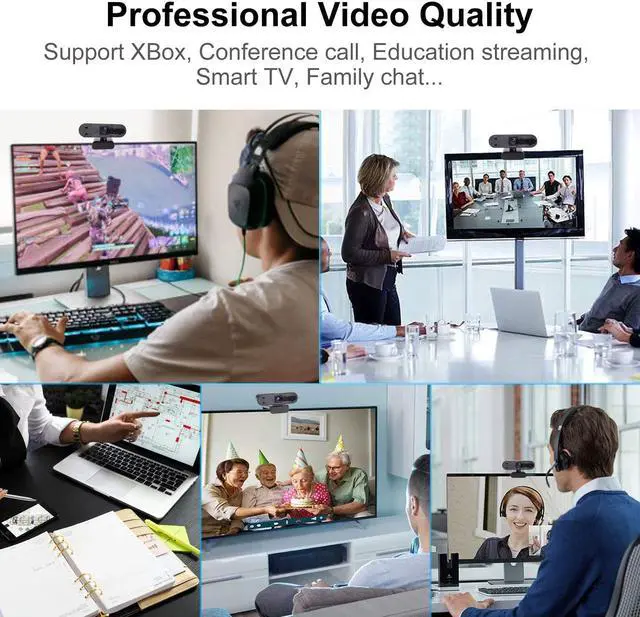
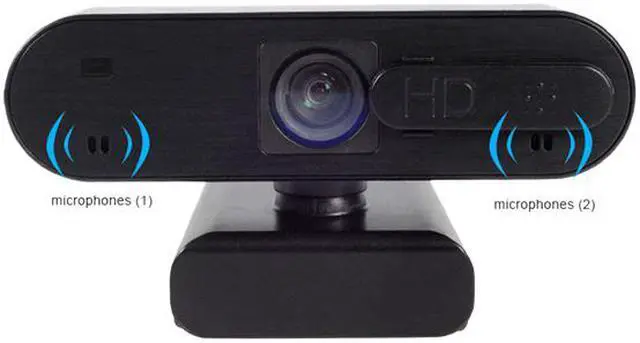
STEREO AUDIO WITH DUAL MICS: Capture natural sound on calls and recorded videos. Perfect for streaming, conference video chatting, webinars, gaming, distance learning and more. Platform Compatibility XBox, XSplit, Skype, Google Hangouts and FaceTime for Mac. (Not compatible with PS4)
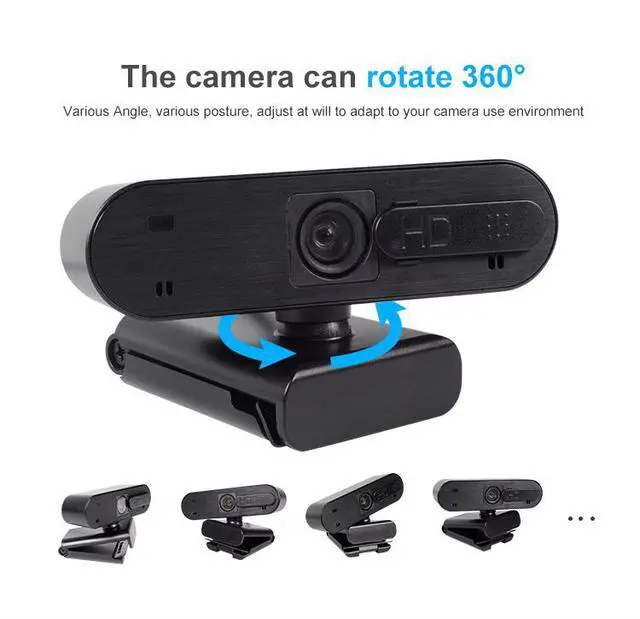
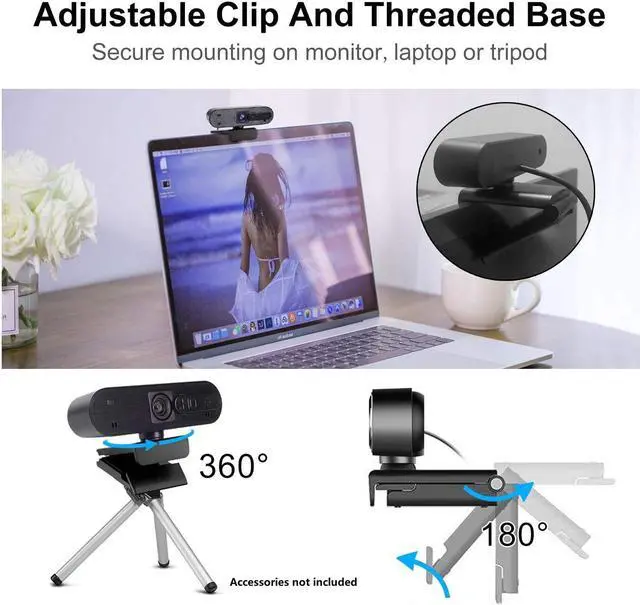
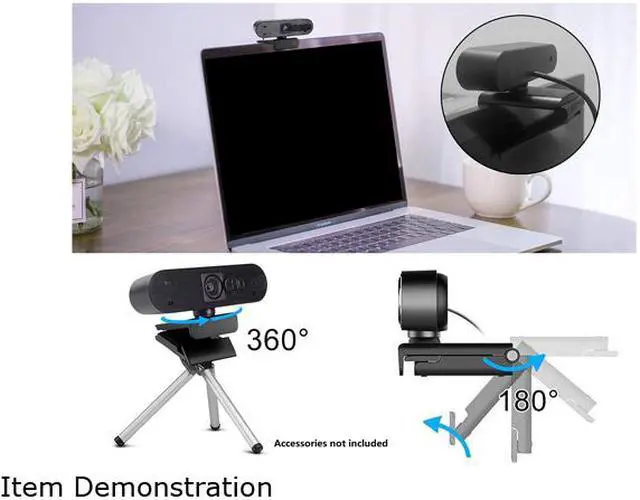
HIGH FLEXIBILITY: Compatible with Windows 7, 8, 10 and above, Mac OS 10.6 and above. Linux 2.6.24 or above. Plug and Play. Adjustable clip base securely access to any laptop, LCD monitor, desktop or tripod. Provide 1-Year Manufacturer's Warranty and 30 days no-questions-asked return policy.
Setting up your webcam
Connect webcam to your computer's USB port, then open your video recording software:
1. For Windows 7/8/10, please download Amcap software;
2. For Mac Book use Photo Booth;
3. For Google Chrome OS, search "Camera" APP;
4. For Linux or ubuntu system, please download Cheese software.
Camera property settings:
1. For Mac Book please use Photo Booth.
2. For Windows, please download AMcap software, choose FHD Camera for camera property settings (like brightness, color, white balance, focus, etc).
1). Resolution settings: AMCap?Options?Video Capture Pin?Output size?Select the corresponding value;
2). Light Settings: AMCap?Options?Video Capture Fliter?Video Proc Amp?brightness;
3). White balance: AMCap?Options?Video Capture Fliter?Video Proc Amp?white balance;
4). Adjust Focus: Amcap?Options?Camera Control?Focus;
5). Record Video: AMCap?Options?Start Capture( or Stop Capture)
If Computer can't detect webcam?
For windows:
1.Right-click on the "My Computer" > "Manage" > "Device Manager" > "Cameras", check the device;
2.Please connect the camera to the USB port on the back of the computer.
For Mac:
1.Please restart your computer and re-plugging the camera, or connect the camera to another USB interface;
2.Please reset the PRAM to load the driver of the USB Live Camera, or upgrade the Mac OS system.
The steps to connect to Xbox one:
1. Insert the webcam to Xbox One USB port, access to the broadcasting options, click on the camera option, and open it;
2. Xbox One's audio is on the game handle, and external microphone needs to be plugged into the handle when used;
3. Click "Start up your broadcast", the live video will be displayed in the mixer live app.
Notice:
1. When using a desktop computer, please connect the camera to th



 All Categories