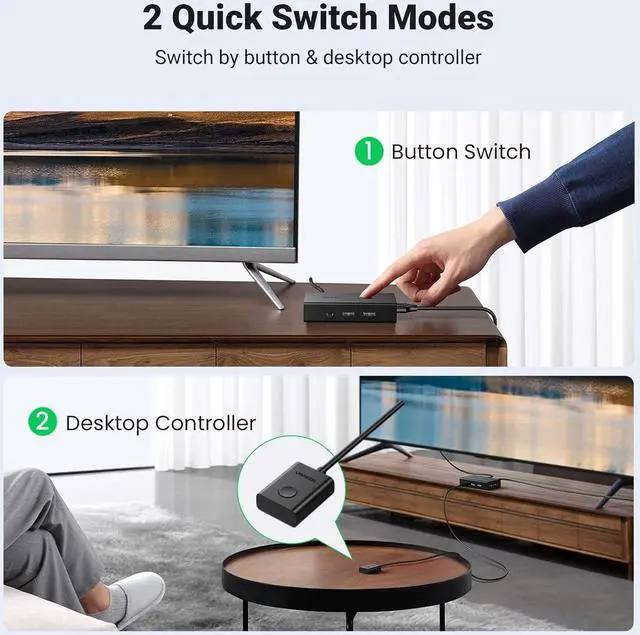
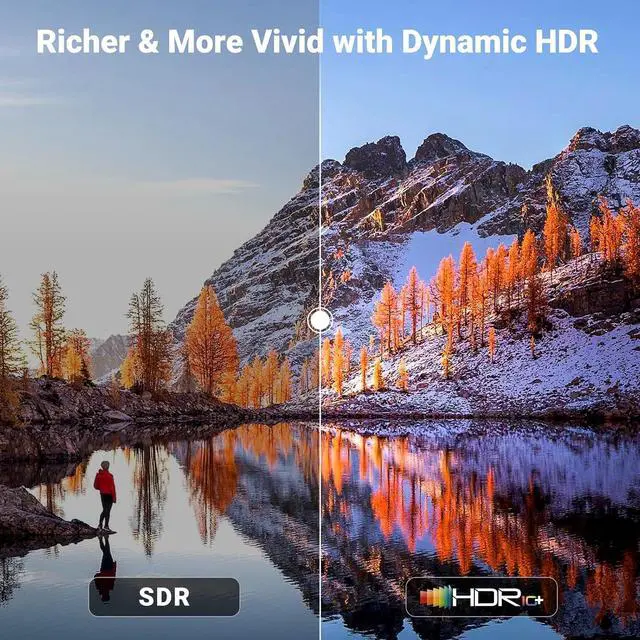
Product description Click to play video High Resolution Support HDR Package Contents Two Switching Ways Correct Connection Usage Scenario Function Ports Detailed Display Wire Gauge Points Need Attention Connect with USB-C Laptop What can I do if there is no hdmi signal at all? Why does the screen turn black for a few seconds when switching? Can the HDMI or USB function be used separately? Can I connect the wireless keyboard and mouse with the USB interface? Can the KVM Switch USB be connected to a hard drive? Various Types and Interfaces KVM Switches HDMI KVM Switch 1 Out Add to Cart HDMI KVM Switch 2 Out Buying Options 8K DP KVM Switch 1 Out Buying Options HDMI KVM Switch 1 Out Buying Options 8K HDMI KVM Switch 2 Out Buying Options HDMI KVM Switch 1 Out Buying Options 8K HDMI KVM Switch 4 Out Buying Options Type 2 Computers 1 Monitor 2 Computers 2 Monitors 2 Computers 1 Monitor 4 Computers 1 Monitor 2 Computers 2 Monitors 2 Computers 1 Monitor 4 Computers 1 Monitor Resolution 4K@60Hz 4K@60Hz 8K@60Hz 4K@60Hz 8K@60Hz 4K@60Hz 8K@60Hz Input & Output HDMI Input & HDMI Output HDMI Input & HDMI Output DP Input & DP Output HDMI Input & HDMI Output HDMI Input & HDMI Output HDMI Input & HDMI Output HDMI Input & HDMI Output USB Type USB 3.0 USB 3.0 USB 3.0 2 USB 2.0 +4 USB 3.0 USB 3.0 USB 3.0 USB 3.0 Transfer Speed 5Gbps 5Gbps 5Gbps 480Mbps+5Gbps 5Gbps 5Gbps 5Gbps USB Ports 3 USB-A Ports +1 USB-C Port 3 USB-A Ports +1 USB-C Port 3 USB-A Ports +1 USB-C Port 5 USB-A Ports +1 USB-C Port 3



 All Categories