Introduction to function
1. Create the Turbo function:
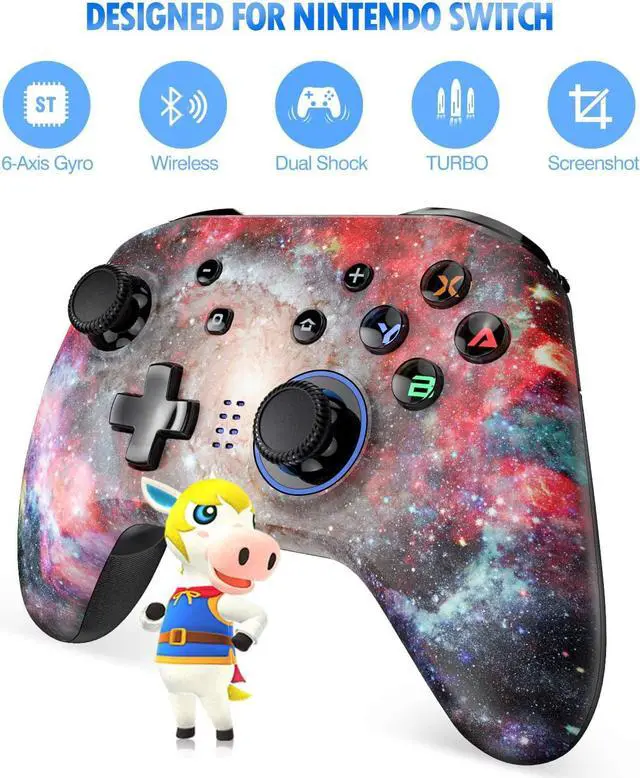
Press and hold the Turbo button (O button: also for screenshot) and then press the button for which you want to set the turbo function. The backlight ring flashes red, the setting is successful. (Can be set as Turbo button: A, B, X, Y, L, R, ZL, ZR) e.g. Press and hold the set Turbo button in the game to achieve a continuous fire.
2. Cancel Turbo function:
Press and hold the Turbo button (O button: also for screenshot) and then press the button that has been set the turbo function. The backlight ring flashes blue, the turbo function is successfully cancelled.
3. Vibration intensity adjustment:
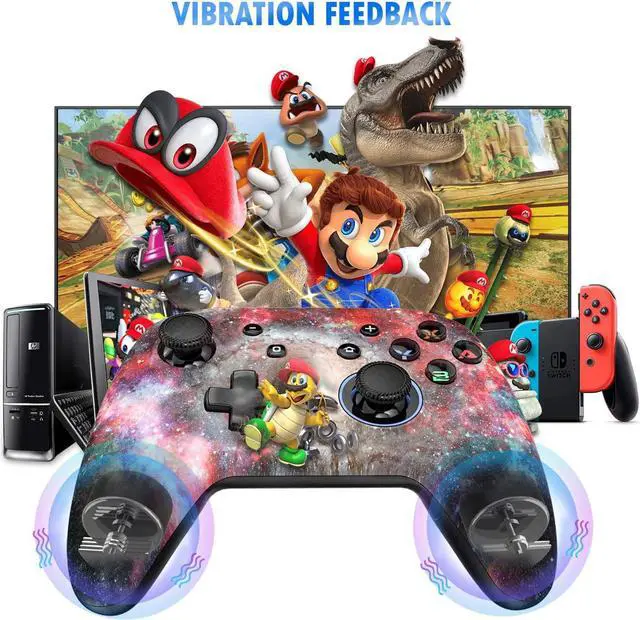
First press the Turbo button and then press the direction button up, the vibration will be amplified. Hold down the Turbo button first and then press the direction button down, the vibration will be reduced.
4. LED backlight adjustment:
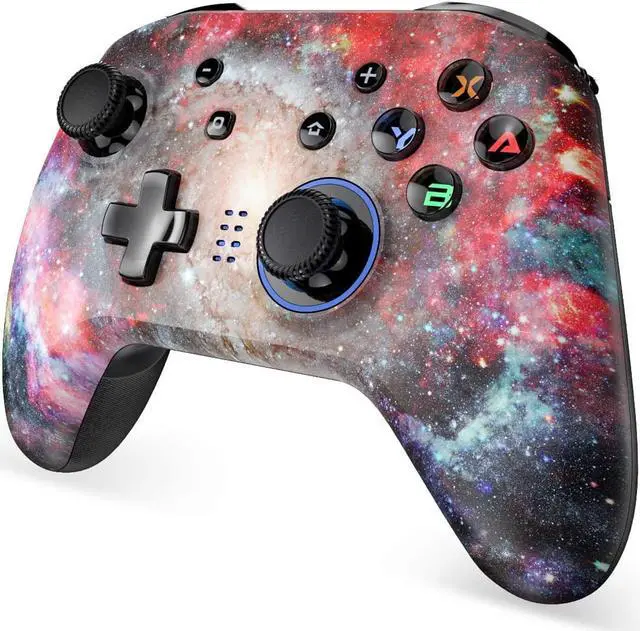
The LED backlight of A, B, X, Y Taseten light up when switched on. Press and hold the L + R + R3 (vertical press down) + D Pad up and down buttons to adjust the brightness of the LED backlight.
Note: Due to many customer feedback that the LED backlight cannot be turned on. So we removed the ability to turn off the backlight
5. Charging status indicator:
The red light stays on during charging. When the light goes out, the charging process is complete.
For second pairing:
the controller only connects by briefly pressing the Home button. Up to four controllers can be connected to one Switch/Switch Lite/Switch OLED simultaneously.
Connection with PC:
Plug the USB cable of the controller directly into the USB port of the computer. If LED1 + LED4 remains on, it means pairing was successful.
FAQ:
1. Buttons do not work.
Check if the button is set with turbo function. Press the reset button on the back of the handle to reset.
2. Controller cannot vibrate.
The game does not support vibrations. The vibration function is not activated in the game settings.
3. First pairing via Bluetooth does not work.
Please use a USB-C to USB-C cable with which you can connect the controller and the switch once to register it. After that, the login will work repeatedly via the home button of the controller via Bluetooth.



 All Categories