PC Wired&Bluetooth ConnectionWired connection: Insert the controller into the cable and then plug the other end of the line into the computer USB port. PC bluetooth connection:An additional 4.0 receiver needs to be purchased. (Package not included).Insert the "Computer Bluetooth Connection"" into the 4.0 receiver, then press the "Home+SHARE" button on the controller until the light on the controller flashes. Right click on the computer's Bluetooth icon, add and add a Bluetooth device, click on the controller's pattern - Add Device - Wait for connection, and the computer has been successfully connected.
Console Wired&Wireless ConnectionWhen you use the handle for the first time, you need to connect it with thecurrent host: first, use the USB cable to communicate with P4 host, thenpress the HOME button of the handle, the LED light bar will always light in one color, and then the host will be connected.When the handle is connected to the host, theLED light bar flashes white. At this time, you can remove thedata cable and use the handle wirelessly.
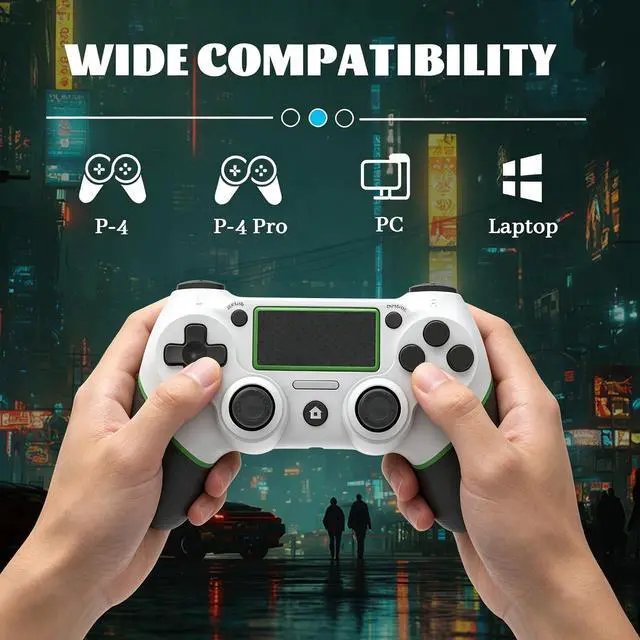
Wide CompatibilityThis wireless controller adopts bluetooth connection technology, which shows stable connection, fast transmission speed, no delay compatible with Ps4/Pro/Slim/PC (Win7/8/8.1/10).Note this is a third-party product, an unofficial controller.
+
+
Overview
Specs
Reviews
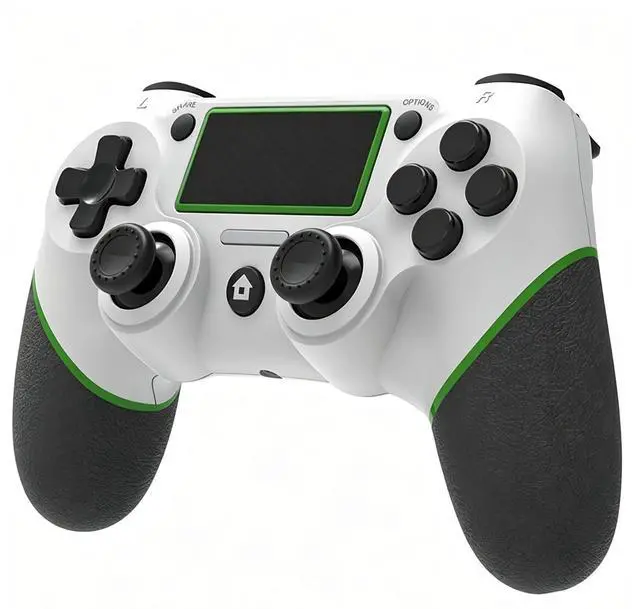
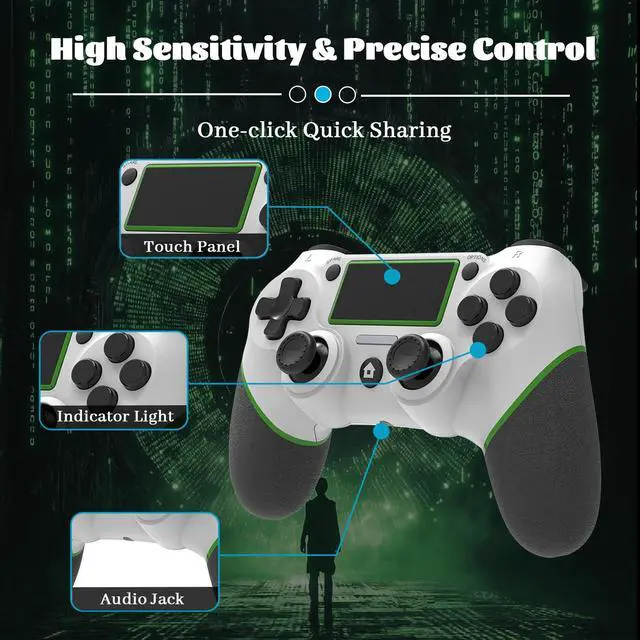
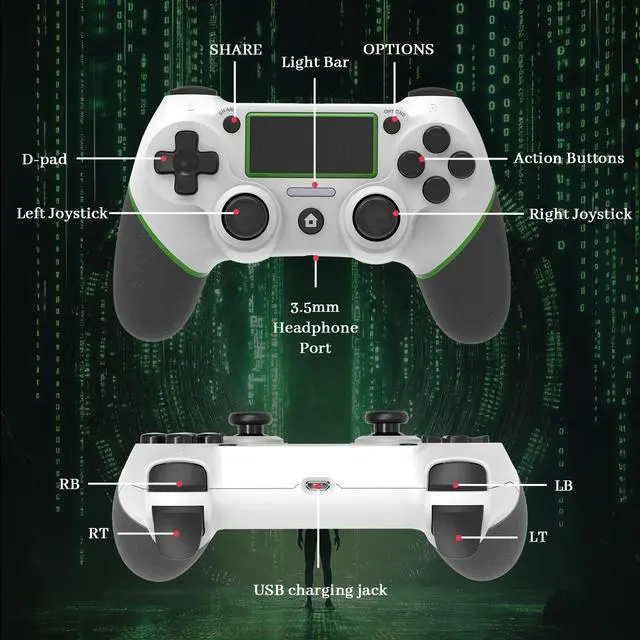
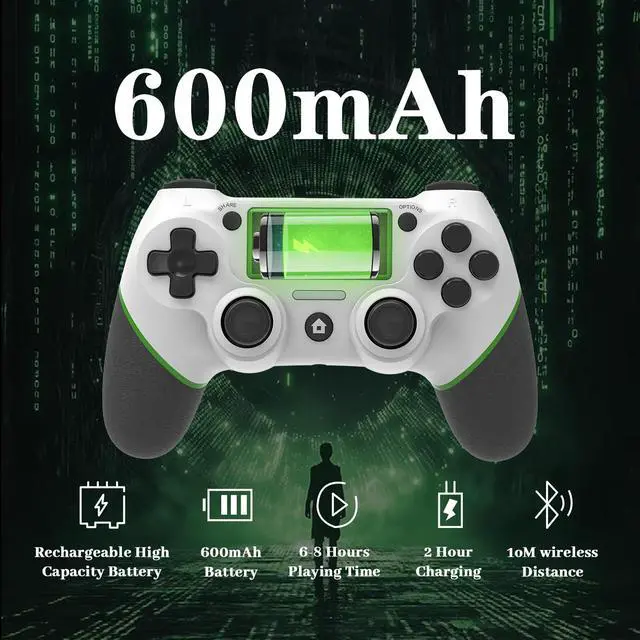
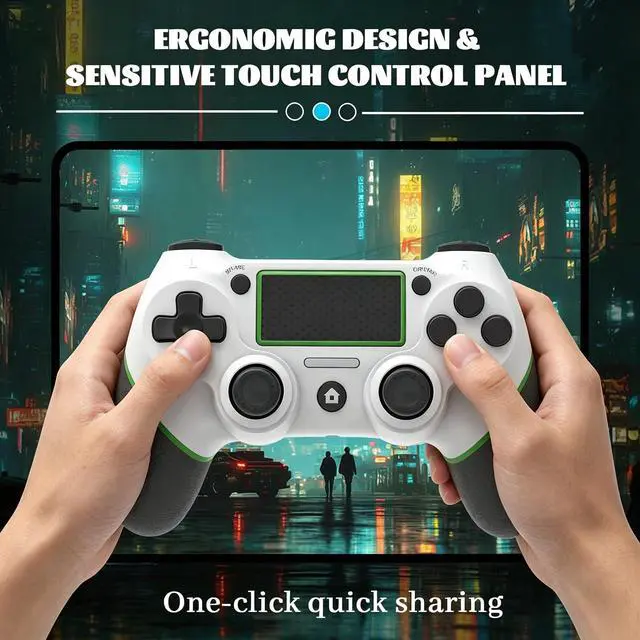
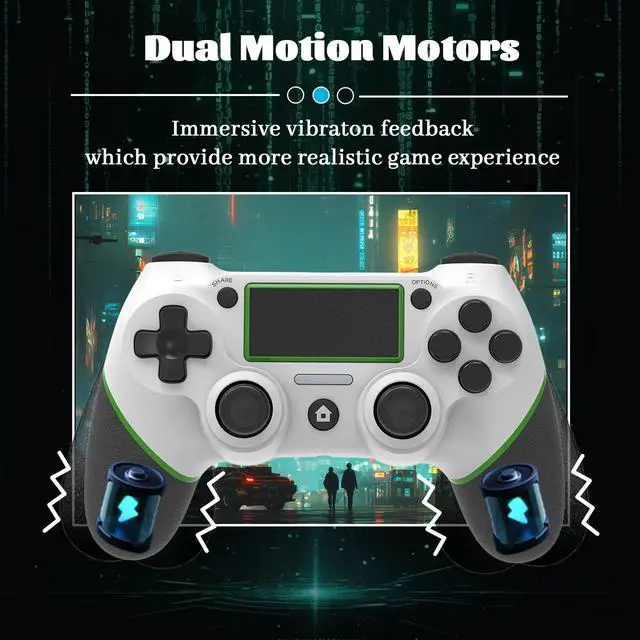
LZXWAWA Controller Compatible with PS4 Console,Wireless Controller for Ps4 Controller/Pro/Slim/PC Windows,with Built-in Speaker/Touchpad/Six-axis Motion Control/Vibration/Charging Cable,White
Learn more about the Detailed Specifications
Additional Information
First Listed on Newegg
July 24, 2026
There are no reviews yet.
Do you own this product?
Warranty & Returns
Warranty, Returns, And Additional Information
Warranty
Please contact the Seller directly for warranty information. Warranty information may also be found on the Manufacturer's website.