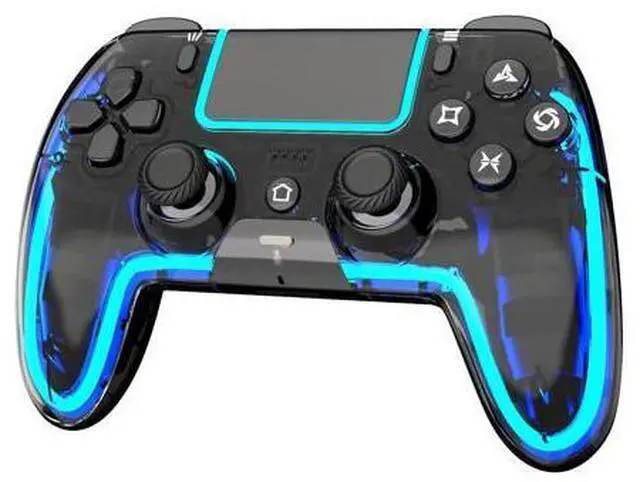
[Notes]: For the first connection, plug the controller into the PS-5 with a USB Data cable, wait a few seconds for the host to recognize the controller data, then press the Home button. (Make sure PS-5 settings allow controller connection over USB) The controller can only remember the last connected device. If you recently used it on a PC/phone, you must re-pair it to the PS-5 by USB Data cable. We recommend using the cable in the package, as it supports both charging and data transfer.;
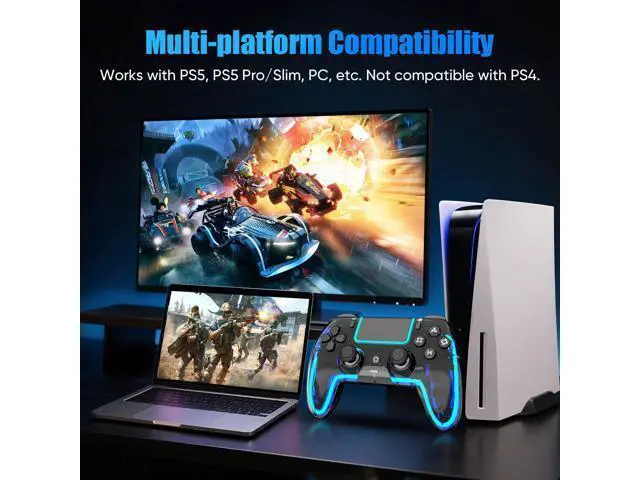
[Multi-Platform Compatibility]: Works with PS-5, PS-5 Pro/Slim, Mac, Android, Steam Deck, and Windows 10+ (Wired or Bluetooth). Not compatible with PS-4.;
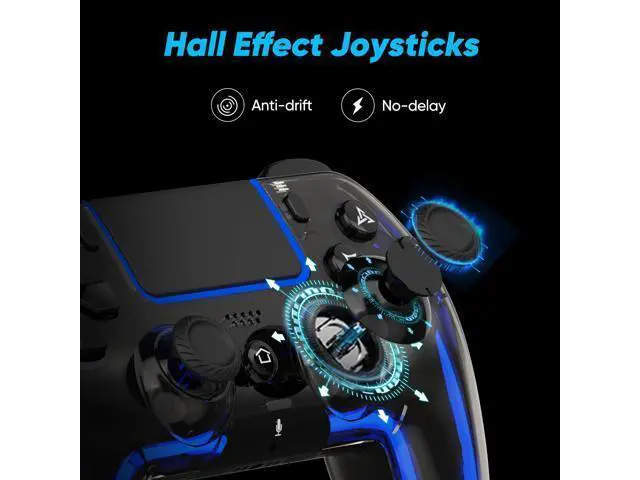
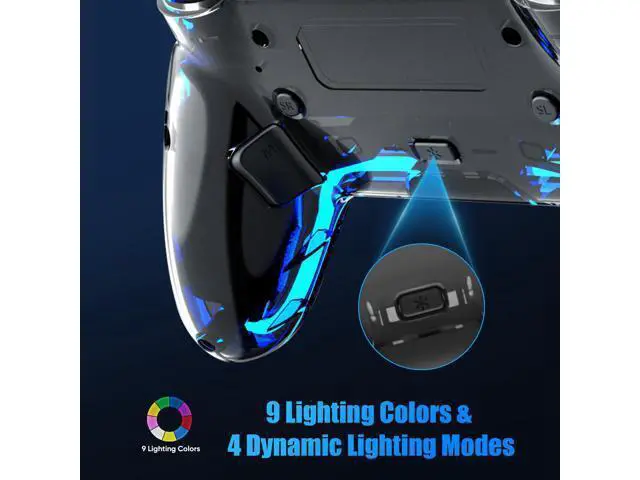
[Customizable RGB Lighting]: Choose from 9 colors and 4 effects (Breathing, Fast Flash, Slow Flash, Gradient. ). Remembers your last setting. (no monochrome breathing light, all dynamic effects have nine color loops, and you can watch the video to see the effect); [Hall
Effect Joystick]: Say goodbye to joystick drift! If your joystick ever feels drift, simply use the calibration function to restore precise control.; [Programmable
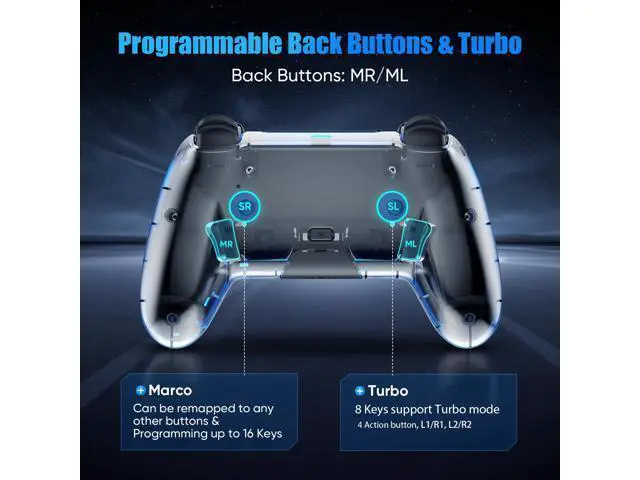
Buttons & Turbo Mode]: Assign up to 1-16 button functions to M1/M2 using the SR button for custom macros and reduced wear on main buttons. Supports two Turbo modes (Auto & Manual) with 3 adjustable speeds(4/8/16Hz) for 8 keysperfect for FPS and action games.