


 All Categories
Built for How Business Buys.
All Categories
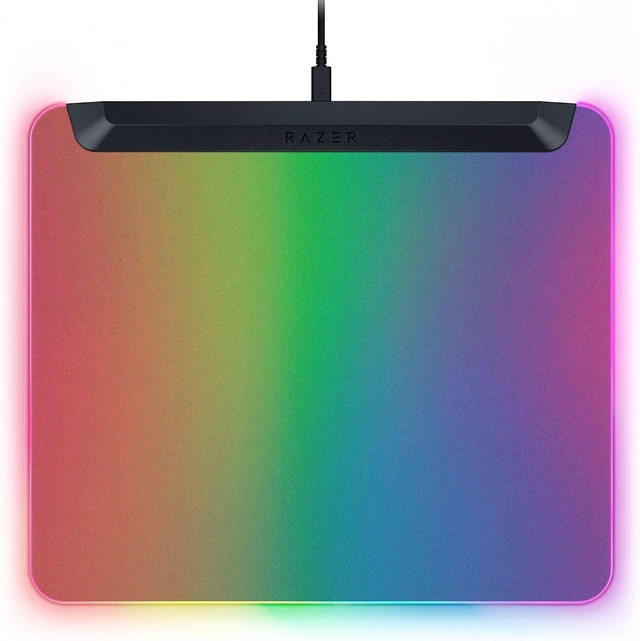
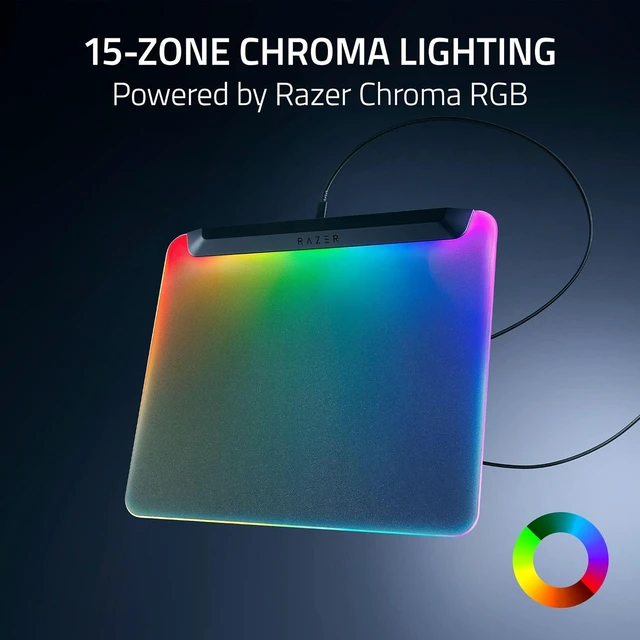
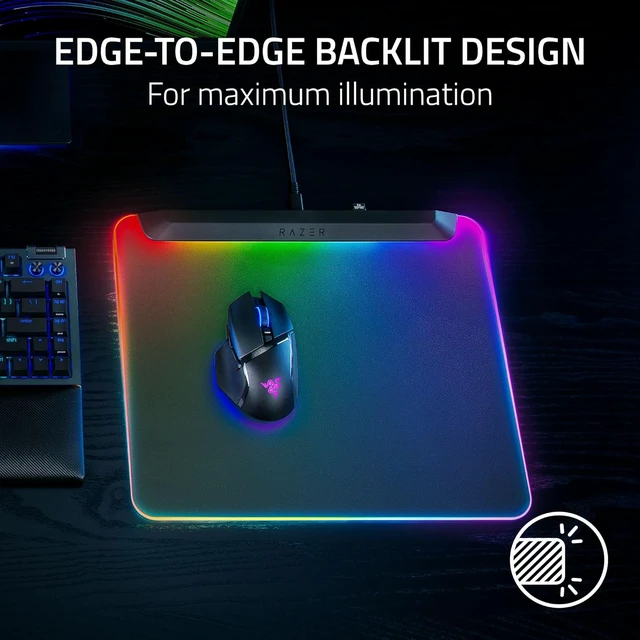
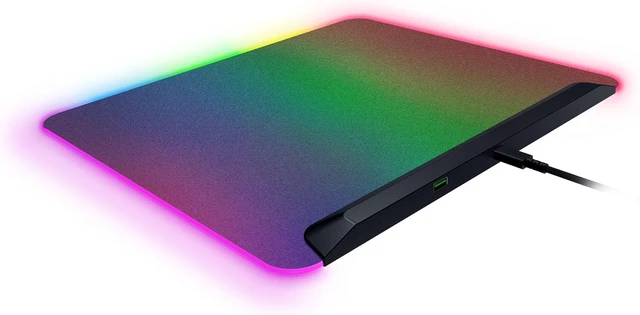


Witness a vivid RGB spectacle that spreads to every corner of the canvas

The mat’s frosted surface catches and amplifies the glow of its powerful LED strip

Create brilliant designs with customizable zones. Be immersed with dynamic game effects

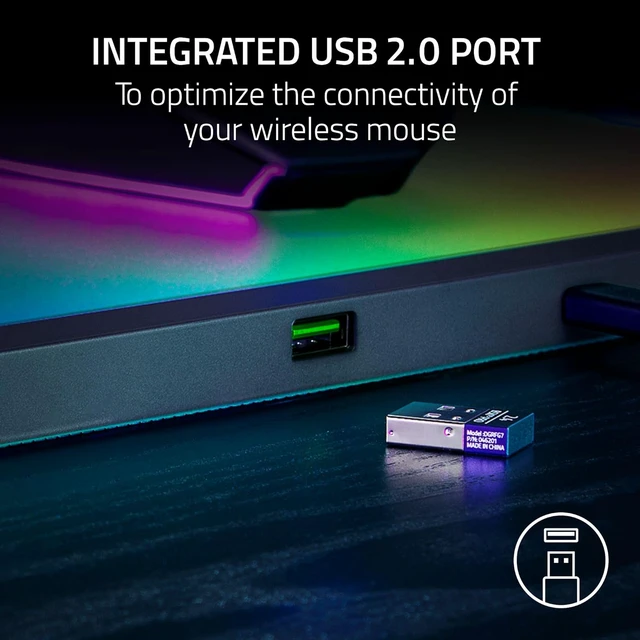
Allows your mouse dongle to be plugged in just inches away from your mouse

Quickly switch between powering the mouse mat and charging your wireless mouse


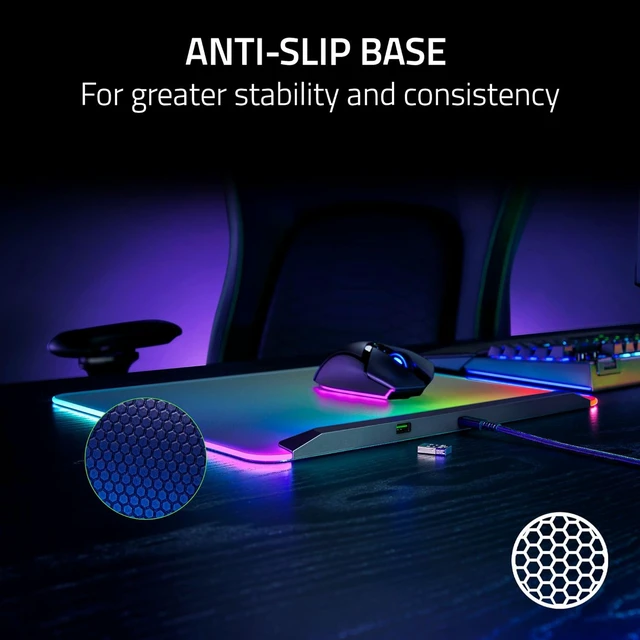
1Anti-slip base: Keeps the mouse mat anchored to your desk through the most intense gaming sessions
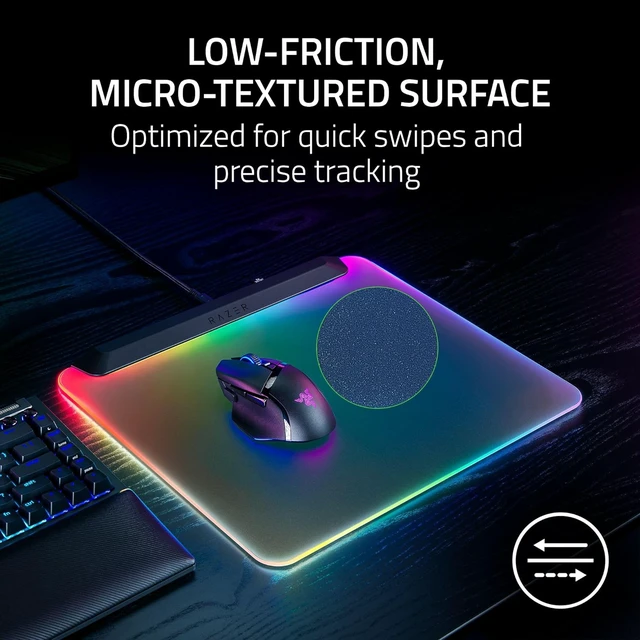
2Low-Friction, Micro-Textured Surface: Offers the perfect balance of speed and control for quick swipes and ultra-precise tracking
3Integrated USB 2.0 Port: Works as a passthrough for your mouse dongle, so it stays close to your mouse for maximum wireless performance
4Detachable USB Type C Cable: Use it to power the mouse mat or charge your wireless mouse
Is the Razer Firefly V2 Pro a hard or soft mat?
The Razer Firefly V2 Pro is a hard mat.
Will the mat’s RGB backlit surface interfere with a mouse’s optical sensor?
No. The Razer Firefly V2 Pro comes equipped with a micro-textured surface that is optimized for optical sensors, allowing for quick swipes and precise tracking at all times.
How do I customize the lighting zones on the Razer Firefly V2 Pro?
The Razer Firefly V2 Pro’s lighting zones can be customized via Chroma Studio in Razer Synapse. Choose from a selection of preset effects or customize individual RGB zones with numerous profiles and settings to your liking.
How does the Razer Firefly V2 Pro differ from the Razer Firefly V2?
The Razer Firefly V2 Pro has an edge-to-edge backlit design that illuminates the whole mat, whereas the Razer Firefly V2 features all-round edge lighting.
How do I care for the Razer Firefly V2 Pro?
We recommend cleaning the mat periodically by gently wiping it with a warm damp cloth. Ensure that the mat is always placed on a flat leveled surface to prevent accidental damage and avoid getting water into the USB ports.