
Built for How Business Buys.
Your Browsing History

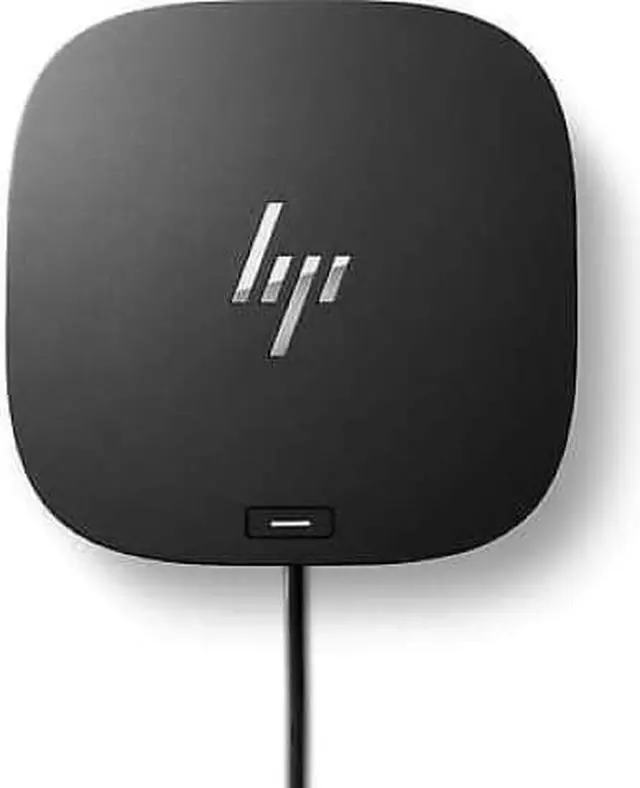
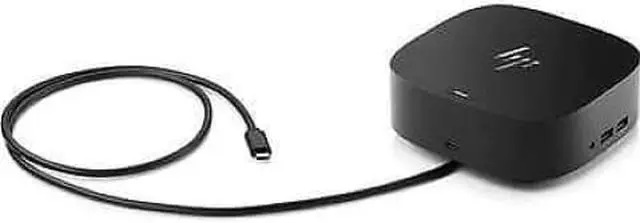
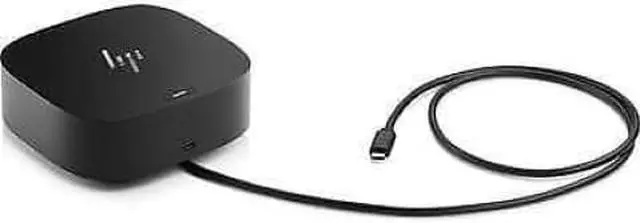
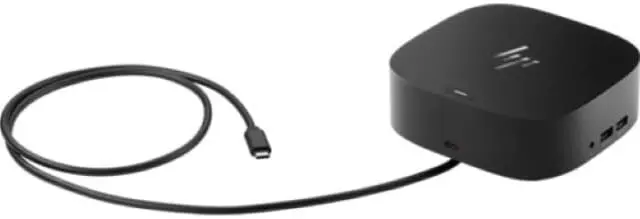
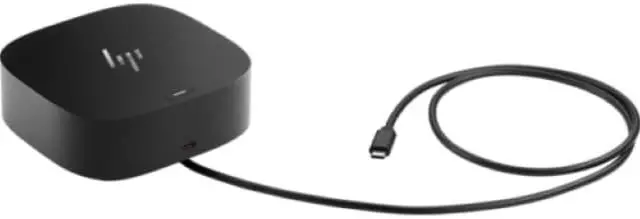
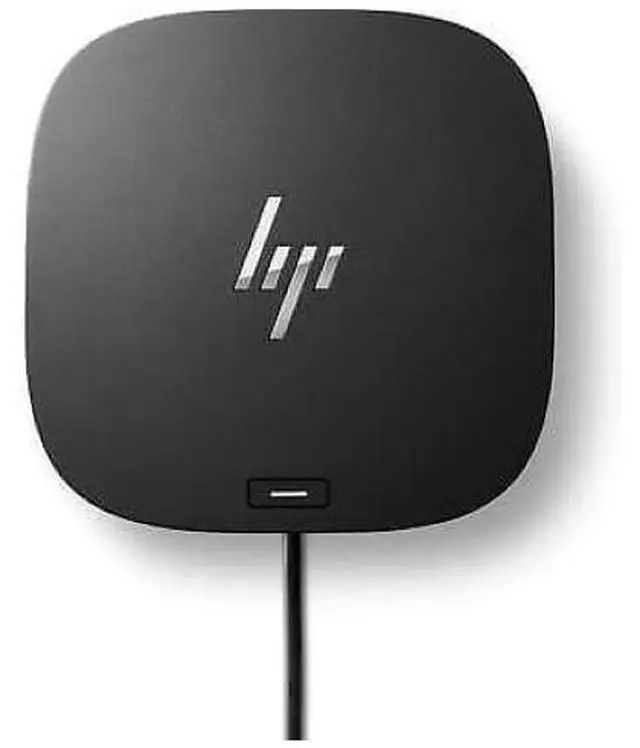


HP USB-C G5 Essential Dock
Condition:
Brand: HP
Type: Docking and Port Replicators
Compatible Brand: For HP
Features: HP USB-C G5 Essential Dock; 120 W Power adapter; AC power cord; Q
Color: Black
MPN: 72C71AA#ABA
Model: HP USB-C G5 Essential Dock
Custom Bundle: No
Item Height: 1.770
Item Length: 4.800
Item Width: 4.800
UPC: 197029012999
HP USB-C G5 Essential Dock
Description
Overview
Have everything you need to get the job done with this compact dock that keeps your desk clean. With a single USB-C® cable, open your ports to all your accessories, connect up to three high-res displays, stable Ethernet connection, and so much moreall while charging your laptop. Clear your desk and clear your mind with this HP USB-C G5 Essential Dock.
What's in the box?
HP USB-C G5 Essential Dock; 120 W Power adapter; AC power cord; Quick Setup Poster; Warranty card
Disclaimers
This dock does not currently support out-of-band MAC Address Pass-Through. This dock does support in-band MAC Address Pass-Through on HP G8 and G9 supported commercial notebooks and requires a NIC driver that can be found on https://support.hp.com. In-band MAC Address Pass-Through requires the Windows OS to be running in order to operate. On (S0) and Standby Sleep states (S3) are supported. Out-of-band MAC Address Pass-Through functionality is planned for 1st half of 2023 through a firmware update. For USB-C® alt mode functionality, host PC must support the DisplayPort Alt mode protocol through its USB-C® or Thunderbolt port. Charging and port replication is supported on notebooks that have implemented USB-C® Alt Mode industry specifications. Power button to turn on or wake the system only functions on HP or HP supported notebooks. PXE Boot functionality will depend on whether the host systems firmware has the EFI driver available. Connected firmware updates will require the end user to sit through the firmware update process until completed. HP does not provide Ethernet and audio drivers on Mac PCs.
Video resolution and support is dependent on the maximum capability of the notebook. Supports 3 x FHD @ 60Hz, 2 x QHD @ 60 Hz, 3 x 4K (requires a DisplayPort 1.4 machine with Display Stream Compression. If the system does not support Display Stream Compression, then the system must support DisplayPort 1.4 with high-res mode enabled in the system).
Your docking station is not useable while updating.
PXE boot functionality will depend on whether the host systems firmware has the EFI driver available.
Not all features work on all OS's or all HP or Non-HP devices.
This dock does not currently support out-of-band MAC Address Pass-Through. This dock does support in-band MAC Address Pass-Through on HP G8 and G9 supported commercial notebooks and requires a NIC driver that can be found on https://support.hp.com. In-band MAC Address Pass-Through requires the Windows OS to be running in order to operate. On (S0) and Standby Sleep states (S3) are supported. Out-of-band MAC Address Pass-Through functionality is planned for 1st half of 2023 through a firmware update.
