


 All Categories
Built for How Business Buys.
All Categories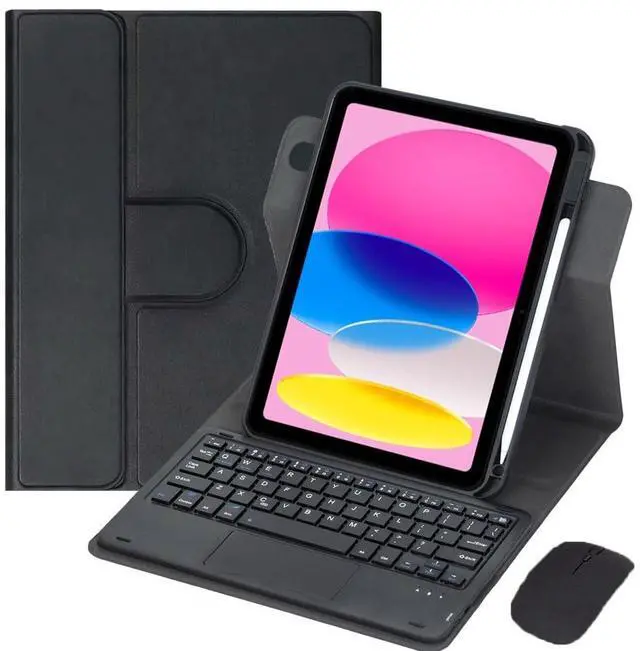
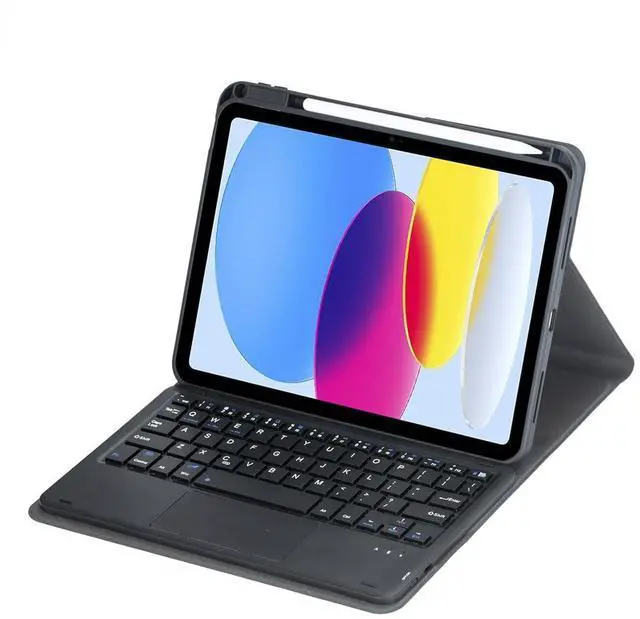
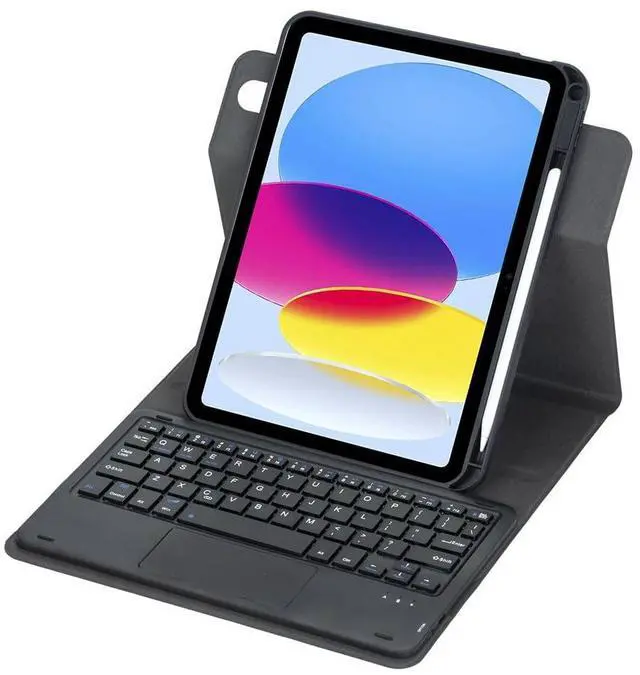
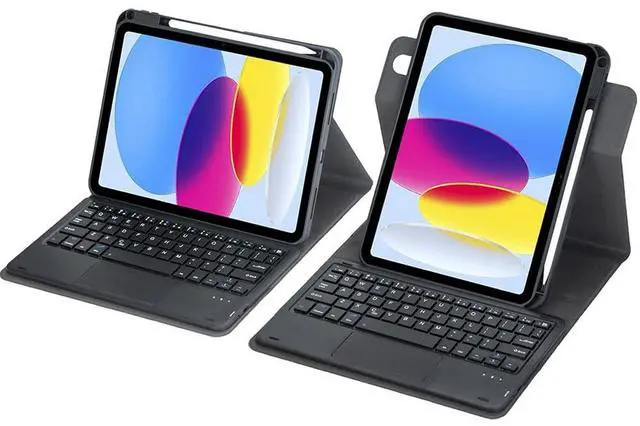
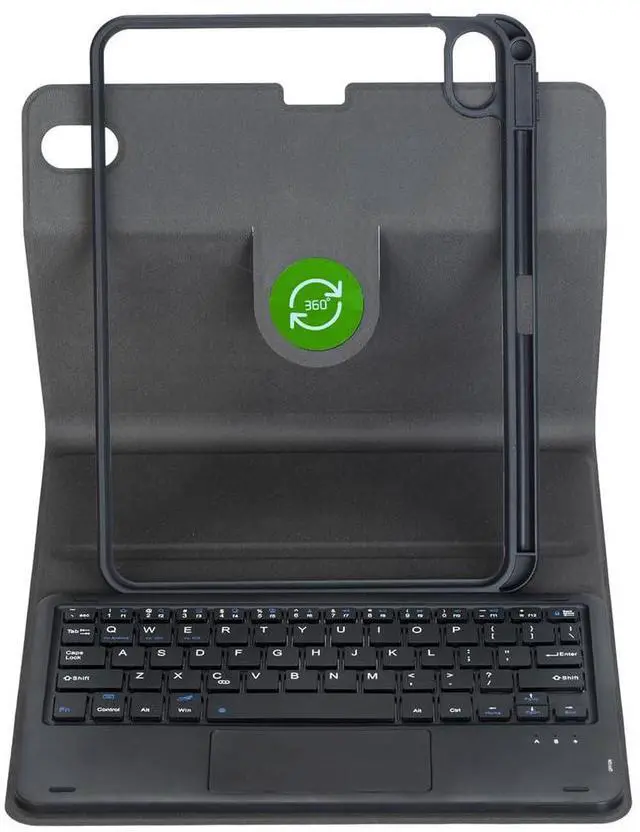
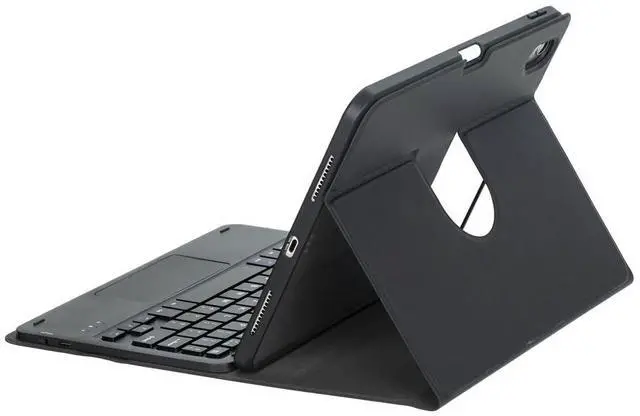


Tablet and pencil in picture not included!!!
Packaged products:
1 x Case
1 x Keyboard
1 x mouse
2 x USB Charging Cords
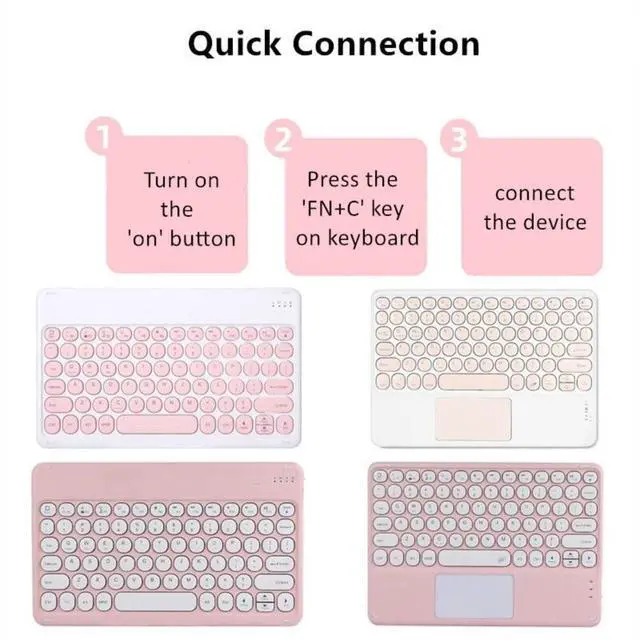
After the keyboard is turned on, you need to press "Fn+C" on the keyboard to enter the connection mode. The "Fn" key is next to the "Ctrl" key.
| Brand | Timoom |
| Color | Black |
| Battery Weight | 4.2 grams |
| Battery Cell Type | lithium_ion |
| Manufacturer | Lemore |
| Battery Type | nonstandard_battery |
| Number of Batteries | 1 |
| Lithium-Battery Packaging | batteries_contained_in_equipment |
| Lithium-Battery Energy Content | 150 milliampere_hour |
| Number of Items | 1 |
| Additional Features / 0 | Rechargeable |
| Additional Features / 1 | Trackpad |
| Additional Features / 2 | Case |
| Hardware Platform | Tablet |
| Are Batteries Included | true |
| Are Batteries Required | true |
| Compatible Devices | Tablet |
| Package Weight | 720 grams |
| Keyboard Description | Standalone |
| Package Quantity | 1 |
| Connectivity Technology | Bluetooth |
| Safety Attestation | true |
| Item Package Dimensions | 10.62 L x 8.07 W x 0.95 H inches |
| Contains Battery or Cell | battery |
| Number of Lithium-ion Cells | 1 |
| Battery Installation Device Type | not_installed |
| Radio Frequency Emission & Authorization Status | has_fcc_id |
| FCC ID | 2AXSU-HT-KB333 |
| Has Multiple Battery Powered Components | false |
