Advanced 802.3 bt Ultra PoE Network Solution
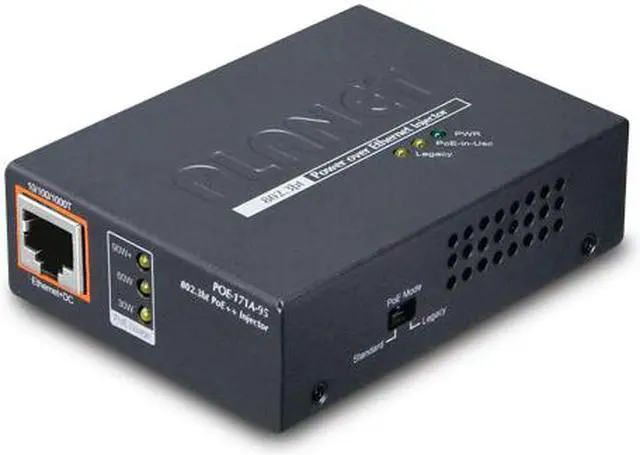
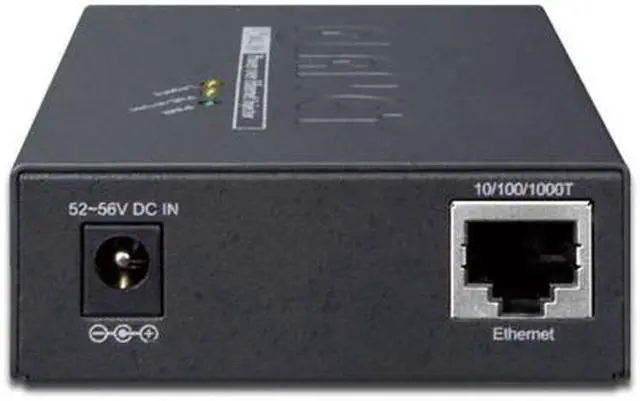
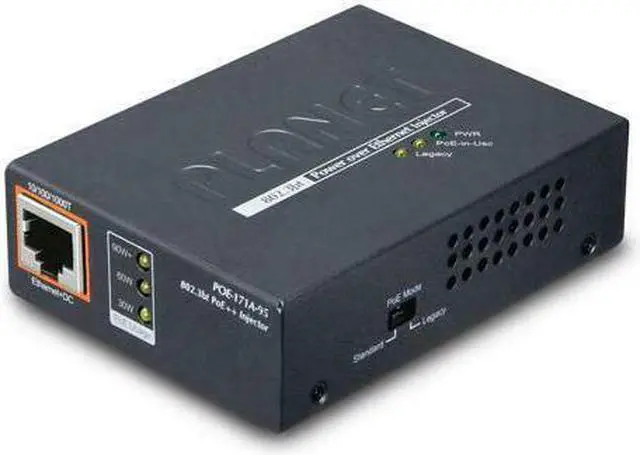
PLANET POE-171A-95 is a Single-Port,
802.3 bt Power over Ethernet Injector with a maximum of up to 95 watts of power output over Ethernet cables.
It is designed specifically to meet the demand for growing higher power required network equipment such as:
• PTZ speed dome camera
• All-in-one touch PC
• Remote digital signage display
• Other network devices that need higher power to work normally
The POE-171A-95 delivers the Ethernet digital data with 54V DC power over the twisted-pair cables as a 95-watt Power over Ethernet Injector, and the connected ultra Power over Ethernet splitter, the POE-172S, will separate the digital data and the power into three optional outputs ( 12V/19V/24V DC ) with distance up to 100 meters.
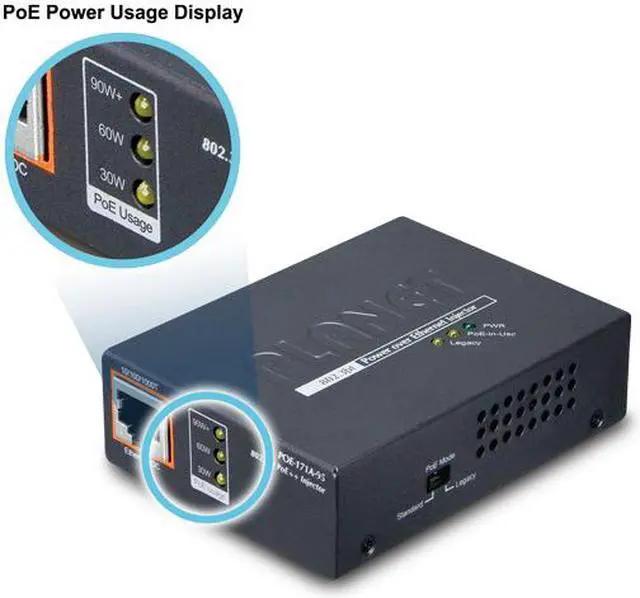
Intelligent LED Indicator for PoE Mode and Real-time PoE Usage
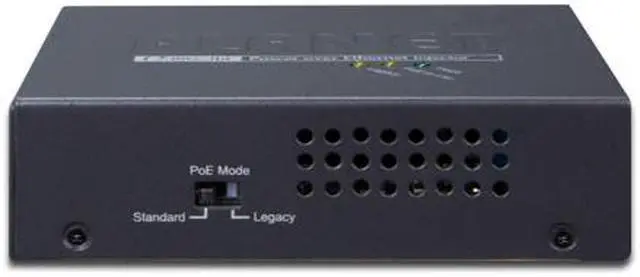
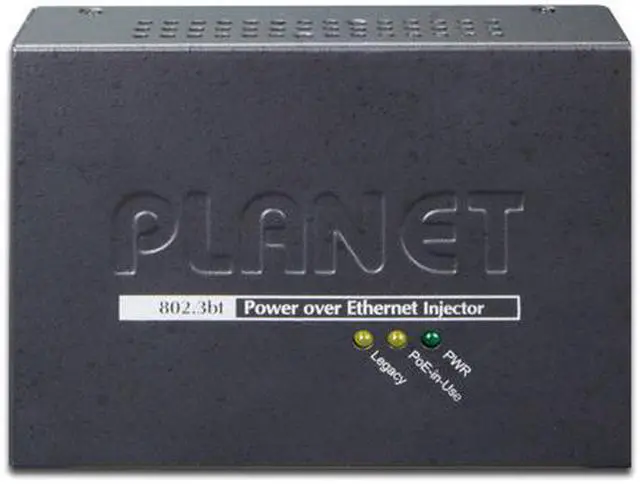
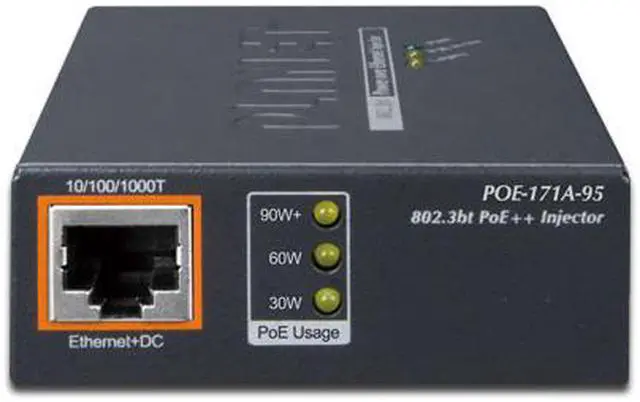
The POE-171A-95, when switched to the legacy mode, provides power to those PD devices which do not fully follow the IEEE 802.3 af/at/bt standard. The legacy LED will be turned on when the legacy mode is enabled. Moreover, the POE-171A-95 helps users to monitor the current status of PoE power usage easily and efficiently via its advanced LED indication. “PoE Power Usage” displayed on the front panel of the POE-171A-95 has three LED indicators of different power usages. Via the power usage LED, the POE-171A-95 enables the administrator to monitor the status of the power usage of the connected PDs in real time.



 All Categories