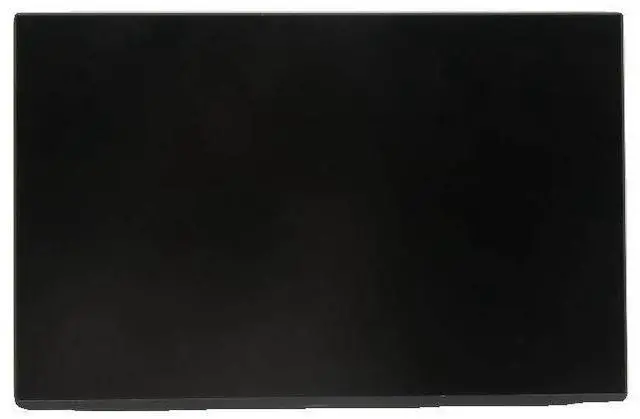
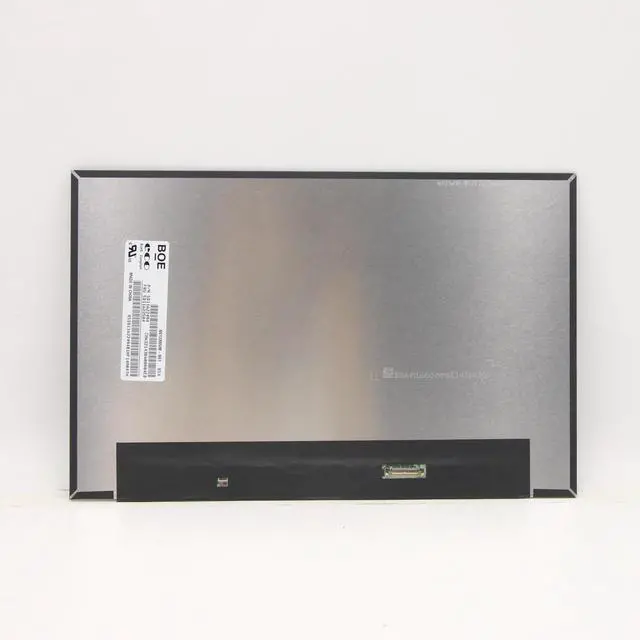
Restore or Upgrade Your Dell Latitude with a Premium FHD IPS Screen
A cracked, faded, or flickering display ruins your Latitude experience. Official repairs are costly, but this 14.0 1920×1080 IPS panel is a direct dropin replacement for hundreds of Dell models restoring crisp, vibrant visuals without breaking the bank.
Interchangeable Panel Models (all 60Hz, 30pin eDP, matte)
FHD IPS Part #'s HN4TM, 4D22M, 1R8P4, 3F13F
Dell OEM 0MJXRM MJXRM
Other common NT140WHMN45, N140BGA, N140BGEE54, B140XTN 07.4
Compatible Laptops (partial list)
Latitude 3420, 3430, 3440
Latitude 5400, 5401, 5410, 5411, 5420, 5430, 5440
Latitude 7400, 7410, 7420, 7430
CRITICAL: Confirm your original screen is 14.0, uses a 30pin eDP connector (not 40pin). Reuse original brackets, cable, and screws they are not included.
Key
Specifications
(all models)
Size / Resolution: 14.0 / 1920×1080 (FHD)
Refresh Rate: 60Hz
Panel: IPS, matte antiglare
Interface: 30pin eDP
Colour Gamut: Up to 72% NTSC
Backlight: WLED, nontouch
What a Damaged Screen Costs You
Lines, dead pixels, or faded colours hurt productivity.
Flickering strains eyes; dim screens reduce usability.
Official repairs are overpriced.
Why Choose Our Panel
Premium IPS not a cheap TN copy; wide viewing angles.
True FHD crisp 157 PPI detail.
Upgrade from HD (1366×768) TN to vibrant FHD IPS.
Matte antiglare reduces reflections.
Easy DIY 30pin eDP, plugandplay, no soldering.
100% tested no dead pixels or bright dots.
12month warranty + 30day return.
Who Is This For?
Dell Latitude owners with a damaged screen or anyone wanting to upgrade from a standard HD TN panel to premium FHD IPS.
Installation Tips
Disconnect battery and power.
Remove bezel, unscrew the panel.
Gently detach the 30pin eDP cable.
Attach to new panel, secure, replace bezel.
Test before final assembly connect, power on, verify display. Leave protective film on until confirmed.
Caution: Display is fragile. If unsure, seek professional installation. Tools not included.
Whats in the Box
1 × 14.0 FHD IPS LCD screen (30pin eDP)