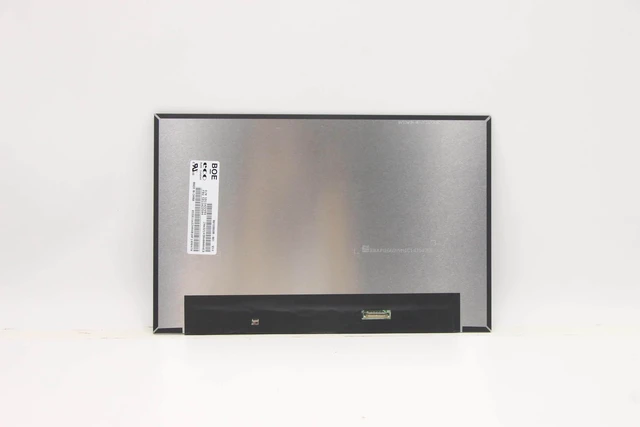
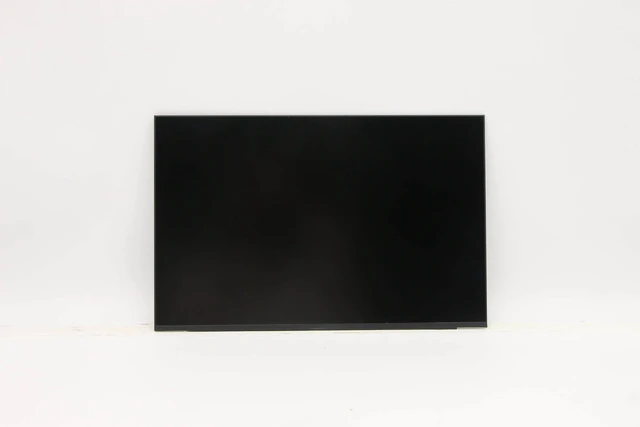
Revive Your ThinkPad X13 with a Premium WQXGA IPS Screen
A cracked, flickering, or faded display ruins your ThinkPad experience. Official repairs are expensive, but this premium 13.3 2560×1600 IPS panel is a direct dropin replacement for the X13 Gen 2 and Gen 3 restoring stunning visuals at a fraction of the cost.
Interchangeable Screen Models
Both panels share the same size, resolution, interface, brightness, and
matte finish:
MND307DA14 (CSOT) 400 nits, 1500:1 contrast, 89° viewing angles, 16.7M colours
LP133WQ1SPF1 (LG) 400 nits, 1300:1 contrast, 85° viewing angles, 16.7M colours
Compatible Laptop Models
Lenovo ThinkPad X13 Gen 2 (20WK, 20WL, 20XH, 20XJ)
Lenovo ThinkPad X13 Gen 3 (21BN, 21BQ, 21CM, 21CN)
Lenovo ThinkPad X13 Yoga Gen 2
Other 13.3 laptops using a 40pin eDP connector
Important: Confirm your original screen is 13.3, uses a 40pin eDP, and matches the mounting. Reuse original brackets, cable, and screws they are not included.
Key
Specifications
Feature MND307DA14 LP133WQ1SPF1
Size / Resolution 13.3 / 2560×1600 (WQXGA) Same
Refresh Rate 60Hz Same
Panel Type IPS (FFS) Oxide TFTLCD
Interface 40pin eDP (4 lanes) Same
Surface Matte / AntiGlare Same
Brightness 400 cd/m² Same
Contrast 1500:1 1300:1
Viewing Angle 89/89/89/89 85/85/85/85
Colours 16.7M Same
What a Damaged Screen Costs You
Distracting lines, dead pixels, or faded colours ruin work.
Flickering causes eye strain and headaches.
Reduced usability cuts productivity.
Official repairs are costly.
Why Choose Our Panel
Premium IPS quality not a cheap copy, meets or exceeds OEM specs.
WQXGA resolution crisp visuals at ~227 PPI.
400 nits brightness clear even in bright environments.
Matte antiglare comfortable viewing in any light.
Easy DIY standard 40pin eDP, plugandplay, no soldering.
100% tested no dead pixels, bright dots, or lines.
12month warranty plus 30day return.
Installation Tips
Disconnect battery and power.
Carefully remove the bezel.
Unscrew the screen, gently detach the 40pin eDP cable, and connect to the new panel.
Secure with screws and replace the bezel.
Test before final assembly connect, power on, verify display. Leave protective film on until confirmed working.
Caution: Display is fragile. If unsure, seek professional installation. Tools not included.
Whats in the Box
1 × 13.3 WQXGA IPS LCD screen (40pin eDP)