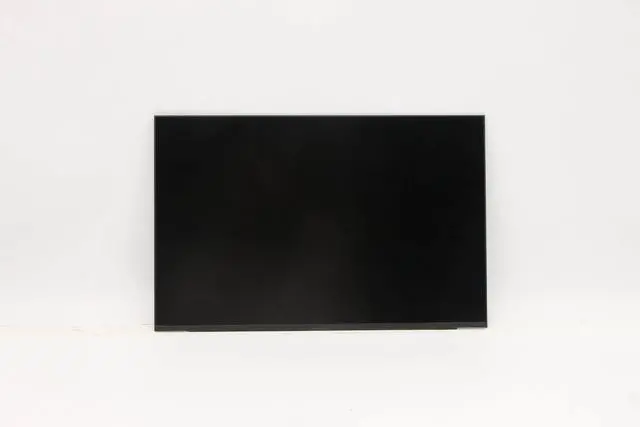
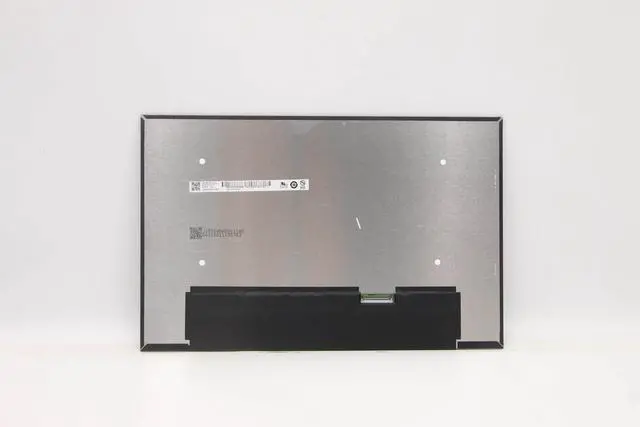
A cracked, flickering, or faded display can make your ThinkPad T14 Gen 3 frustrating. This premium 14-inch WUXGA IPS panel is a direct drop-in replacement restoring stunning visuals without breaking the bank.
Compatible Models:
ThinkPad T14 Gen 3
ThinkPad P14s Gen 3 / Gen 4
ThinkPad E14 Gen 5
Other 14-inch laptops using 30-pin eDP
Panel Options (100% interchangeable):
NV140WUM-N43 (BOE) 300 nits, 45% NTSC, 89/89/89/89.
FRU: 5D10V82394.
N140JCA-EEL (Innolux) 300 nits, 1000:1 contrast, 45% NTSC, 89/89/89/89.
B140UAN 03.2 (AUO) 355 nits, 1320:1 contrast, 89/89/89/89.
FRU: 5D10V82396.
CRITICAL: Uses 30-pin eDP connector (bottom right). NOT compatible with 40-pin screens. Verify original connector before ordering. Panels ship without brackets/cables/screws reuse original hardware.
Specs: 14.0" | 1920x1200 (WUXGA) | 60Hz | IPS | 30-pin eDP | 300-355 nits | 16.7M colors | Matte | Non-Touch | 161 PPI
Why Choose Our Panel:
OEM-grade IPS meets or exceeds original specs
Up to 355 nits brightness for clear visibility
Matte anti-glare finish reduces reflections
DIY-friendly standard 30-pin eDP, no soldering
100% tested for zero defects, 12-month warranty
Installation:
Disconnect battery.
Remove bezel and screws.
Disconnect 30-pin eDP cable (bottom right).
Attach cable to new screen, secure, replace bezel.
Caution: Display is delicate. Test before fully securing. Professional installation recommended if unsure.
Includes: 1 x Replacement LCD Screen
Before Ordering Checklist:
My laptop is ThinkPad T14 Gen 3, P14s Gen 3/4, or E14 Gen 5.
Original screen has 30-pin eDP (bottom right).
Screen is non-touch.
I understand this is a DIY installation.