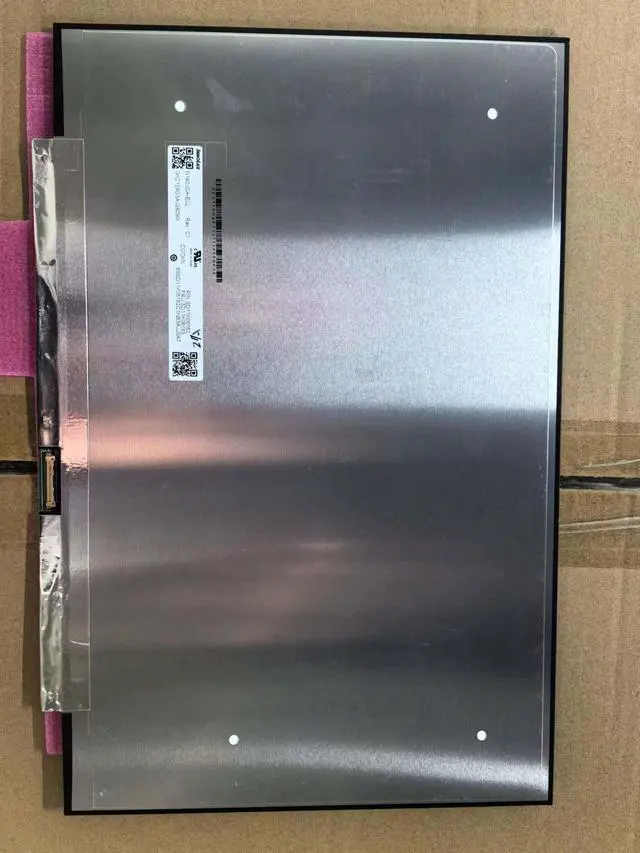
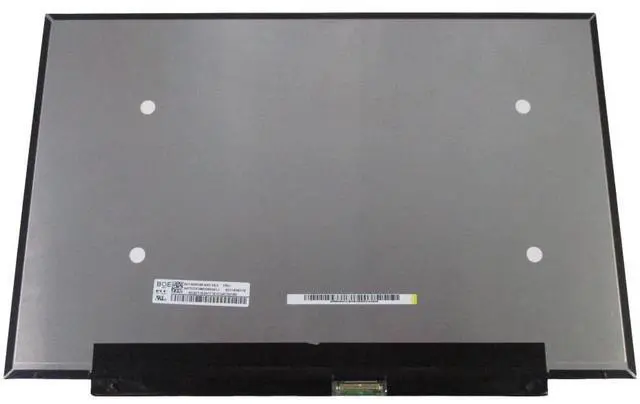
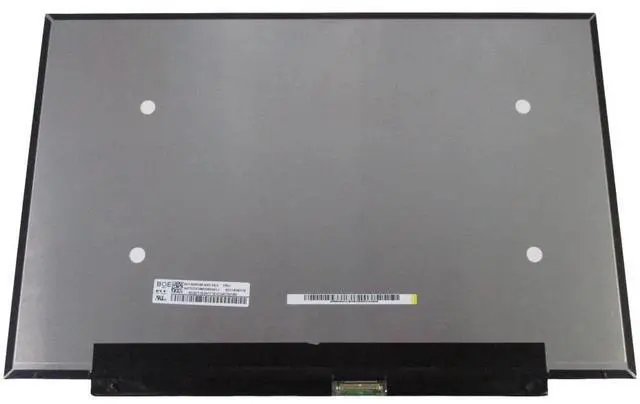
A cracked, flickering, or faded display can make your premium Lenovo Xiaoxin 14 frustrating to use. Official repairs can be costly, but the solution is simpler than you think. This premium 14.0 -inch WUXGA IPS panel is a direct, drop-in replacement for the Lenovo Xiaoxin 14 IRL8 / IAH8 (2023 models) and other select models, restoring your device to its original stunning visual quality without breaking the bank.
Compatible Laptop Models:
Lenovo Xiaoxin 14 IRL8 (2023)
Lenovo Xiaoxin 14 IAH8 (2023)
Lenovo IdeaPad Slim 5 14IRL8 / 14IAH8
Lenovo ThinkBook 14 G6 series
Other 14-inch laptops using a 30-pin eDP connector
Compatible Panel Models:
NV140WUM-N45 (BOE) 14.0" WUXGA, 60Hz, 30-pin eDP, up to 400 nits brightness, 800:1 contrast, 45% NTSC, 85/85/85/85 viewing angles, matte finish
N140JCA-ELL (Innolux) 14.0" WUXGA, 60Hz, 30-pin eDP, 300 nits brightness, 1000:1 contrast, 45% NTSC, 89/89/89/89 viewing angles, matte finish
CRITICAL: Please confirm your original screen's connector type (30-pin eDP), size ( 14.0" ), and resolution (1920x1200) before ordering. Panels are shipped without brackets, cables, screws, or other mounting hardware please reuse your original parts.
Specifications
:
Screen Size: 14.0 inches
Resolution: 1920 x 1200 (WUXGA)
Refresh Rate: 60Hz
Panel Type: IPS
Interface: 30-pin eDP (bottom right)
Surface: Matte / Anti-Glare
Color Gamut: 45% NTSC
Touch: Non-Touch
What a Cracked or Failing Screen Costs You:
Poor visual experience Distracting lines, dead pixels, or faded colors ruin productivity.
Eye strain Flickering or dim screens cause fatigue during long sessions.
Lost productivity A damaged screen limits your ability to work effectively.
Expensive repairs Official repair shops often charge a premium for parts and labor.
Why Choose Our Screen?
Premium IPS Panel Not a low-quality copy; a screen that meets or exceeds OEM specifications.
WUXGA High Resolution Crisp, detailed visuals with 161 PPI pixel density.
Matte Anti-Glare Finish Reduces reflections for comfortable viewing in various lighting conditions.
Easy DIY Installation Standard 30-pin eDP interface with a simple plug-and-play design. No soldering, no complex modifications.
100% Tested Each screen is inspected before shipping to ensure it is free from defects like dead pixels, bright dots, or lines.
12-Month Warranty Buy with confidence. If anything goes wrong, we've got you covered.
Installation Note:
Disconnect the battery and all power sources.
Remove the bezel (frame) around the screen.
Unscrew the mounting screws on the sides of the screen.
Gently disconnect the 30-pin eDP cable from the back of the screen (connector is on the bottom right).
Attach the cable to the new screen.
Secure the screen with the screws and replace the bezel.
Caution: The display assembly is delicate. We strongly
What's Included:
1 x Replacement LCD Screen ( 14.0", WUXGA, IPS, 30-pin eDP)