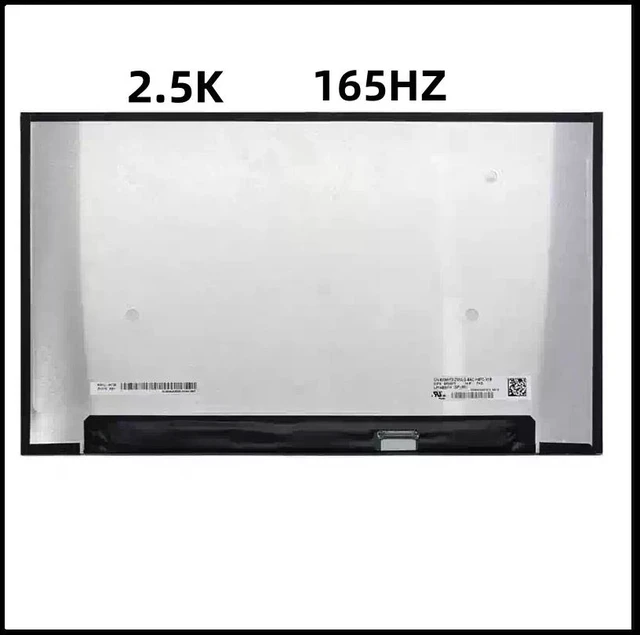
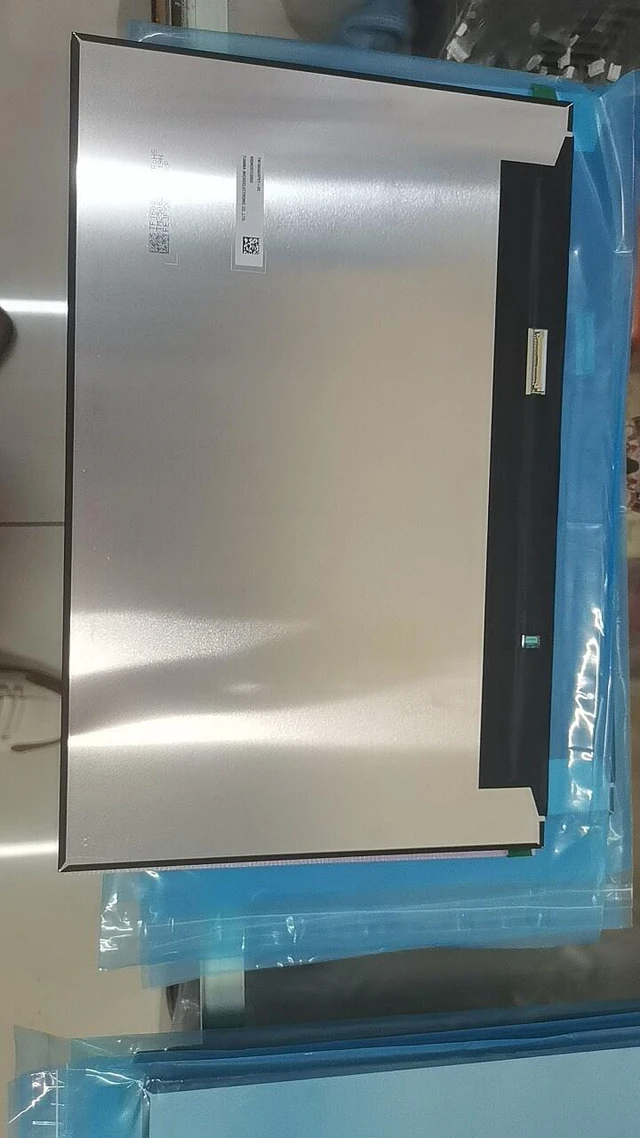
A cracked, flickering, or outdated display can hold your gaming laptop back from its full potential. Official repairs can be costly, but upgrading to a premium 2.5K high-refresh panel is simpler than you think. This listing offers seven top-tier 16-inch IPS panels from BOE that are direct, drop-in replacements for many popular gaming laptops transforming your experience with stunning 2.5K clarity and ultra-smooth refresh rates.
Compatible Panel Models (100% interchangeable within same connector type):
NE160QDM-NY1 (BOE) 165Hz, 500 nits, 1200:1 contrast, 100% sRGB, 89/89/89/89 viewing angles. Used in Lenovo Legion series.
NE160QDM-NY2 (BOE) 120Hz, 350 nits, 1200:1 contrast, 100% sRGB, 89/89/89/89 viewing angles. Used in System76 Pangolin, Lenovo Ideapad 5 Pro.
NE160QDM-NYJ (BOE) 165Hz, 400 nits, 1100:1 contrast, 100% sRGB, 89/89/89/89 viewing angles, 40-pin eDP.
NE160QDM-NYC (BOE) 165Hz, 350 nits, 1200:1 contrast, 100% sRGB, 89/89/89/89 viewing angles, 40-pin eDP, flicker-free.
NE160QDM-NZA (BOE) 240Hz, 500 nits, 1200:1 contrast, 100% sRGB, 85/85/85/85 viewing angles. Used in System76 Oryx Pro.
NE160QDM-NZ3 (BOE) 240Hz, 500 nits, 1290:1 contrast, 100% DCI-P3, 40-pin eDP. Used in Lenovo Legion Pro 7, ASUS ROG Strix, HP Omen.
NE160QDM-NZ5 (BOE) 240Hz, 500 nits, 1200:1 contrast, 97% sRGB, 85/85/85/85 viewing angles. Used in Razer Blade 16.
CRITICAL: These panels use a 40-pin eDP connector. This is not compatible with 30-pin eDP screens. Please remove your old screen and verify the connector type (40-pin), size ( 16.0" ), and connector position (bottom right) before ordering. Panels are shipped without brackets, cables, screws, or other mounting hardware please reuse your original parts.
Specifications
:
Specification Detail
Screen Size 16.0 inches
Resolution 2560 x 1600 (WQXGA / 2.5K )
Refresh Rate 120Hz / 165Hz / 240Hz
Panel Type IPS (Oxide TFT-LCD)
Interface 40-pin eDP (4 Lanes)
Connector Position Bottom Right
Brightness 350-500 cd/m²
Contrast Ratio 1100:1 - 1290:1
Color Gamut 97-100% sRGB / 100% DCI-P3
Surface Matte / Anti-Glare
Touch Non-Touch
Pixel Density ~188 PPI
Active Area 344.678 x 215.424 mm
Outline Dim. 349.68 x 224.42 x 4.6 mm
What a Cracked or Failing Screen Costs You:
Poor gaming experience Motion blur, ghosting, and washed-out colors ruin immersion.
Eye strain Flickering or dim screens cause fatigue during long gaming sessions.
Lost competitive edge A 60Hz screen puts you at a disadvantage in fast-paced games.
Expensive repairs Official repair shops often charge a premium for parts and labor.
Installation Note:
Disconnect the battery and all power sources.
Remove the bezel (frame) around the screen.
Unscrew the mounting screws on the sides of the screen.
Gently disconnect the 40-pin eDP cable from the back of the screen (connector is on the bottom right).
Attach the cable to the new screen.
Secure the screen with the screws and replace the bezel.
Caution: The display assembly is delicate. We strongly recommend testing the new screen before fully securing it connect the screen, power on the laptop, and verify it displays correctly. Professional installation is recommended if you are not comfortable with DIY repairs. Tools are not included.
What's Included:
1 x Replacement LCD Screen ( 16.0", 2.5K, IPS, 40-pin eDP)