• $79.99
  • Free 30-day Returns
  • Ships from United States.

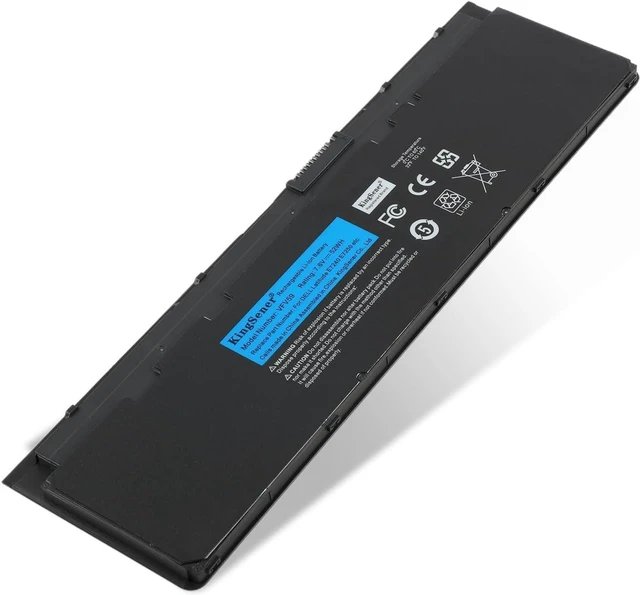
    VFV59 52WH Laptop Battery for Dell Latitude E7240 E7250 Ultrabook Notebook WD52H KWFFN GD076 9C26T GVD76 HJ8KP NCVF0 J31N7 451-BBFW 451-BBFX DL011311-PLP22G01 PT1 X01 7.6V

    • Item #: 9SIVS11KRJ6808
    • Mfr. Part #: RCCPB084WV5CHV
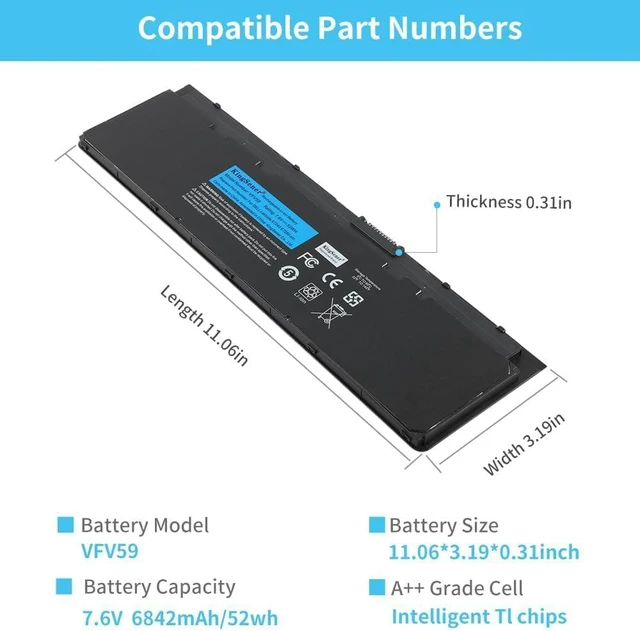
    • Specifications:Models:VFV59 Battery. Capacity: 6842mAh/52wh. Voltage: 7.6V . Condition: 100% Brand New.
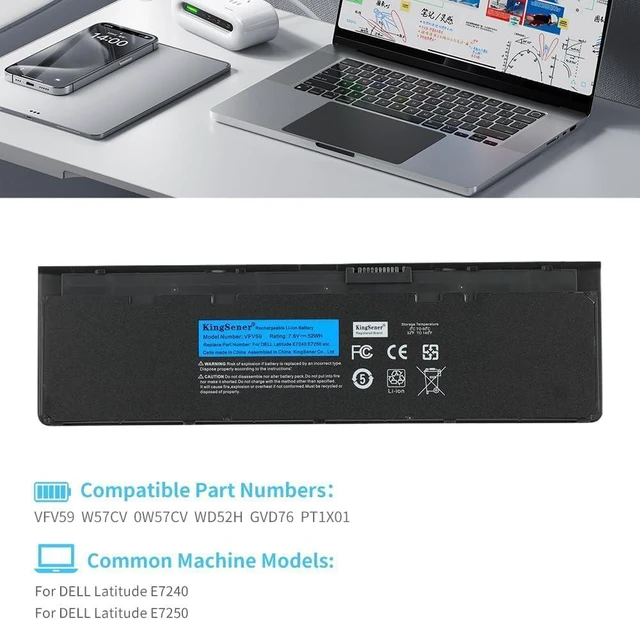
    • Replace Battery Models:VFV59;W57CV;0W57CV;WD52H;GVD76;PT1 X01.
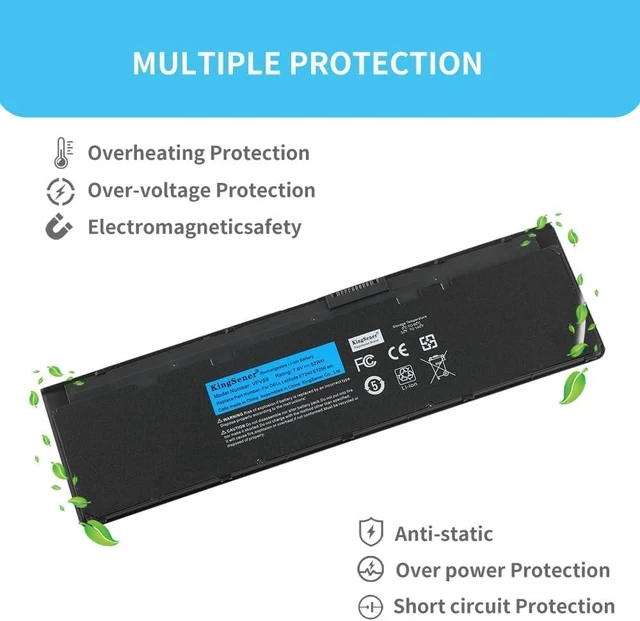
    • Compatible Laptop Models:DELL Latitude E7240, E7250.High-quality built-in protection board guarantees long-lasting use,and good performance A++ cells ensure fast charging and low power consumption.
    • KingSener Tips:For the initial installation, please reinstall and check the interface fully connected, discharge the battery to 5%(not to 0%) and then charge to 95%, and cycle 3-4 times
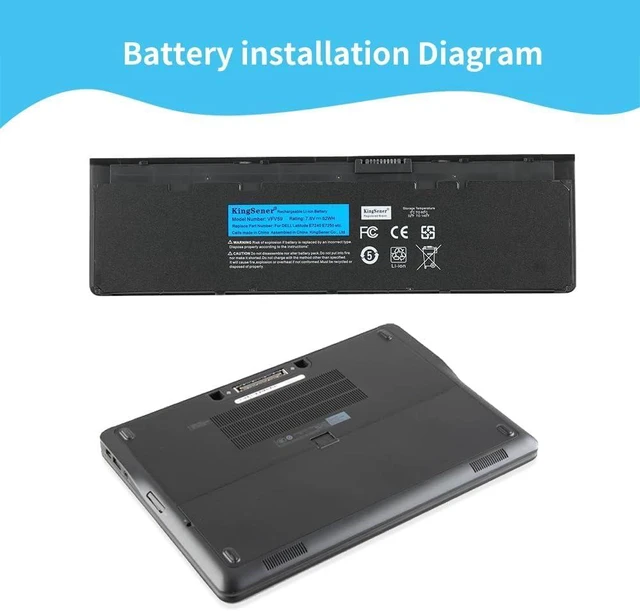
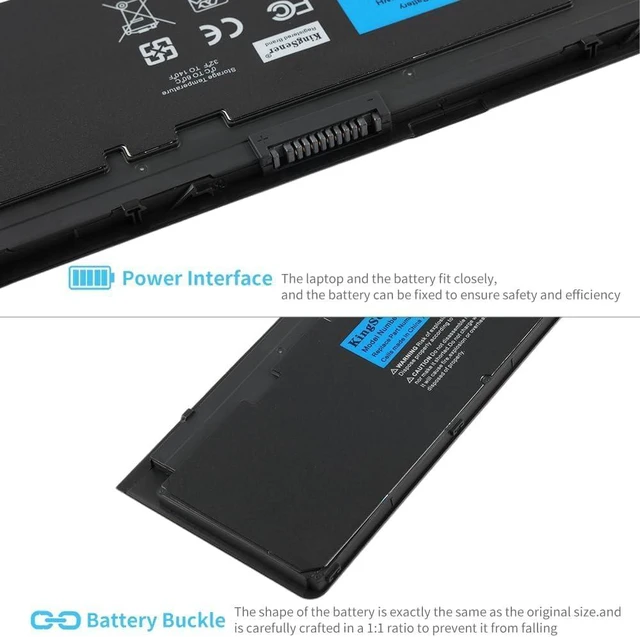
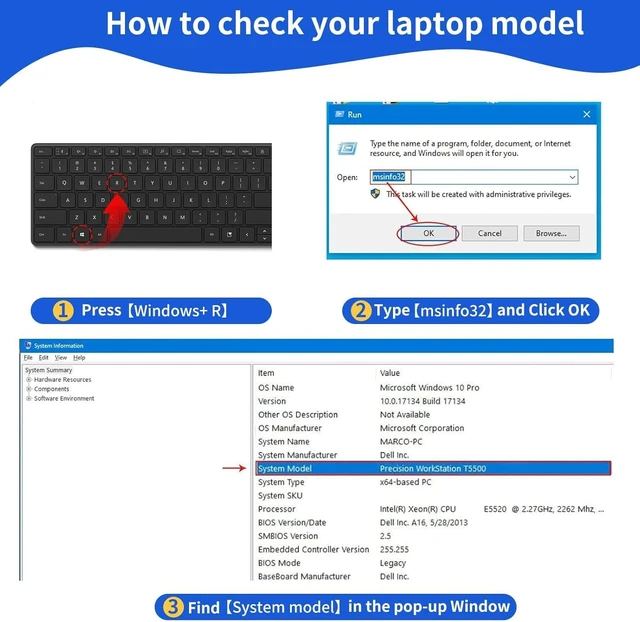
    • PLEASE NOTE:Please open the back cover of the laptop before ordering and make sure that the original battery model is consistent with the listing. After getting the battery, please install the battery correctly, make sure that the battery connector is firmly connected to the laptop motherboard, and use the original charger to charge the laptop.Discharge the new battery to 5% (not 0%), then charge and cycle 3-4 times to wake up the new batte
    +
    +
    Overview
    Specs
    Reviews
    Specifications:Models:VFV59 Battery. Capacity: 6842mAh/52wh. Voltage: 7.6V . Condition: 100% Brand New.
    Replace Battery Models:VFV59;W57CV;0W57CV;WD52H;GVD76;PT1 X01.
    Compatible Laptop Models:DELL Latitude E7240, E7250.High-quality built-in protection board guarantees long-lasting use,and good performance A++ cells ensure fast charging and low power consumption.
    KingSener Tips:For the initial installation, please reinstall and check the interface fully connected, discharge the battery to 5%(not to 0%) and then charge to 95%, and cycle 3-4 times
    PLEASE NOTE:Please open the back cover of the laptop before ordering and make sure that the original battery model is consistent with the listing. After getting the battery, please install the battery correctly, make sure that the battery connector is firmly connected to the laptop motherboard, and use the original charger to charge the laptop.Discharge the new battery to 5% (not 0%), then charge and cycle 3-4 times to wake up the new battery.

    Warranty & Returns

    Warranty, Returns, And Additional Information

    Warranty

    • Please contact the Seller directly for warranty information. Warranty information may also be found on the Manufacturer's website.
    • CONTACT

    Return Policies

    Manufacturer Contact Info

    LOADING...