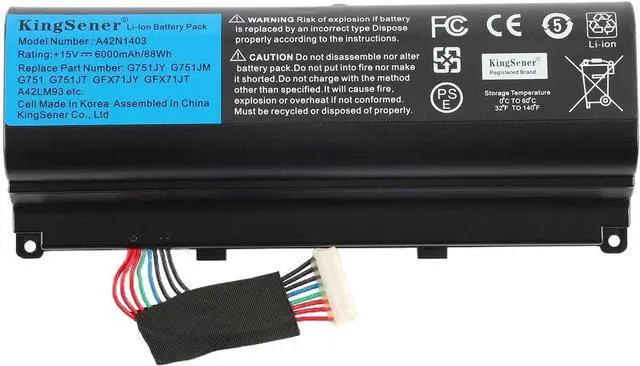
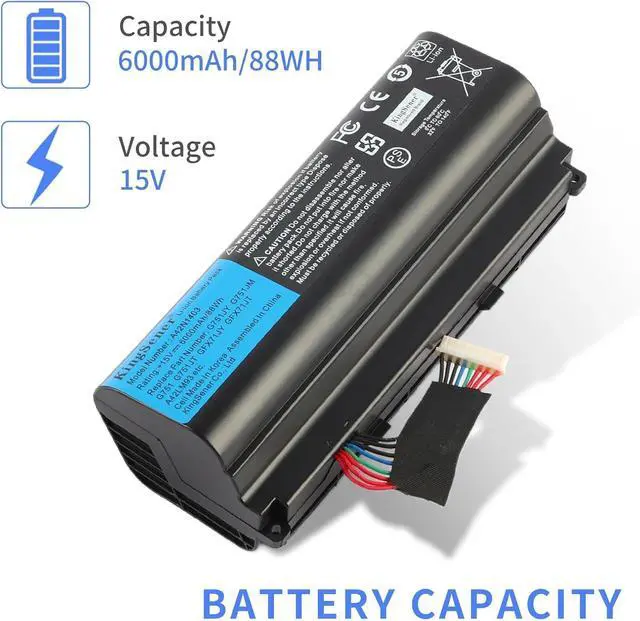
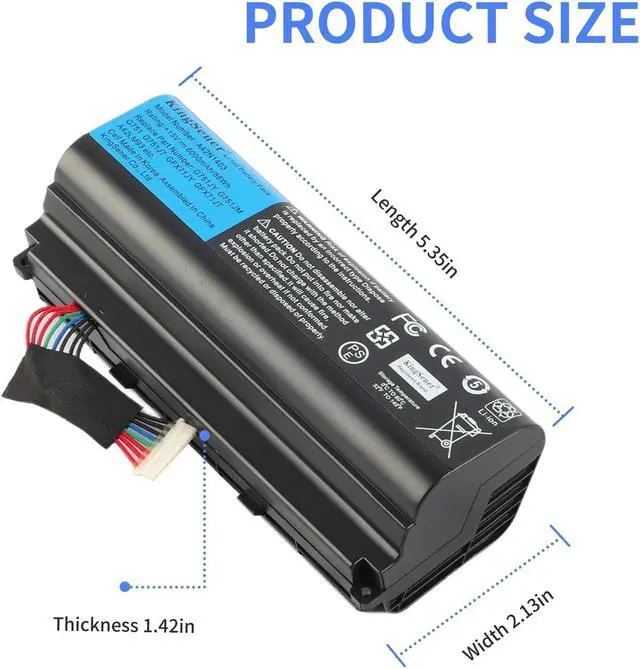
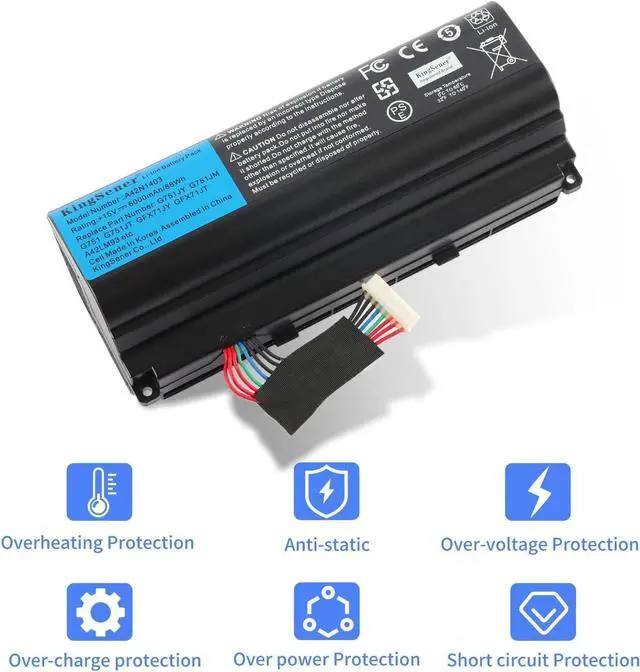
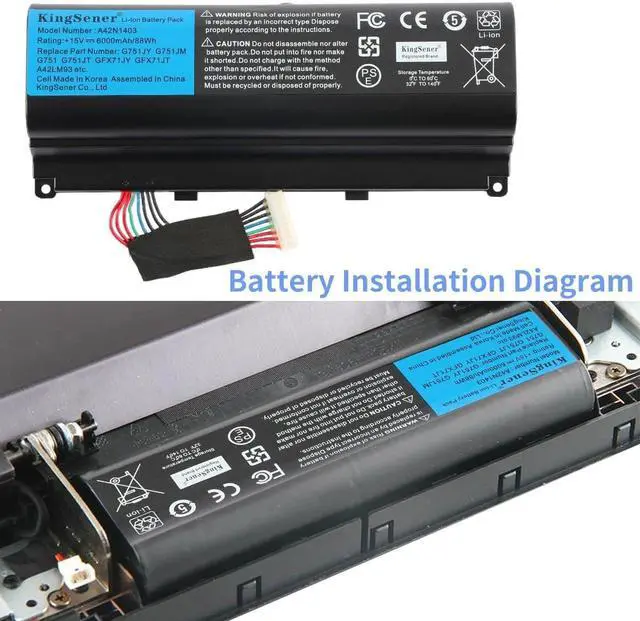
Product Type:Li-ion Volts:15.0V Capacity:5200mAh/88Wh
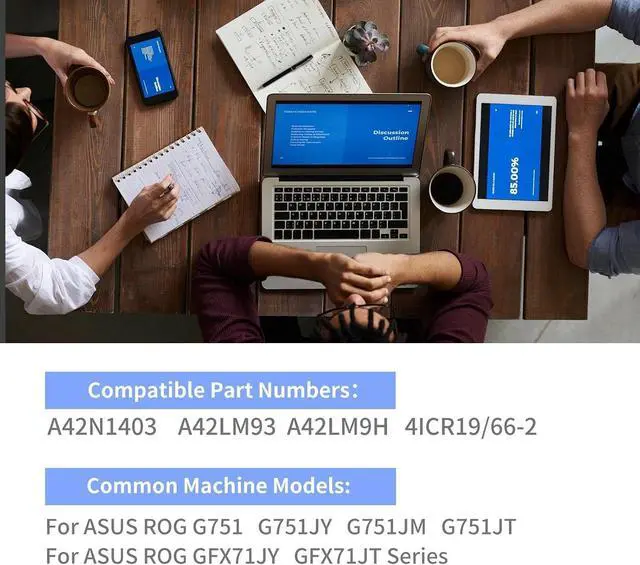
Compatible Models: A42N1403 Battery for ASUS ROG GFX71JY 17.3" GFX71JY4710 G751 G751J G751JT G751JY G751JL G751JM GFX71JY GFX71JY4710 GFX71JY4710 G751J-BHI7T25 G751JL-BSI7T28 A42LM93 4ICR19/66
KingSener Tips:For the initial installation, please reinstall and check the interface fully connected, discharge the battery to 5%(not to 0%) and then charge to 95%, and cycle 3-4 times
Battery Use Tips:Up to 500 recharge cycles over the life of the battery. The actual operation time will depend on how much electricity is required by the device and how you use it
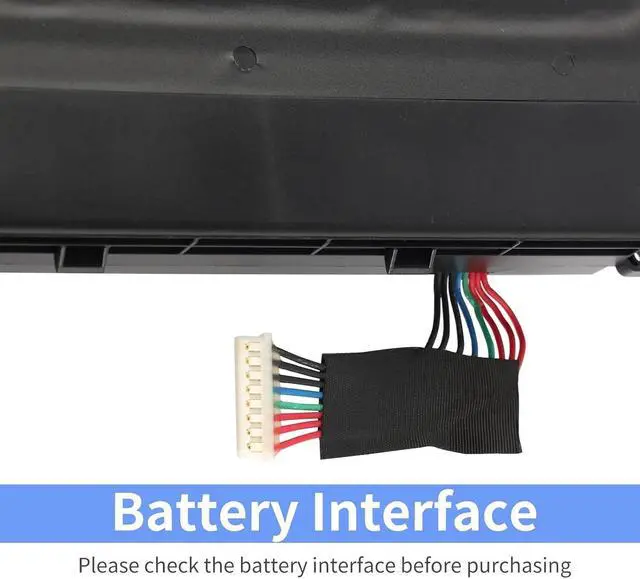
PLEASE NOTE:Please open the back cover of the laptop before ordering and make sure that the original battery model is consistent with the listing. After getting the battery, please install the battery correctly, make sure that the battery connector is firmly connected to the laptop motherboard, and use the original charger to charge the laptop.Discharge the new battery to 5% (not 0%), then charge and cycle 3-4 times to wake up the new battery