• $106.99
  • Free 30-day Returns
  • Ships from United States.

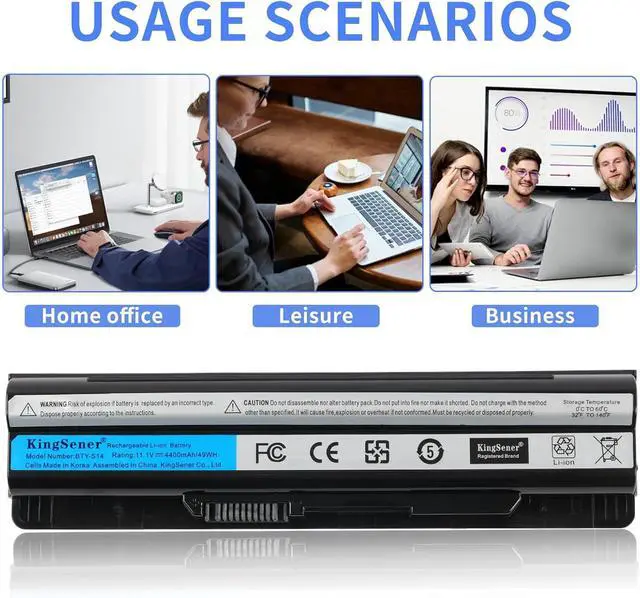
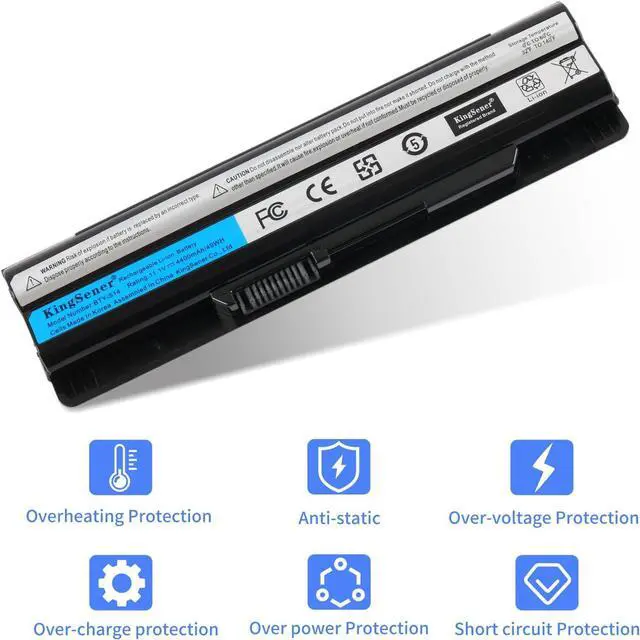
    49Wh BTY-S14 Laptop Battery Replacement for MSI CR41 A6500 CR61 CR650 CR70 CX41 CX61 FX700-012FR GE60 GE60H GE620 GE620DX GE70 GE70H GP60 MS-16G7 MS-16GA BTY-S15 Notebook

    • Item #: 9SIVS11KRJ6882
    • Mfr. Part #: RCCPB0874C54MW
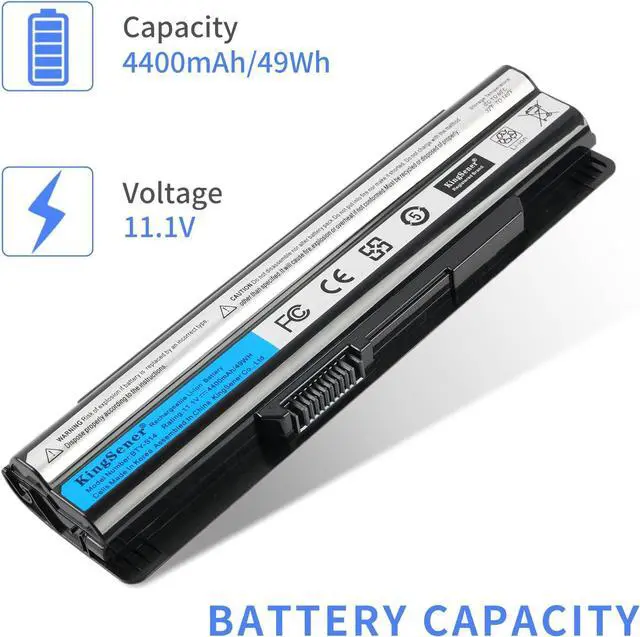
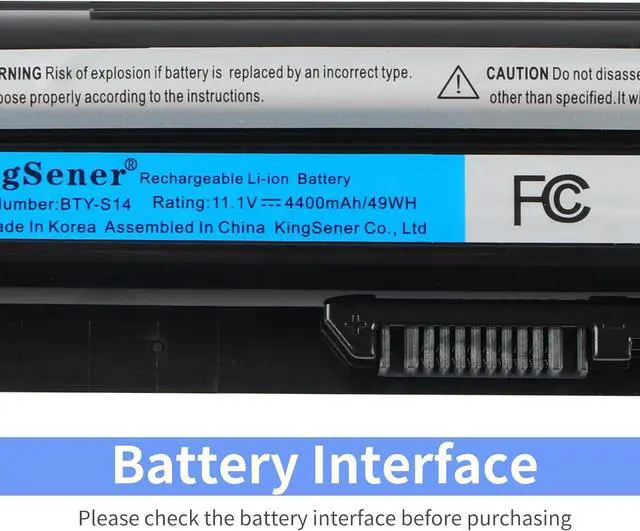
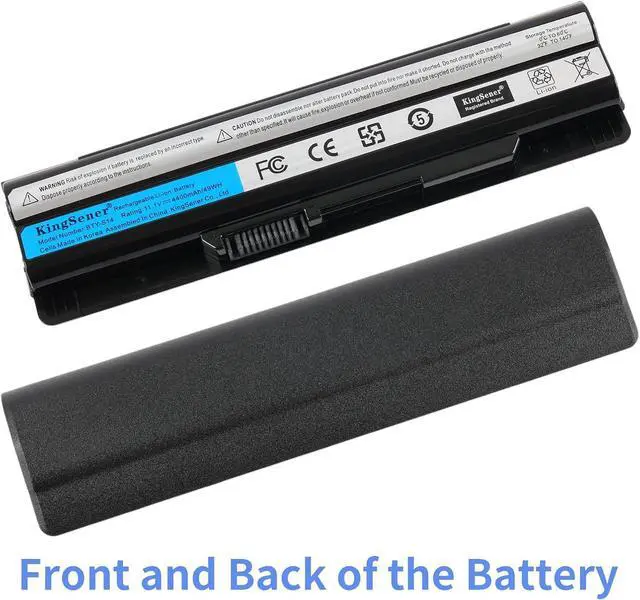
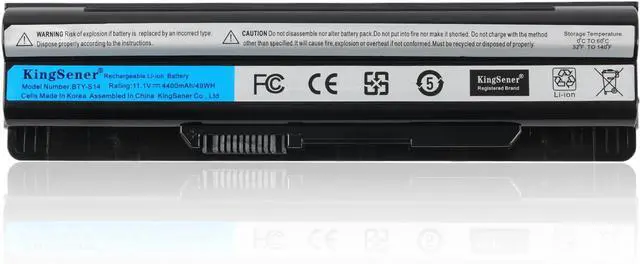
    • Battery Type:Li-ion; Capacity:49WH/4400mAh; Voltage:11.1V
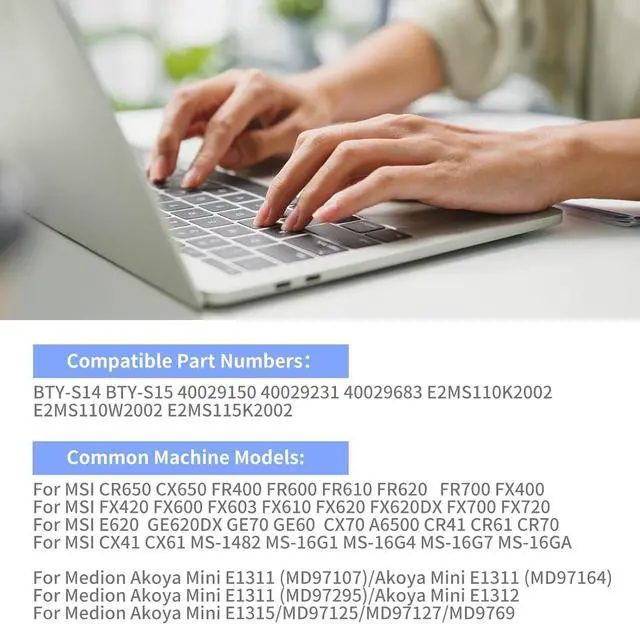
    • Replace Part Numbers: BTY-S14;BTY-S15, 40029150, 40029231, 40029683, E2MS110K2002, E2MS110W2002, E2MS115K2002
    • Replacement For Laptop Model:MSI CR650 CX650 FR400 FR600 FR610 FR620 FR700 FX400 FX420 FX600 FX603 FX610 FX620 FX620DX FX700 FX720 E620 GE620DX GE70 GE60 CX70 A6500 CR41 CR61 CR70 CX41 CX61; MS-1482 MS-16G1 MS-16G4 MS-16G7 MS-16GA; Medion Akoya Mini E1311 (MD97107) E1311 (MD97164) E1311 (MD97295) E1312 E1315; MD97125 MD97127 MD9769
    • LONG-LASTING PERFORMANCE:With over 1000 recharge cycles, it's engineered for durability and prolonged performance, keeping your laptop running smoothly for years to come
    • KingSener Tips:For the initial installation, please reinstall and check the interface fully connected, discharge the battery to 5%(not to 0%) and then charge to 95%, and cycle 3-4 times.Work Or Play For Extended Periods, No Power Concerns

    +
    +
    Overview
    Specs
    Reviews
    Battery Type:Li-ion; Capacity:49WH/4400mAh; Voltage:11.1V
    Replace Part Numbers: BTY-S14;BTY-S15, 40029150, 40029231, 40029683, E2MS110K2002, E2MS110W2002, E2MS115K2002
    Replacement For Laptop Model:MSI CR650 CX650 FR400 FR600 FR610 FR620 FR700 FX400 FX420 FX600 FX603 FX610 FX620 FX620DX FX700 FX720 E620 GE620DX GE70 GE60 CX70 A6500 CR41 CR61 CR70 CX41 CX61; MS-1482 MS-16G1 MS-16G4 MS-16G7 MS-16GA; Medion Akoya Mini E1311 (MD97107) E1311 (MD97164) E1311 (MD97295) E1312 E1315; MD97125 MD97127 MD9769
    LONG-LASTING PERFORMANCE:With over 1000 recharge cycles, it's engineered for durability and prolonged performance, keeping your laptop running smoothly for years to come
    KingSener Tips:For the initial installation, please reinstall and check the interface fully connected, discharge the battery to 5%(not to 0%) and then charge to 95%, and cycle 3-4 times.Work Or Play For Extended Periods, No Power Concerns

    Warranty & Returns

    Warranty, Returns, And Additional Information

    Warranty

    • Please contact the Seller directly for warranty information. Warranty information may also be found on the Manufacturer's website.
    • CONTACT

    Return Policies

    Manufacturer Contact Info

    LOADING...