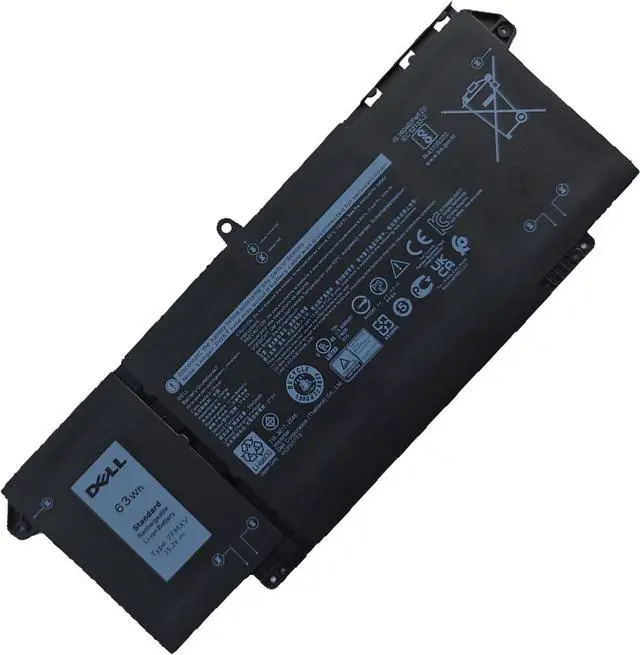
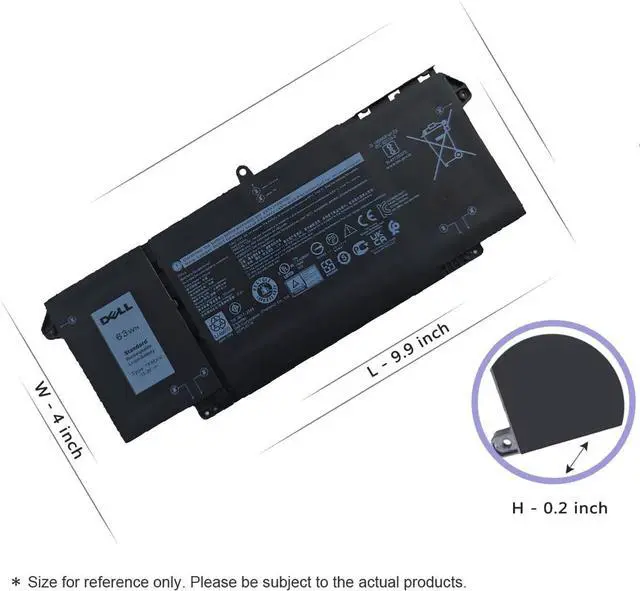
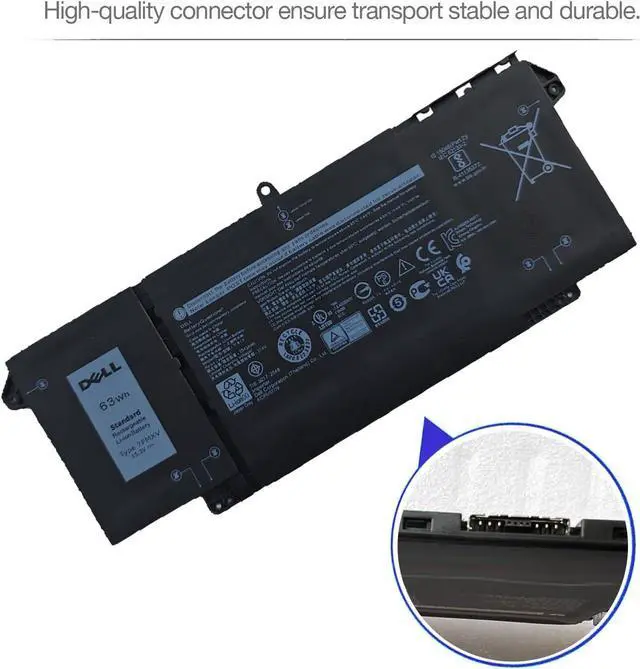
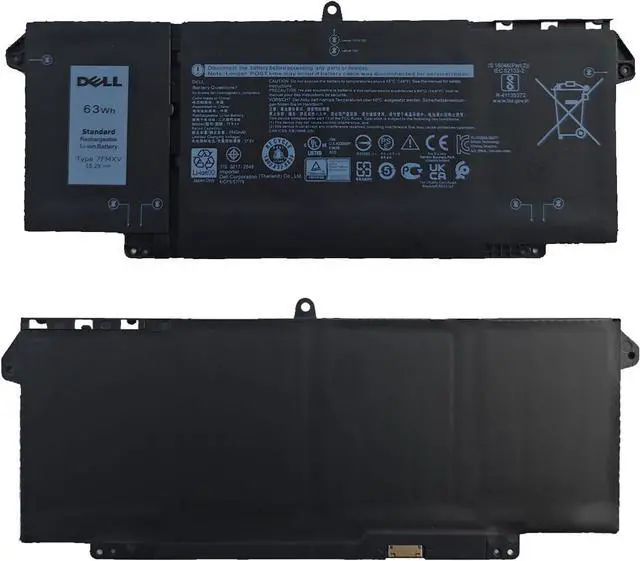
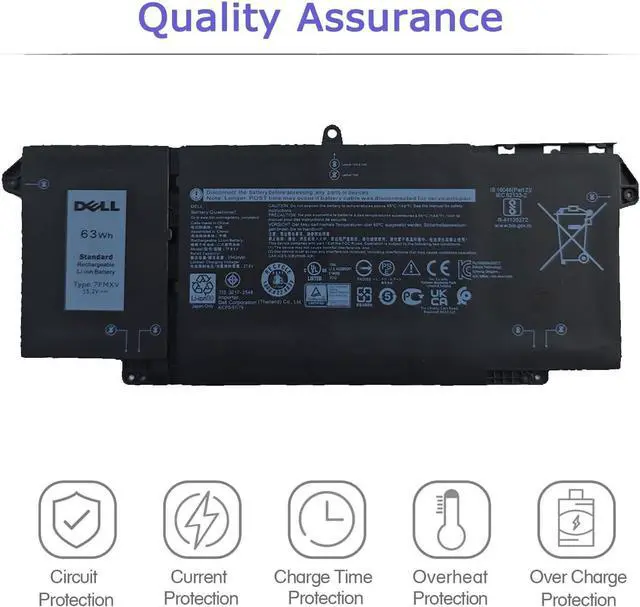
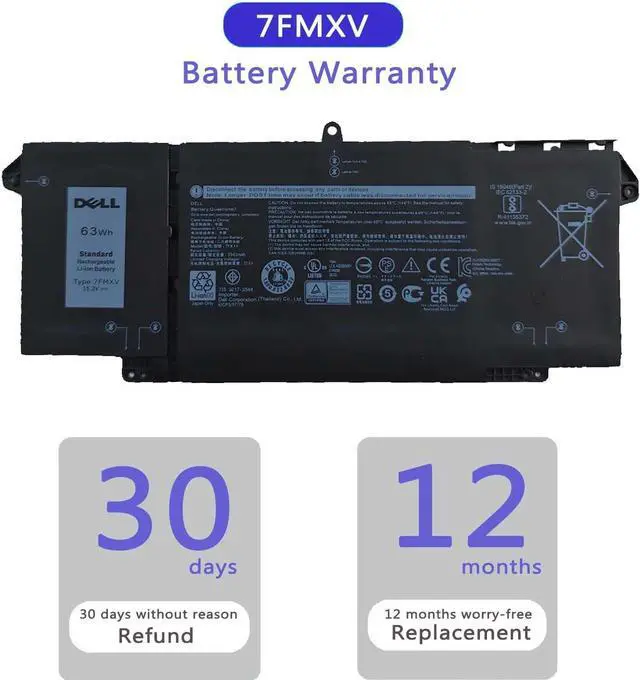
Grade A cell ensure fast charges and low power consumption; Built-in circuit protection ensures both safety and reliability.
Specifications:
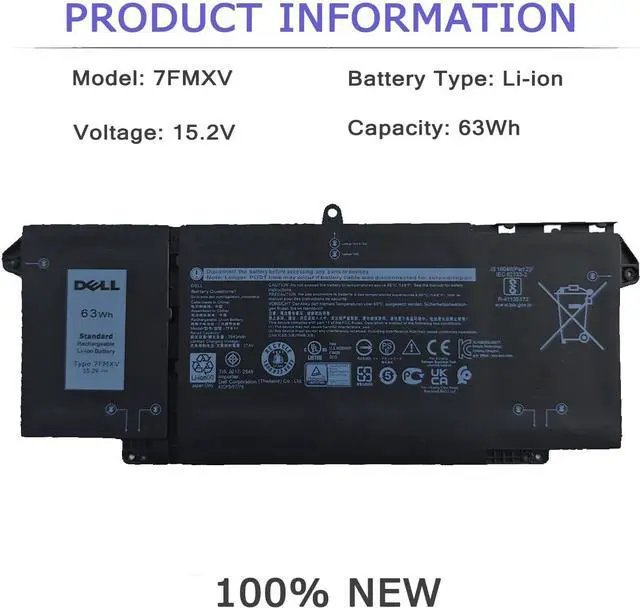
Battery information:7FMXV / 15.3V / 63Wh
Compatible Part Number:
7FMXV 727CG 0727CG CN-0TN2GY CN-0727CG 0TN2GY TN2GY 9JM71 4M1JN 1PP63 HDGJ8 MHR4G
Compatible Laptop Models:
(Use "Ctrl"+"F" to find your model)
- Dell Latitude 5320 Series;
- Dell Latitude 5320 2-in-1 Series;
-Dell Latitude 7320 2-in-1 Series;
- Dell Latitude 7420 2-in-1 Series;
- Dell Latitude 7320 Series (Note: Not fit for Dell Latitude 7320 Detachable);
- Dell Latitude 7420 Series;
- Dell Latitude 7520 Series;
- Dell P138G P138G001 Series;
- Dell P139G P139G001 Series;
- Dell P133G P133G001 Series;
- Dell P134G P134G001 Series;
- Dell P135G P135G001 Series;
- Dell P136G P136G001 Series;
- Dell P110F P110F001 Series.
Battery care instructions:
1. Please use up the new battery to about 10-20% full charge and repeat 3-5 times to check whether there is a problem and stabilize the battery capacity.
2. Remember not to discharge the battery to 0%, otherwise it is easy to damage the battery.
3. After the battery is exhausted, please charge it in time. If it is not charged for a long time, the battery may be damaged.
4. If the battery is not used for a long time and needs to be stored above 70%, the storage time should not exceed 3 months.
5. If you use the charger frequently, please use the battery power regularly, and use it more than once a week.
6. Please use the original charger or famous brand charger, inferior charger will affect the normal charging of the battery.
7. Regularly clean the fan dust, increase the heat dissipation effect, reduce the power consumption, and effectively extend the battery life.
How do I get my laptop to recognize a new battery?
1. Unplug all external devices from the laptop.
2. Take out the battery.
3. Press the power button of the laptop for about 10-15 seconds.
4. Insert the battery and restart the computer.
5. Connect the AC adapter and check if your machine can detect the battery again.
7FMXV BatterySafety Charging



 All Categories