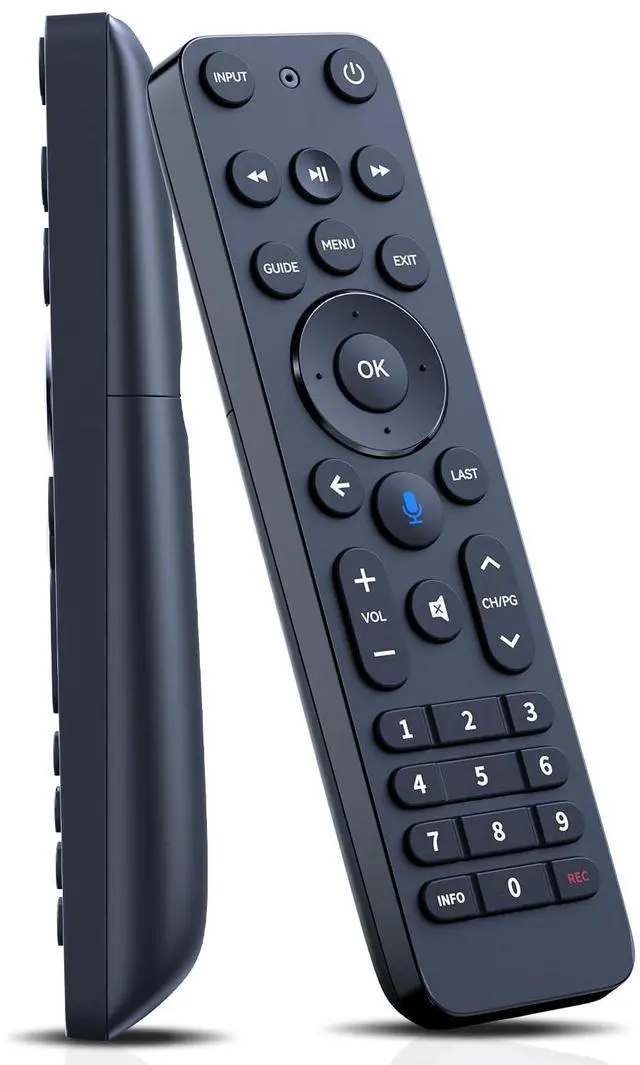
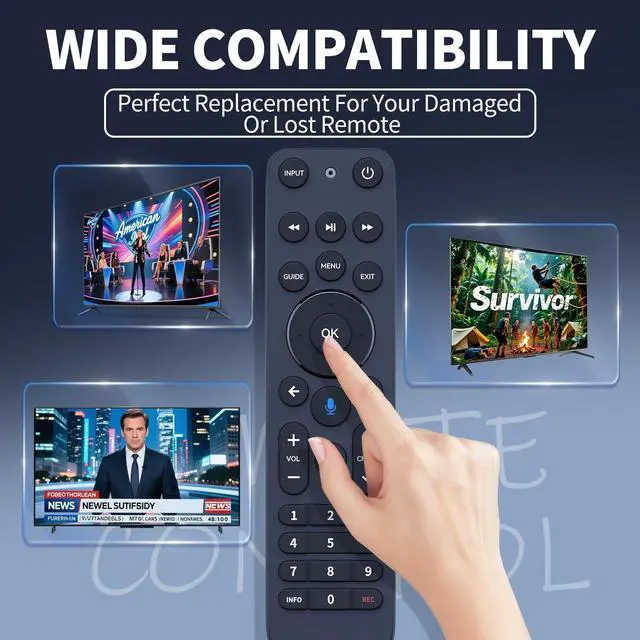
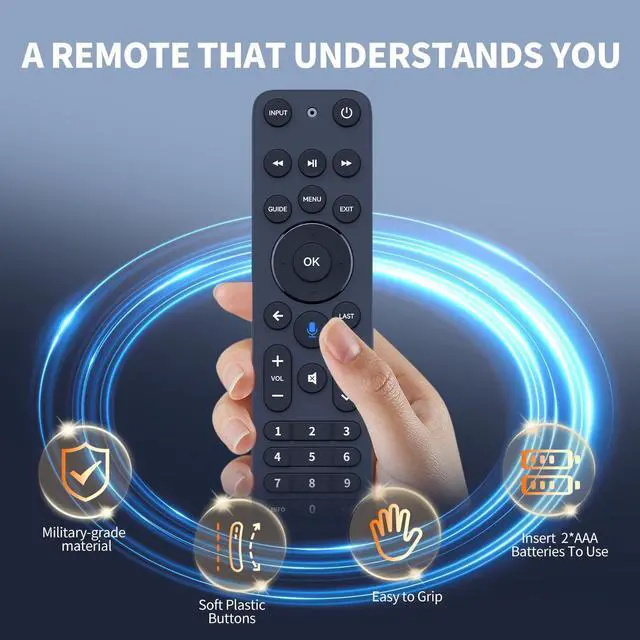
Perfect Compatibility & ReplacementCompatible with 2019 MG3-R32140B VRC4100 BLE models.
How to Pair Press and hold the [Play/Pause] and [0] buttons at the same time for 3 seconds. Release the buttons when the blue light starts flashing on the remote. When the blue light stops flashing, your voice remote is connected, paired and ready for use.
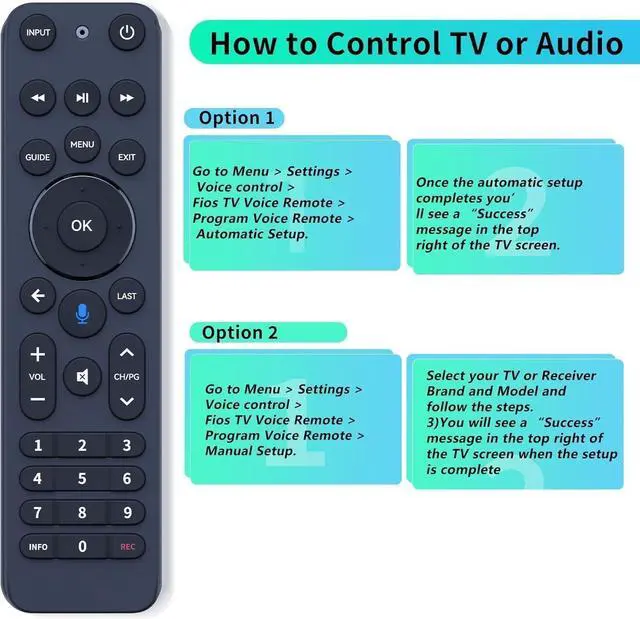
Using your voice remote Control your TV or AudioOption 1: Go to Menu > Settings > Voice control > Fios TV Voice Remote > Program Voice Remote > Automatic Setup. Once the automatic setup completes youll see a Success message in the top right of the TV screen. Option 2: Go to Menu > Settings > Voice control > Fios TV Voice Remote > Program Voice Remote > Manual Setup. Select your TV or Receiver Brand and Model and follow the steps. You will see a Success message in the top right of the TV screen when the setup is complete.
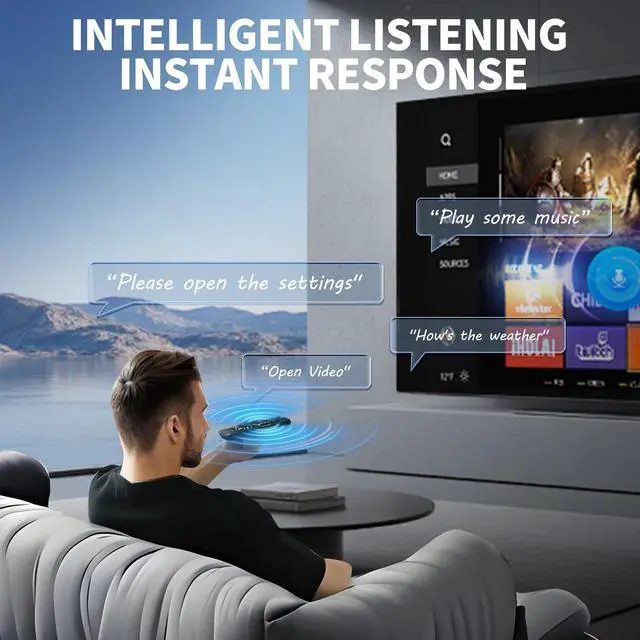
Superior Performance & Wide CoverageBoasting infrared 3.0 technology and a newly upgraded chip, this remote delivers
+
+
Overview
Specs
Reviews
FQOUG Replacement for Verizon FiOS TV One Remote Control, Voice Remote Compatible with 2019 MG3-R32140B VRC4100 BLE - Easy to Pair
Learn more about the Detailed Specifications
Additional Information
First Listed on Newegg
June 16, 2026
There are no reviews yet.
Do you own this product?
Warranty & Returns
Warranty, Returns, And Additional Information
Warranty
Please contact the Seller directly for warranty information. Warranty information may also be found on the Manufacturer's website.