Phone/Tablet Start Print: Step
1: Download APP "SoPrint";
Step 2: Turn on the F82 and make a Bluetooth connection in the APP;
Step 3: Click the "+" sign to complete the device connection, choose F82 for connect and select the file type to start print ^^
PC Start Print: Step
1: Please download and install the F82 driver from the USB disk;
Step 2: Use the USB cable to connect the F82 printer to your computer;
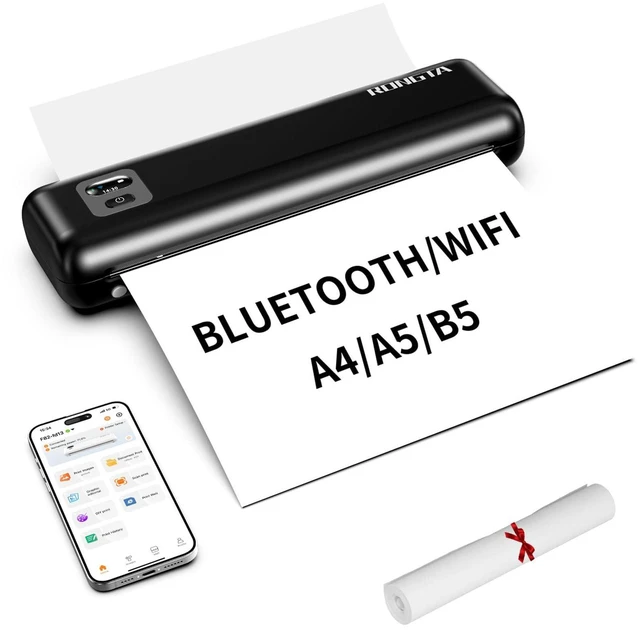
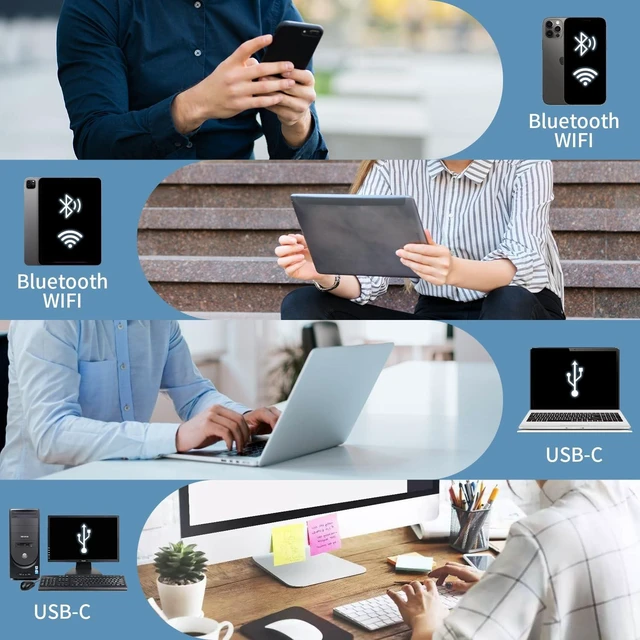
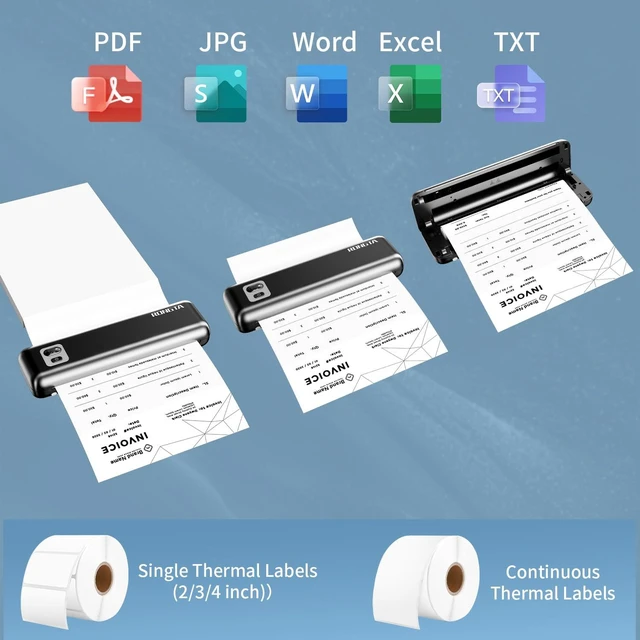
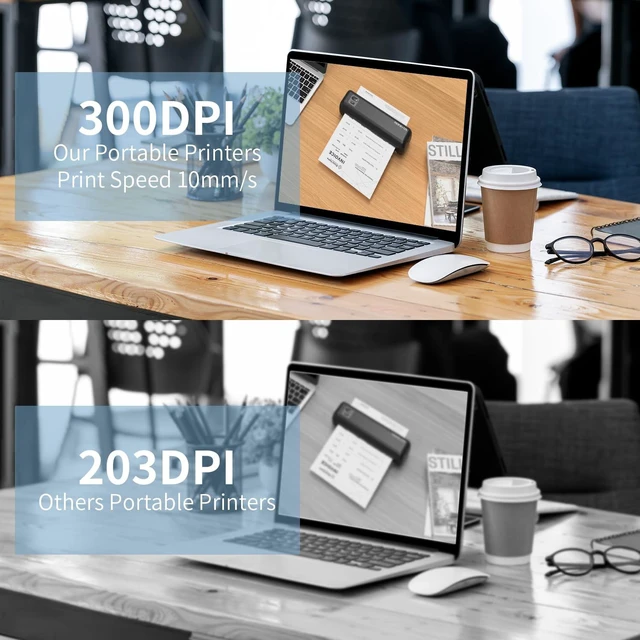
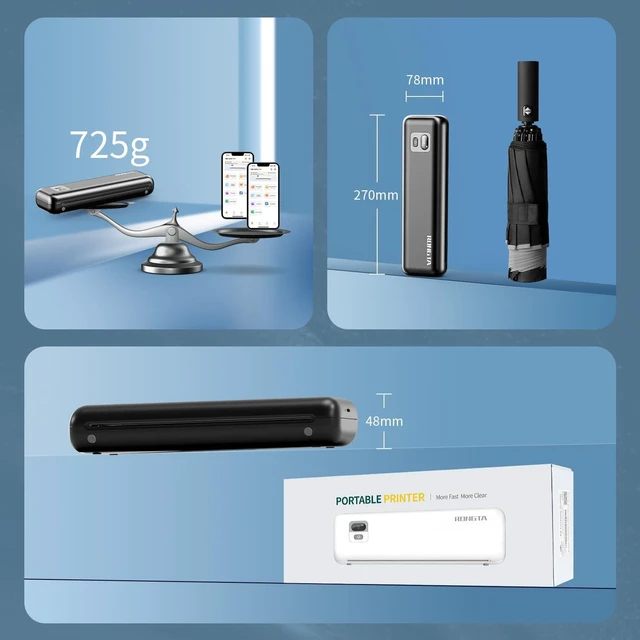
Step 3: Select and open your document, and choose F82 in the printer list ^^ Connectivity & Wide Compatibility F82 has Bluetooth/USB Type C for seamless wireless/wired printing. Compatible with iPhone, iPad, Android Phone, Android Tablet, Laptop(Mac/Windows). "SoPrint" APP is free and can provide more creative printing experience to you, you can print in travel, vehicles anytime ^^ Two paper feeding methods & Intelligent paper identification F82 support cassette loading and front-feed modes with stepless adjustment. Support and auto-detects US Letter/A4/A5/B5 thermal papers and 2/3/4-inch thermal labels, Continuous thermal paper and Continuous thermal labels ^^ High Resolution & Carbon-Free Thermal printing technology eliminates ink/ribbons. Achieve sharp text and crisp graphics at 10mm/s speed. It supports printing formats like Word, PDF, TXT, Excel and images ^^ Ultra-Quiet & Large battery F82 has 2550mAh battery delivers 22hr standby, can print 140 sheets of A4 thermal paper continuously. Silent operation under 60dB (quieter than typing on a keyboard) ^^ 0.96" Smart Display & Compact Design Real-time monitoring via intuitive LCD screen. Ultra-portable design (272*78* 48.5 mm) at only 725g fits in backpacks for mobile offices, it's good for business traveler, truck driver, mobile notary, office worker, students, children, teachers travel, home ^^
Note: Please use thermal paper, do not support normal paper. Do not support Linux, Chrome OS. The portable printer only supports Wifi/Bluetooth connections with phones and tablets. Laptops cannot connect via Bluetooth (only via USB cable)



 All Categories