• $60.99
  • Free 30-day Returns
  • Ships from United States.
    Sold by SIMPLIZED

    Shipped by SIMPLIZED

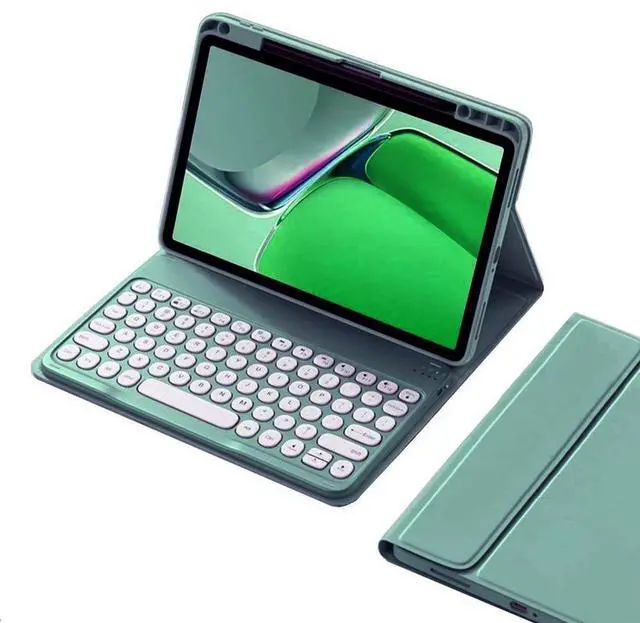
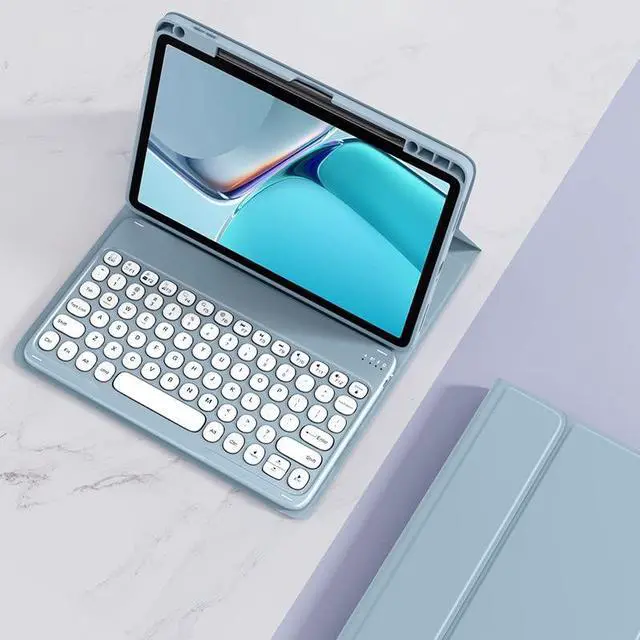
    KMXDD Keyboard Case for iPad Air 13 inch M2, iPad Pro 12.9 inch 6th / 5th / 4th / 3rd Generation Color Keyboard Case Round Key Bluetooth Rechargeable Keyboard Case (Dark Green)

    • Item #: 9SIVGCKKD37977
    • Mfr. Part #: 972090471780
    • [(Compatibility)] : Color keyboard case compatible with iPad Air 13 inch (M2) 2024 Released Model number (on the back cover):A2898 , A2899 , A2900 iPad Pro 12.9" 6th generation 2022 Released Model number: A2436 , A2764 , A2437 , A2766 iPad Pro 12.9-inch 5th generation 2021 Released Model number:A2378 , A2461 , A2379 , A2462 iPad Pro 12.9-inch 4th generation 2020 Released Model number:A2229 , A2069 , A2232 , A2233 iPad Pro 12.9 inch 3rd Gen 2018 Released Model number :A1876 , A2014 , A1895 , A1983
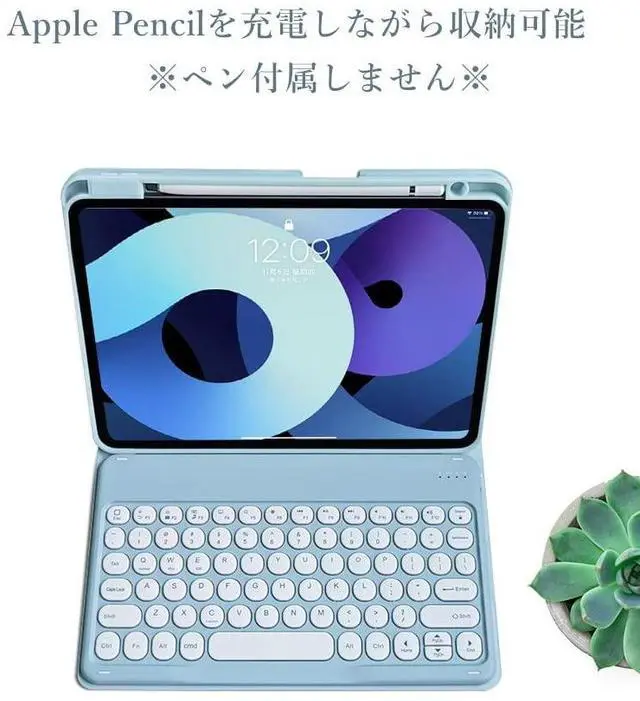
    • [(Top Pencil Slot)] : The iPad Air 13 2024 / iPad Pro 12.9" 2022/2021/2020/2018 PU leather case has a top pencil holder, Supports pencil charging , Convenient storage and Take out your pencil
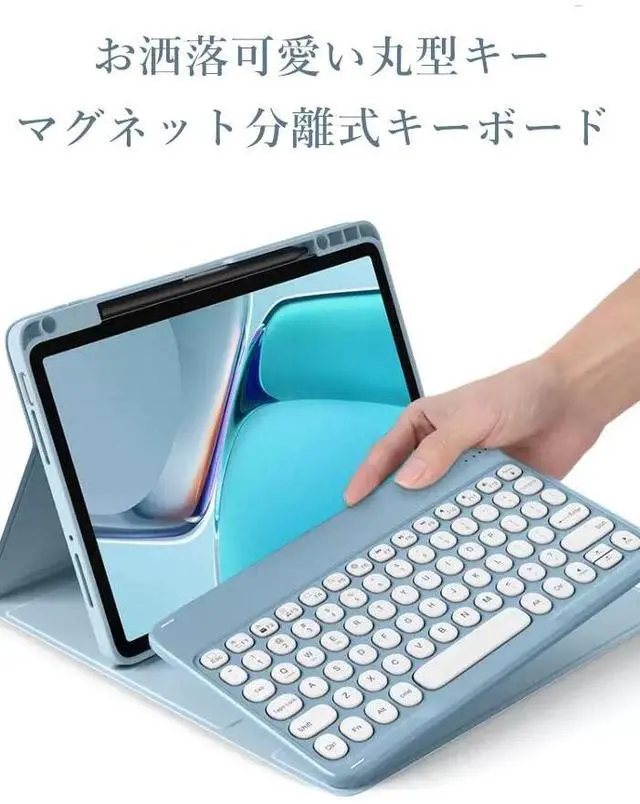
    • [(Retro Round key)] : The iPad keyboard has Retro round key cap , Fashionable and cute
    • [(Color panel)] : The iPad keyboard has a color panel , There is always one color that suits you. Colorful colors make you happier when using the iPad
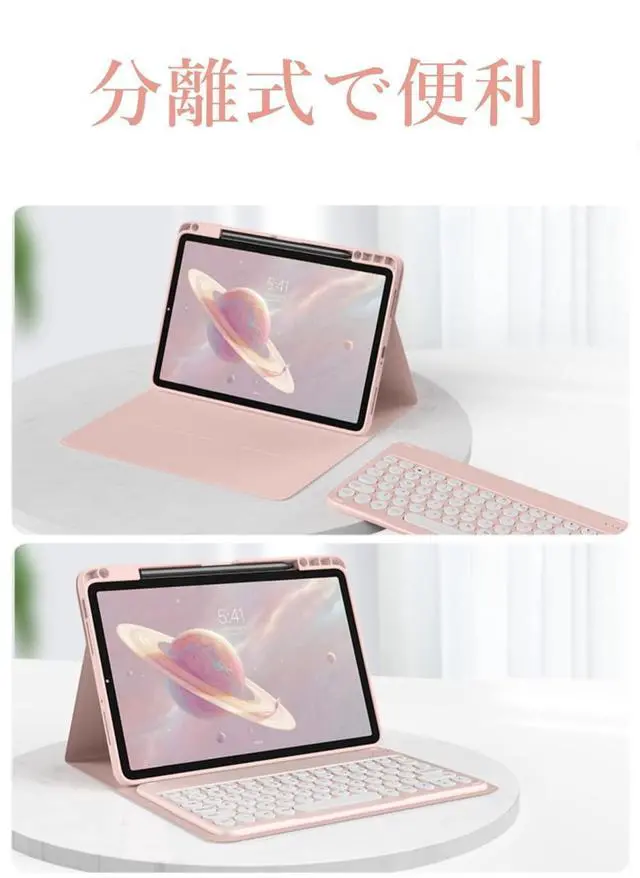
    • [(3 system & Detachable design )] : 3 sys
    +
    +
    Overview
    Specs
    Reviews
    How to connect this keyboard to iPad:
    1: turn on the power button on the right side of the keyboard.
    (The power indicator will go out after flashing. This is to save power, not fault)
    2: Press the "FN" key in the lower left corner of the keyboard, do not release it, and then press the "C" key.
    (Note: You need to press FN+C at the same time)
    At this time, you can see the Bluetooth indicator flashing,
    This turns on the Bluetooth of the keyboard.
    3: From the iPad's home screen, tap Settings. Tap on Bluetooth.
    Make sure Bluetooth is set to On, then let it search for devices.
    Tap on a Bluetooth keyboard, when it appears, to pair.
    4: if an authentication (PIN) code appears on the iPad screen,
    Enter the number with the keyboard and press"Enter" key.
    5: When the connection is complete, the Bluetooth indicator will go out
    6: This is a 3-system keyboard,
    If you are using this keyboard on your iPad,
    Please press "FN" key first, don't release it, then press "E" key,
    This is a system for the iPad

    Warranty & Returns

    Warranty, Returns, And Additional Information

    Warranty

    • Please contact the Seller directly for warranty information. Warranty information may also be found on the Manufacturer's website.
    • CONTACT

    Return Policies

    • Return for refund within: 30 days
    • Return for replacement within: 30 days
    • This item is covered by SIMPLIZED Return Policy

    Manufacturer Contact Info

    LOADING...