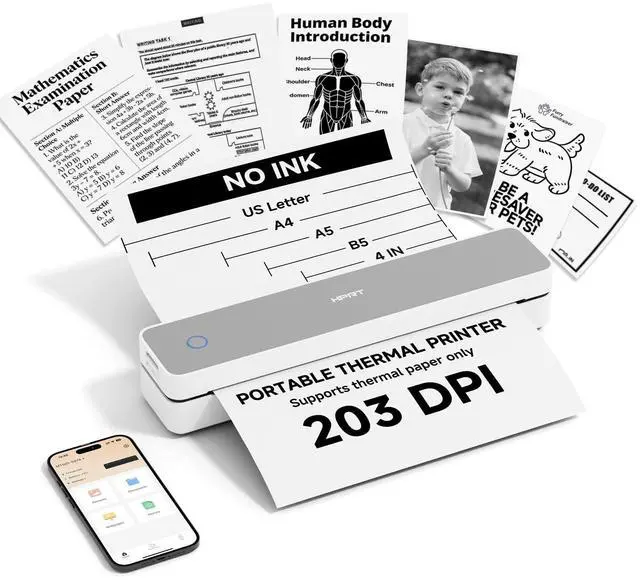
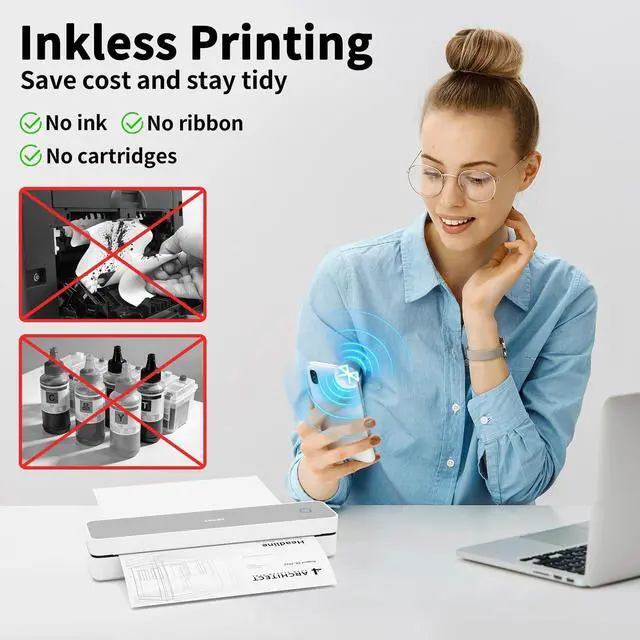
Inkless thermal printer: HPRT portable printers utilize advanced thermal technology to operate entirely without ink, toner, or ribbons. This eliminates common issues like ink-related blockages and the need for messy cleanups. Just load it with thermal paper to print, making it a more economical choice compared to traditional ink cartridges and paper.
(Important: This inkless printer is designed specifically for thermal paper and is not compatible with regular paper. ) ^^
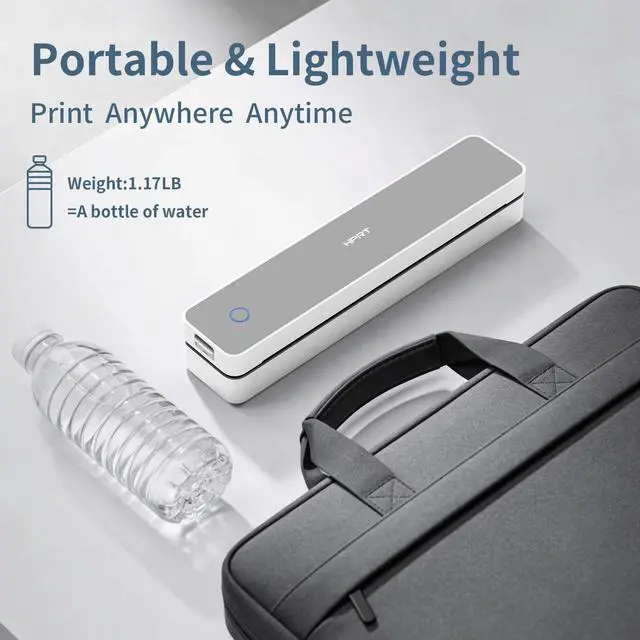
Compact portable printer: HPRT MT610 is a remarkably lightweight and compact portable printer, weighing only 1.17 lb and sized at 10.2 x 2.2 x 1.8 inches. Ideal for printing on the gowhether traveling, working, or studying on campus. ^^ To Print from
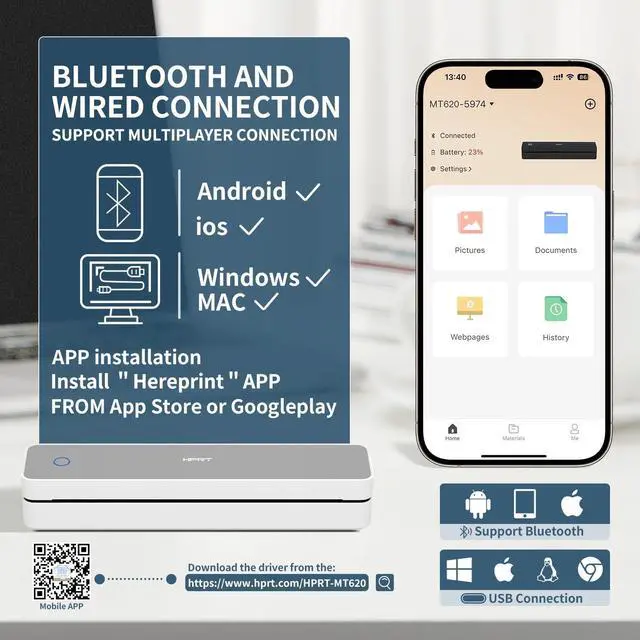
Your Phone: 1. ) Download the HerePrint app from your app store. 2. ) Power on the printer. 3. ) Enable Bluetooth on your phone, then open the app and tap the + button to add your device. 4. ) Select your file type, adjust any paper settings, and start printing. ^^ To Print from
Your PC: 1. ) Ensure the printer is powered on and connected to your computer via USB before beginning the steps below. 2. ) Visit the HPRT website (See the video for reference) in your browser. 3. ) Download the driver that matches your computer's operating system (Windows or macOS). 4. ) Run the downloaded file and follow the on-screen instructions to complete the driver installation.
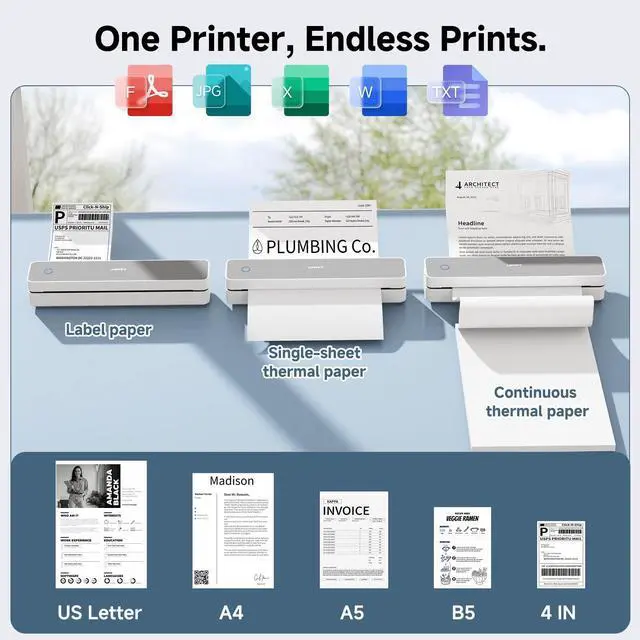
^^ Perfect choice: HPRT Thermal printer delivers sharp prints of photos, images, design sketches, and text. Ideal for busy professionals and students. If you're struggling with gift ideas, choosing this product is a fail-safe option.



 All Categories