• $279.13
  • Free 30-day Returns
  • Ships from United States.
    Sold by AOIESBIZ
    Hot Seller

    Shipped by AOIESBIZ

    Meet Your Seller

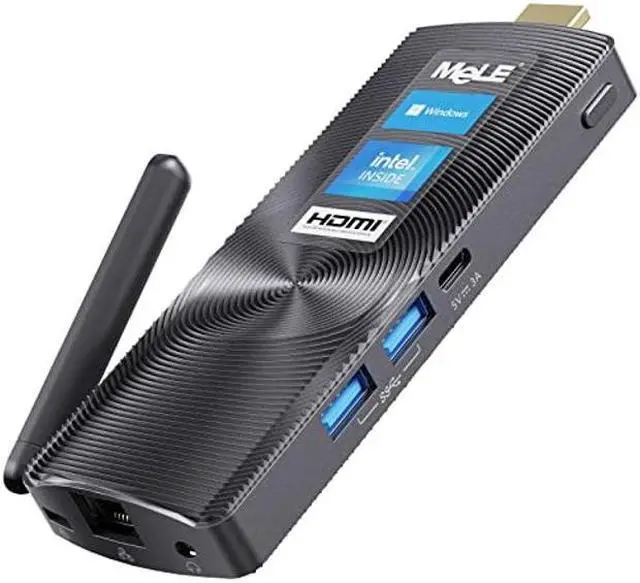
    MeLE Fanless Mini PC Stick Computer PCG02 J4125 8GB 128GB Windows 11 Pro Micro Desktop Thin PC with HDMI 4K Wi-Fi PXE Unlocked Bios Gigabit Ethernet Auto Power On Home Office Industrial IOT Small PC

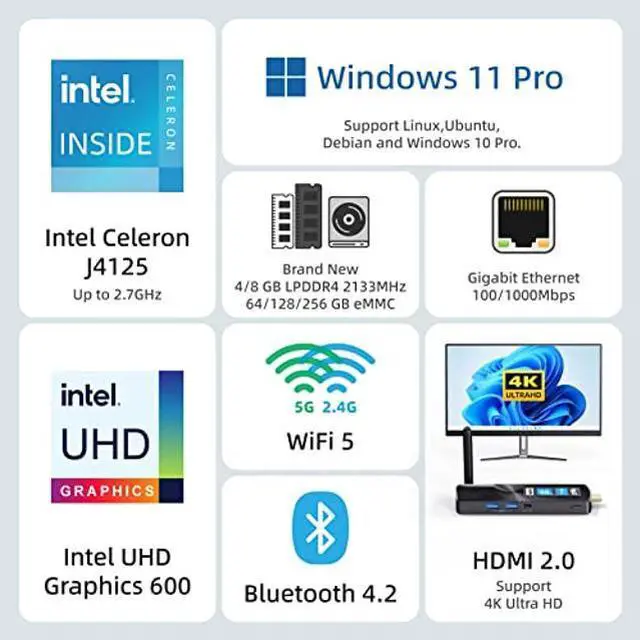
    • [(Small But Powerful )] --MeLE mini PC stick with ultra slim stylish design is constructed with small size of 5.2*2.0*0.7 inches(13.2*5.7*1.8cm), weight is only 0.26lb(121g).This tiny desktop is equipped with Gemini Lake Refresh Celeron J4125 (up to 2.7GHz) quad-core processor.The stick pc delivers incredibly responsively and smoothly than Intel Atom z8350. It is wonderful for traveling business trip. You can easily take it anytime and anywhere.
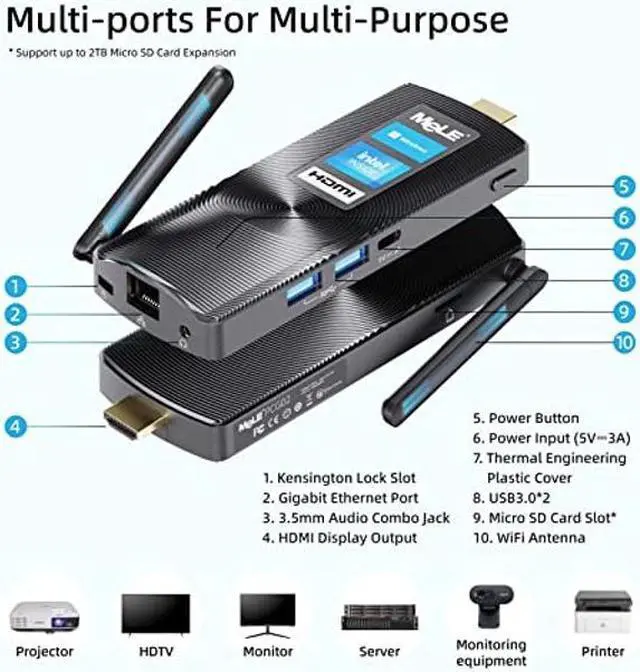
    • [(Powerful Capacity & Storage Expansion)] --MeLE Mini Computer Built in Memory 8GB LPDDR4 and 128GB eMMC, it offers large expandable storage for Mirco SD card(up to 1 TB,not include), easy to connect to other devices with two USB 3.0 ports.Provides enough capacity to store pictures, videos, music and more.
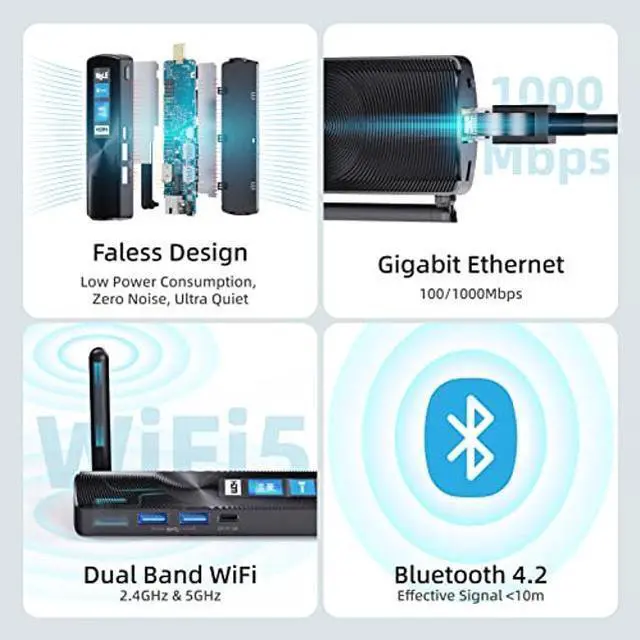
    • [(Silent & Special Features)] --This pc desktop adopts special material cooling system instead of cooling fan,specialized in quiet and stable performance, Ensuring fast and reliable performance without overheating,which is more effecti
    +
    +
    Overview
    Specs
    Reviews
    Tips to use MeLE Stick PCs1) How to activate Windows? Each MeLE Mini PC has preinstalled Windows 11 License, can support Personalization, Windows Update and reinstall Windows repeatedly. Windows License is embedded in the BIOS, there is no need to input the 5x5 key number when you recovery or reinstall Windows. Windows will be activated automatically when MeLE Mini PC is connected to the internet. When you fail to activate Windows automatically, Please follow the steps below to reactivate: Step 1) Connect to the Internet. Step 2) Correct the date and time. Click Right mouse on the date/time area in the taskbar->Select Adjust date and time->Turn off Set time automatically and turn on it again to Synchronize the date and time. If the Windows still can't be activated after the correct date and time, please restart your PC stick->Enter Settings->Update&Security->Activation->Troubleshoot to check whether the windows can be activated. 2) How to enter into BIOS Setting? Press the power button and press F7 or Delete continuously to enter select boot device menu select Enter Setup and press Enter. 3) Can it be powered by a power bank? No, it's better not to do that. The Stick PC needs stable 5V3A power supply, it must connect with the original power supply from MeLE. 4) Where can I get more support? Please visit MeLE web sit e -> Support -> Service Requests / Drivers & Downloads. To get support for your MeLE product with free diagnostic tests, drivers, downloads, how-to articles, FAQs and community forums.

    Warranty & Returns

    Warranty, Returns, And Additional Information

    Warranty

    • Please contact the Seller directly for warranty information. Warranty information may also be found on the Manufacturer's website.
    • CONTACT

    Return Policies

    • Return for refund within: 30 days
    • Return for replacement within: 30 days
    • This item is covered by AOIESBIZ Return Policy

    Manufacturer Contact Info

    LOADING...