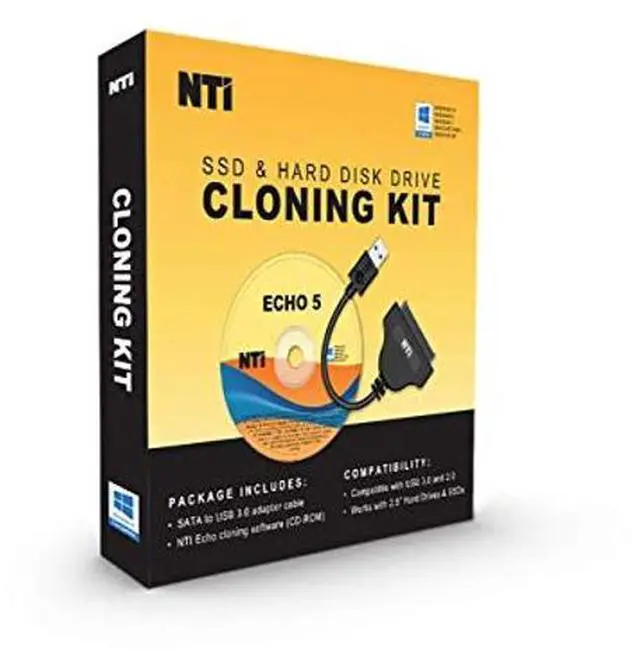
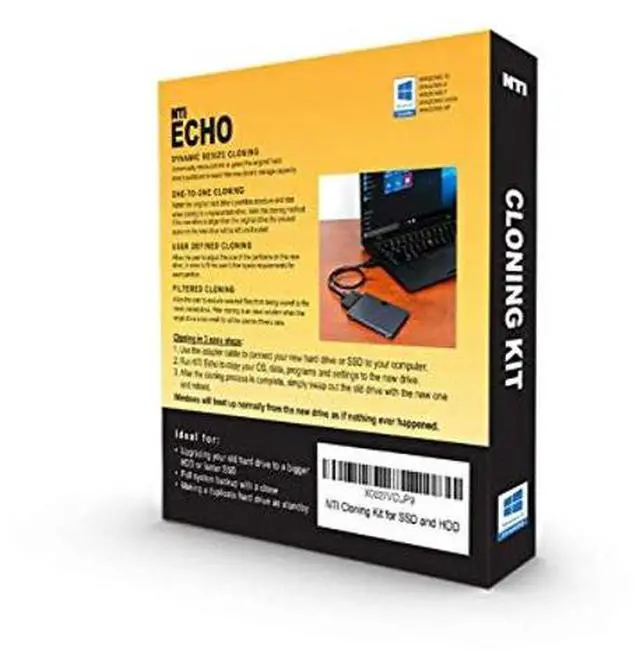
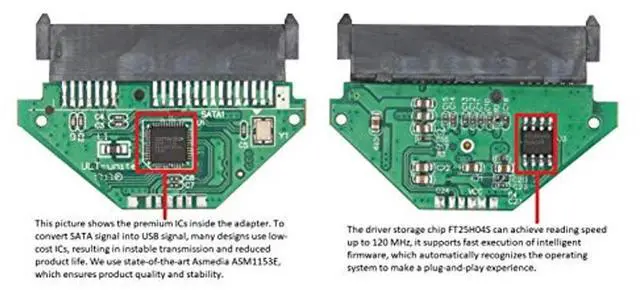
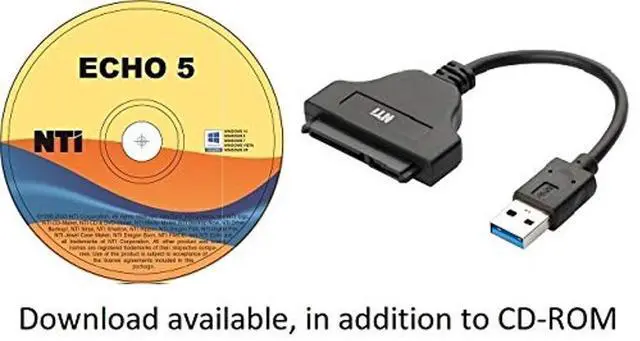
NTI Cloning Kit is a complete solution for your SSD cloning needs. Complete with NTI Echo 5 cloning software and USB-to- 2.5"SATA adapter (cable length 7 in), compatible with USB 3.0 and 2.0, with transfer speed up to 6 Gbps. (
Video Tutorial:
https: //youtu. be/7Etsi9lTYyo ) NTI Echo
Software Features: Dynamic
Resize Cloning: With a single click of the mouse Echo will clone your entire hard drive (i. e. Operating System, Programs, Data, Partitions, etc. ) to another drive. Dynamic Resize cloning method uses Echo' smart cloning technology to automatically resize the original drive's partitions to fit onto a smaller or larger replacement drive. This is the default and recommended cloning method.
Filtered Cloning: Allows users to exclude certain files from the cloning process. Echo will make a clone of your drive and at the same time exclude the files you have selected from being part of the newly cloned drive. An ideal solution for when the target drive is too small for all of the source drive's data.
Partition Cloning: Allows for partition only cloning for users that need more flexibility. Perfect for cloning just the Operating System partition to a new smaller SSD.
1-to-1 Cloning: Retains the original hard drive's partition structure and size when cloning to a replacement drive. With this cloning method if the new drive is larger than the original drive the unused space on the new drive will be left unallocated for future use.
User-Defined Cloning: Enables the user to adjust the size of the partitions on the new drive. This cloning method allows the user to customize the replacement drive by increasing or decreasing the partition sizes to fit their free space requirements.
NOTE: (1) Available in both CD-ROM and download. (2) No support for RAID, Dynamic Disks. (3) For M. 2 SSD, instead of USB/SATA adapter a special external casing may be necessary.



 All Categories