Product description
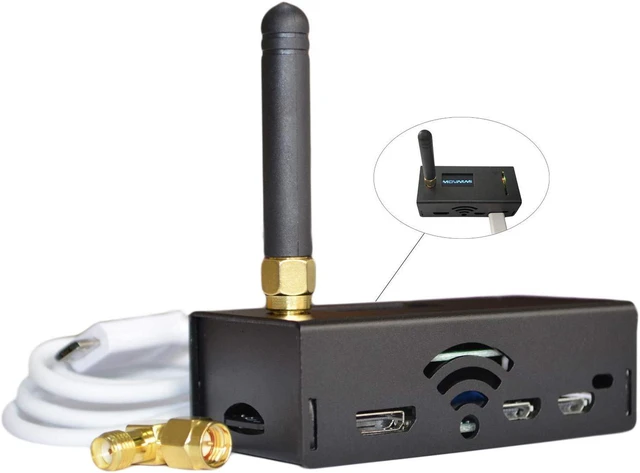
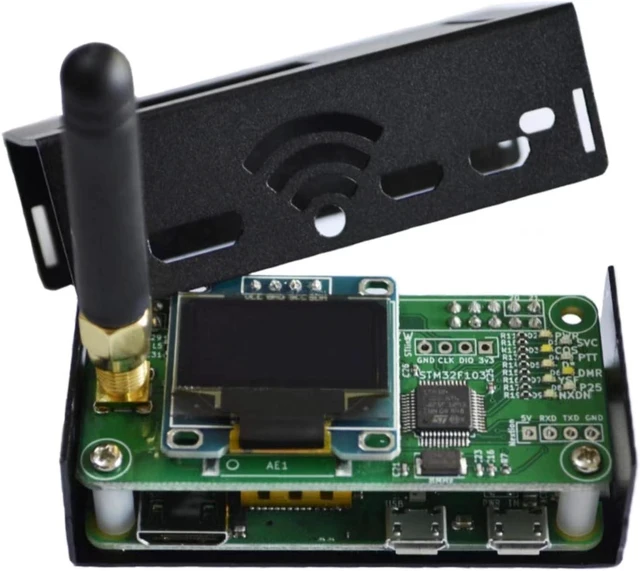
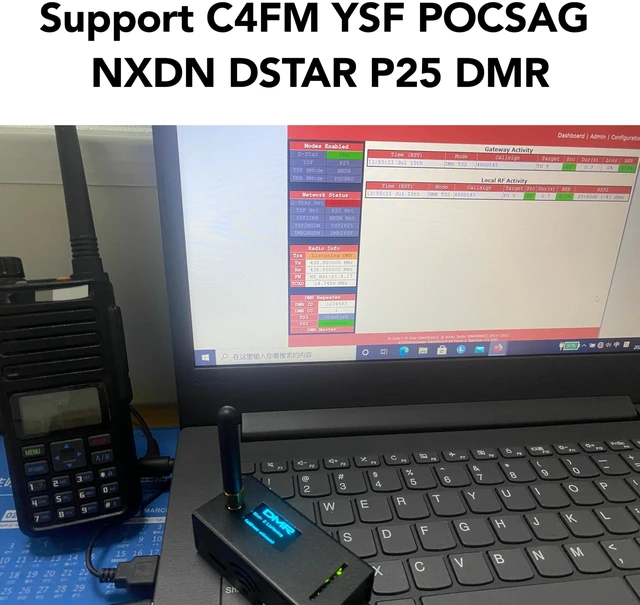
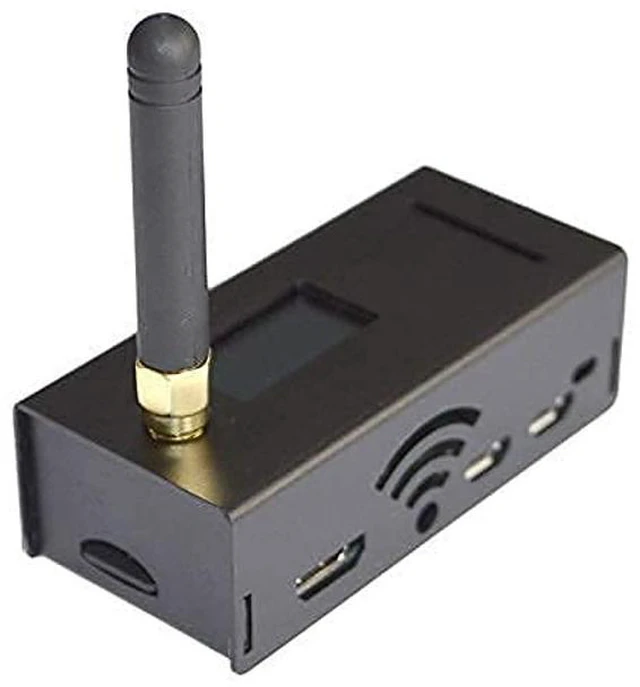
MMDVM Hotspot is an easy, convenient and ready to use Multi-mode Hotspot that supports C4FM YSF NXDN DSTAR P25 DMR
Base Setting:
Power On and Wait for 2-3 minutes Connect to
Pi-Star-Setup(pi-star)/SSID/PASSWORD: raspberry
http: // 192.168. 50.1 /admin/configure. php
MMDVM
Host Configuration
MMDVM Display Type: OLED
Radio Freq: UHF: 430-440, VHF: 144-146
Radio/Modem Type: STM32-DVM/MMDVM_HS - Raspberry Pi Hat (GPIO) or any XXX (GPIO)
192.168. 50.1 /admin/expert/edit_mmdvmhost. php
RXOFFSET=0, TXOFFSET=0 (default)
TIPS: OLED is no display Until you set wifi and display TYPE
Login info:
User: pi-star password: raspberry
Set the same Frequency, Callsign, DMR ID, Color code, Repeater Slot (Time Slot Defaults 2) as Radio Mobile and WiFi
Details
Software: Pi-Star
Note: All designs will be contributed on MMDVM open source project.
IMPORTANT NOTE:
When you first time set up, MMDVM hotspot will generete pi-star set up hotspot, which you'll connect with, and goes into pi-star and then visit 192.168. 50.1 for configuration.
If you connected to your home network/home wifi, it will remember your home wifi. Therefore, when you open pi-star and try to update your configure, there will be no pi-star wifi.
If you came across this situation, here're two methods to log in and update you configure:
A,
Visit http: //pi-star on your browser, log in pi-star and configure. If you're on macOS, iOS or Windows 10 tablet, please
visit http: //pi-star. local.
B, Find your Device IP on your home network routers, and log in with that IP, and update your configure.
Package content:
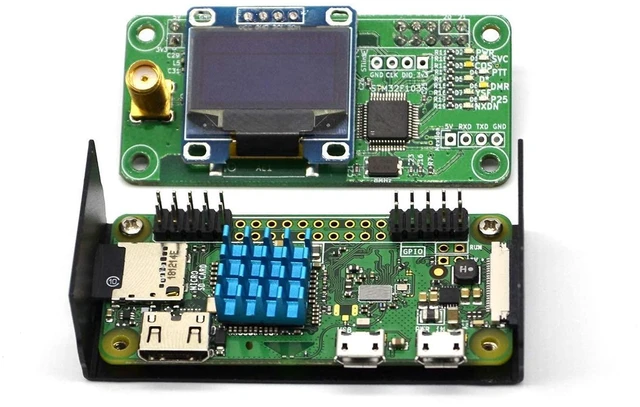
1x OLED display (installed on board)
1x Raspberry Pi Zero W
1x TF card
1x MMDVM_HS(UHF+VHF)
1x USB Cable
1x Antenna (with 90 degree elbow)



 All Categories